

- You must provide your email address or phone number to create OloID Account.
- You must turn on Enable OloID Account toggle button on the Connection detail page. For more information, see**How to Enable OloID account in Connection**.
- Log in to the Tenant Admin Portal.
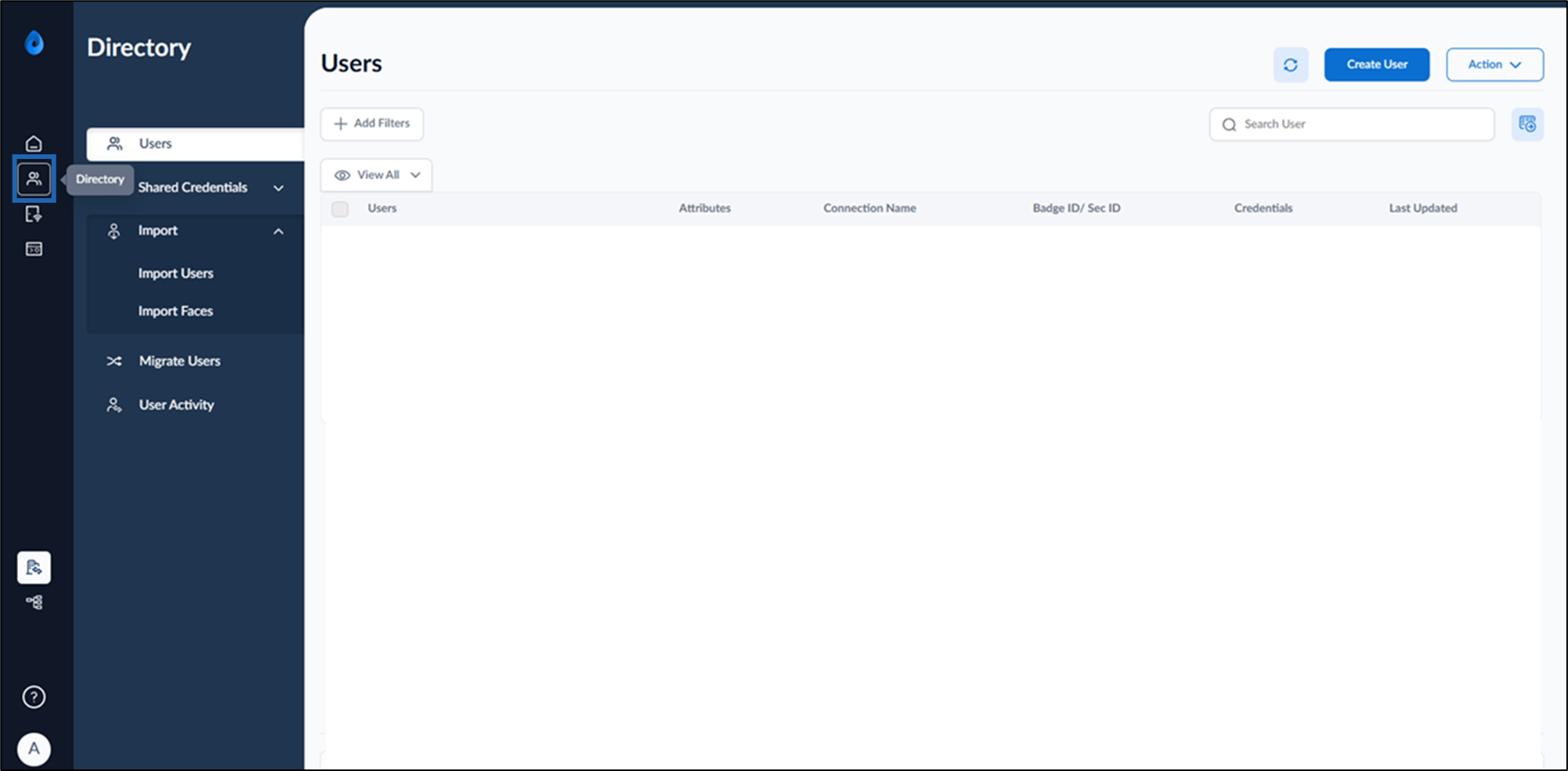
- On the home page of the portal, click Directory on the left menu panel.
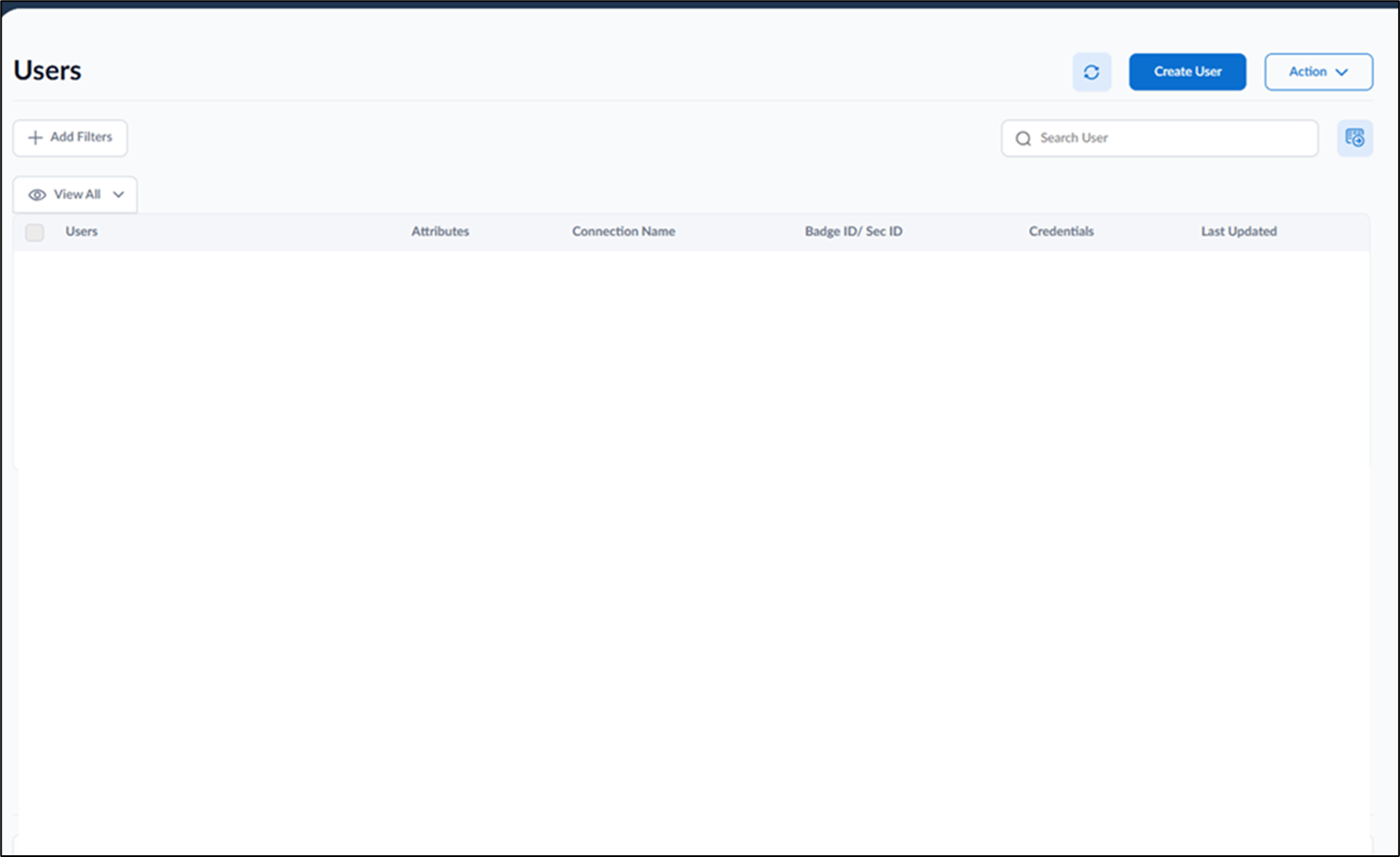
- To create multiple user’s Oloid account do the following:
- Select User name(s)> Action > Create Oloid Account.
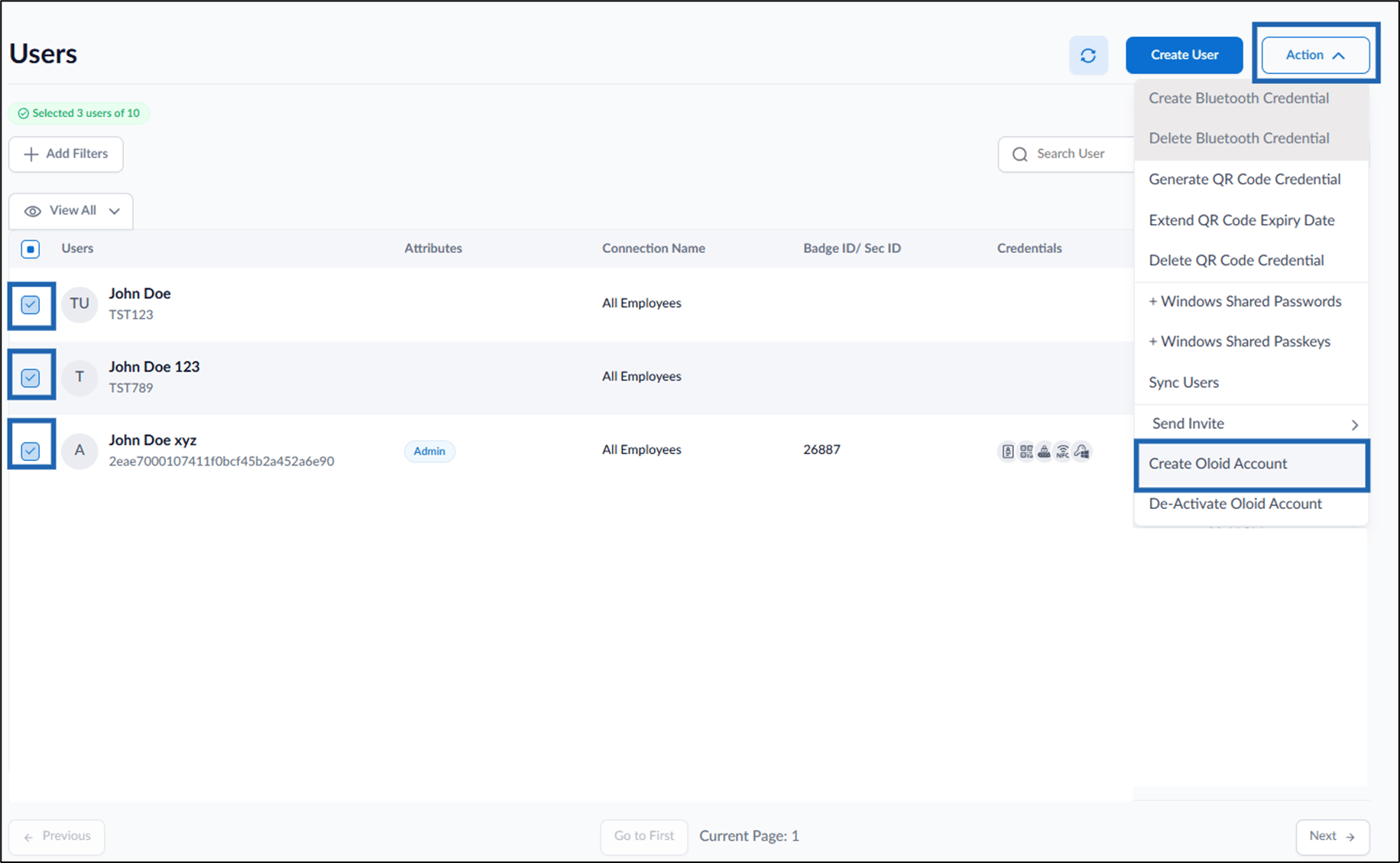
- Select User name(s)> Action > Create Oloid Account.
- To create single user’s Oloid account do the following:
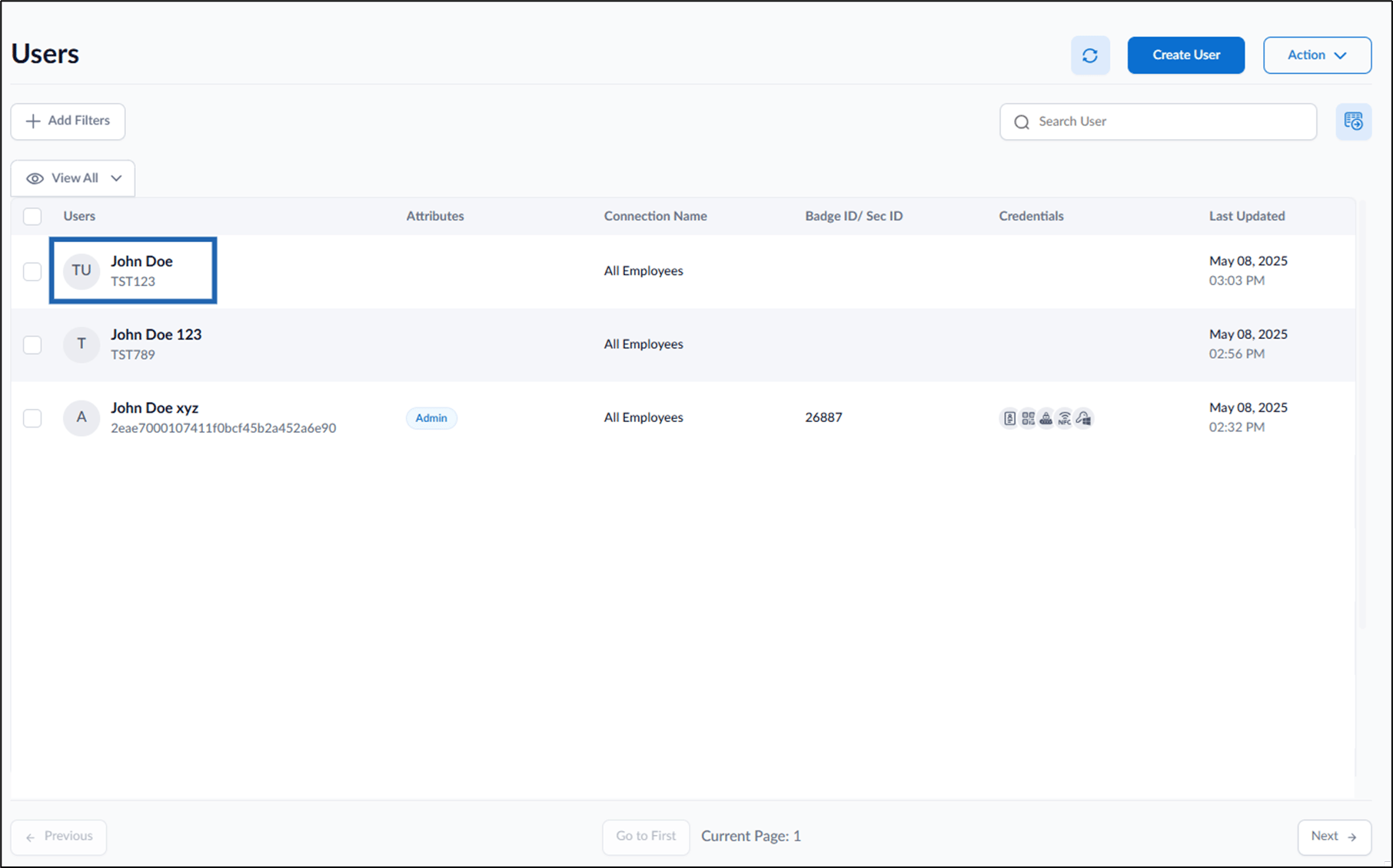
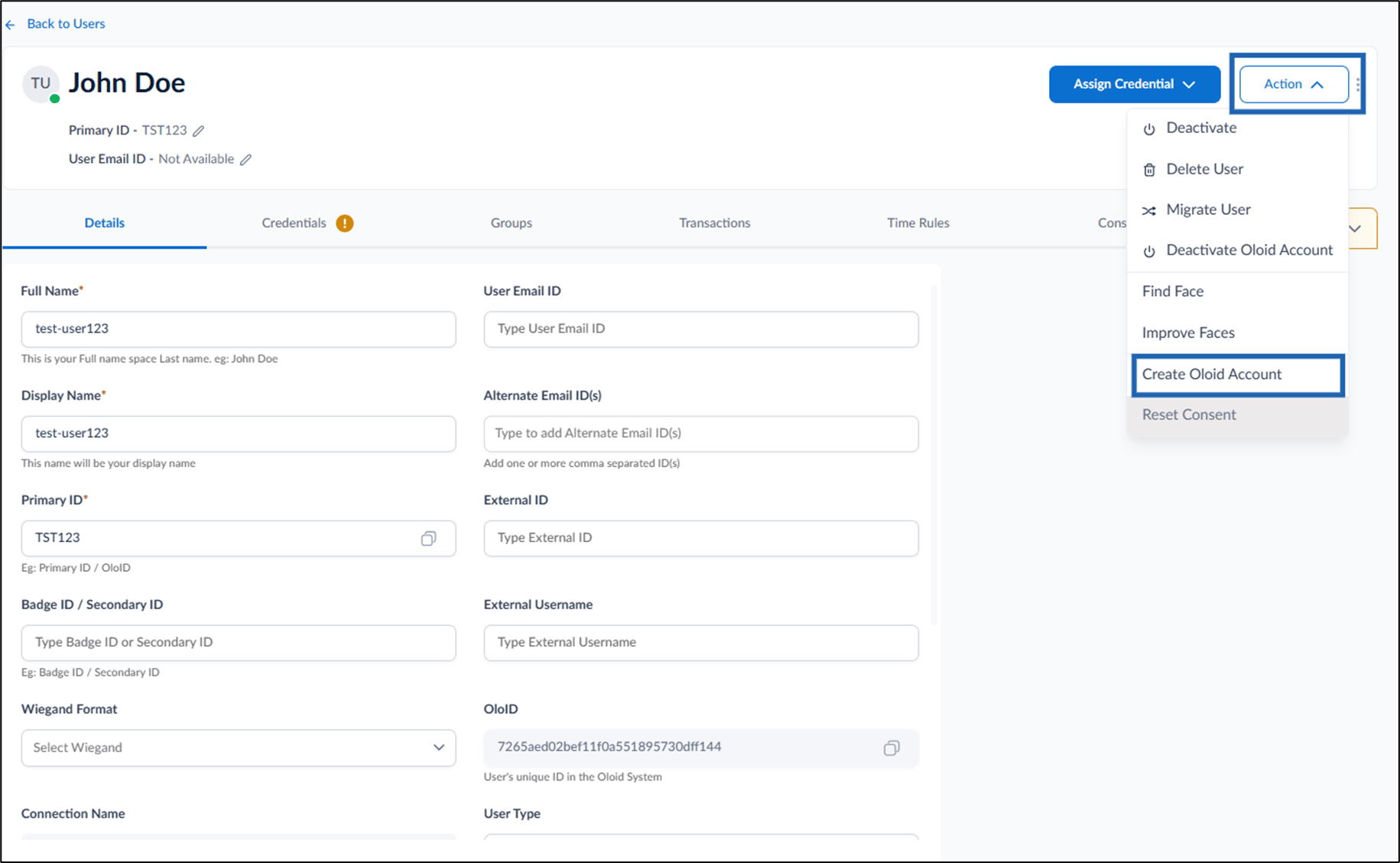
- Click User Name to edit.
- Go to Action > Create Oloid Account.
The User details page is displayed.
- Click User Name to edit.