


- Log in to the Oloid Portal.
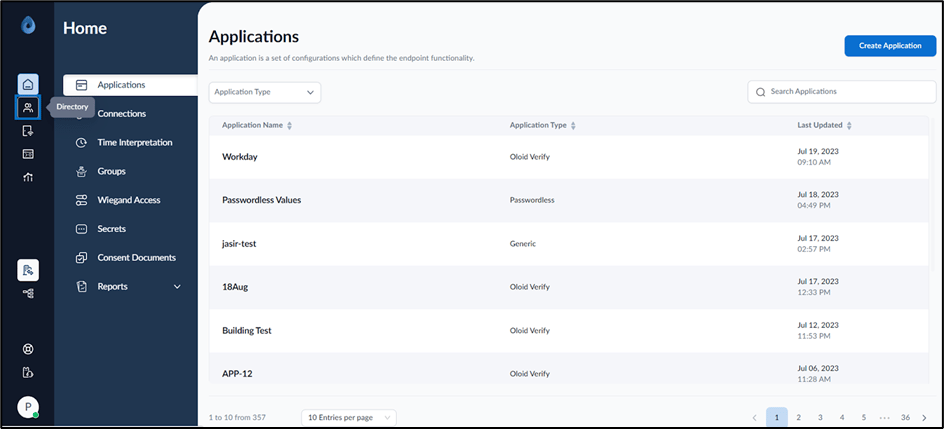
- On the home page of the portal, click Directory on the left menu panel.
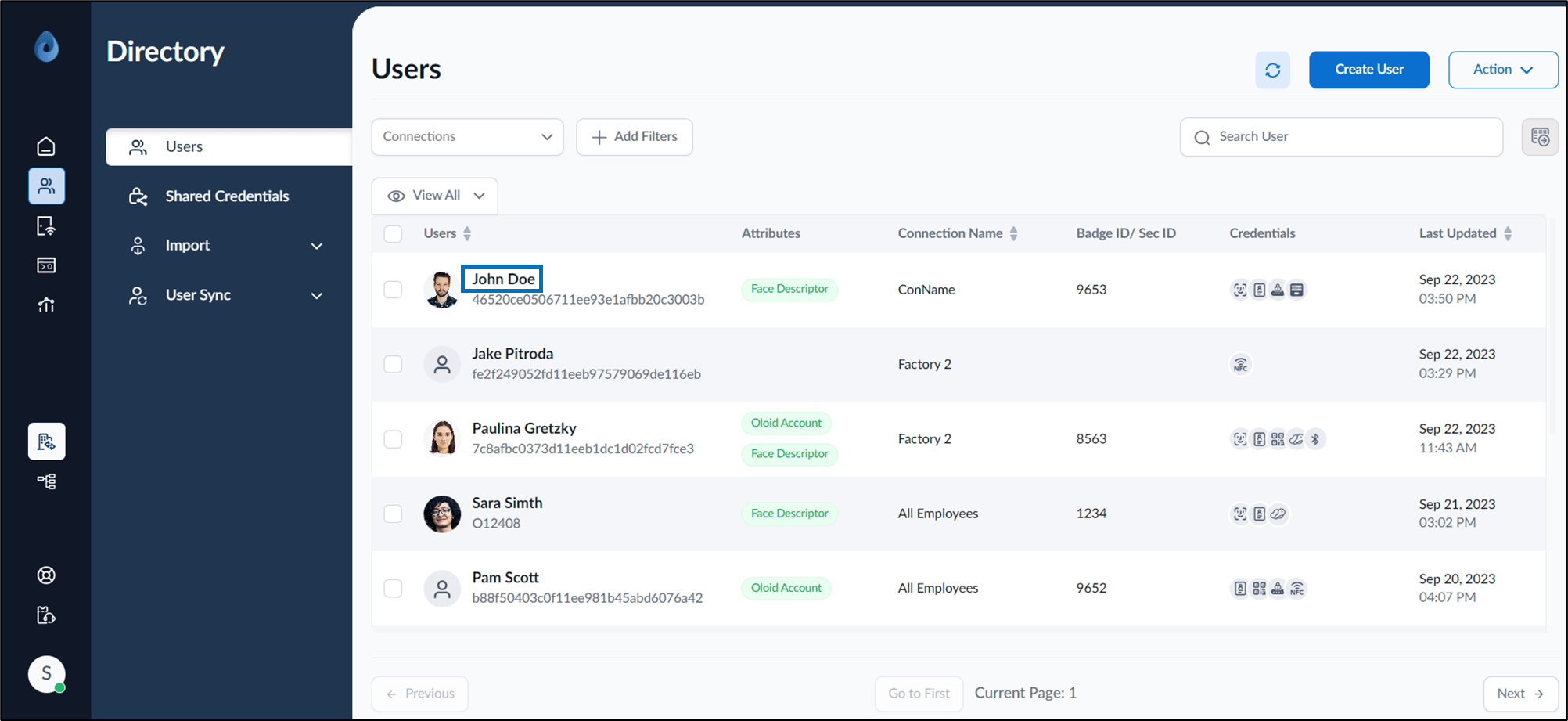
- Click user name to edit.
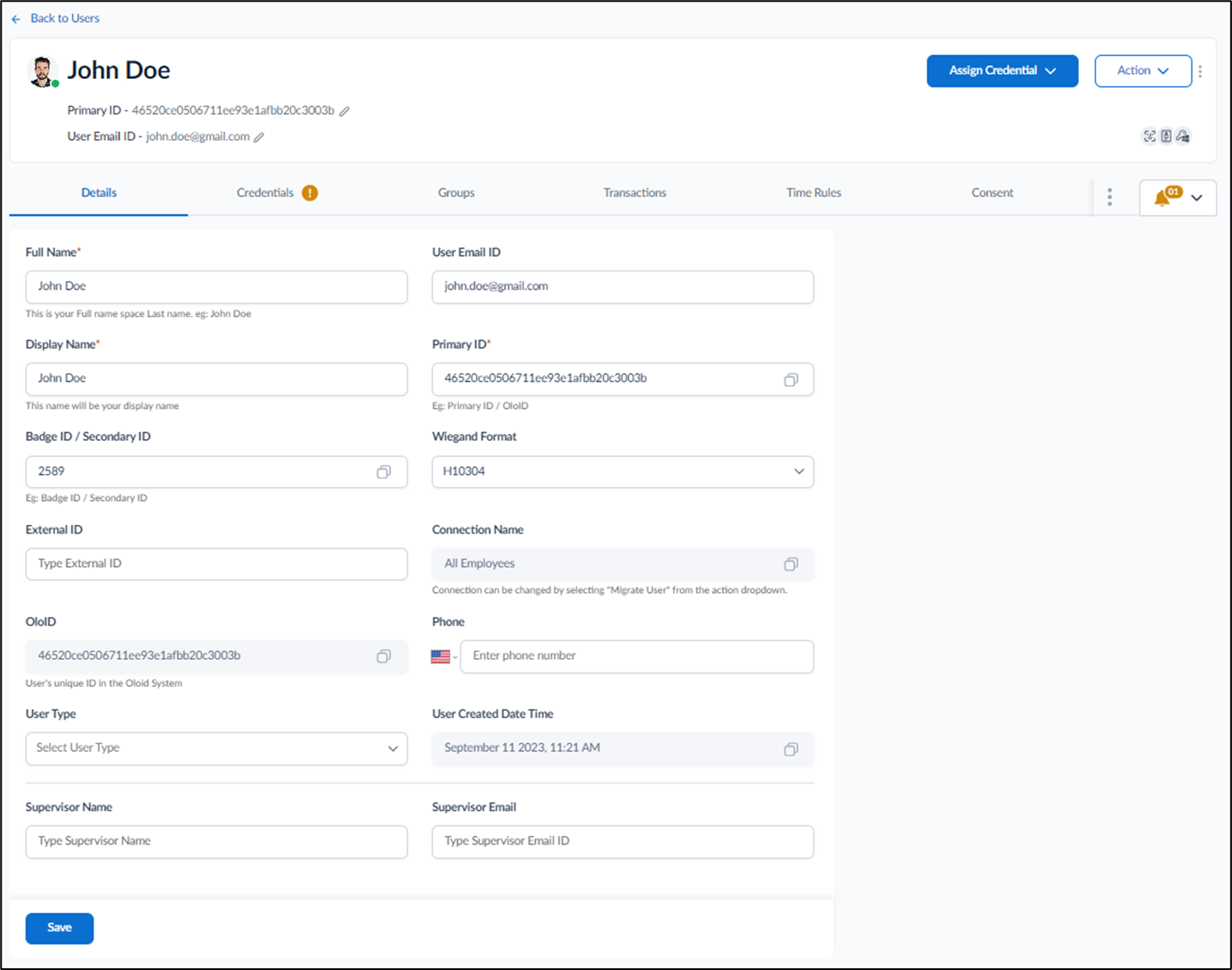
- Do one of the following:
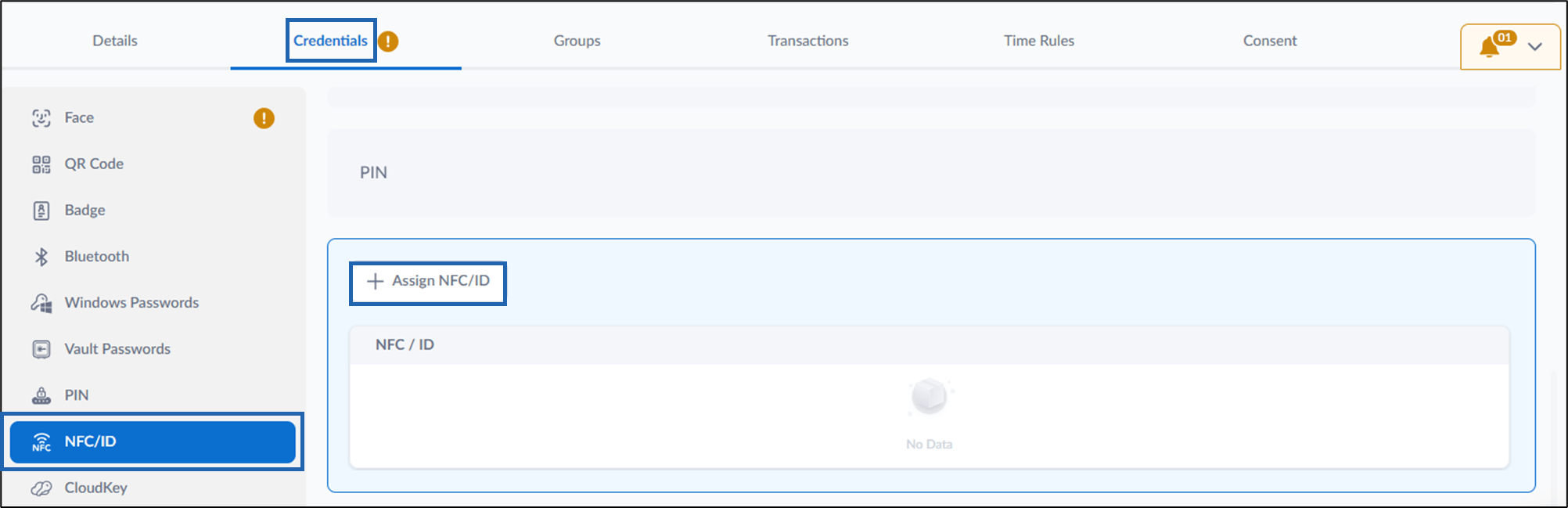
- Go to Credentials > NFC/ID tab> + Assign NFC/ID.
- Go to Assign Credential > Assign NFC/ID.
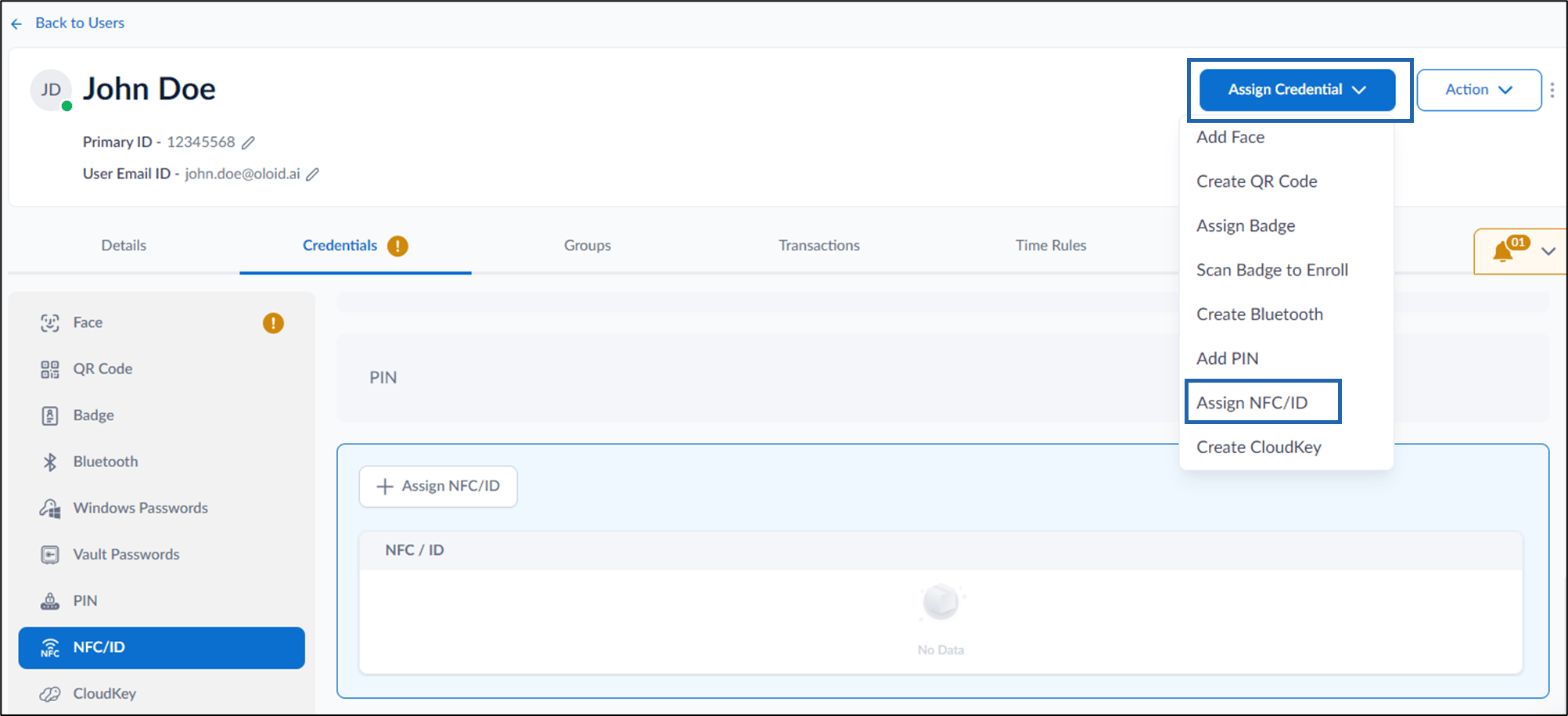
- Go to Credentials > NFC/ID tab> + Assign NFC/ID.
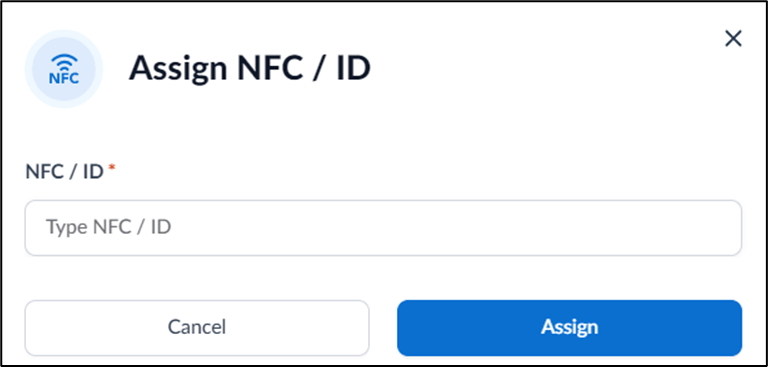
- On the pop-up box, do the following:
-
Enter your unique NFC/ID security number.
Note: You can tap the NFC/ID tag on the Reader to scan it.
-
Click Assign.
The NFC/ID security number is assigned and listed on the NFC/ID tab.

-
Enter your unique NFC/ID security number.