Introduction
The Tenant Admin Portal allows the admin to securely manage shared passwords across the organization. One of its key features is the ability to assign password owners, groups and users for Windows Shared Password.Prerequisites
- You must have access to the Tenant Admin Portal.
- The Windows Shared Password must be created. To created Windows Shared Password refer How to create shared Password for Windows login application in the Tenant Admin Portal.
Steps to add Password Owners
- Log in to the Tenant Admin Portal.
-
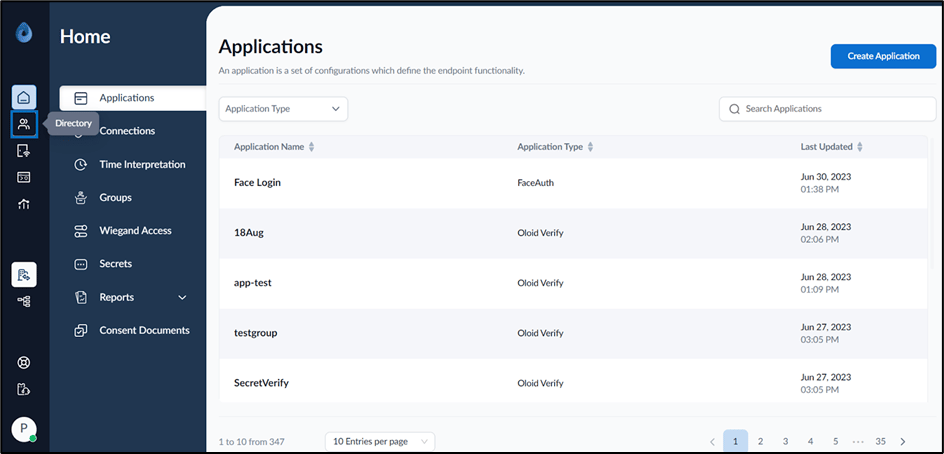
On the home page of the portal, click Directory on the left menu panel.
-
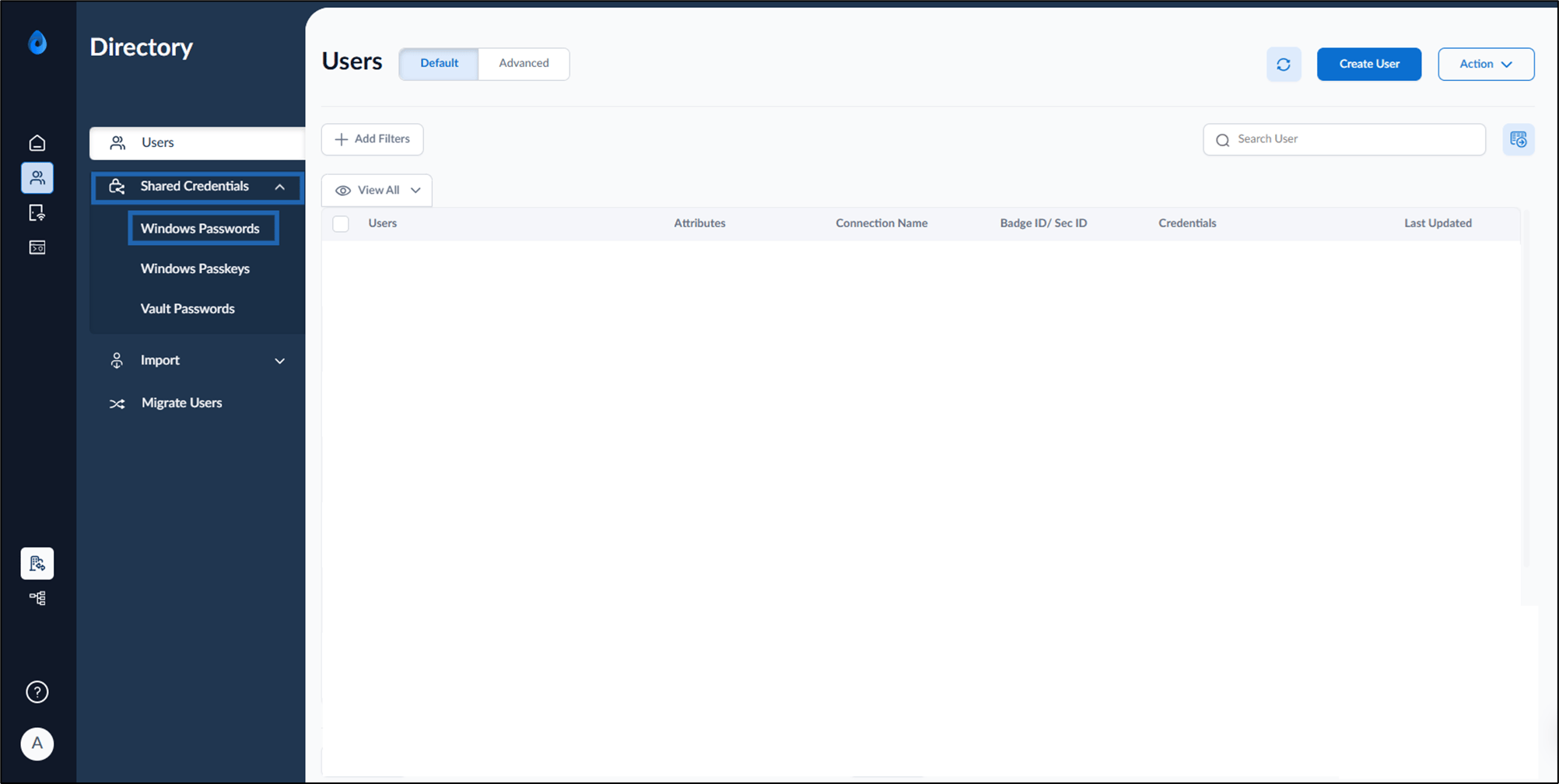
Select Shared Credentials > Windows Password on the left menu panel.
-
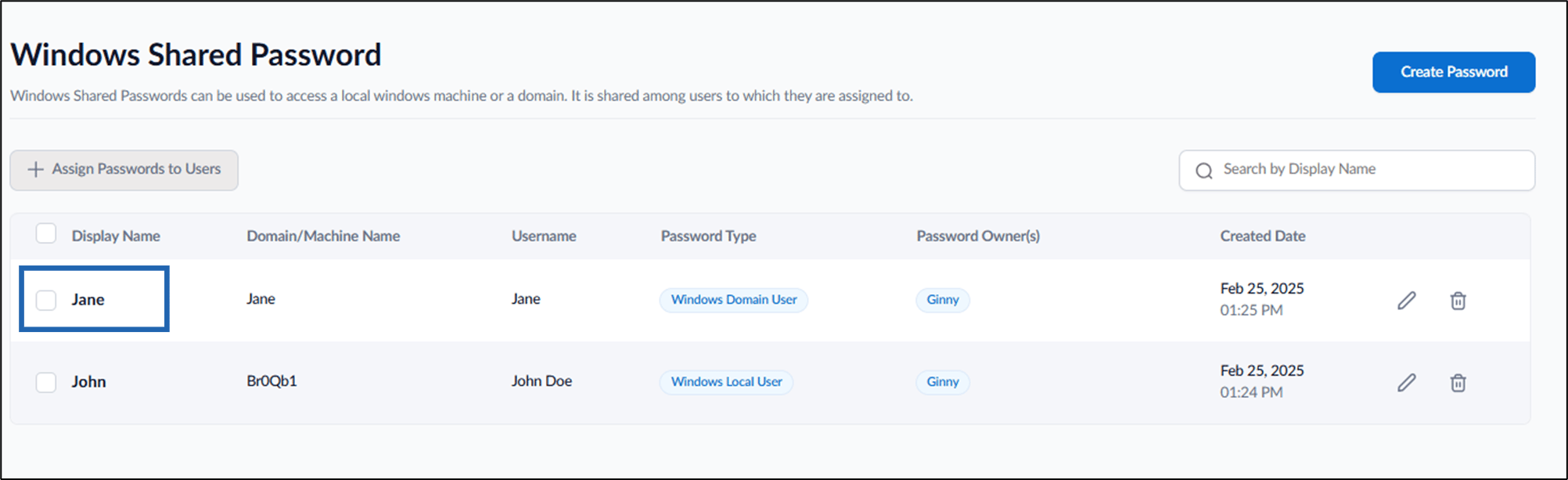
Select the preferred display name to edit.
-
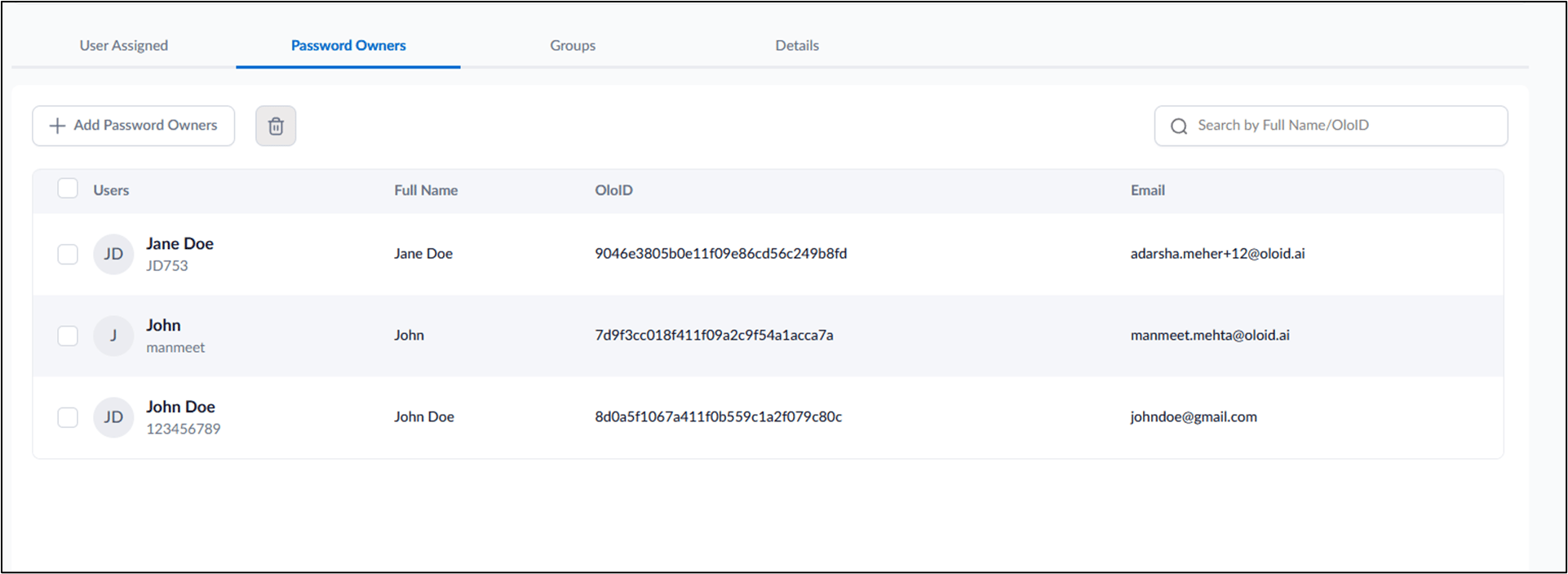
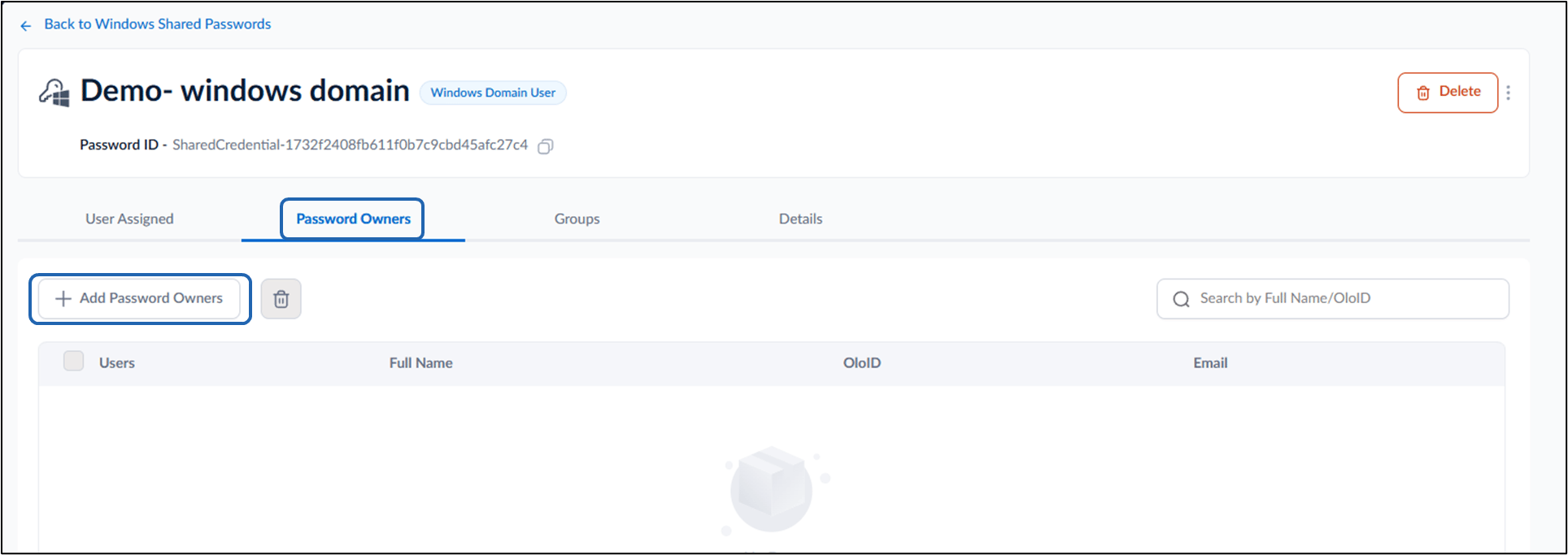
Go to Password Owners tab > + Add Password Owners.
-
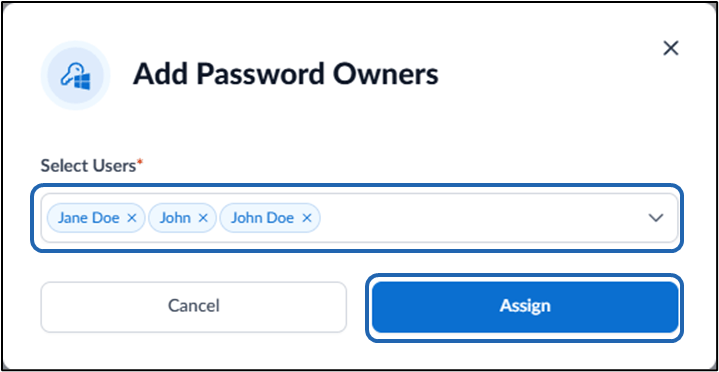
On the pop-up box, enter user name(s) in the Users dropdown list.
Note: Only users with Admin or Supervisor roles can be assigned as Password Owners.
- Click Assign.