Introduction
In the Oloid Tenant Admin Portal, role-based Credential API tokens allow administrators to generate secure tokens that inherit permissions from predefined roles. This ensures that integrations and applications can access only the Oloid services appropriate for their intended function.Pre-Requisite
You must have a Tenant Admin account.Steps to generate Role based Credential API token
- Log in to the Tenant Admin Portal.
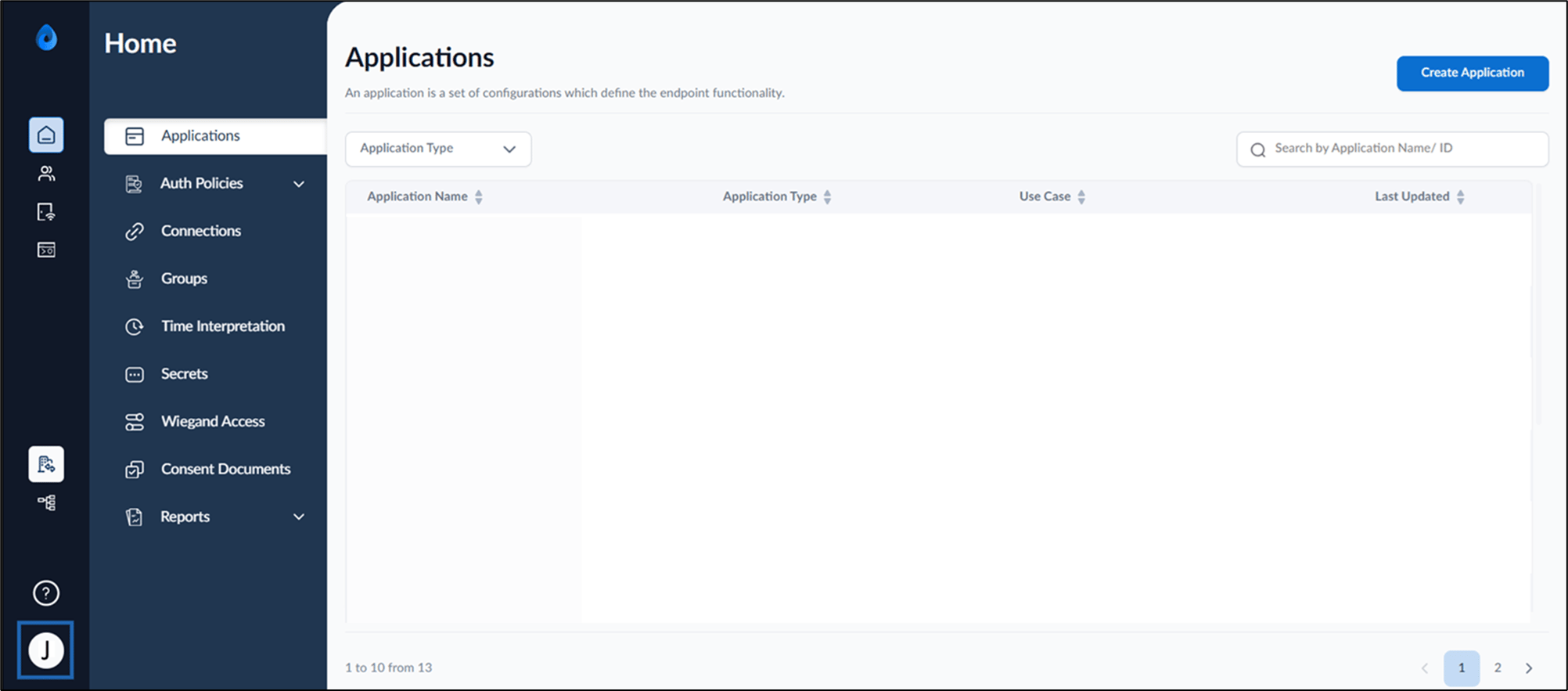
- On the homepage, click User Profile icon from the bottom left.
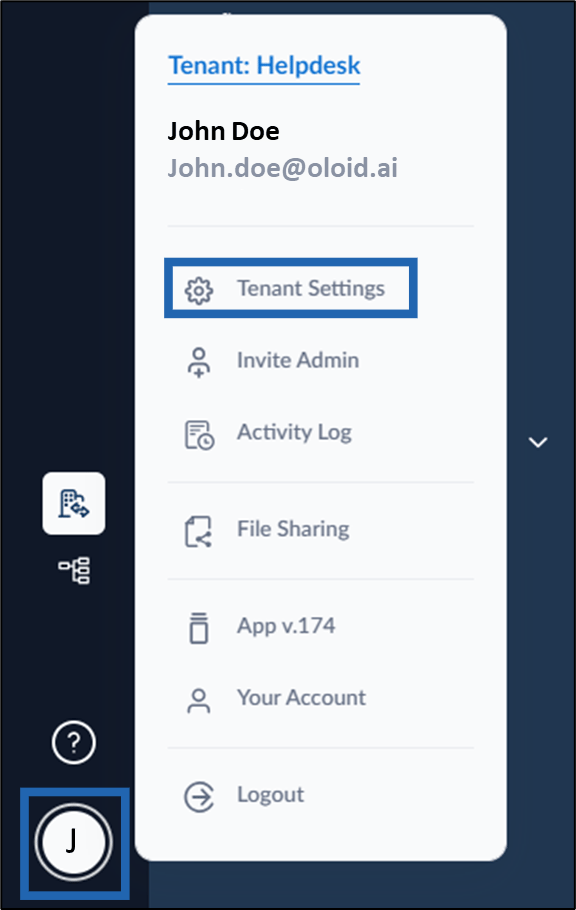
- Click Tenant Settings.
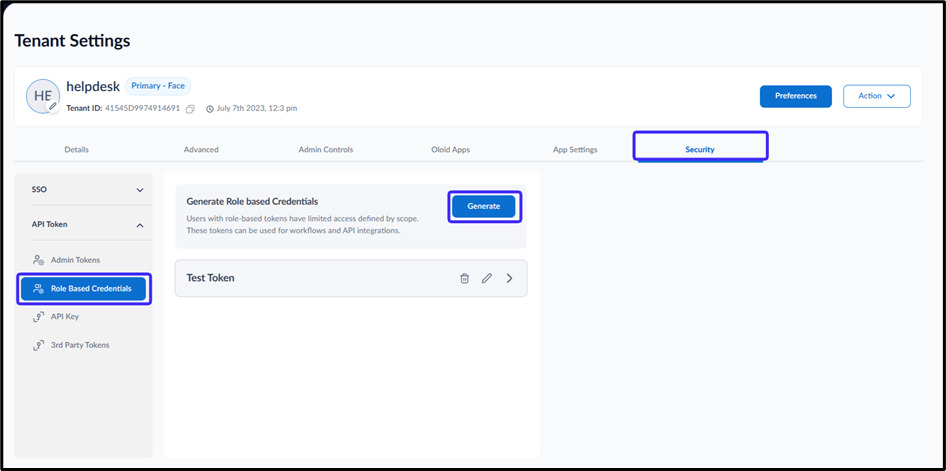
- Go to Security tab > select Role Based Credential under API Token dropdown menu.
- Click Generate.
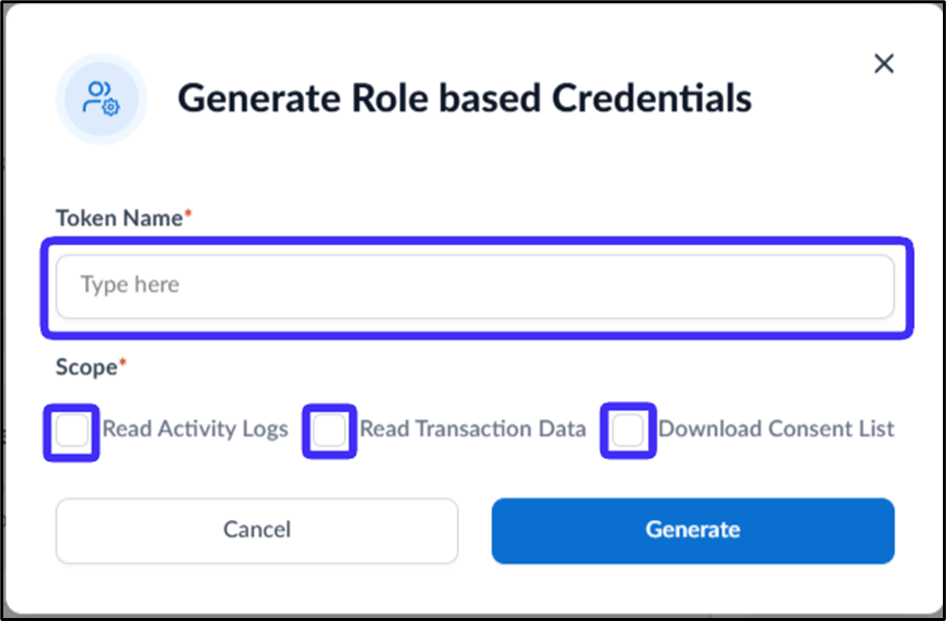
- Do the following:
- Enter Token Name.
- Select Read Activity Logs to allow users to only view the activity log
- Select Read Transaction Data to allow users to only view the transaction data.
- Select Download Consent List to allow users to download the consent data.