Introduction
This document provides step-by-step instructions to create a user in the Tenant Admin Portal by adding the required user details and assigning the user to a Connection.Prerequisite
You must have Tenant Admin Access.Steps to Create User
- Log in to the Tenant Admin Portal.
- On the homepage of the portal, click Directory on the left menu panel.

- Click Create User.

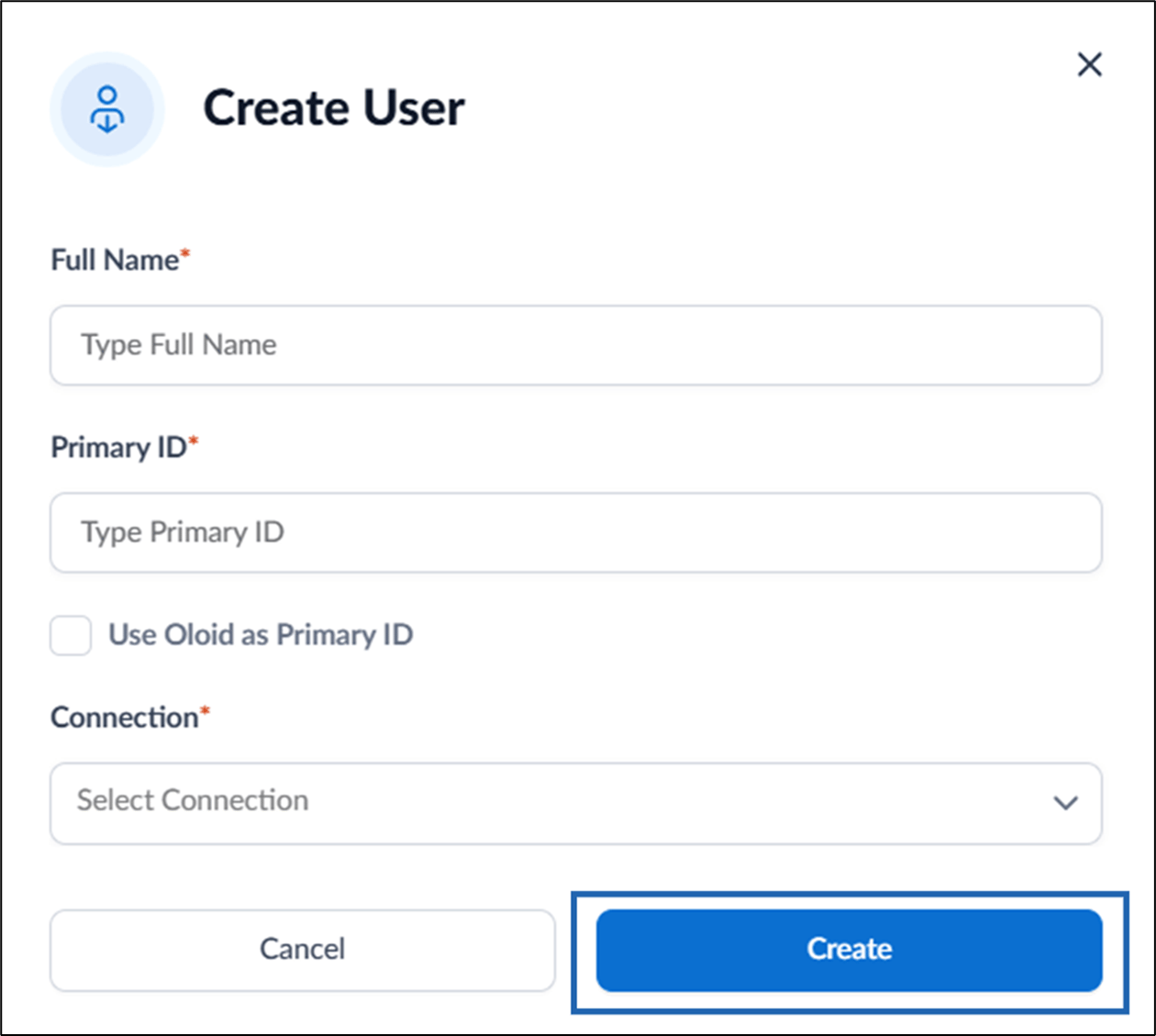
- On the pop-up box, do the following:
- Enter Full Name of the user.
- Enter Primary ID or select Use OloID as Primary ID to use OloID as primary ID.
- Select Connection from the Connection list.
- Click Create.