

- Log in to the Oloid Portal.
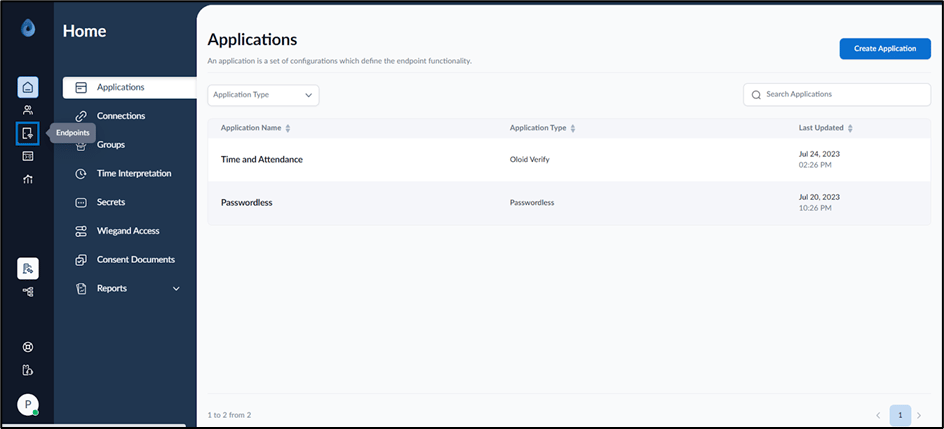
- On the home page of the portal, click Endpoints on the left menu panel.
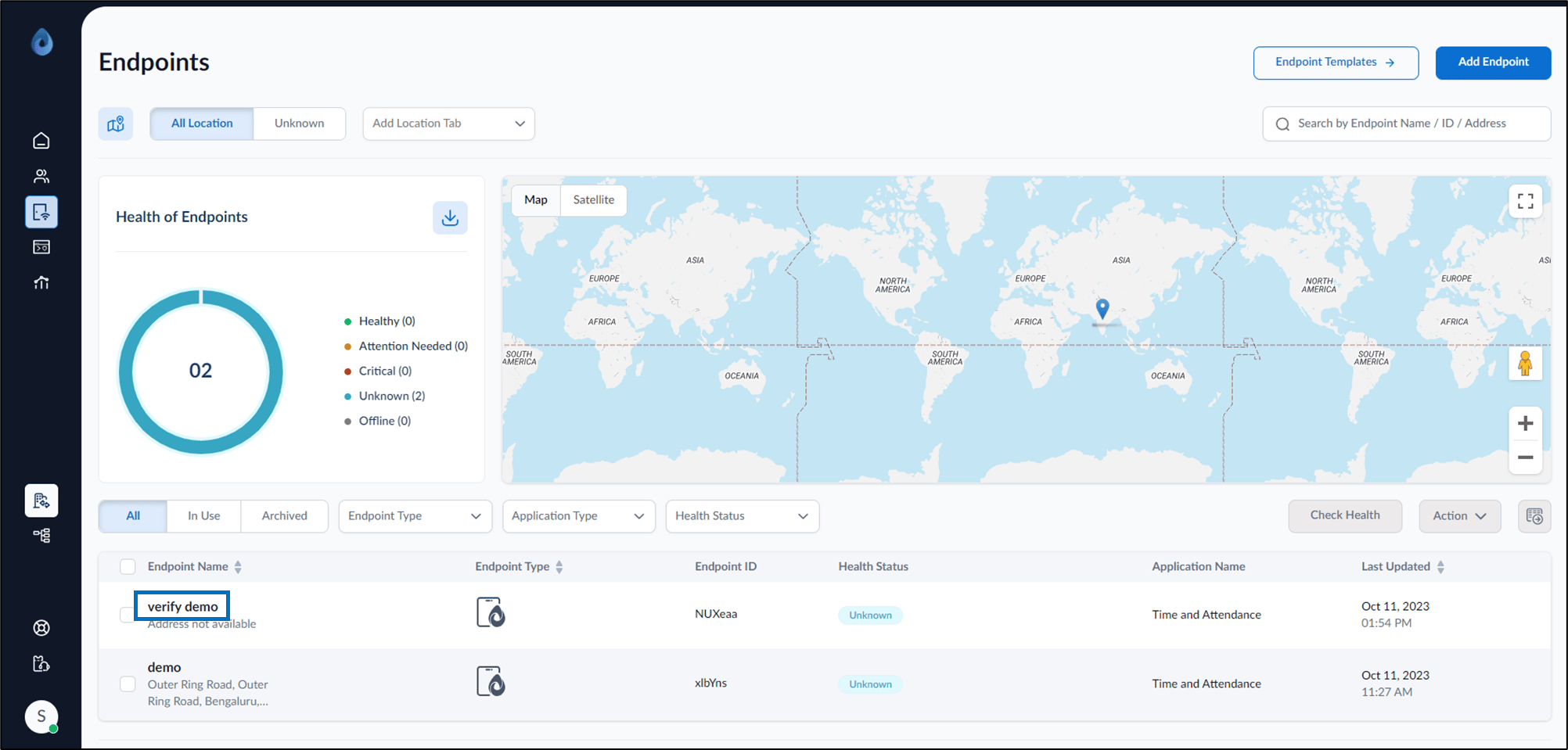
- Select Endpoint Name to edit.
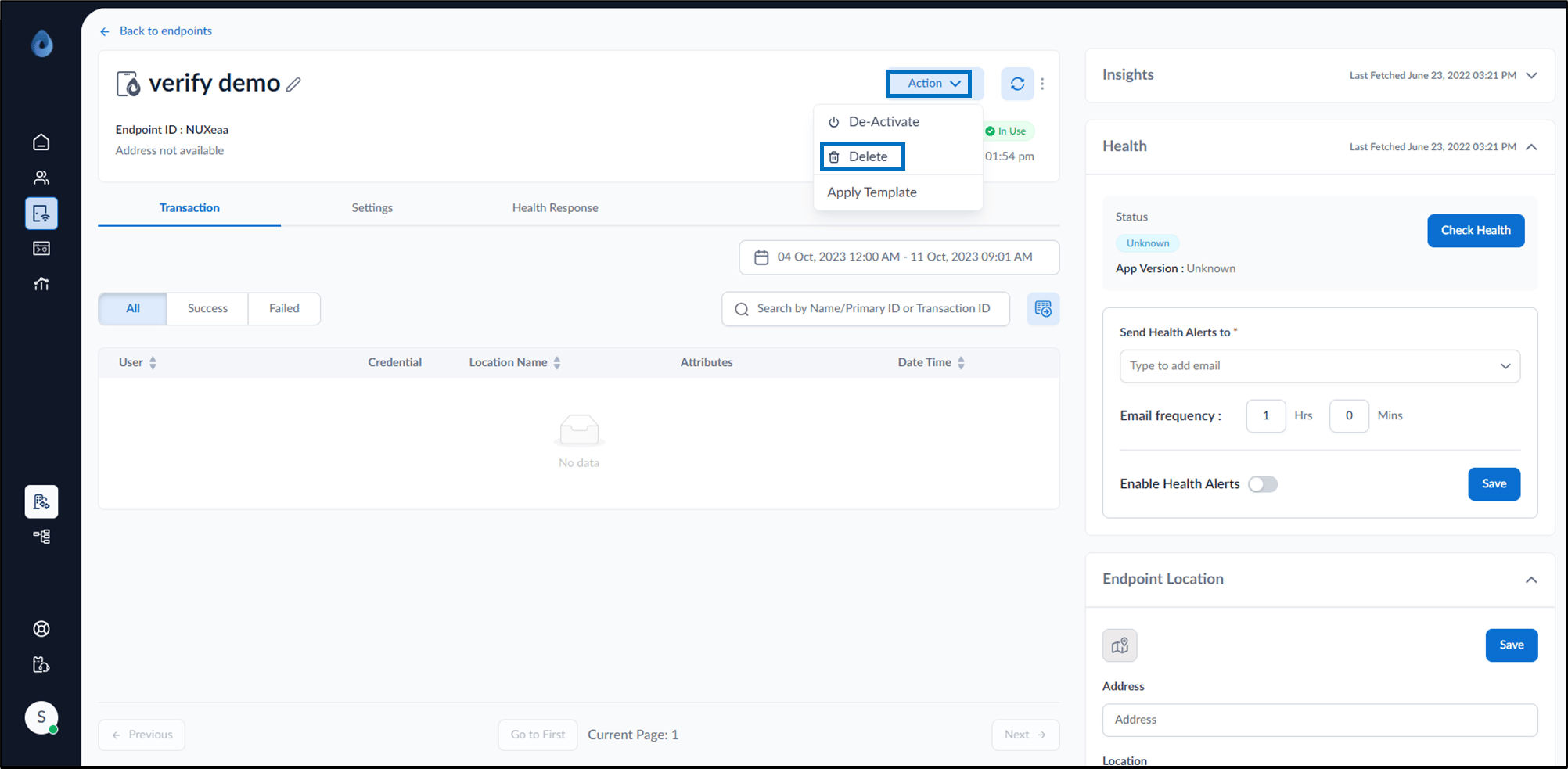
- Go to Action dropdown and select Delete.
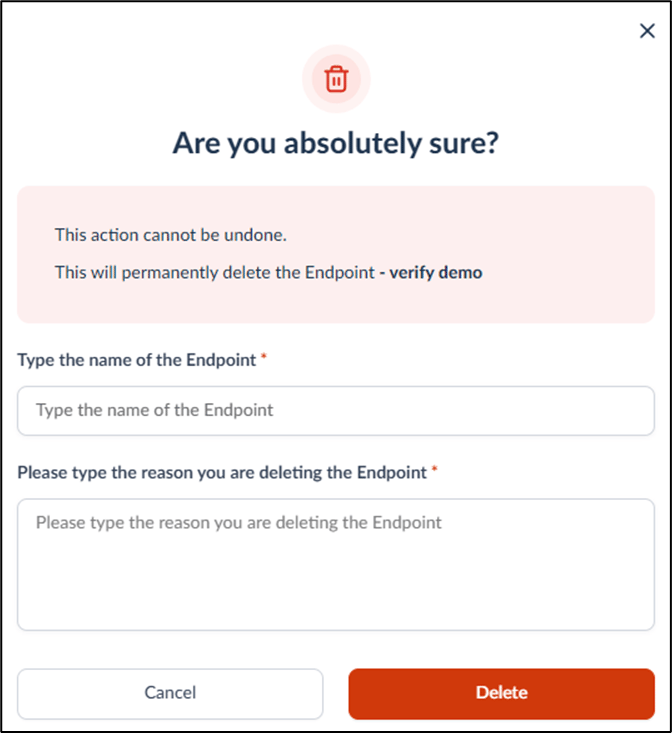
- On the pop-up box, click Delete. The endpoint is permanently deleted.
How to delete endpoint
This document provides instructions to delete endpoint in the Oloid Portal.
Steps to Delete Endpoint
⌘I