Introduction
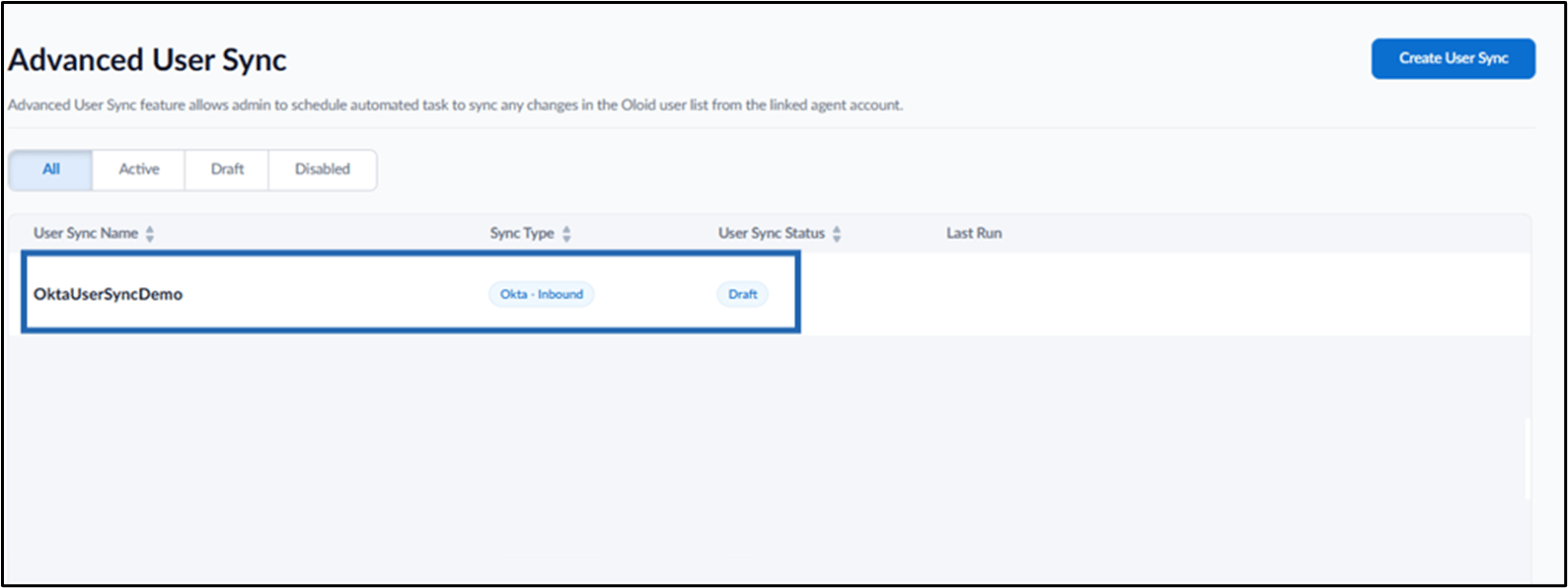
The Advanced User Sync feature allows admin to create and manage user synchronization using supported agents such as OKTA – Inbound, ensuring accurate and consistent user data in the Tenant Admin Portal.Prerequisite
You must have Admin access to the Tenant Admin Portal.Steps to Create Advanced User Sync
- Log in to the Tenant Admin Portal.
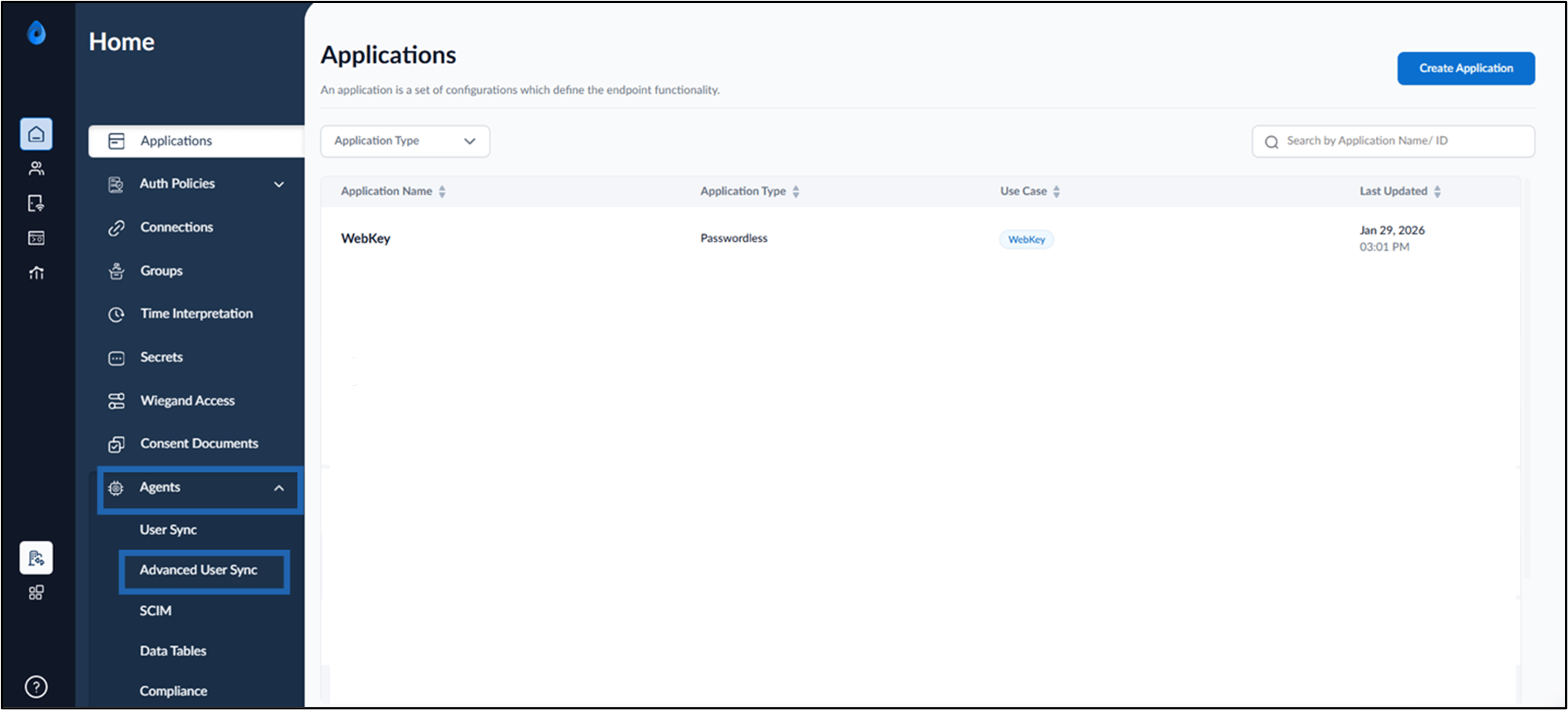
- Go to Agents tab > Advanced User Sync.
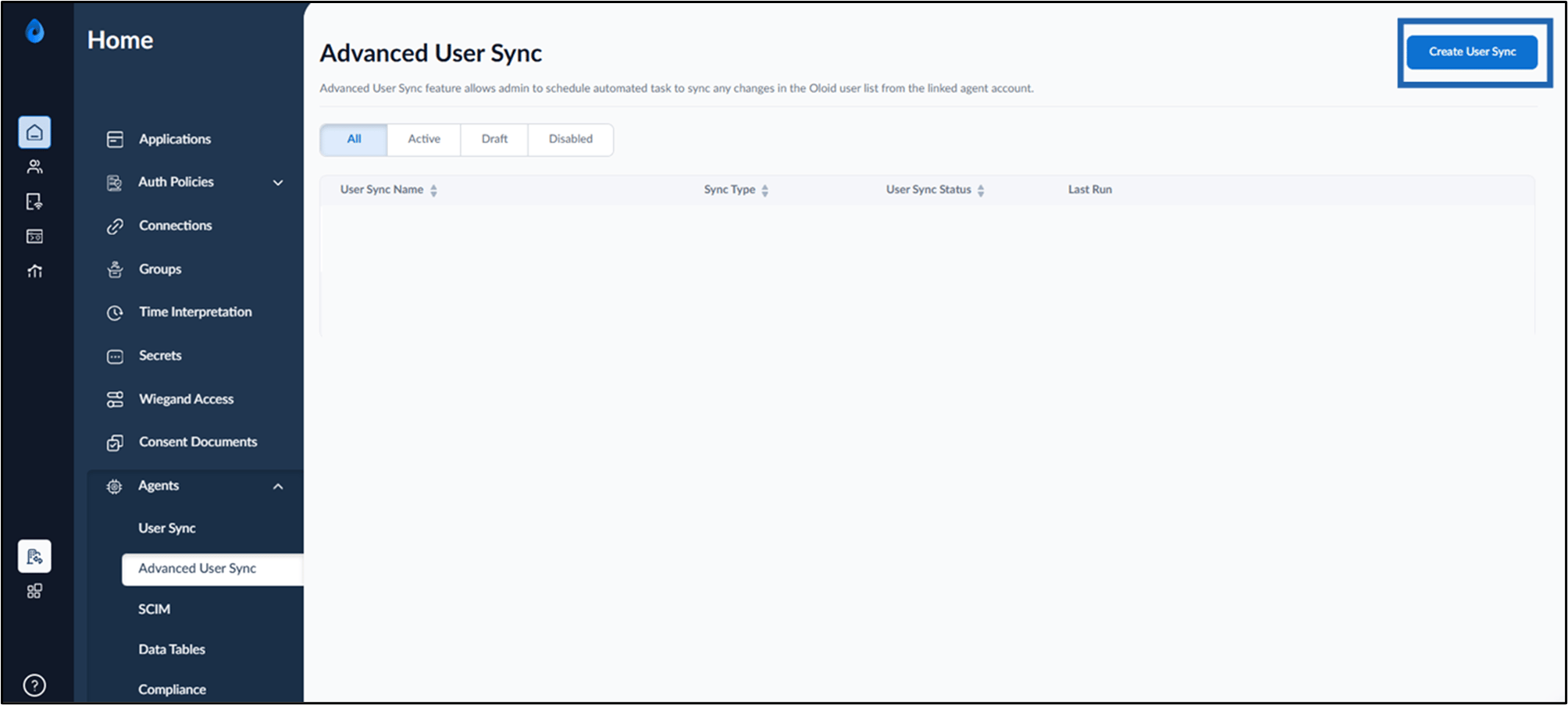
- Click Create User Sync.
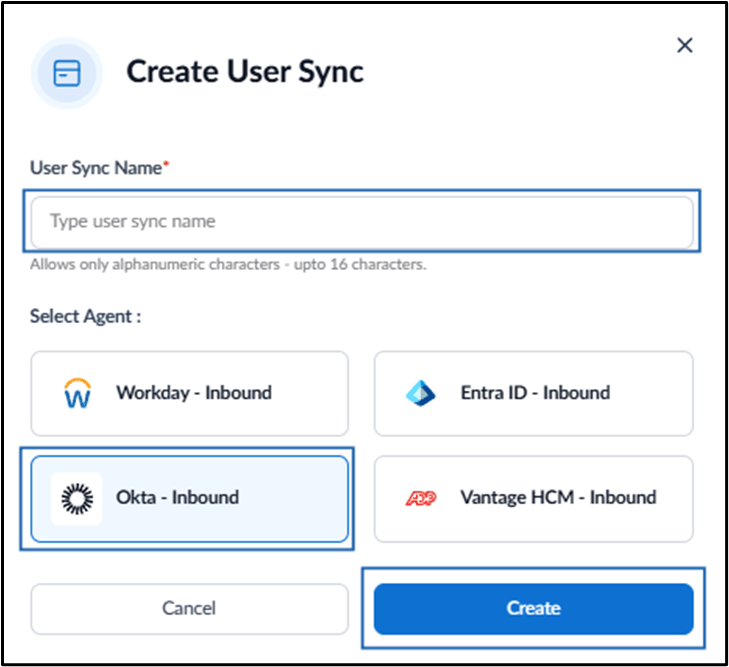
- Do the following:
- Enter User Sync Name.
- Select Okta - Inbound as Agent.
- Click Create.