Introduction
The Create Vault Password feature enables an admin to securely create and store Vault password credentials for a user in the Tenant Admin Portal.Prerequisite
- You must have a Tenant Admin account.
Steps to create Vault Password
- Login to the Tenant Admin Portal.
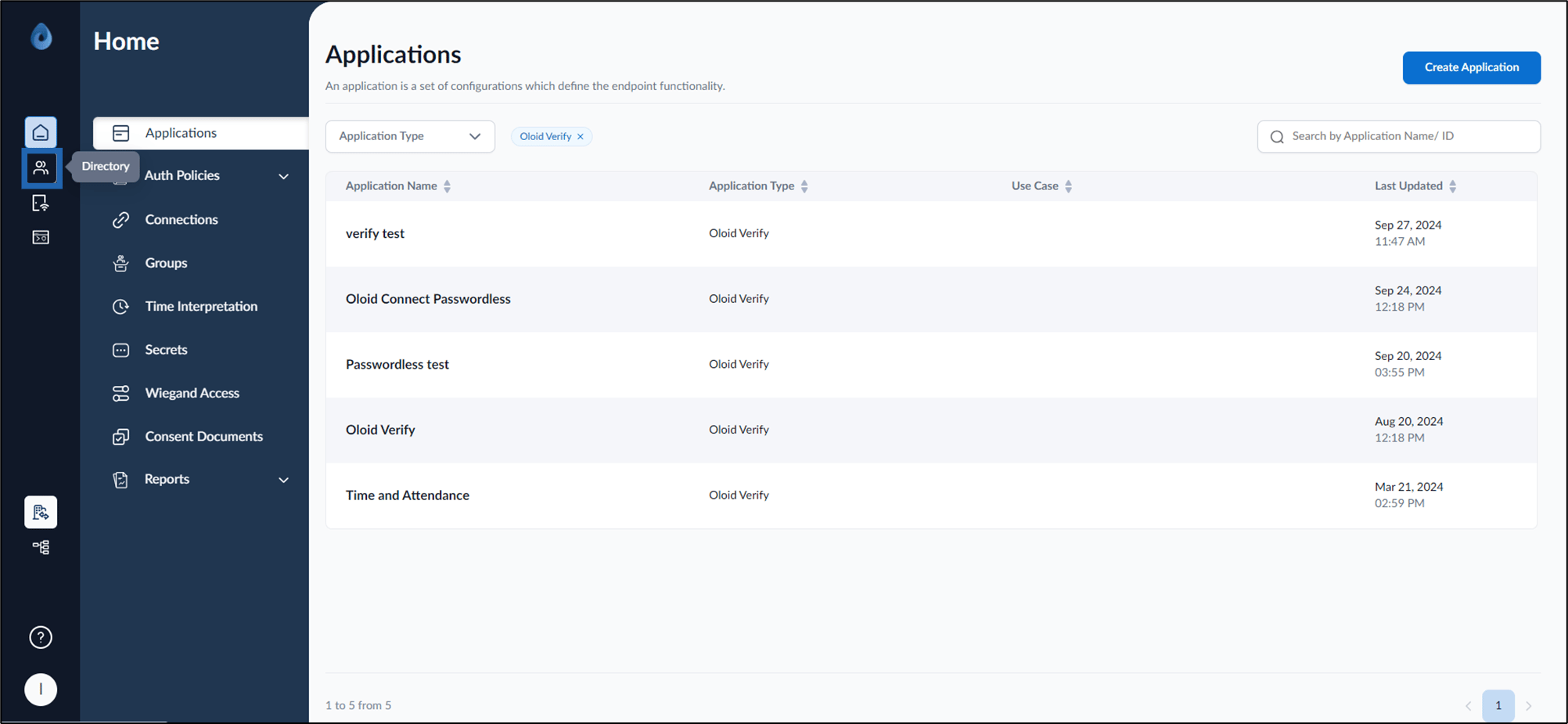
- On the homepage, click Directory from the left menu panel.
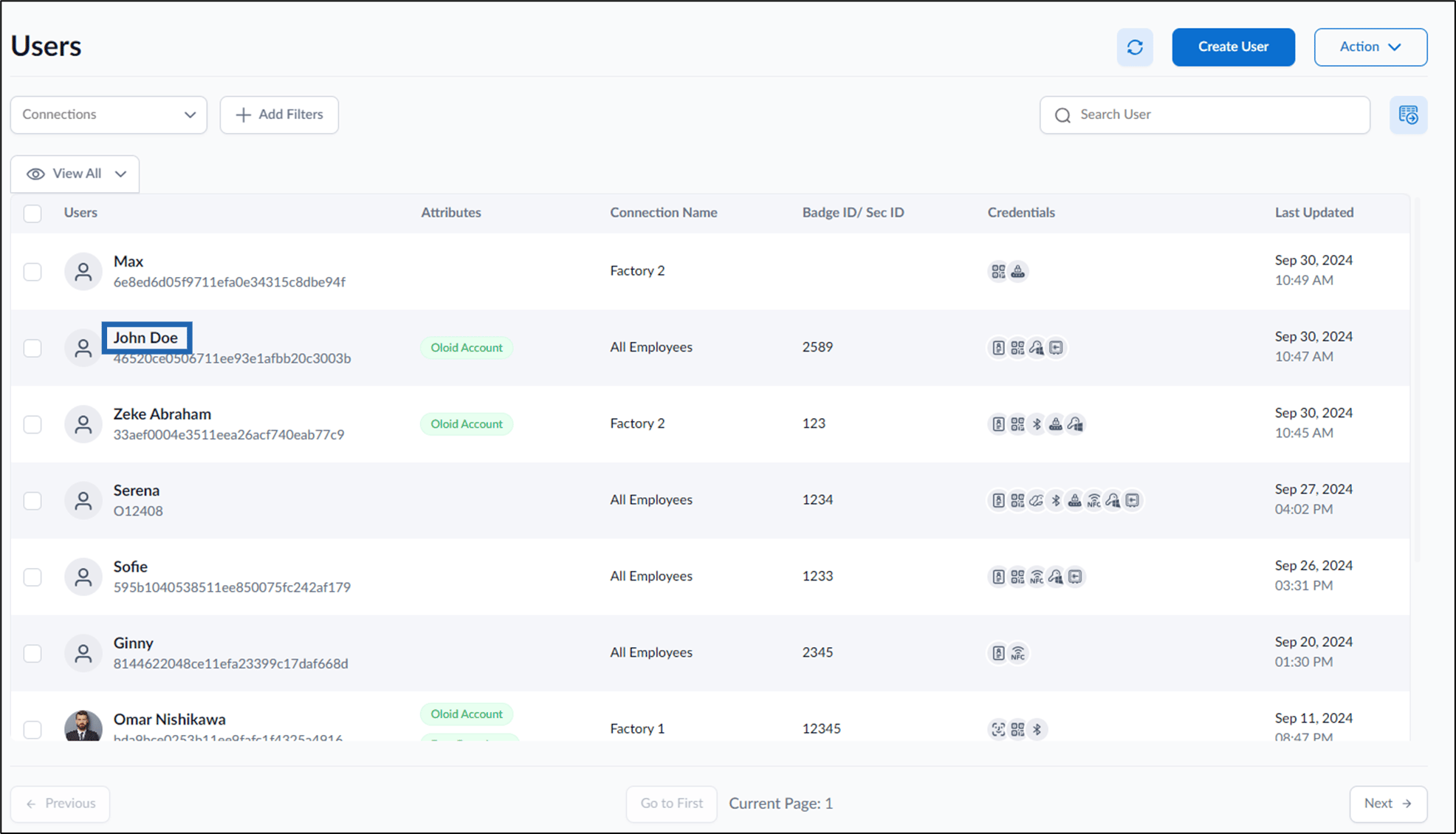
- Select User from the list.

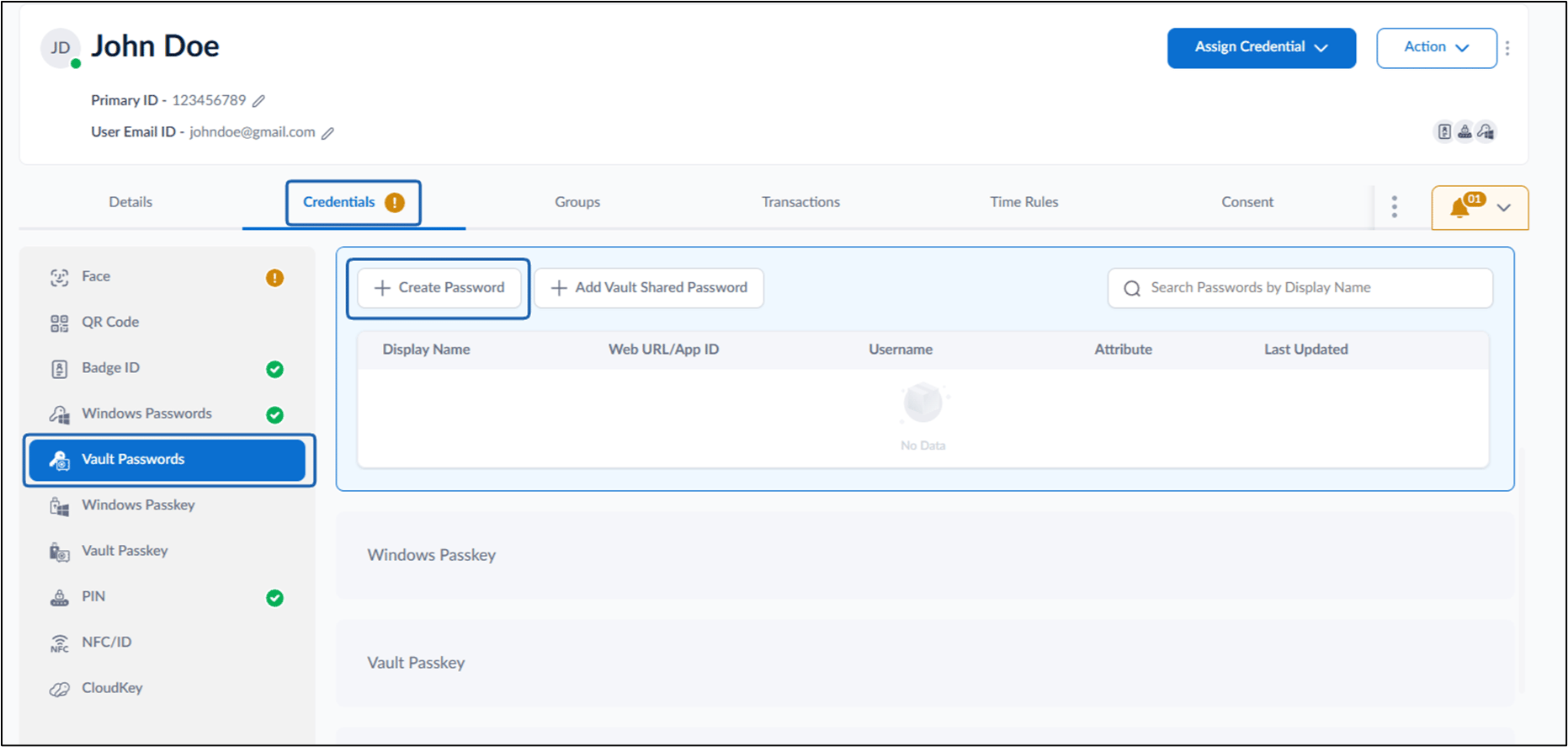
- Go to Credential tab > Vault Passwords > + Create Password.
- On the screen, do the following
- Enter Display Name. (Optional)
- Select Password Type from the dropdown list.
- Click Next.

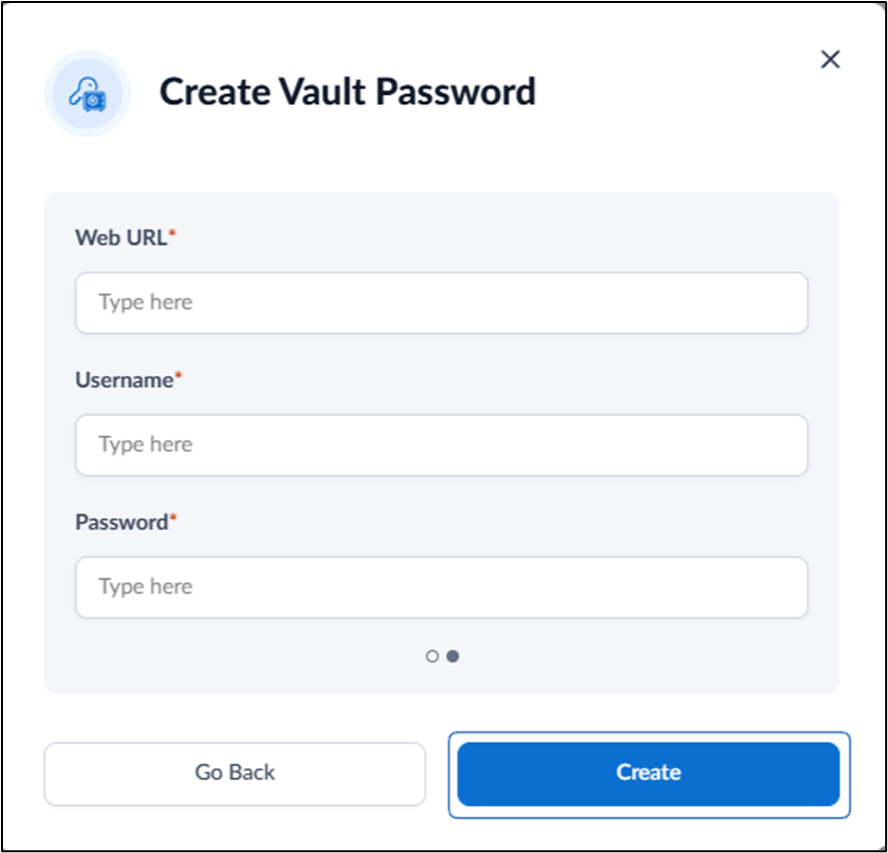
- Enter Web URL/Login URL.
- Enter Username.
- Enter Password.
- Click Create.