Introduction
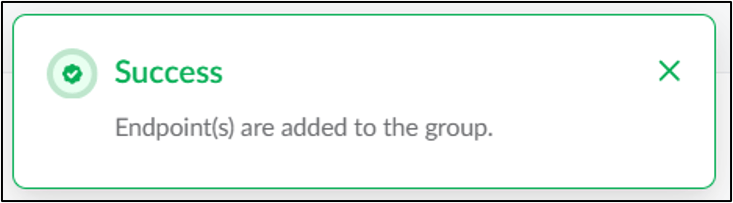
This document provides instructions to add an endpoint to an existing group in the Tenant Admin Portal.Note: Adding Endpoint to a Group can be done in two ways. You can add group to an endpoint. For detailed instructions, see How to add group to an endpoint.
Prerequisites
- You must have Admin access to the Tenant Admin Portal.
- Ensure that the endpoint is already paired.
- Ensure that the group is already created.
Steps to add Endpoint to a Group
- Log in to the Tenant Admin Portal.
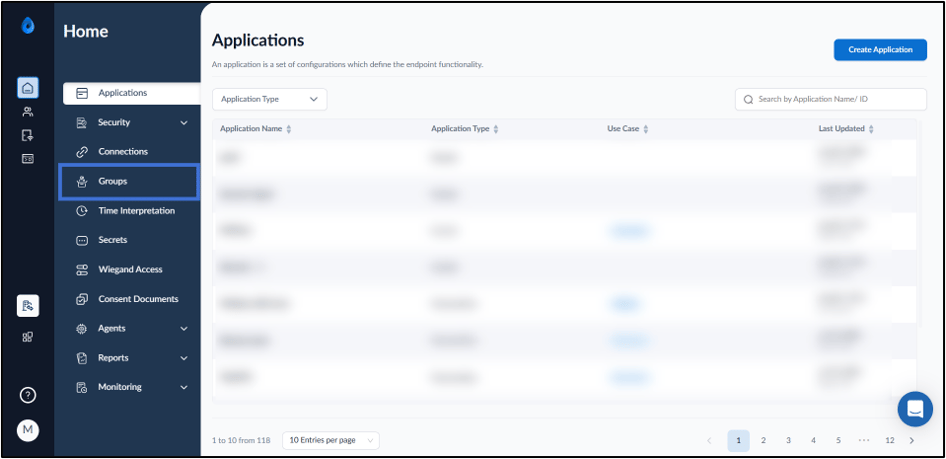
- On the home page of the portal, click Groups on the left menu panel.
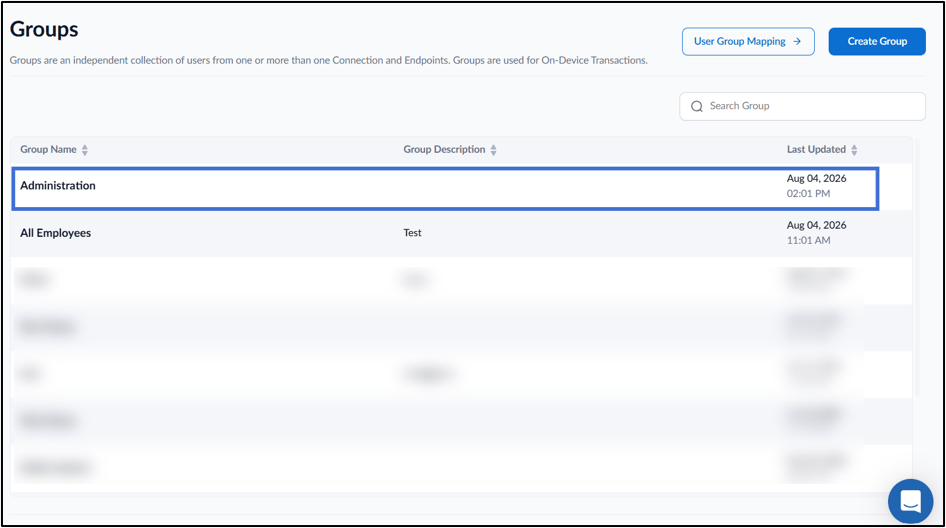
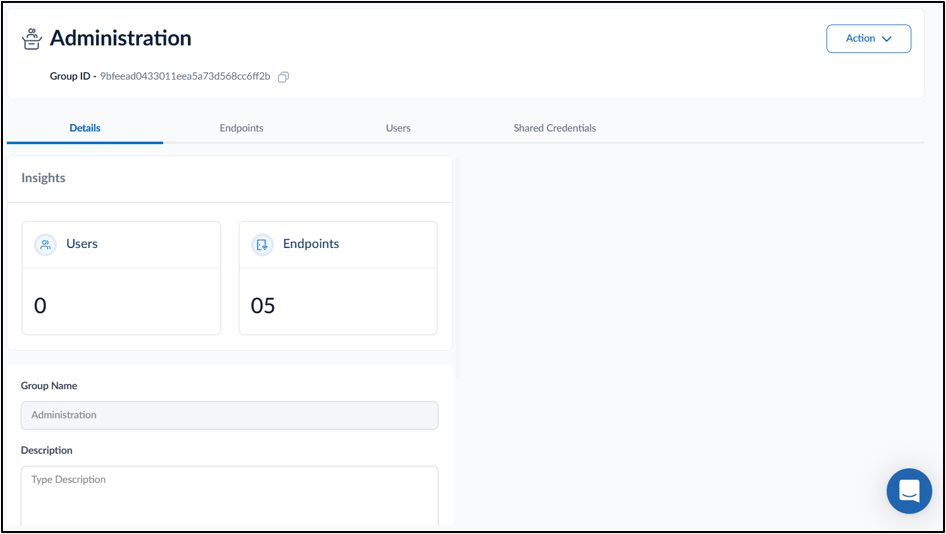
- Click on a group name to edit from the listed groups.
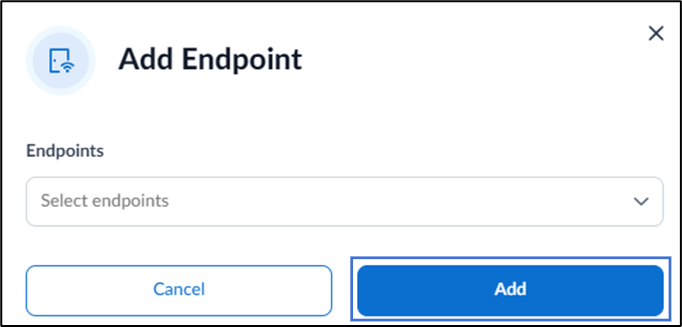
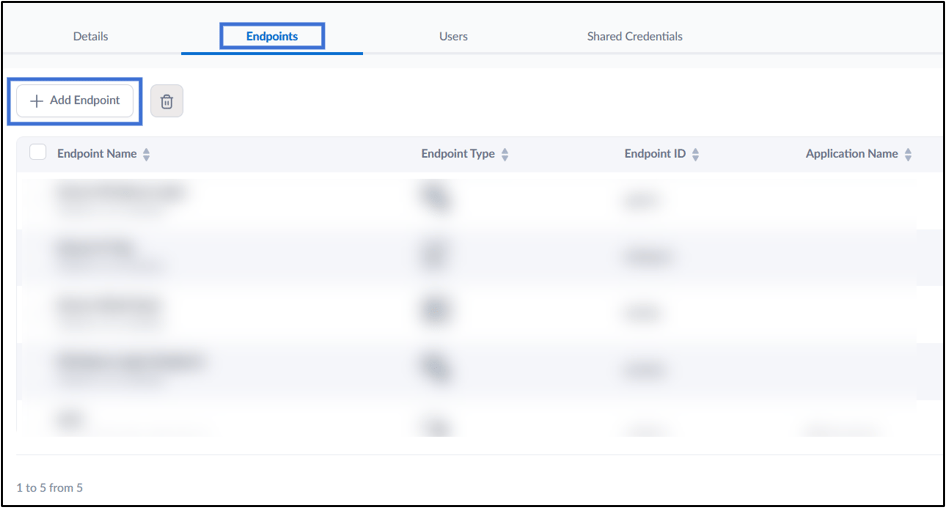
- Go to Endpoints tab > Click + Add Endpoint.
- On the Add Endpoint pop-up box select endpoint from the Select endpoints dropdown list.