

- Log in to the Tenant Admin Portal.
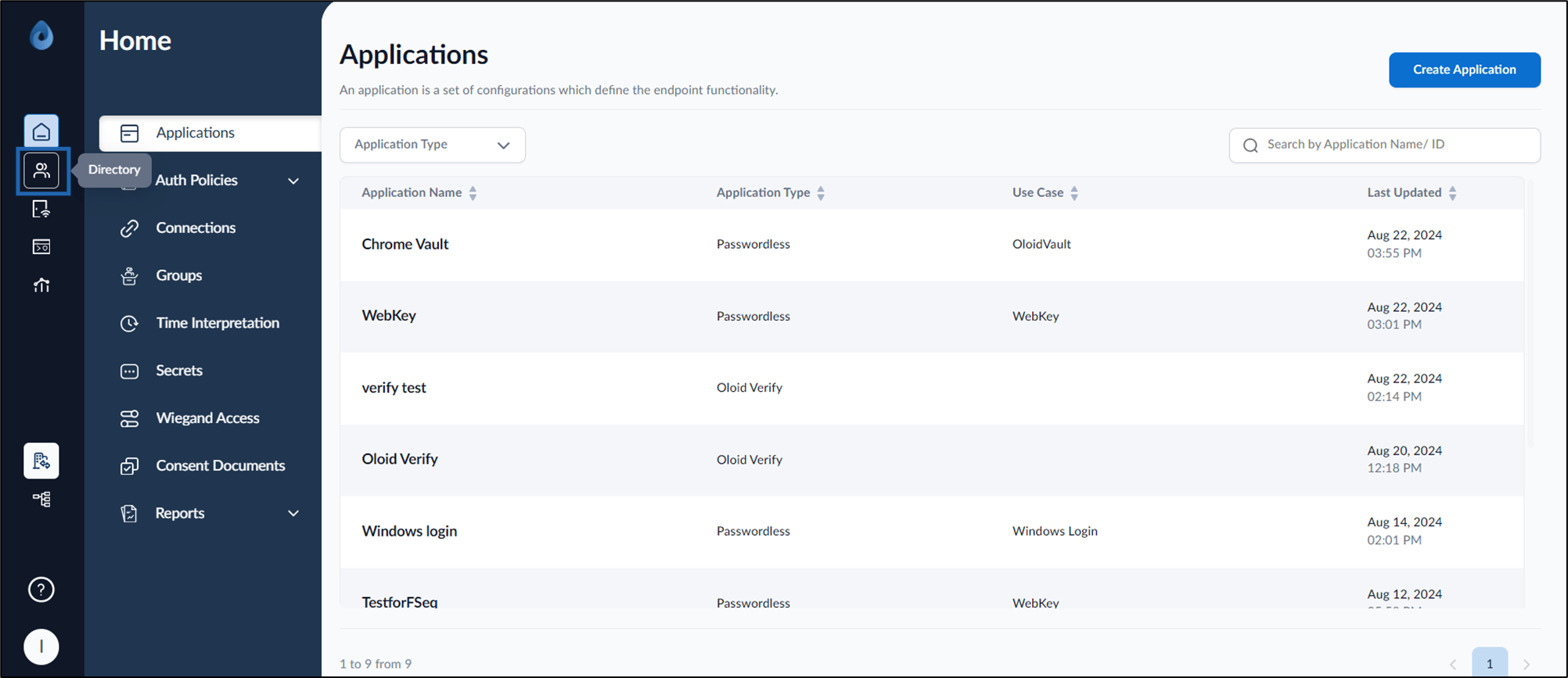
- On the home page of the portal, click Directory on the left menu panel.
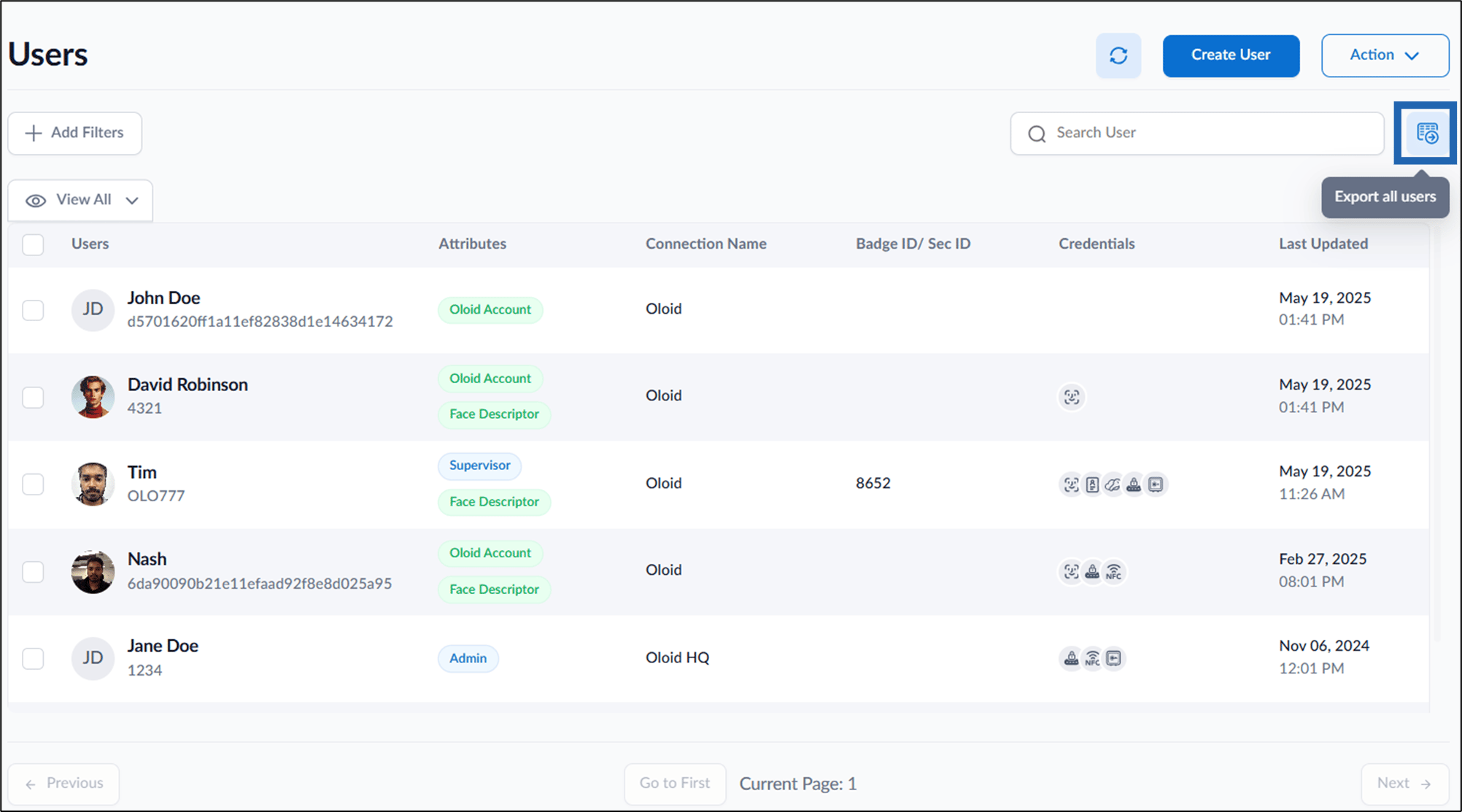
- Select Export all users
 icon to download users from connection or group.
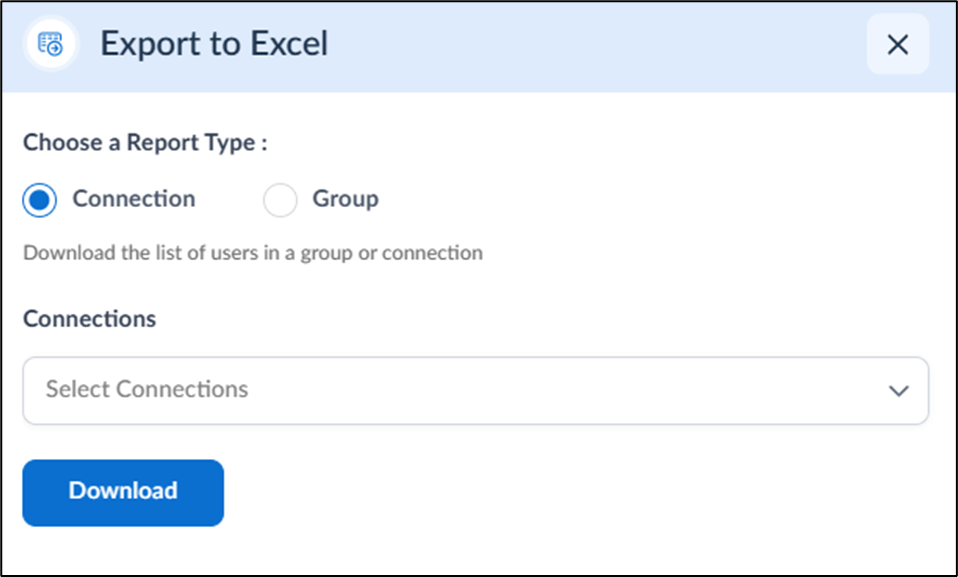
- Do the following:
- Connection: Select this option to export users associated with a specific connection.
- Select the desired connection from the Connections drop-down.
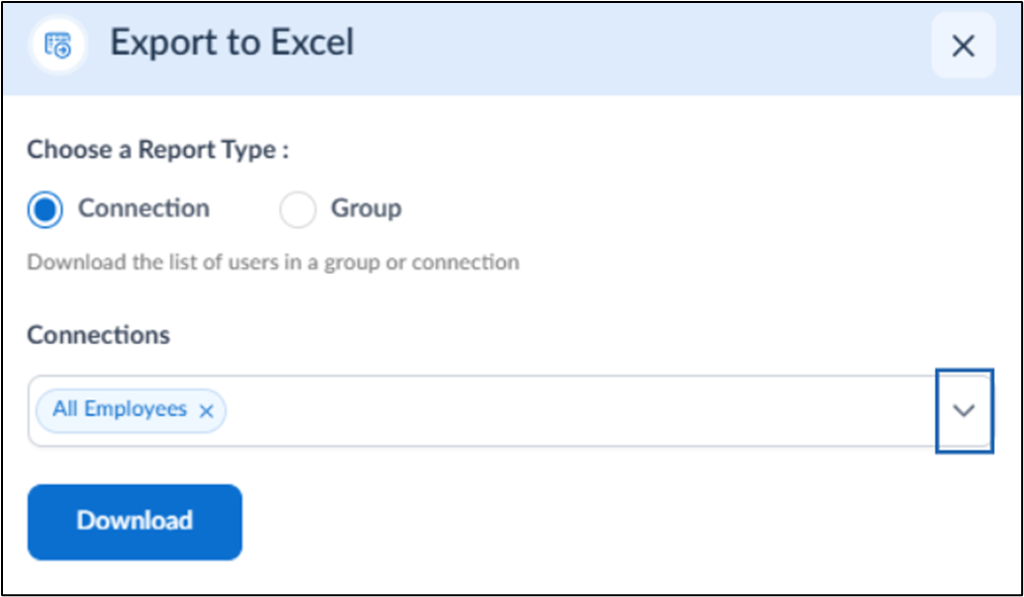
- Select the desired connection from the Connections drop-down.
- Group: Export users associated with a specific group.
- Select the desired group from the Groups drop-down.
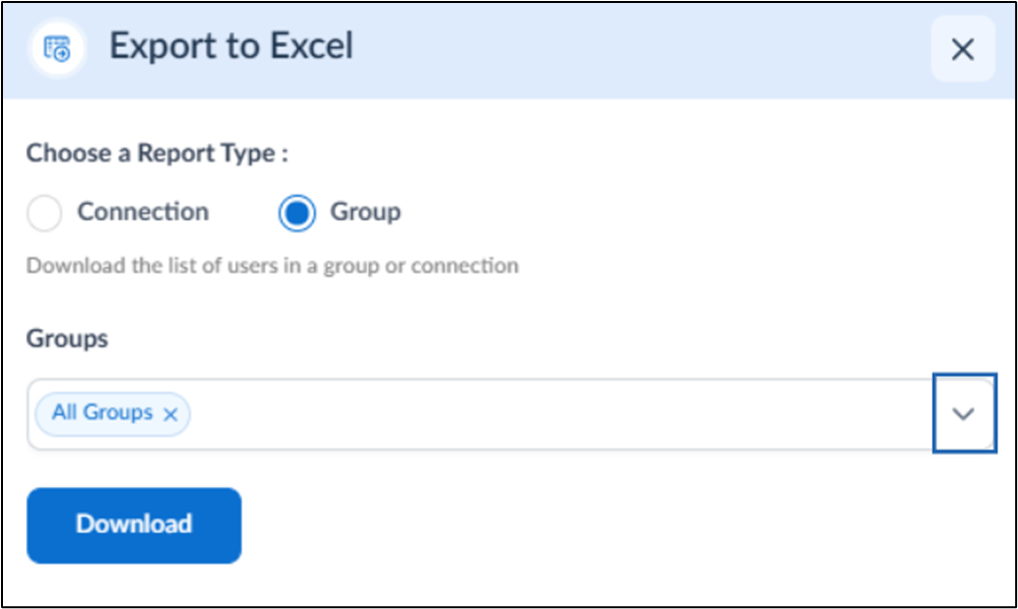
- Select the desired group from the Groups drop-down.
- Connection: Select this option to export users associated with a specific connection.
- Click Download.
Video Tutorial
- Watch the video How to Download Users in Tenant Admin Portal-Video Tutorial