

Pre-requisite
Face should be added to the user. Steps to find Face:- Log in to the Oloid Portal.
- On the home page of the portal, click Directory on the left menu panel.

- Click User Name to edit.
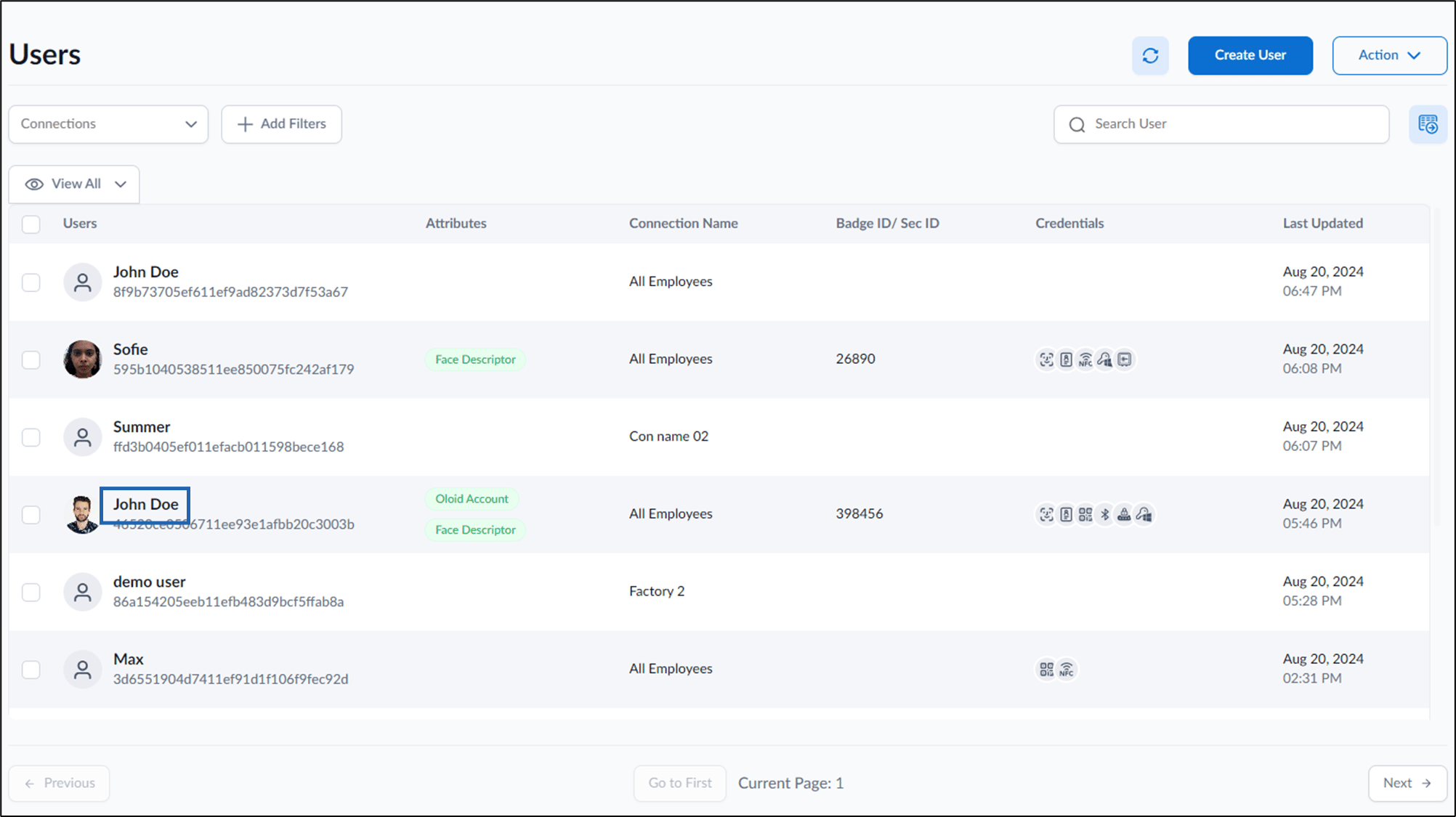
- Go to Action > Select Find Face.
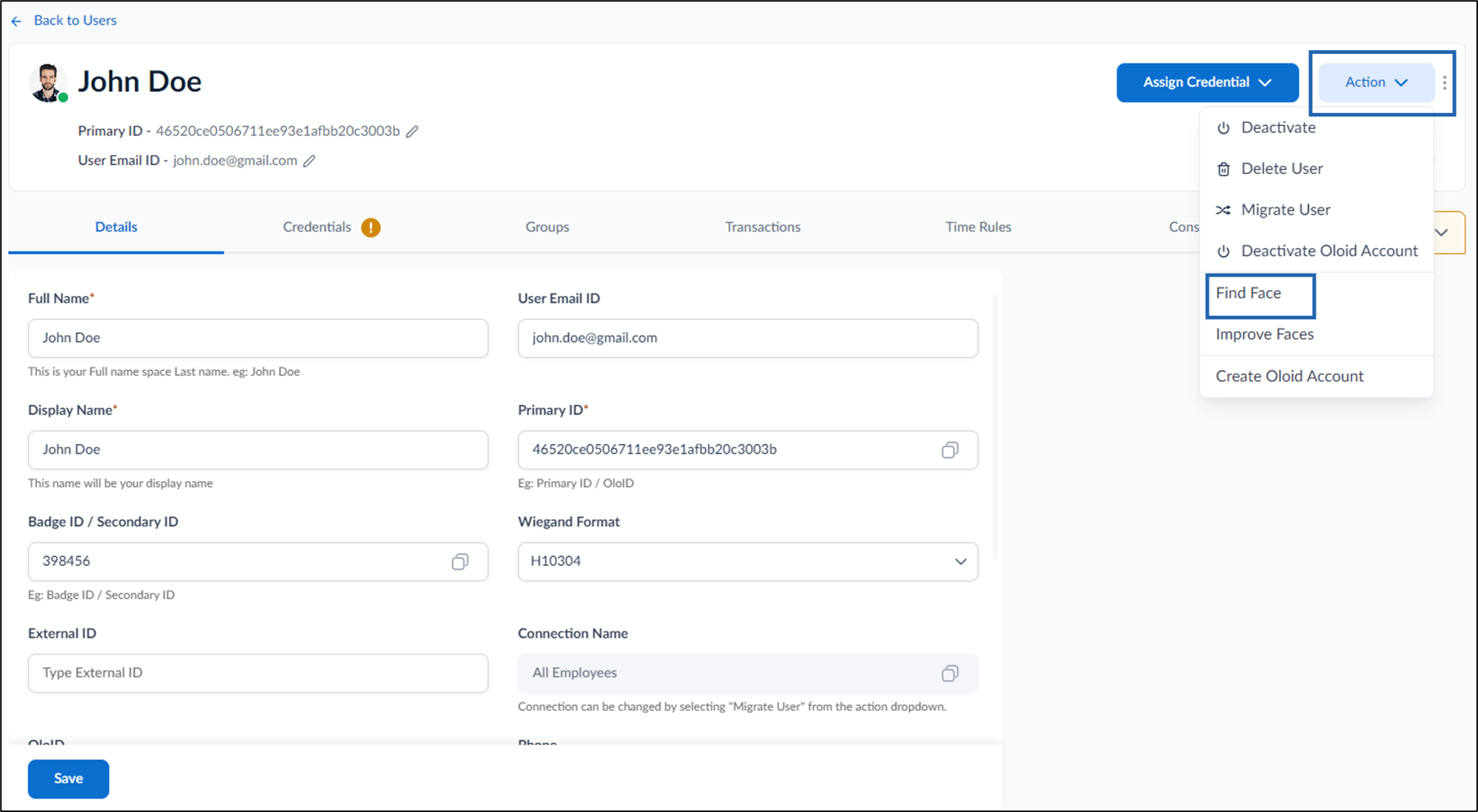

- On the Find Similar Faces pop-up box, do the following:
-
Enter Confidence level.
Note: For best results, increase confidence level above default value.
- Select required connection(s) from the Connection drop down.
-
Click Search.
The Results for Similar Faces pop-up box is displayed.
The search result shows confidence level face match.
Note: This functionality is for Oloid internal use.
-
Enter Confidence level.