

Steps to create Factor Sequence
- Log in to the Oloid Portal.
The homepage is displayed.

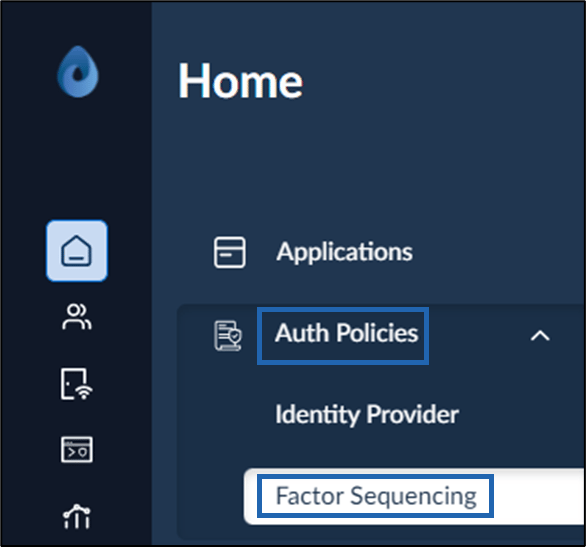
- Click Auth Policies > Factor Sequencing from the menu panel.
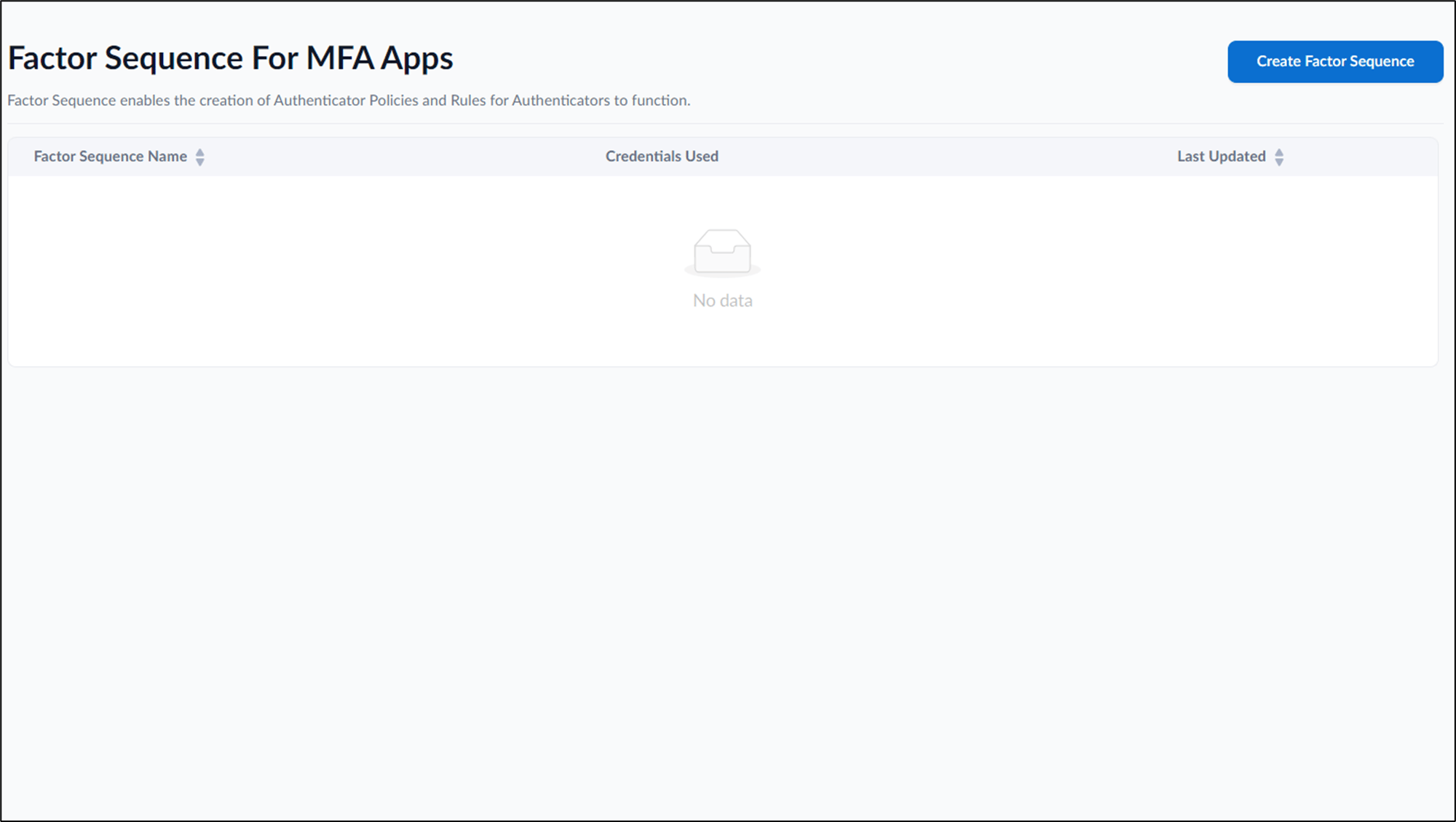
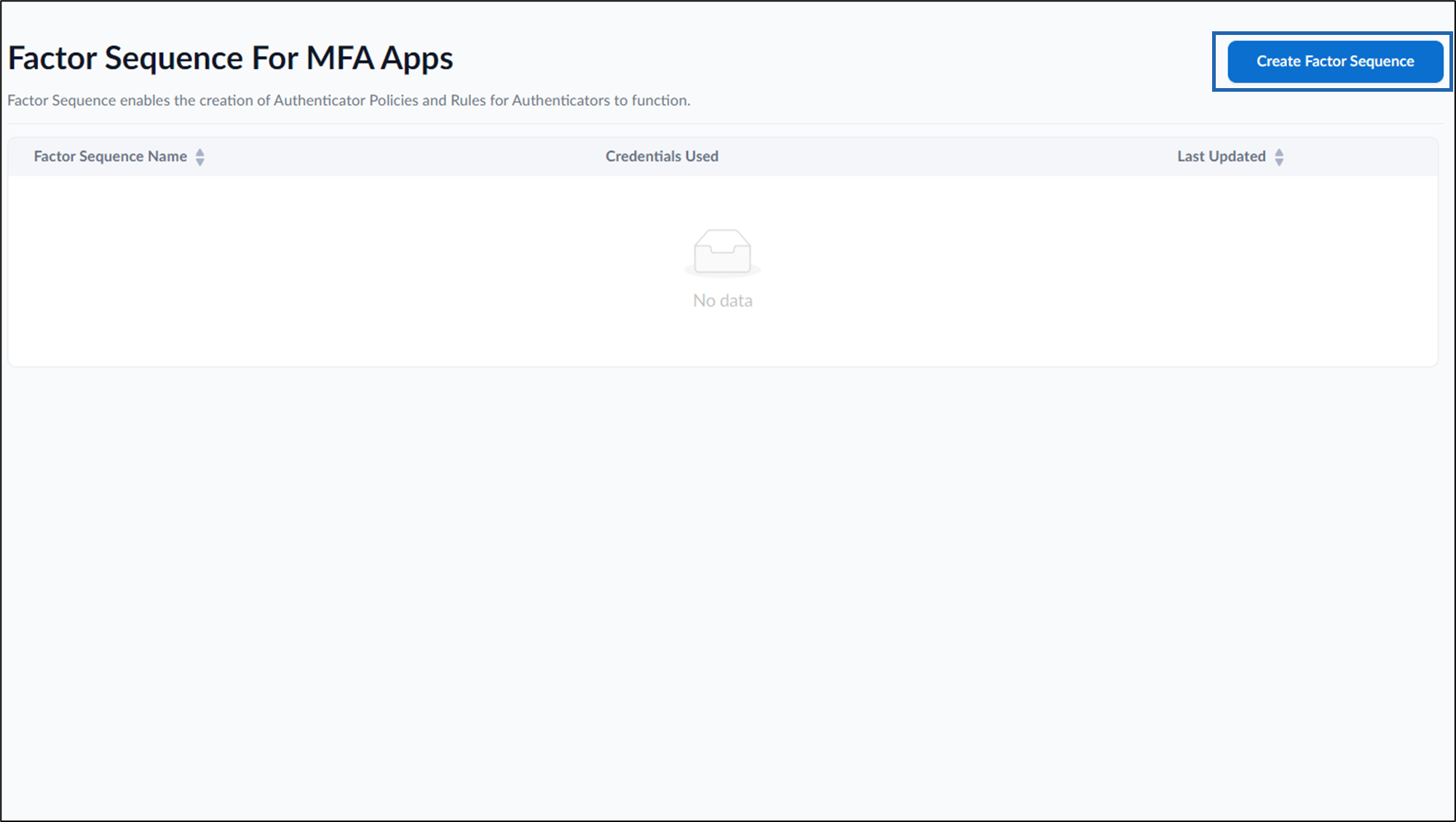
- Click Create Factor Sequence in the top right.
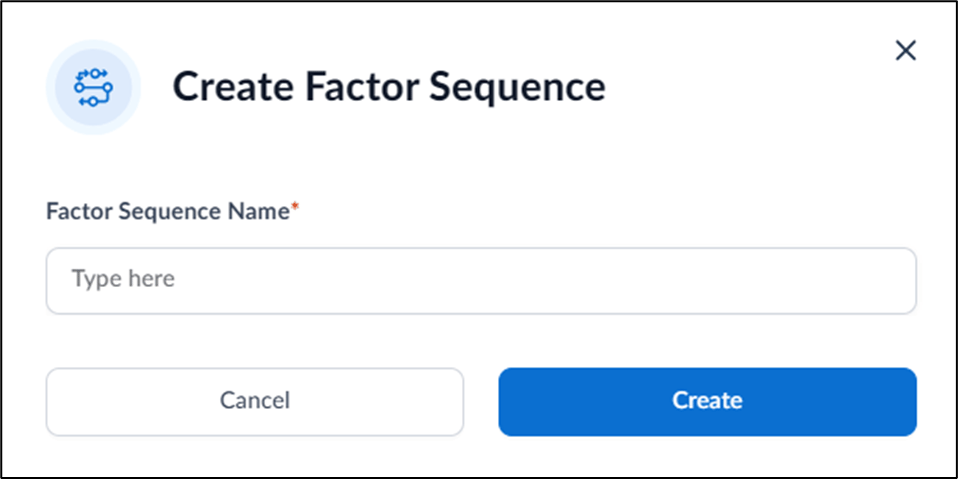
- Enter Factor Sequence Name in the text field.
- Click Create. The Factor Sequence is created and the configuration page is displayed.
- Do the following to configure Factor Sequence:
- Configure Details tab
- Configure Policy Rules tab The Factor Sequence is configured.
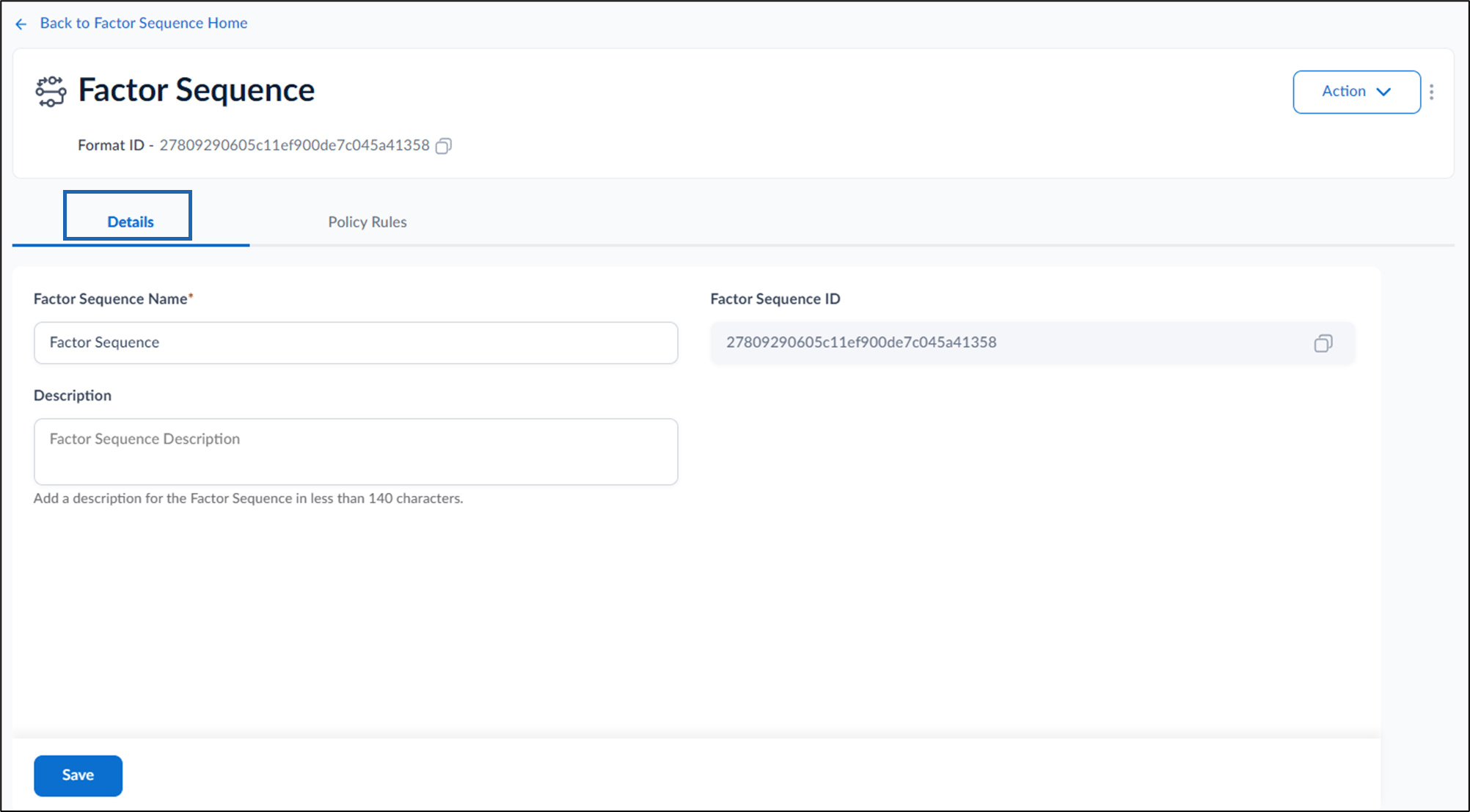
Configure Details Tab
- Enter Factor Sequence Name.
- Enter Factor Sequence Description.(Optional)
- Click Save.
Configure Policy Rules Tab
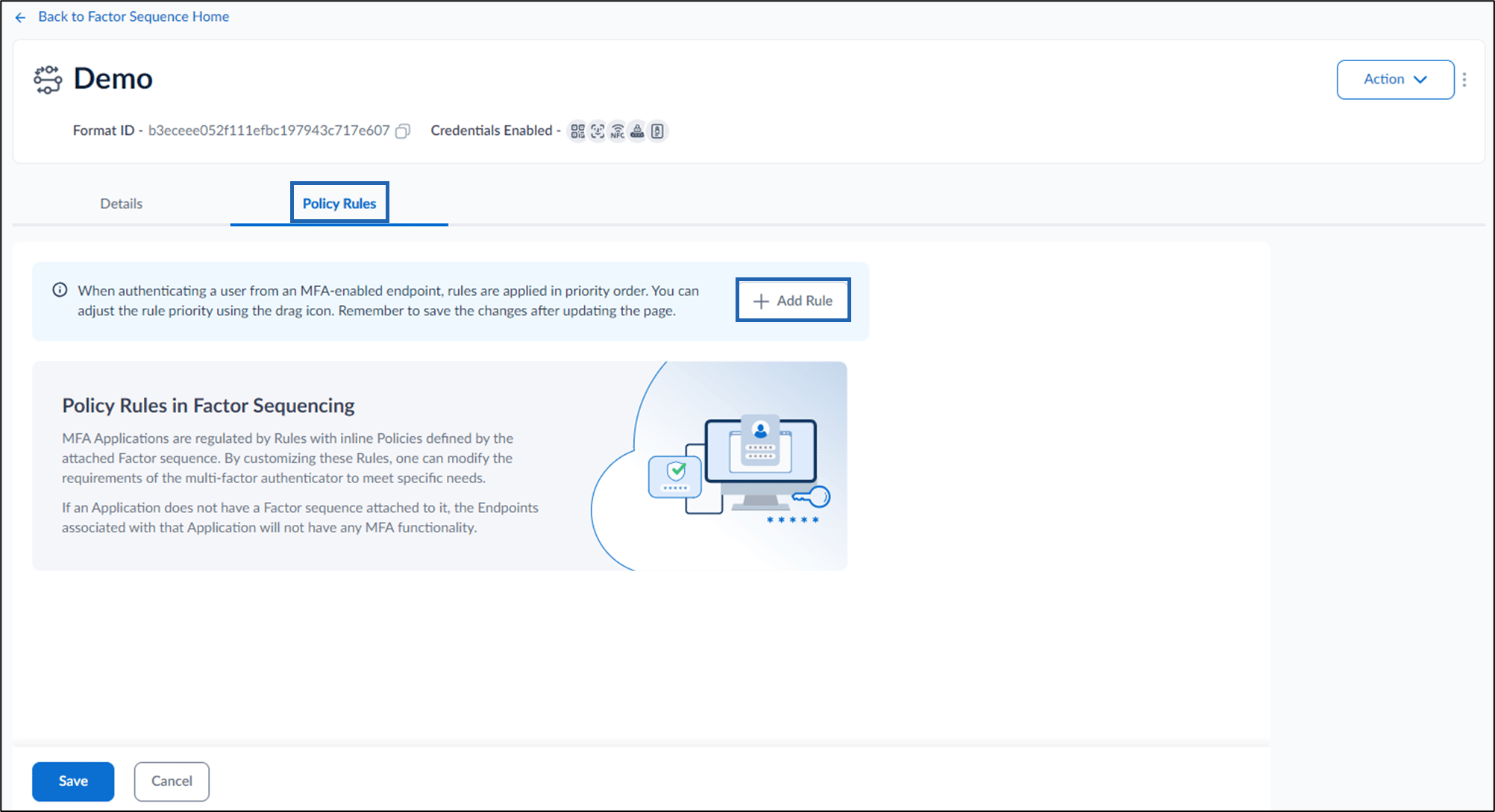
- Go to Policy Rules > Add Rule to create a new policy rule.
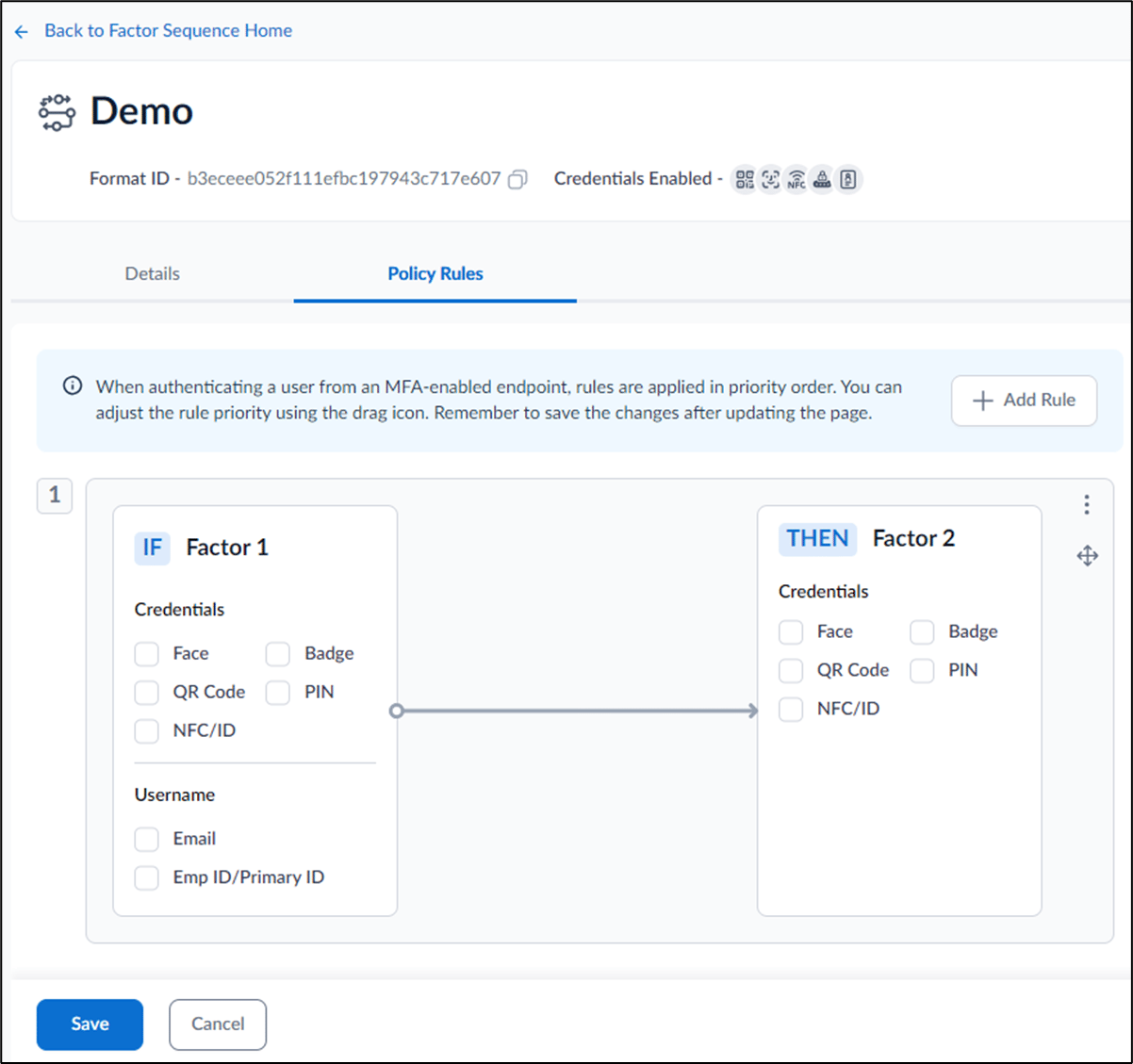
- Select preferred credentials under Factor 1 and Factor 2.
- Click Save. The Policy Rules is saved Successfully. For detailed instructions, refer How to add Policy Rules for Factor Sequencing