Introduction
The Windows Shared Passwords Report provides detailed information about shared credentials configured for Windows endpoints. This document walks you through the steps to access and download the report from the Insights Dashboard in the Tenant Admin Portal.Prerequisite
You must have admin access to the Tenant Admin Portal.Steps to Download Windows Shared Passwords Report
- Log in to the Tenant Admin Portal. To login refer, Tenant Admin Portal - How to Log in to the Tenant Admin Portal.
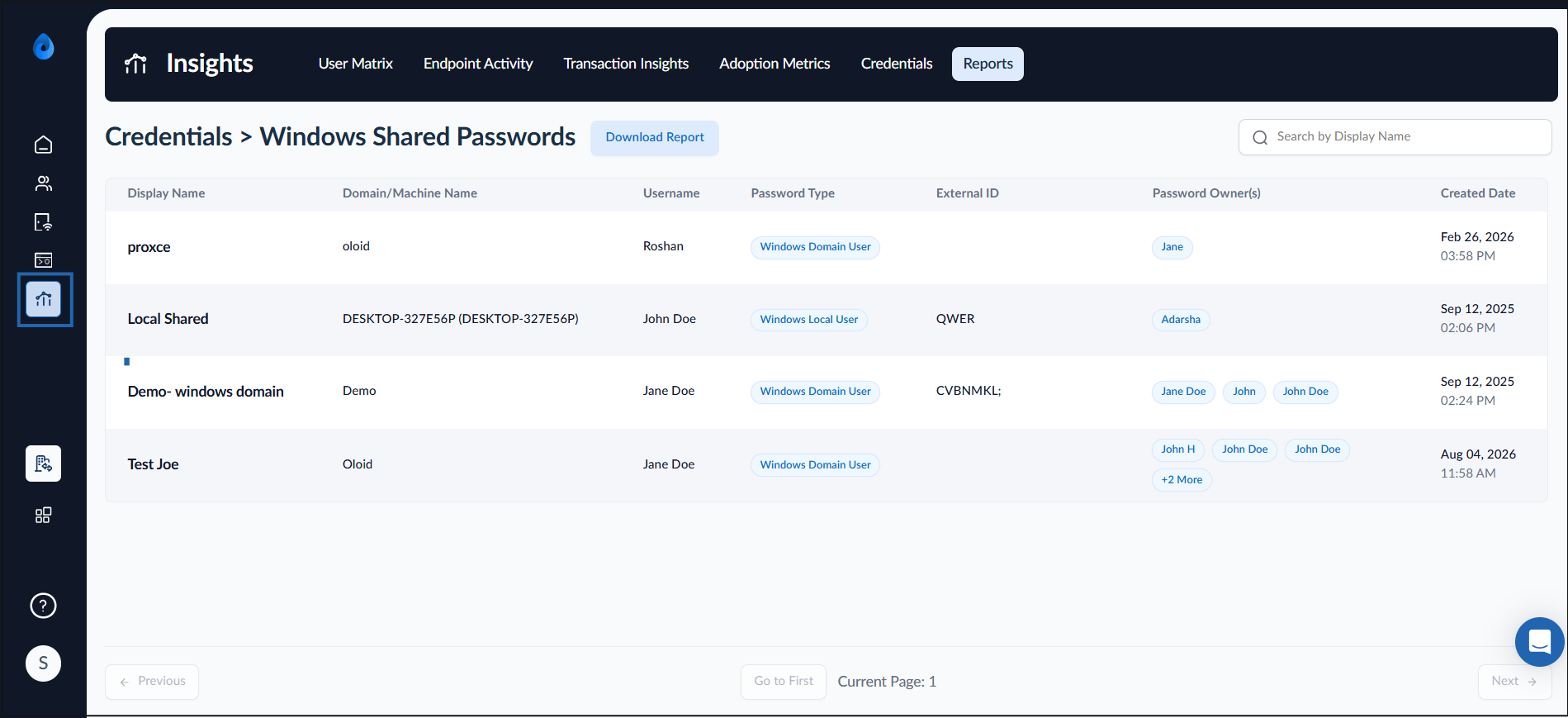
- From the left navigation menu, click Insights.
The Insight dashboard screen is displayed.
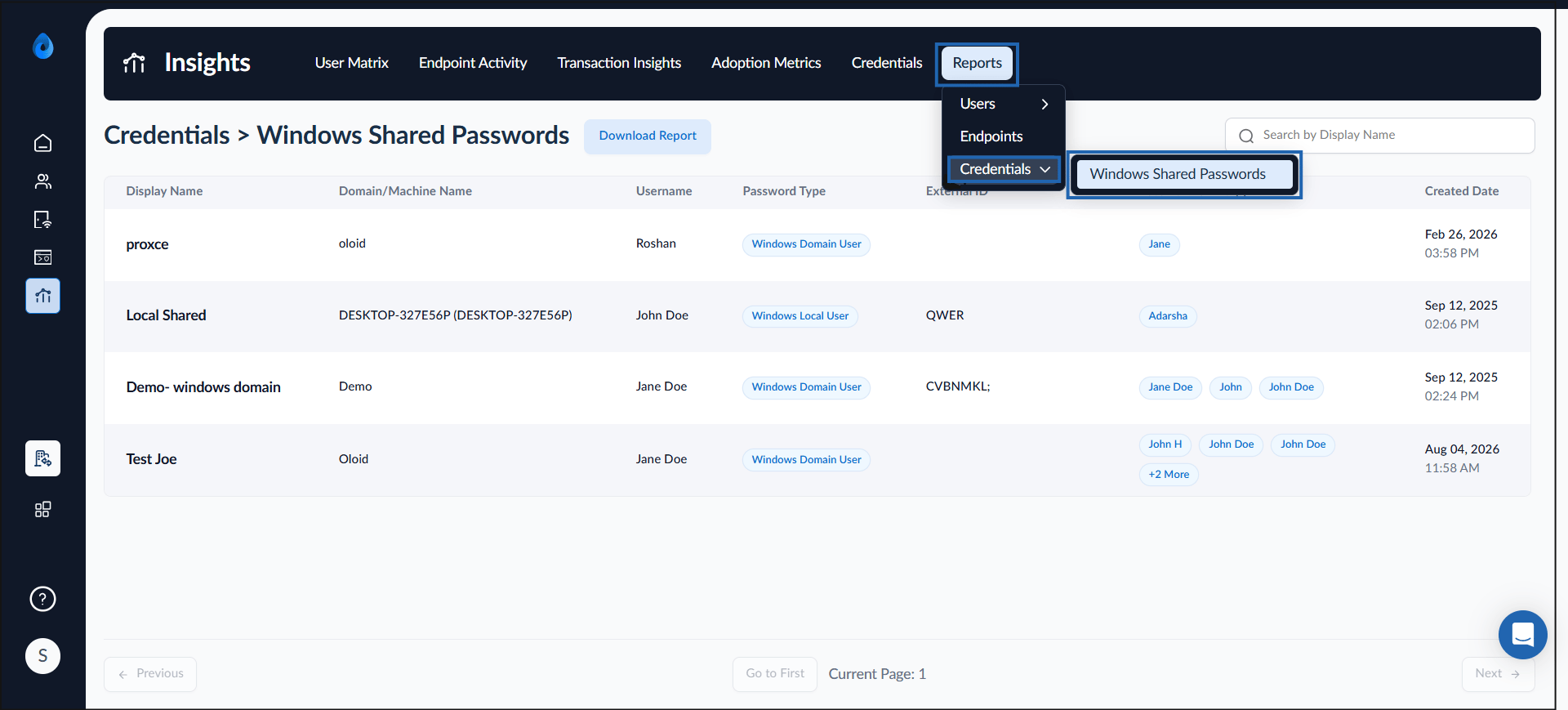
- Select Reports tab > Credentials > Windows Shared Passwords.
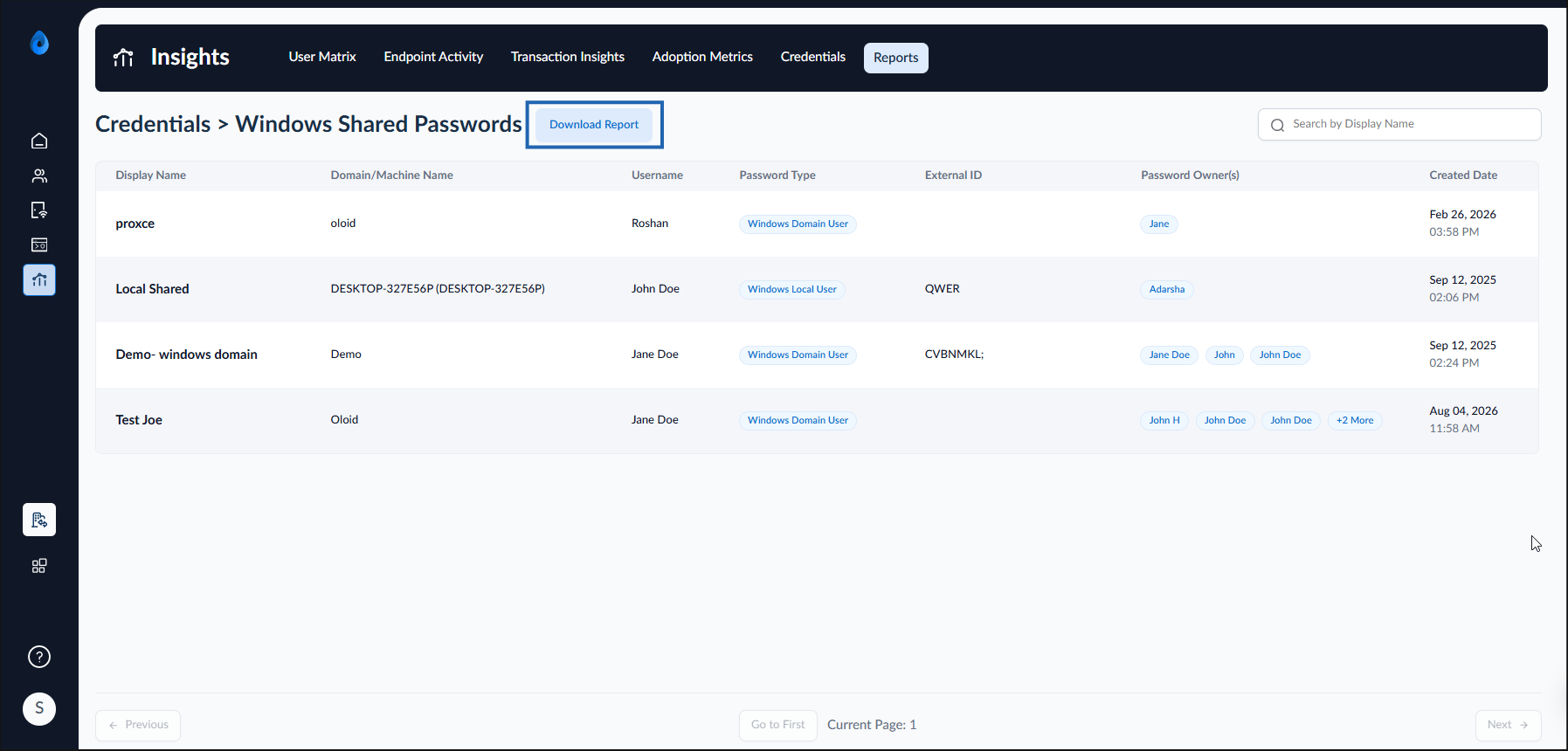
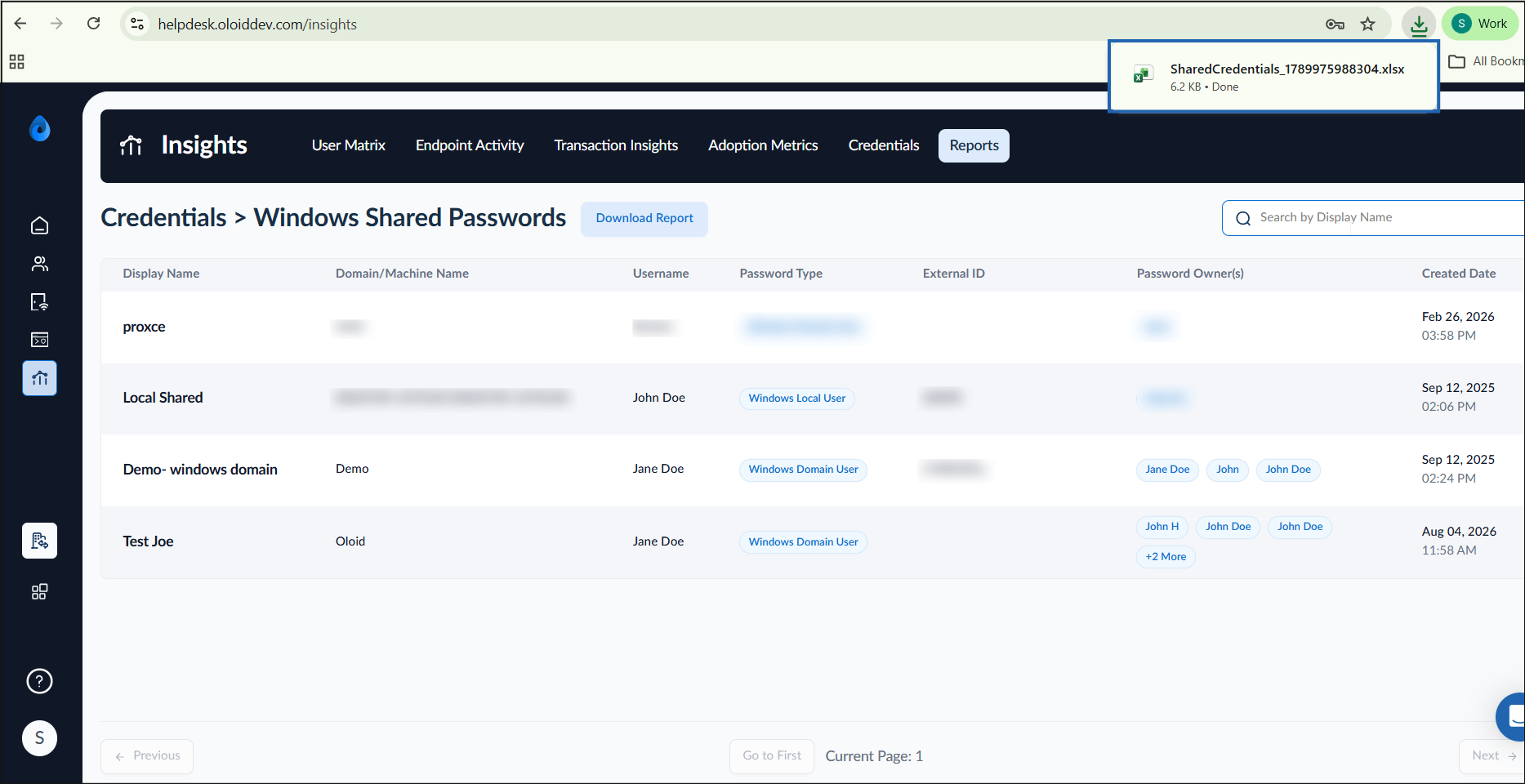
- Click Download Report.