

Pre-requisite
Shared credential must be already created. To create shared credential for domain user, read How to create shared credential for domain users. To assign shared credential to an endpoint:- Log in to the Oloid Portal.
- On the Home page of the portal, click Endpoints on the left panel menu.
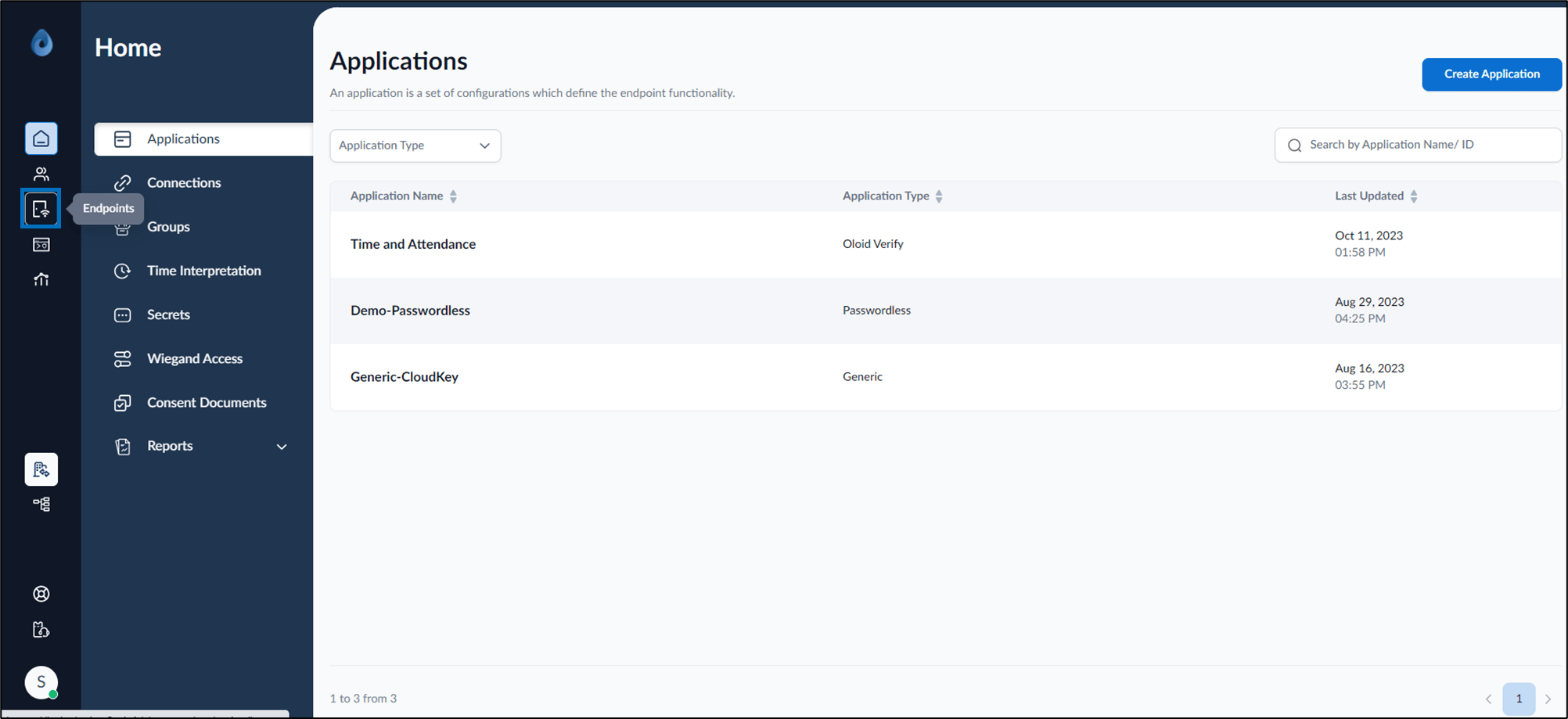
- Click on an endpoint name to edit from the listed endpoints.


- Go to Settings tab> Shared Credentials> +Assign Shared Credential.

- On the pop-up box, select Domain Shared Credential(s) from the drop-down list.

- Select Assign.
The domain shared credential is successfully assigned to the endpoint.
