

Introduction
This document provides instructions to remove one or more endpoints from a group in the Tenant Admin Portal.Prerequisites
- You must have admin access to the Tenant Admin Portal.
- Ensure that the endpoints are already added to the group.
Steps to Remove Endpoint from Group
- Log in to the Tenant Admin Portal.
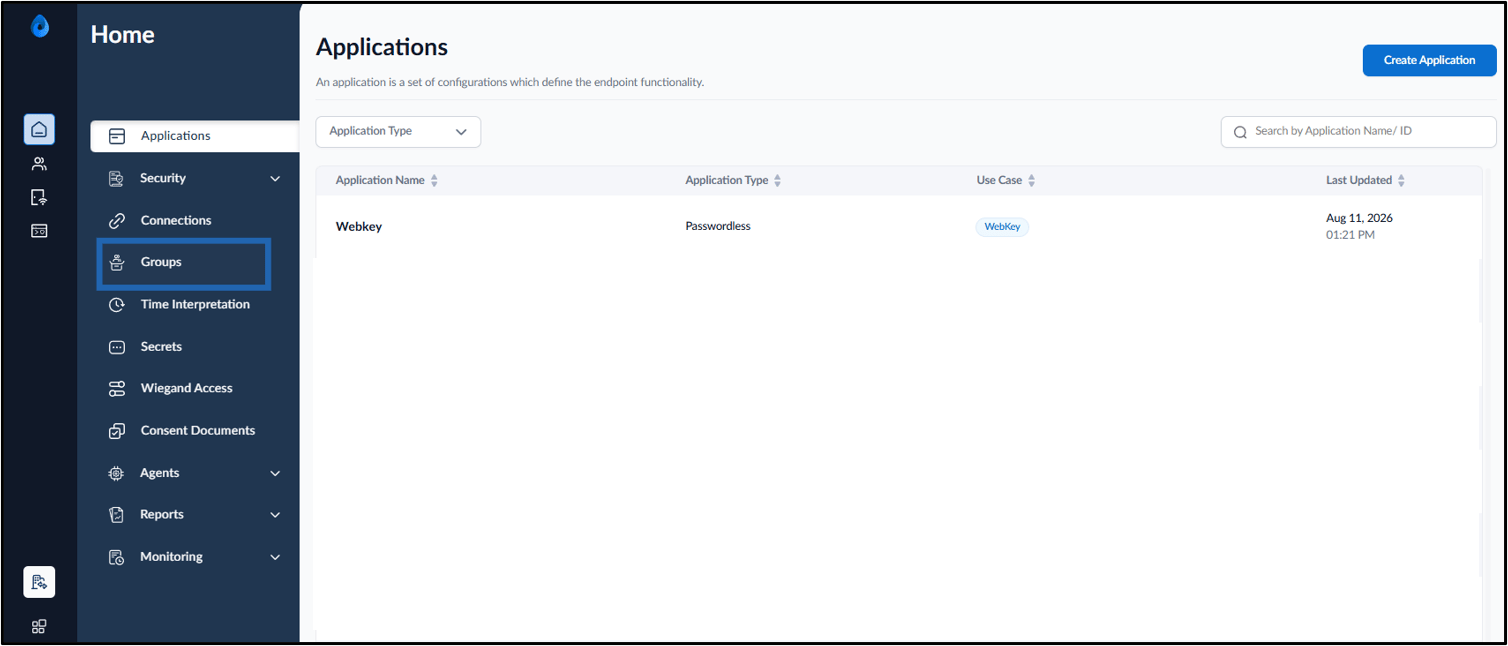
- On the home page, click Groups on the left panel menu.
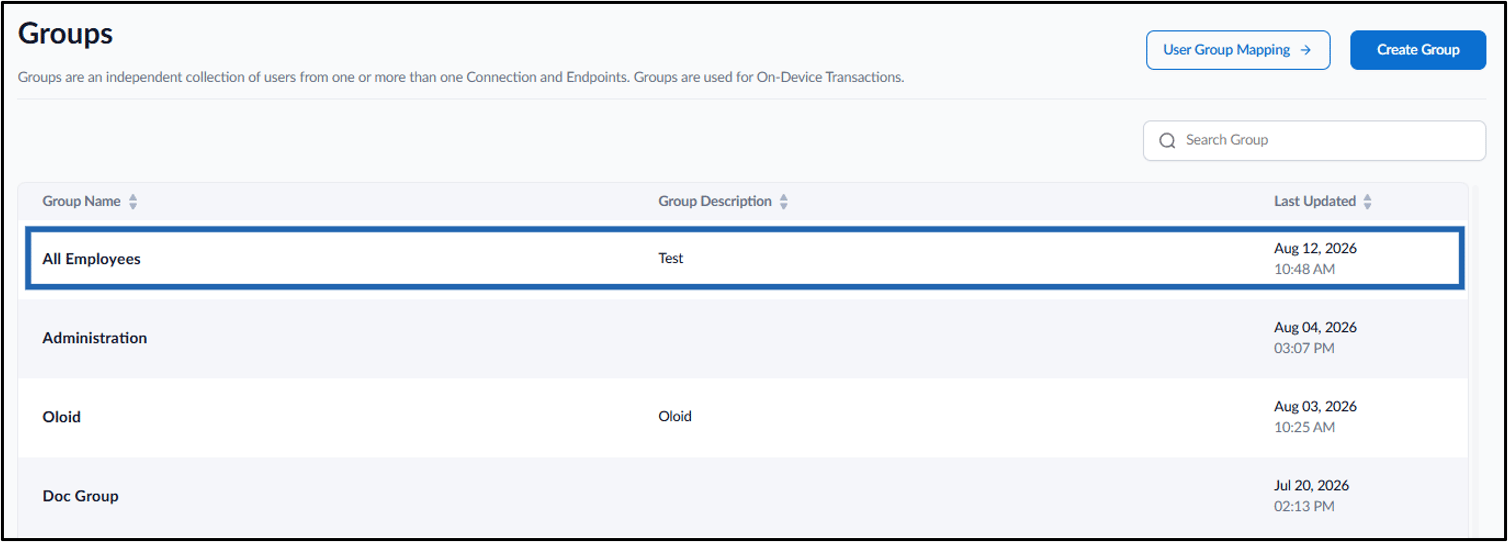
- Click the preferred group.

- Click Endpoints tab and do the following:
-
Select the endpoint(s) to remove from the group.
Note: If needed, you can select multiple endpoints to delete from group.
-
Click Delete icon.

-
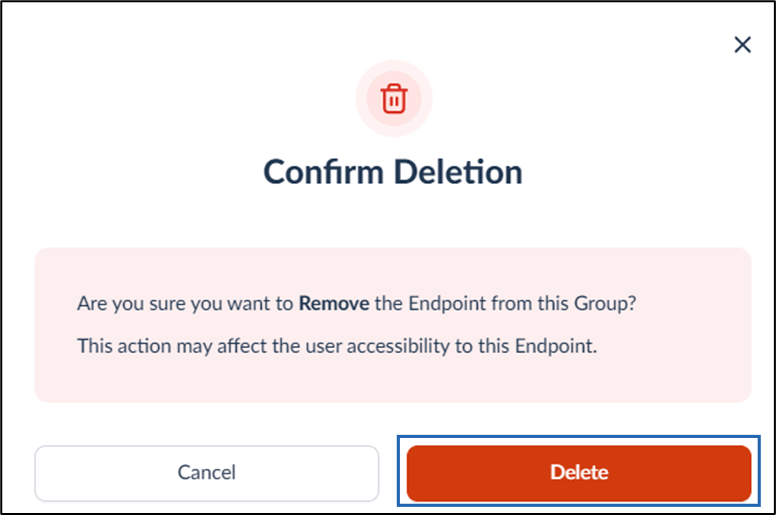
Click Delete.

-
Select the endpoint(s) to remove from the group.