Introduction
This document provides instructions to create a Wiegand configuration in the Tenant Admin Portal.Prerequisite
You must have admin access to the Tenant Admin Portal.Steps to Create Wiegand
- Log in to the Tenant Portal.
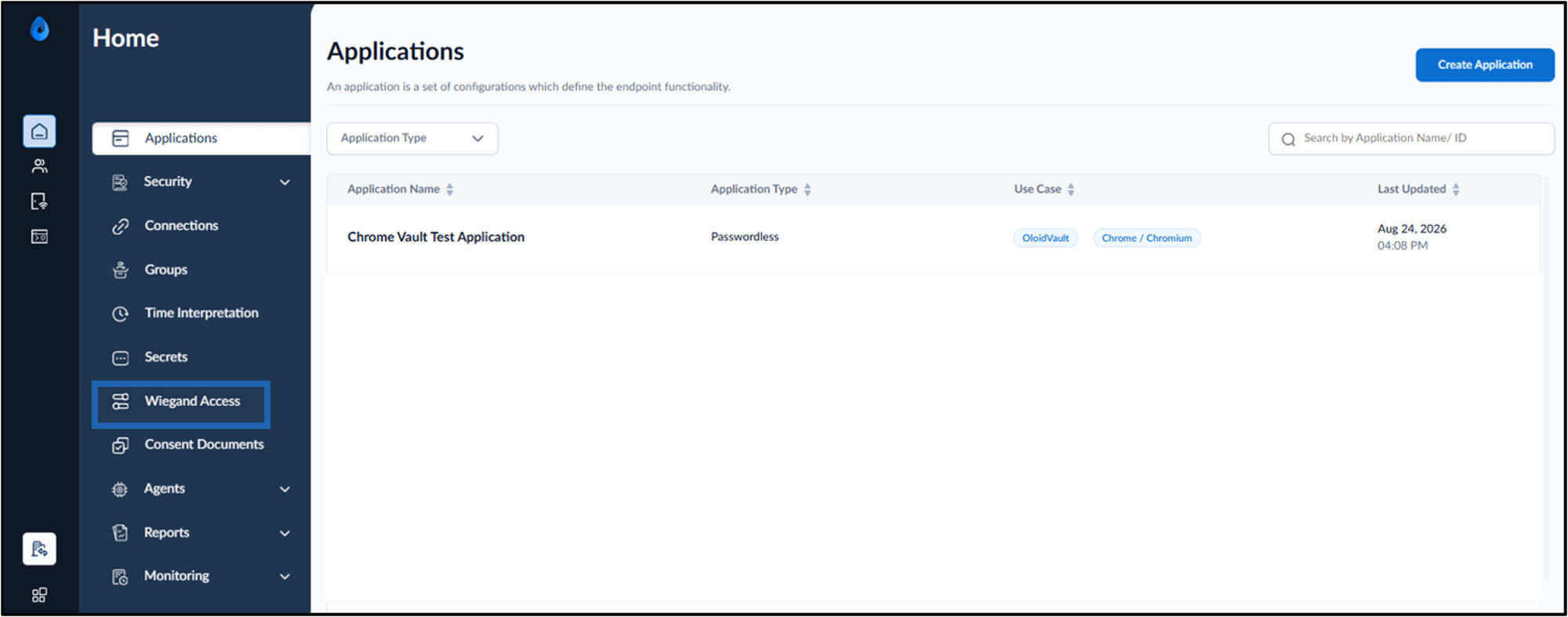
- On the home page, click Wiegand Access on the left menu panel.
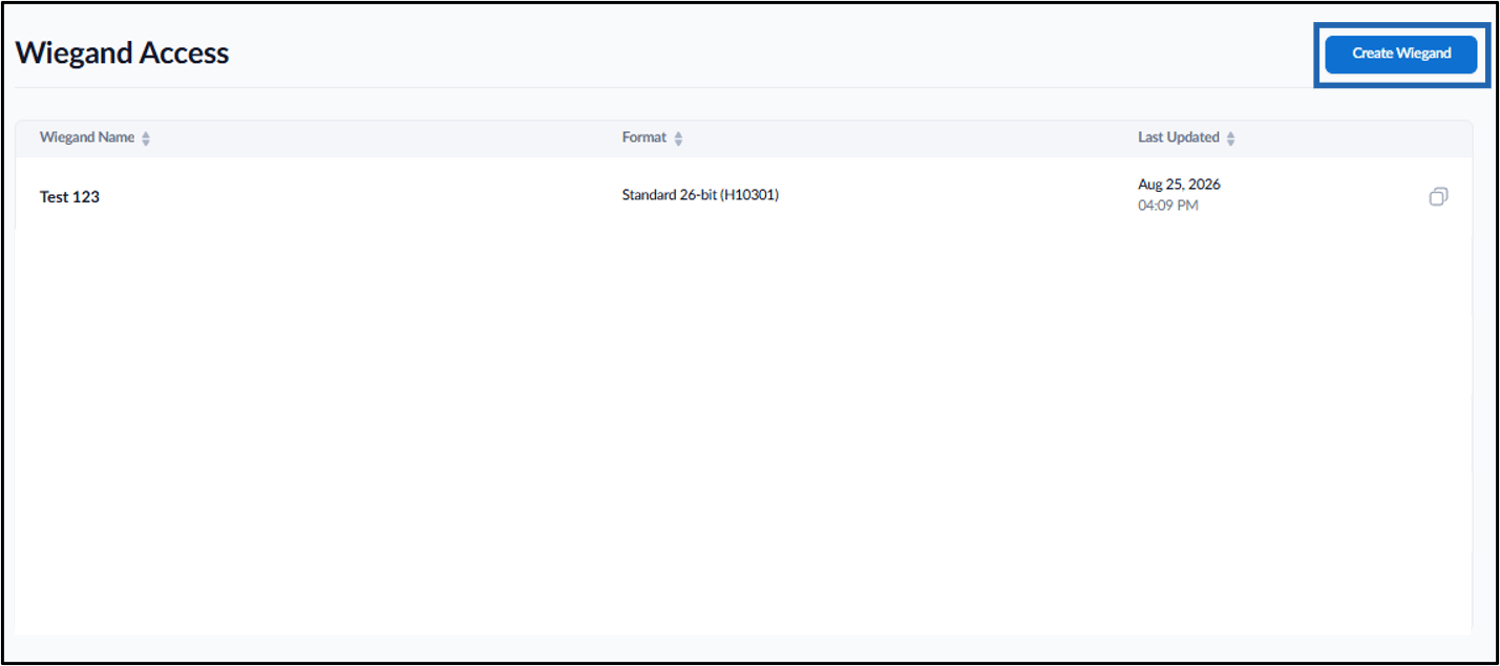
- Click Create Wiegand.
- Do the following:
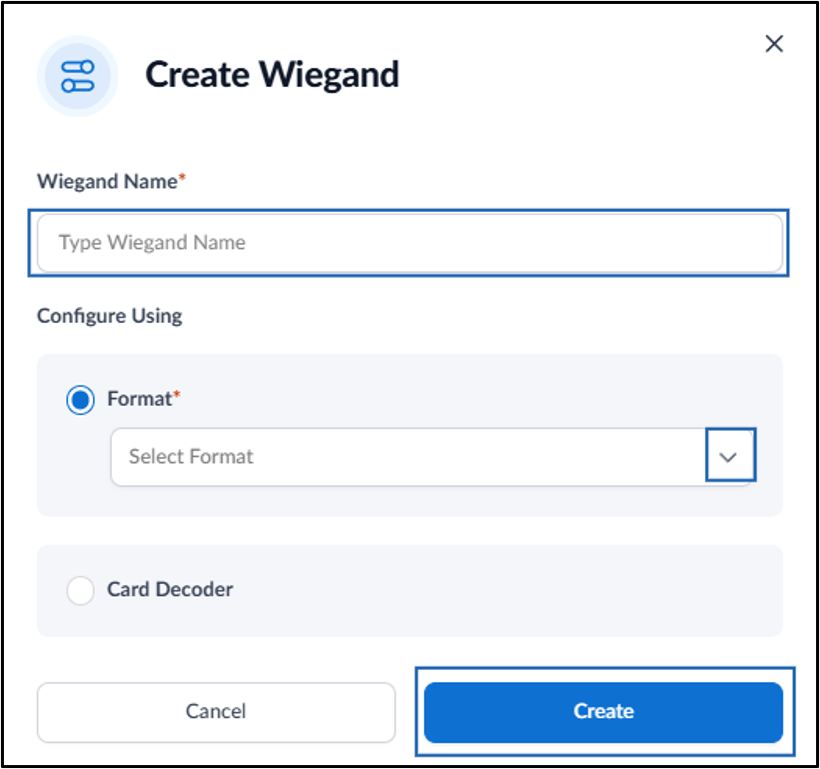
- Enter Wiegand Name.
-
Under Configure Using, select Format.
Note: To configure Wiegand using the Card Decoder option, contact Oloid Support.
- Select the Wiegand format from the Select Format drop-down list.
-
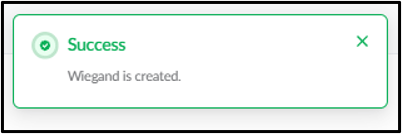
Click Create.