Introduction
The Legal Documents feature allows Tenant Admins to upload and manage legal documents in the Tenant Admin Portal. Admins can upload a document and specify its title, version, and language, making it easier to organize and maintain different versions of legal documents for use within the platform.Prerequisites
- You must have a Tenant Admin account.
- Ensure the Legal Document PDF is ready for upload.
Steps to create Legal Document
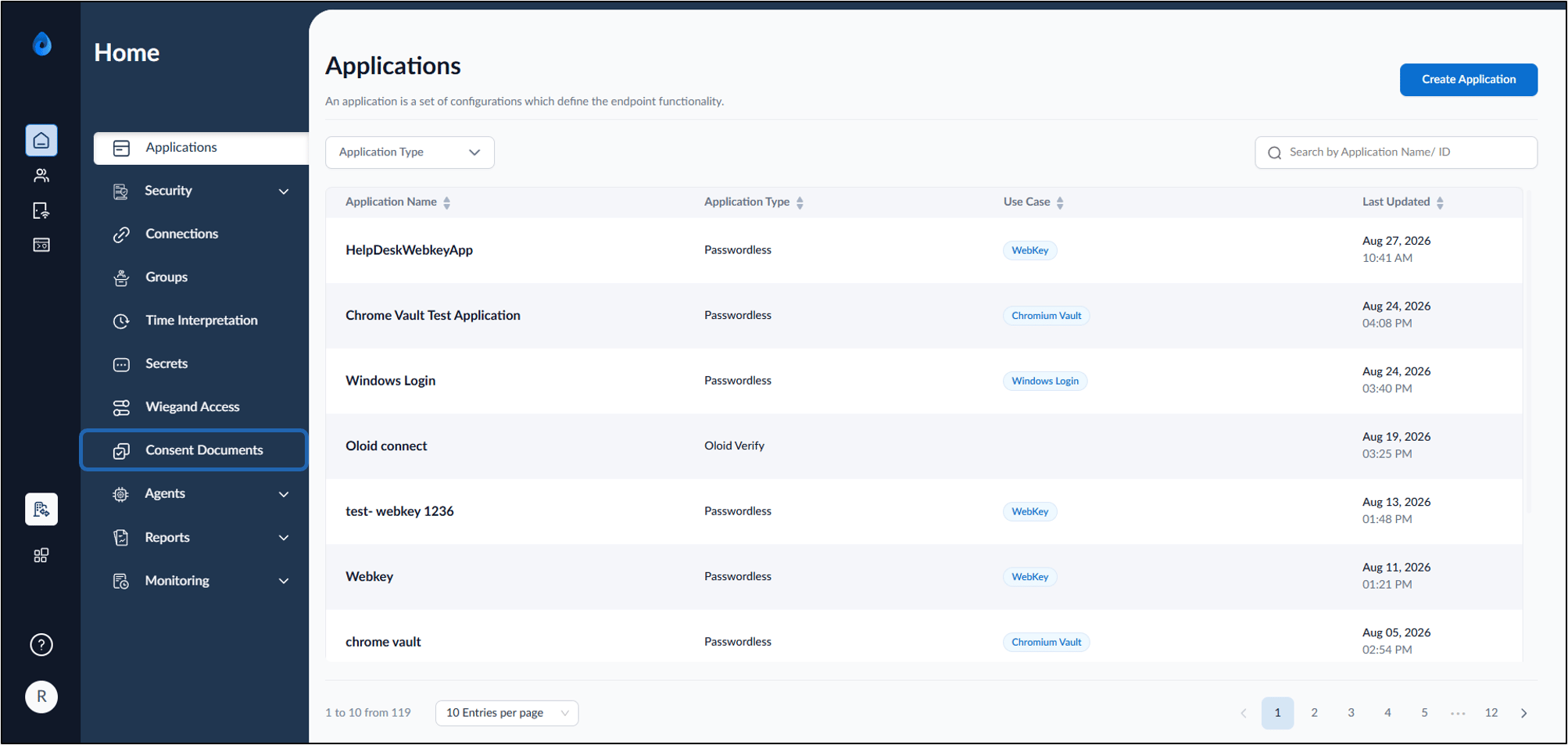
- Log in to the Tenant Admin Portal.
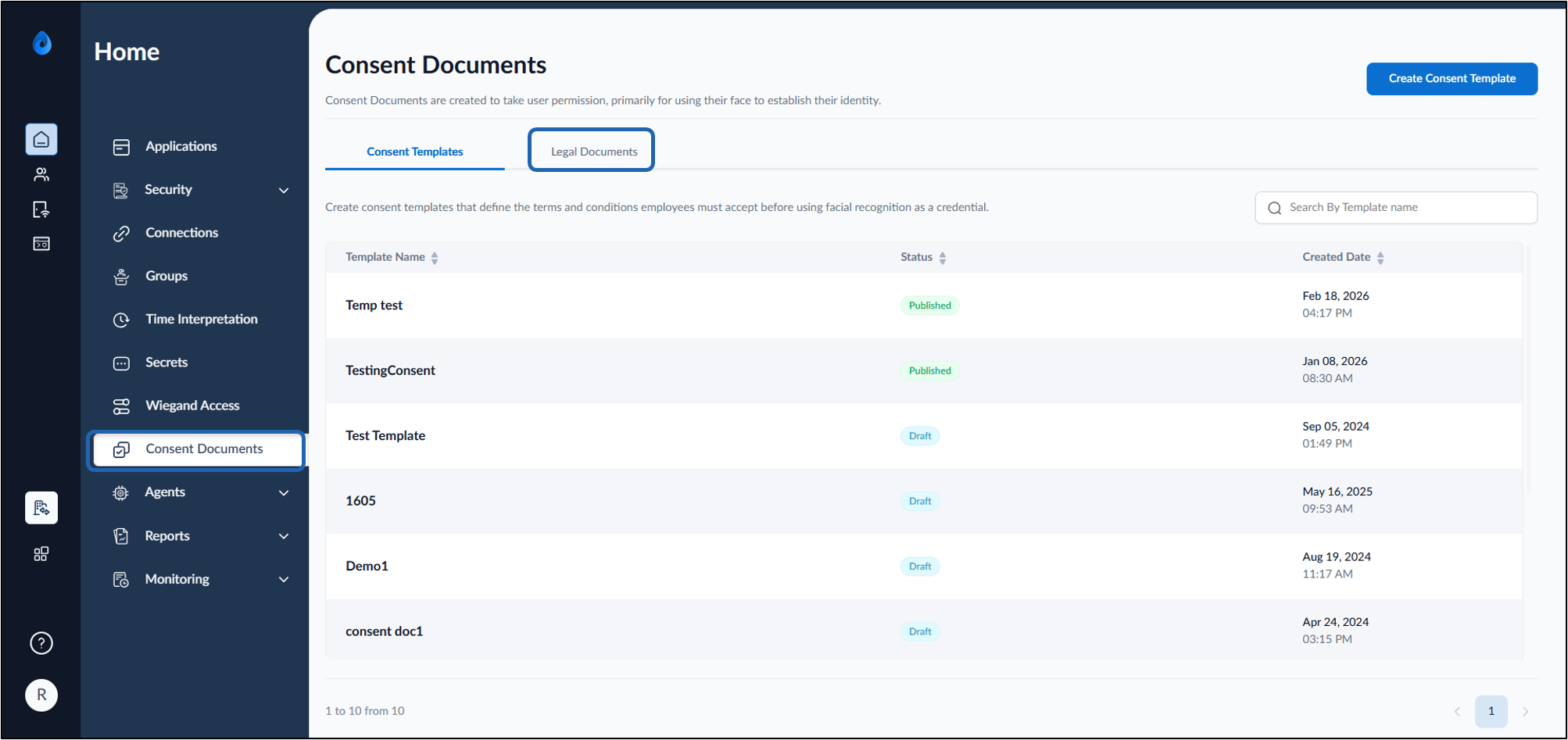
- On the home page of the portal, click Consent Documents on the left menu panel.
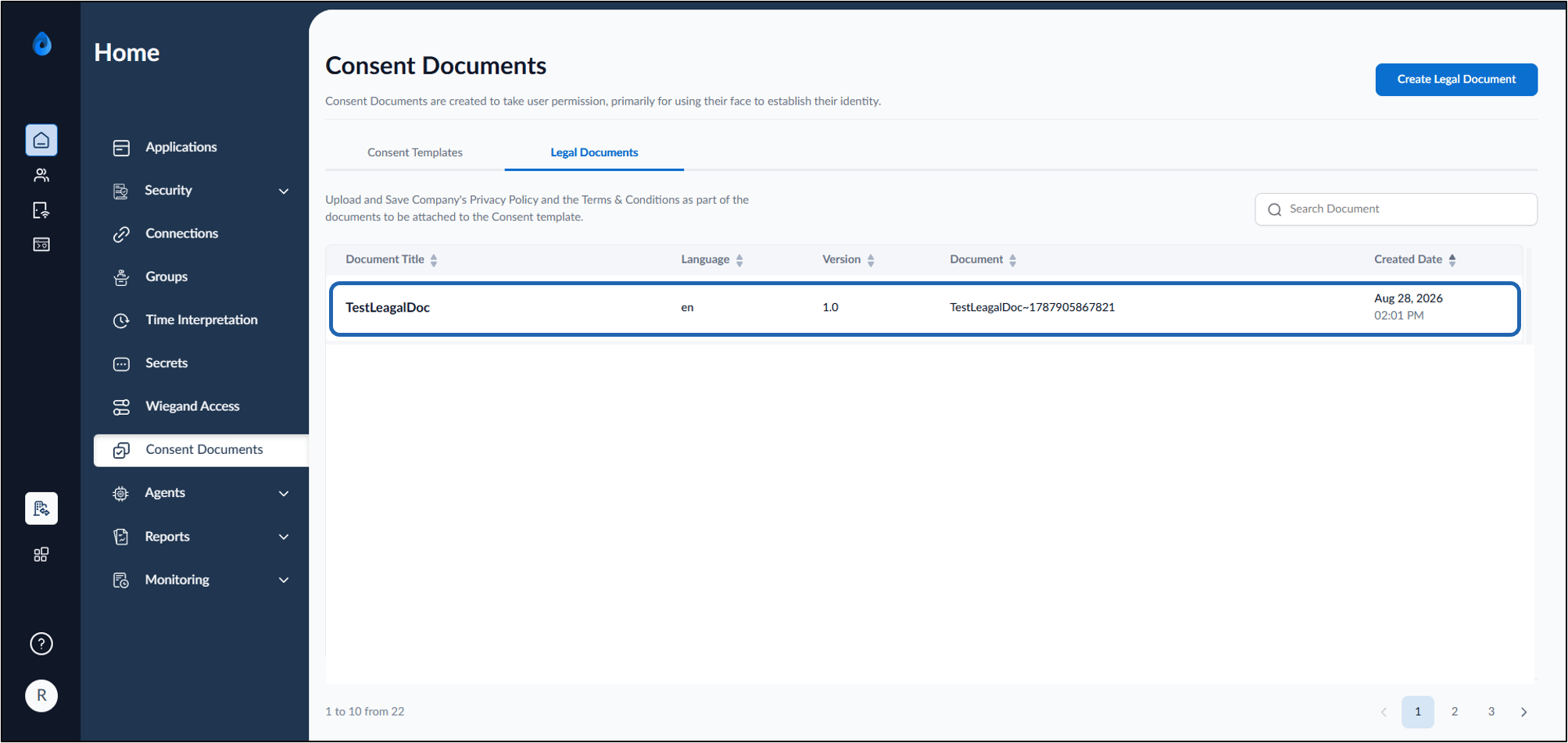
- On the Consent Documents page, click Legal Documents tab.
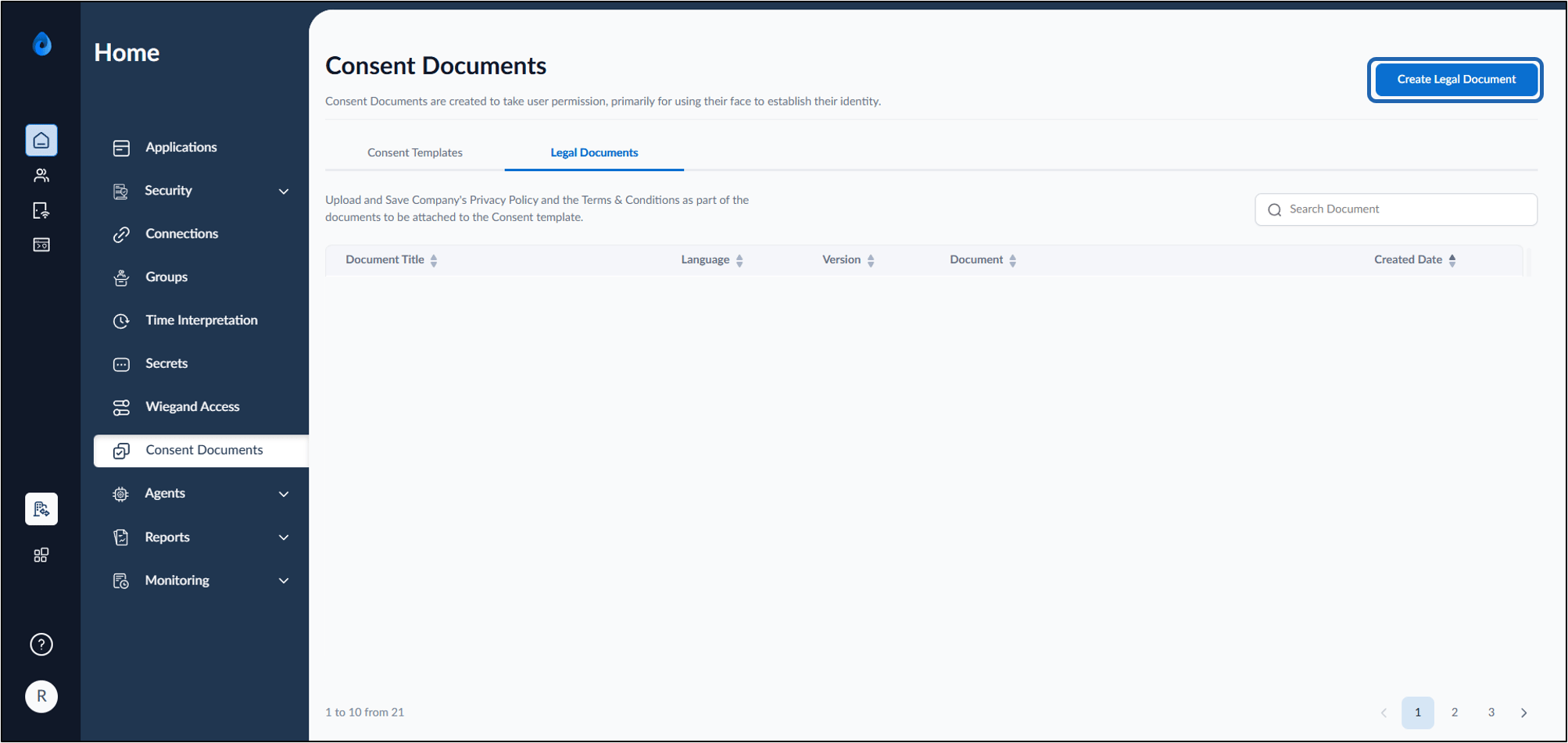
- Click Create Legal Document.
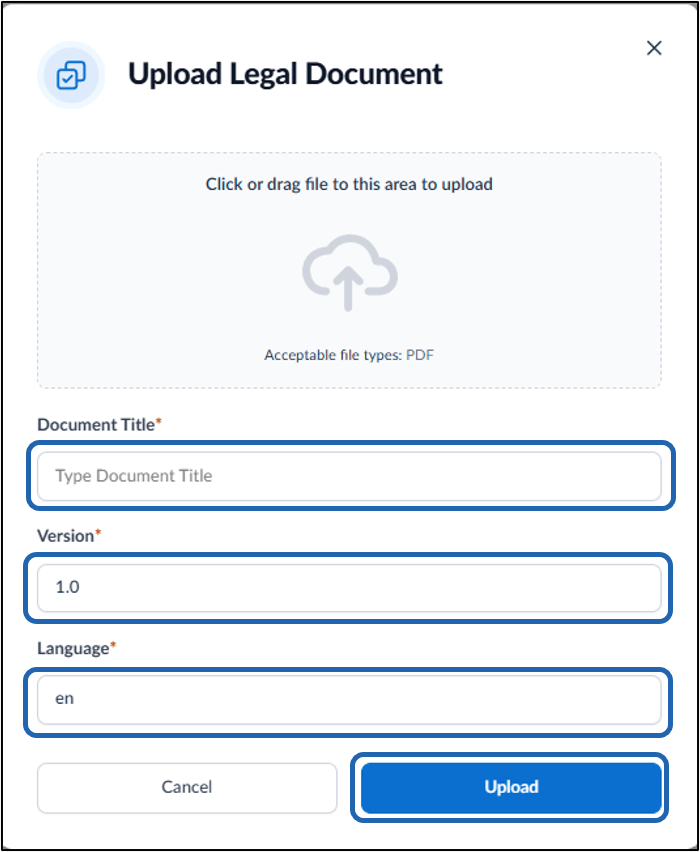
- On the pop-up box, do the following:
- Click to browse the file or drag and drop the file to upload.
- Enter Document Title.
- Enter Version.
- Enter Language.
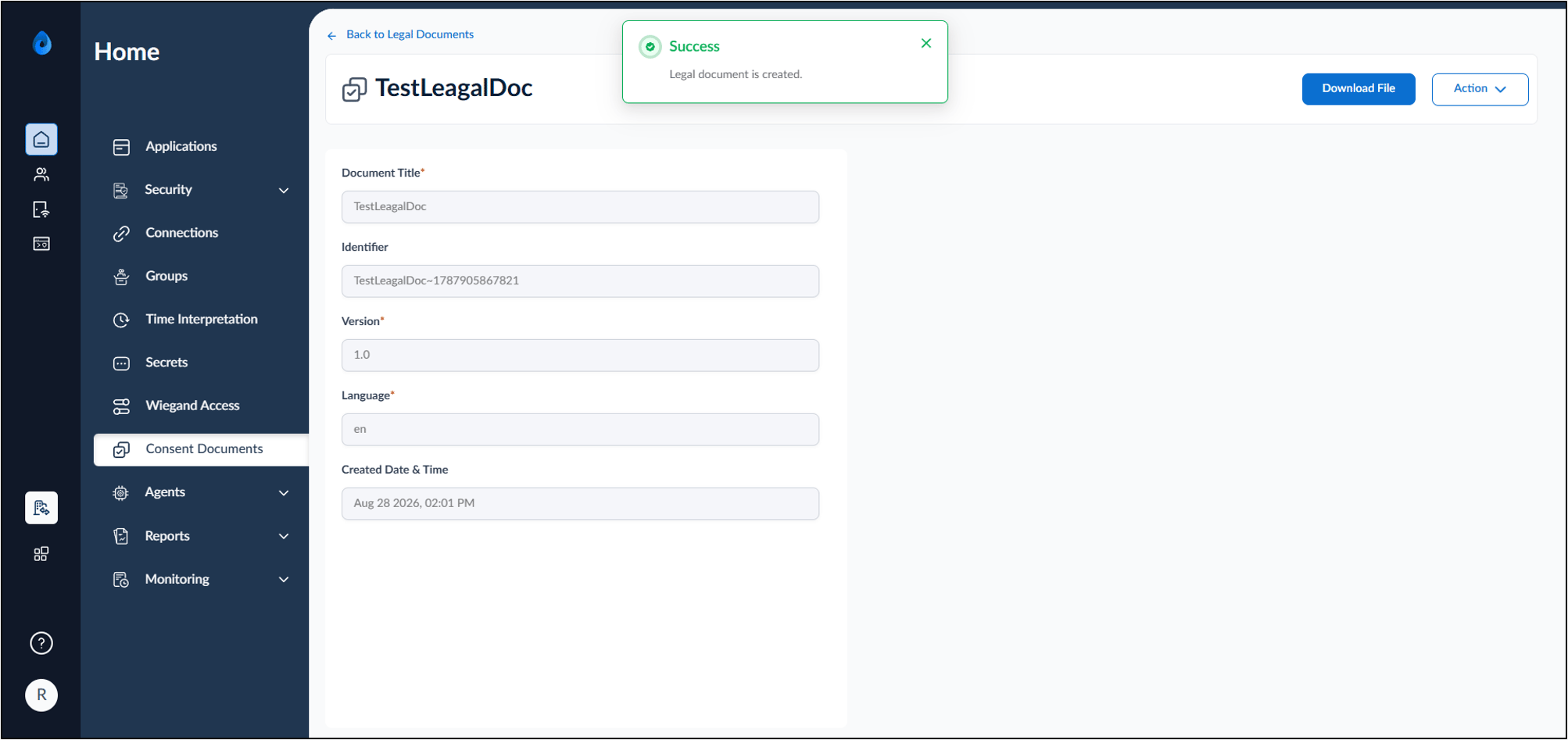
- Click Upload.