Introduction
This document provides instructions to log in to the Tenant Admin Portal using your Oloid account credentials.Prerequisite
You must be a user with Tenant Admin role.Steps to log in to the Tenant Admin Portal
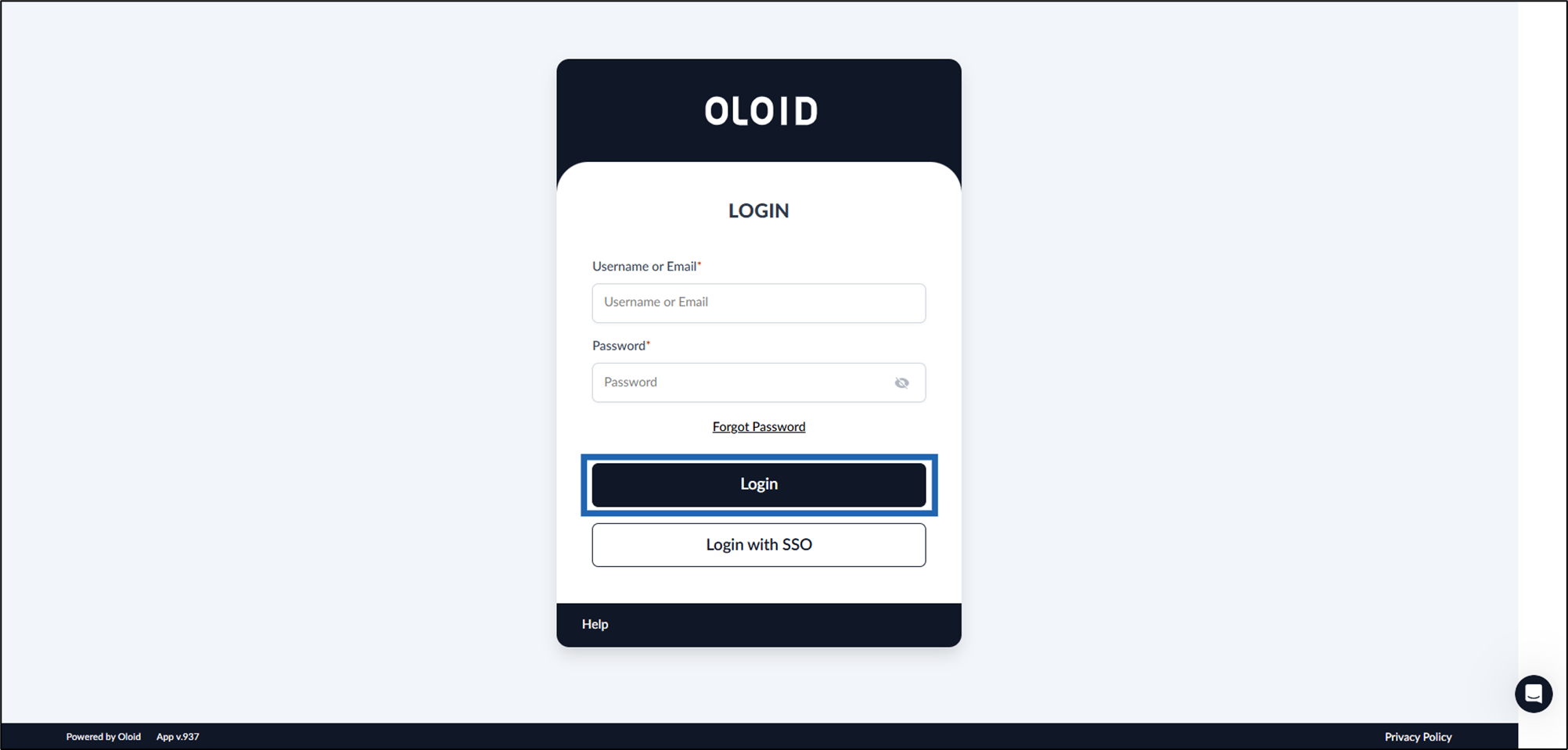
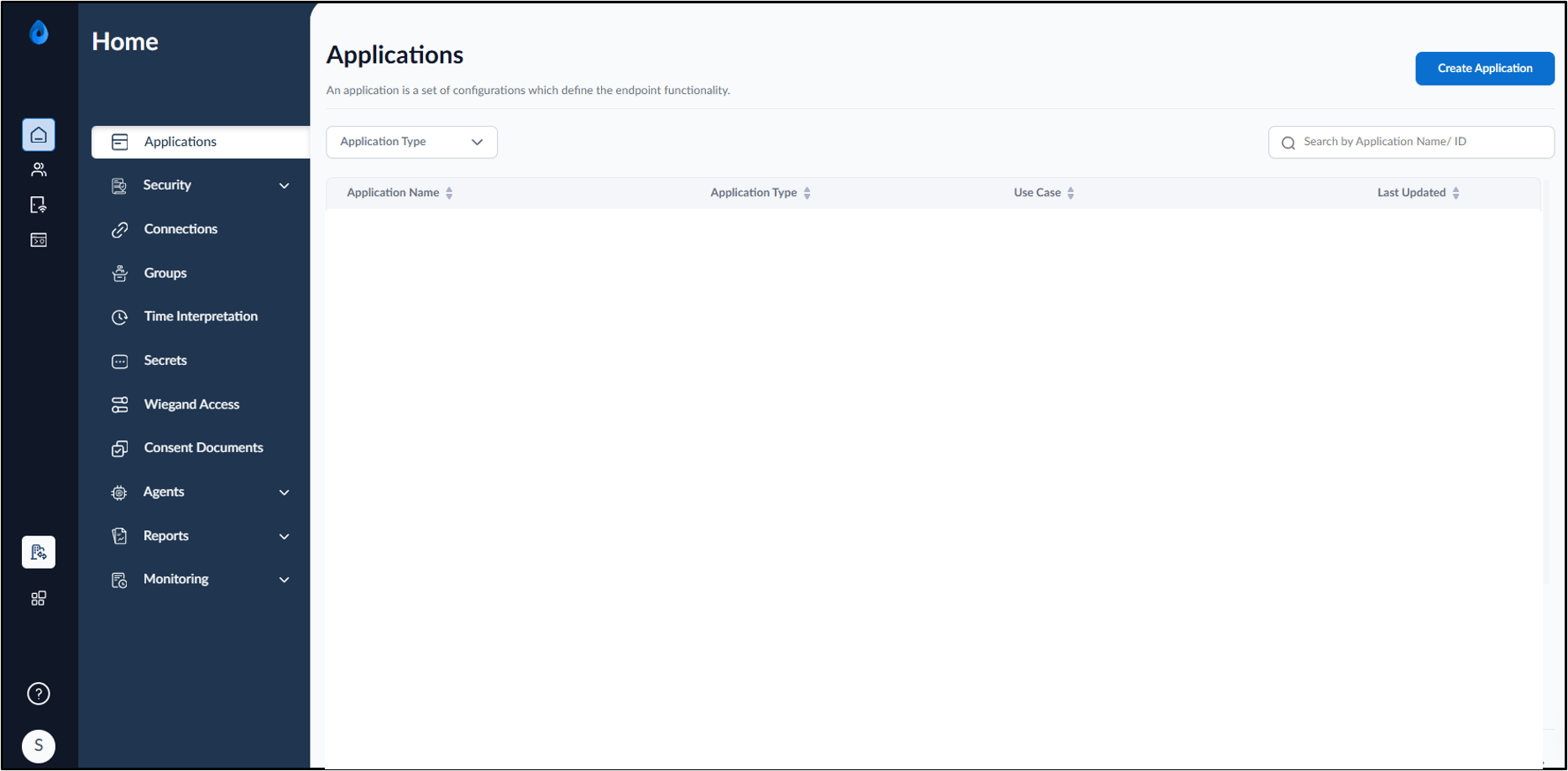
- Enter the URL provided for you in the browser’s address bar, and then press Enter. The Tenant Admin Portal Login page is displayed.
- Do the following:
- Enter your Username or Email.
- Enter Password.
-
Click Login.
Note: You can also log in to the Tenant Admin Portal using a configured SSO or passwordless authentication method, such as, Google, Microsoft, Okta, PingOne, Auth0, Duo SSO, Personal Passkey, Webkey SSO with your Email account.