Introduction
The API Key allows admin to securely authenticate and integrate external applications with the Oloid platform. Using the Tenant Admin Portal, you can easily generate an API key for authorized system-to-system communication.Prerequisite
You must have Tenant Admin Access to generate an API key.Steps to Generate API Key
- Log in to the Tenant Admin Portal.
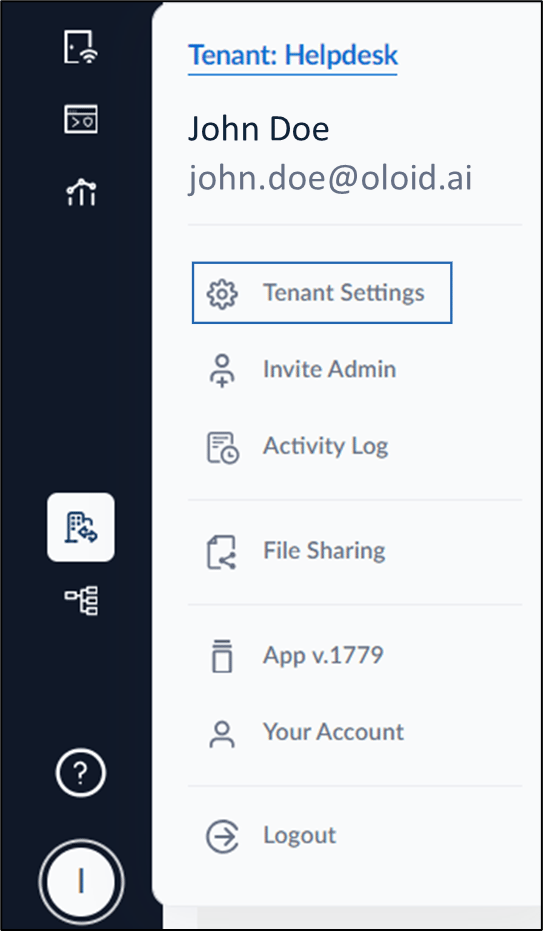
- On the homepage of the portal, click user profile icon on the bottom left corner of the menu panel.

- Click Tenant Settings.
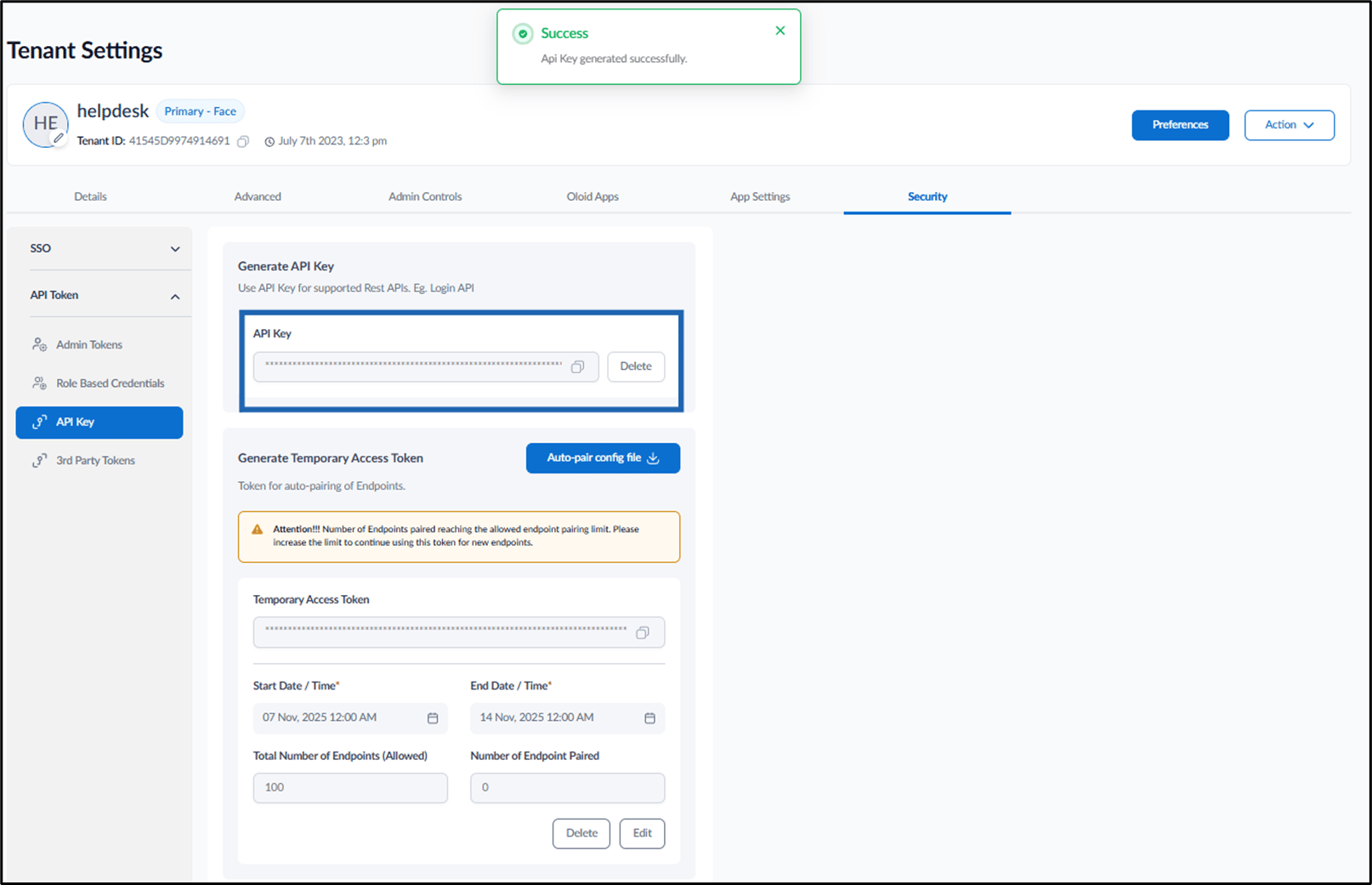
- Go to Security tab > API Token > API Key > click Generate.