Pre-requisite
Endpoint configuration for debugLog should be done in the Oloid portal.Upload logs to the app developer
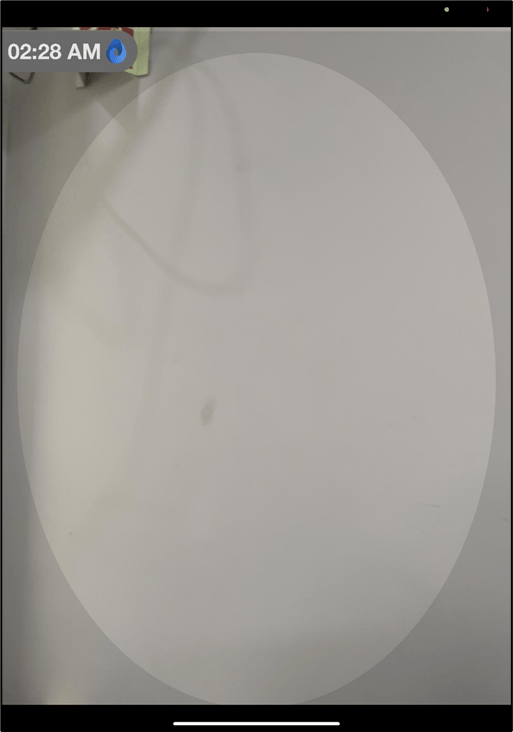
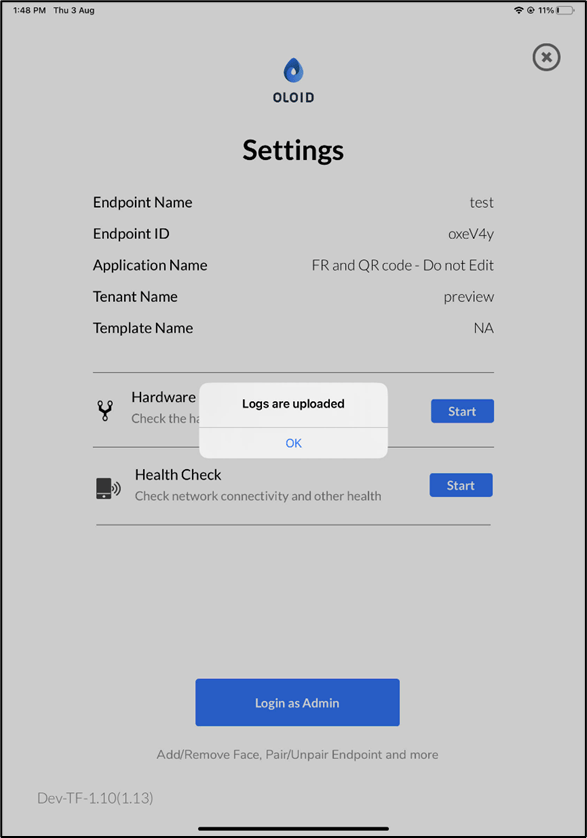
Steps to upload logs:- Launch the Oloid Verify app in preview mode.
- Double-tap the screen with two fingers to log into Admin mode.
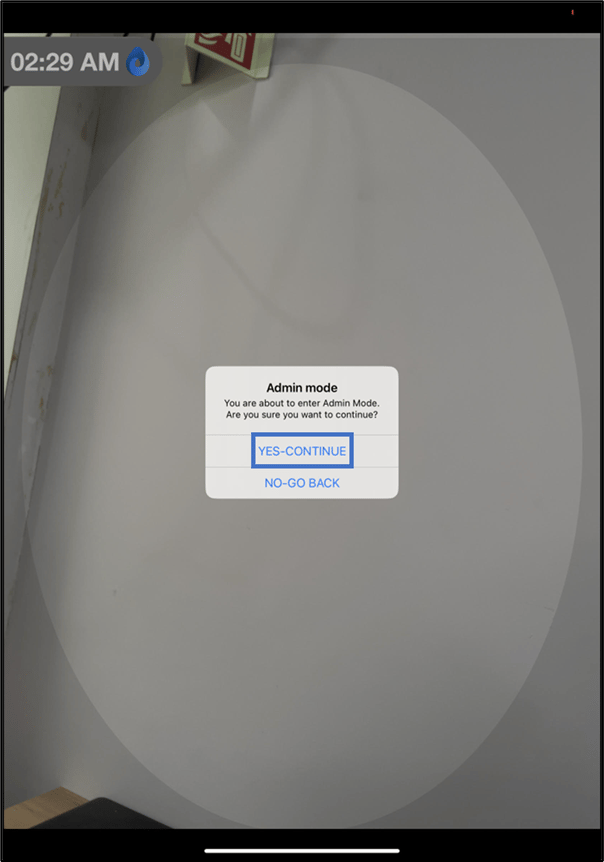
- Tap YES-CONTINUE.
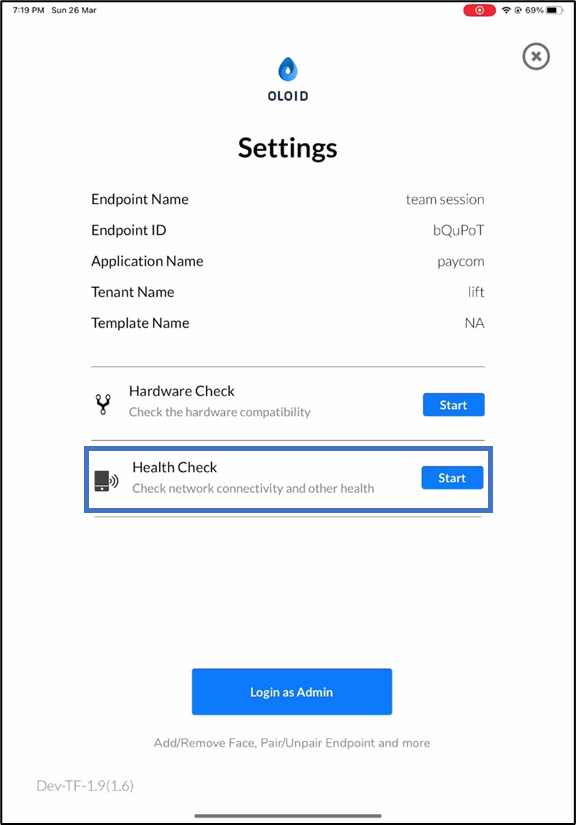
- Tap on Start button in the Health Check section.

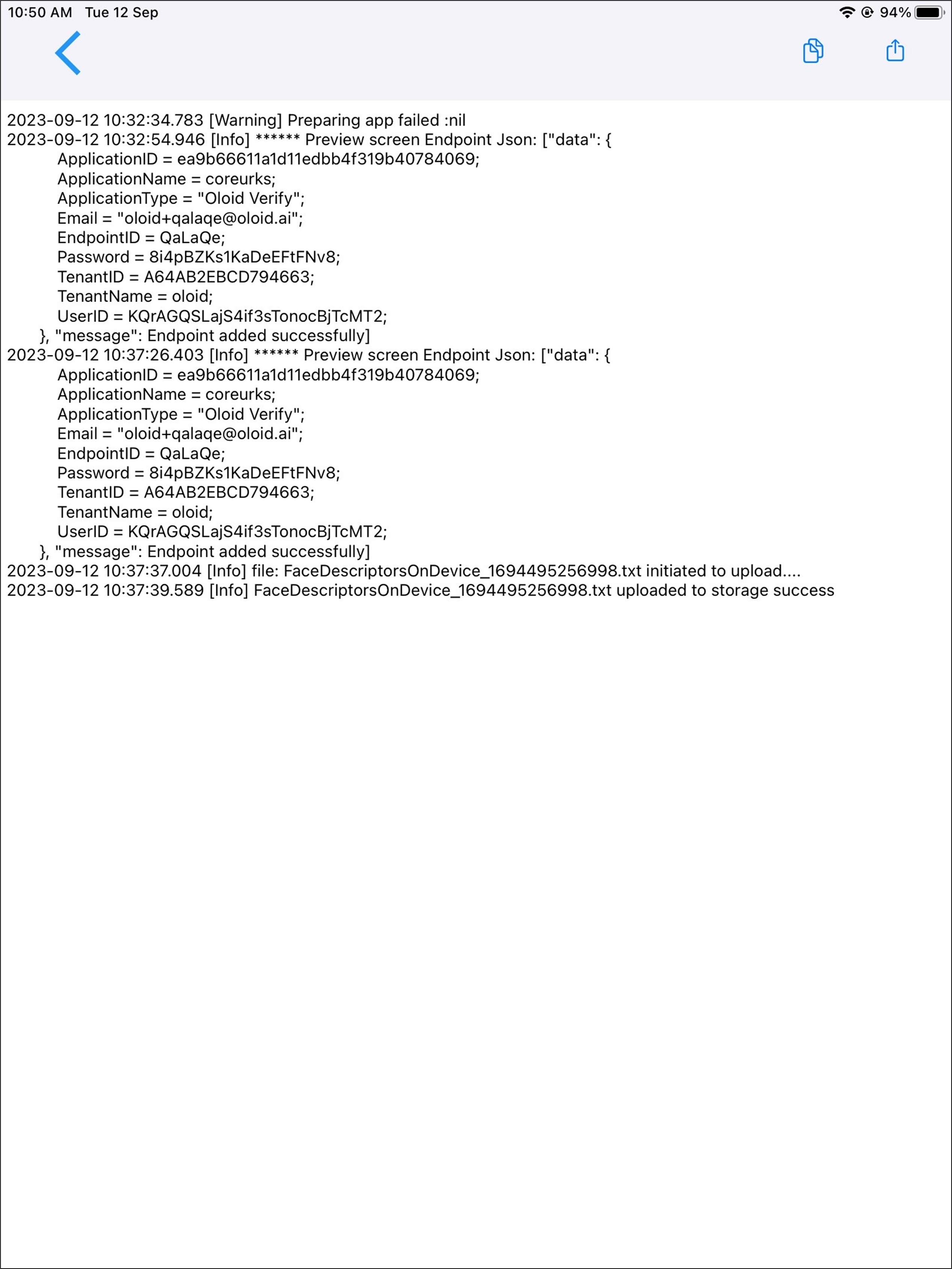
View and share logs with the app developer
- Steps to view and share logs:
- Launch the Oloid Verify app in preview mode.
- Tap the screen four times using a single finger .
- Tap VIEW LOGS.

- On the top right corner of the report page, you can do one of the following:
- Tap copy icon, to copy the log report to your file.
- Tap the share button to send the log report to the developer.