Prerequisite
- Make sure you have a stable internet connection and an Apple ID.
- Your iPhone runs on iOS 15 or later.
- You have access to the Apple App Store.
Steps to download and install Oloid Connect App on iPhone
-
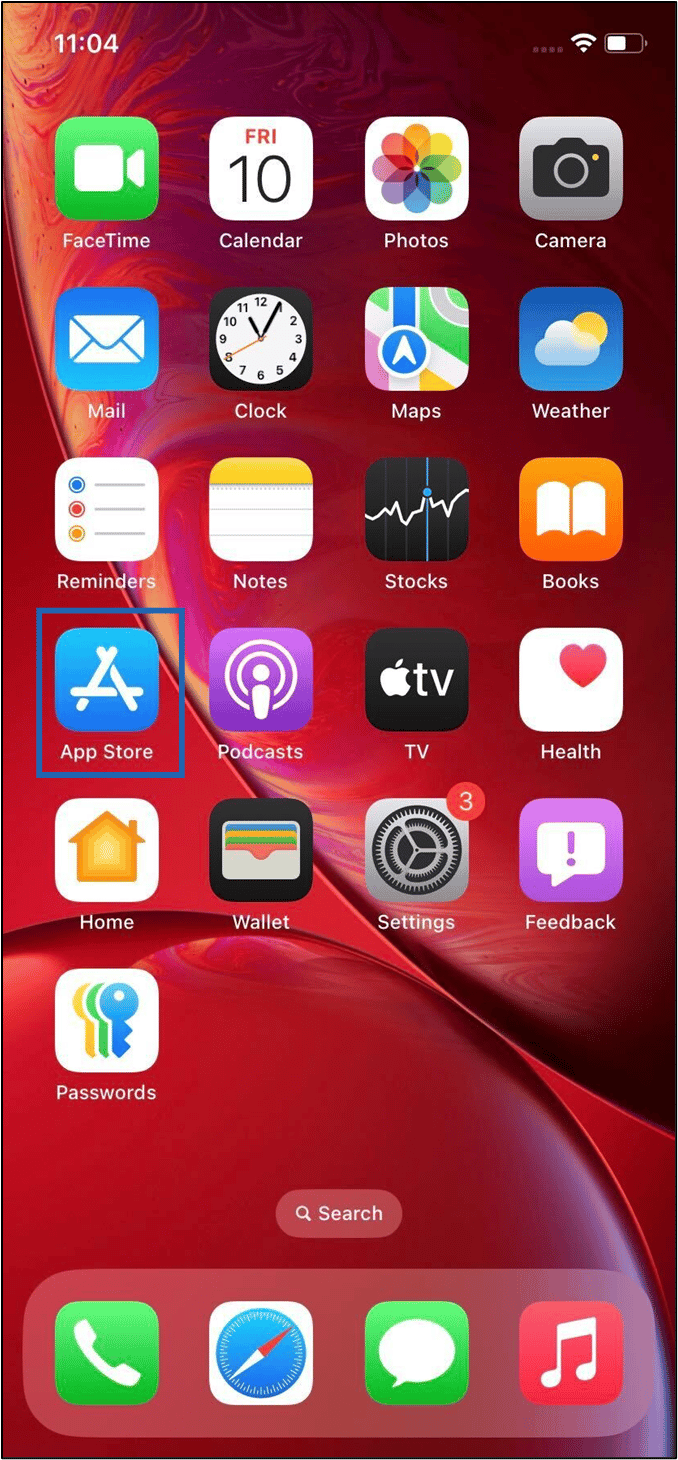
Locate the App Store on your home screen and tap on it to launch the application.
-
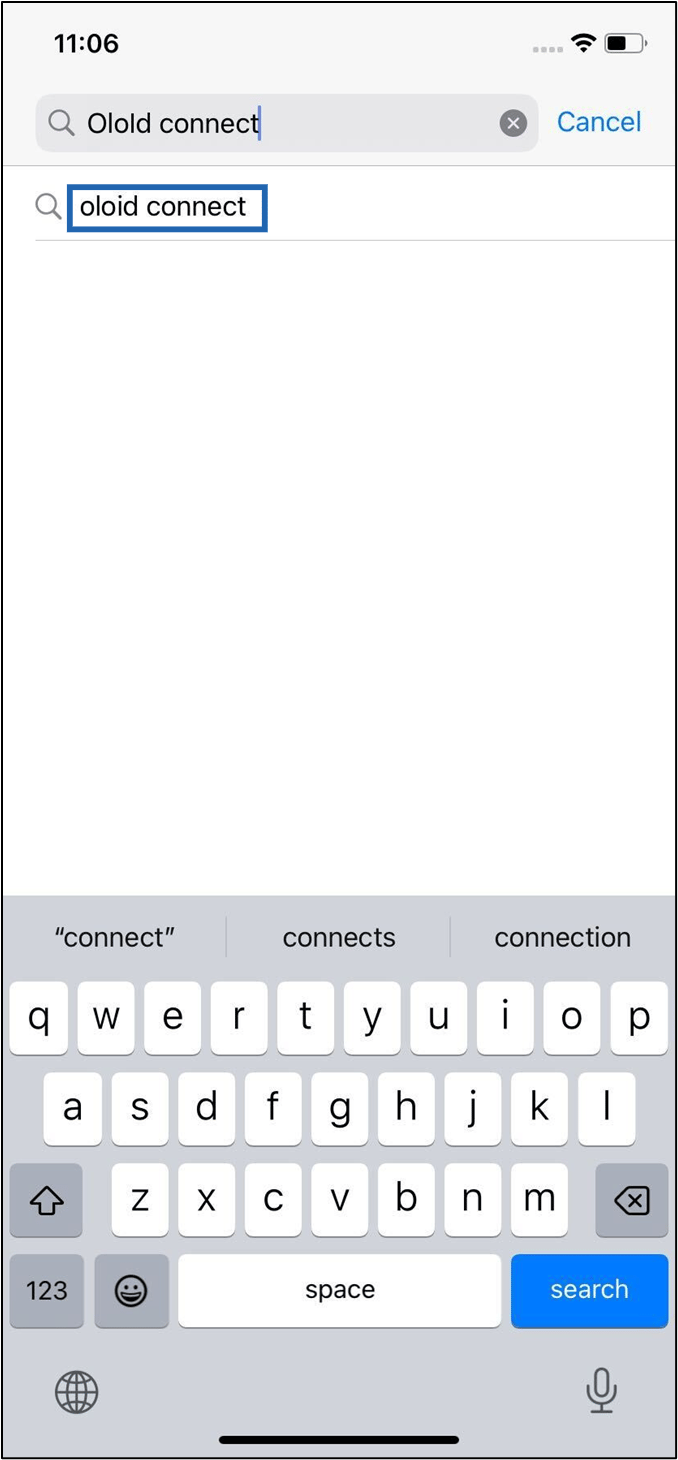
In the search bar, type “Oloid Connect.”.
-
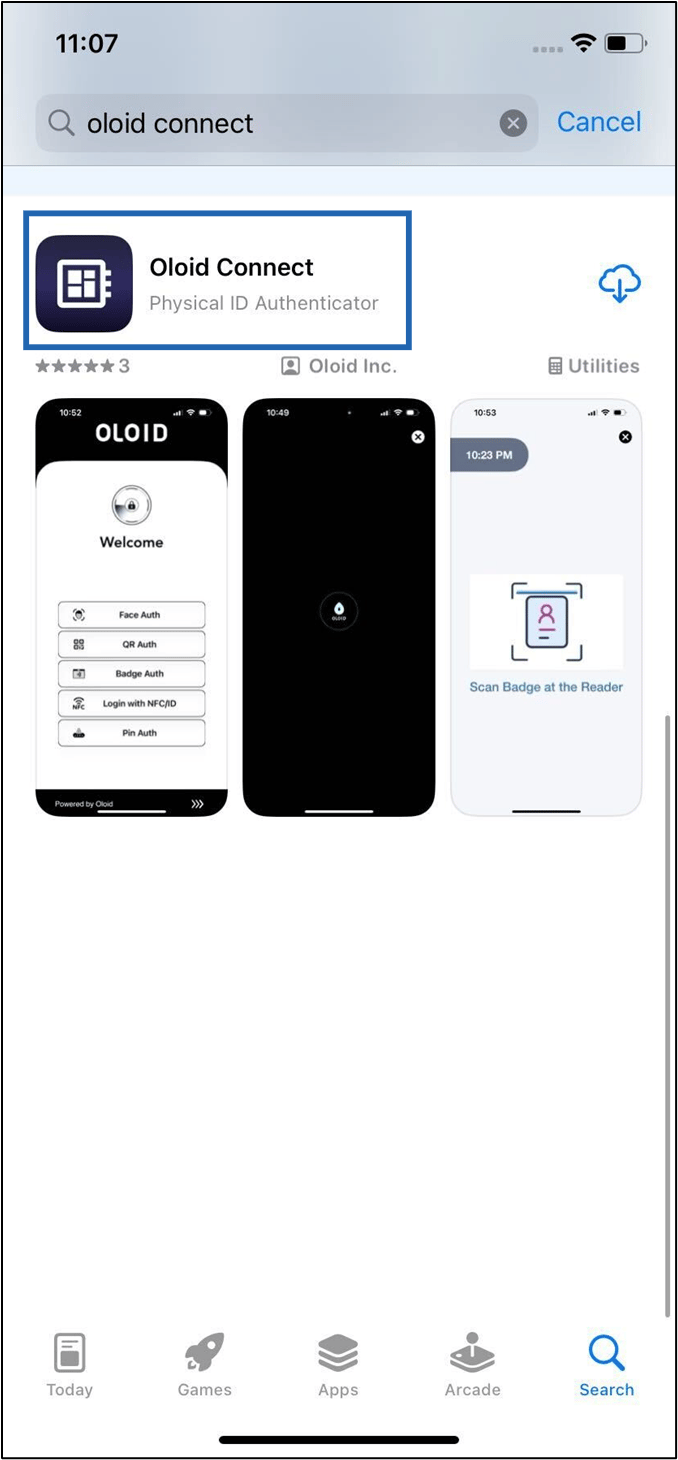
Select Oloid Connect app.
-
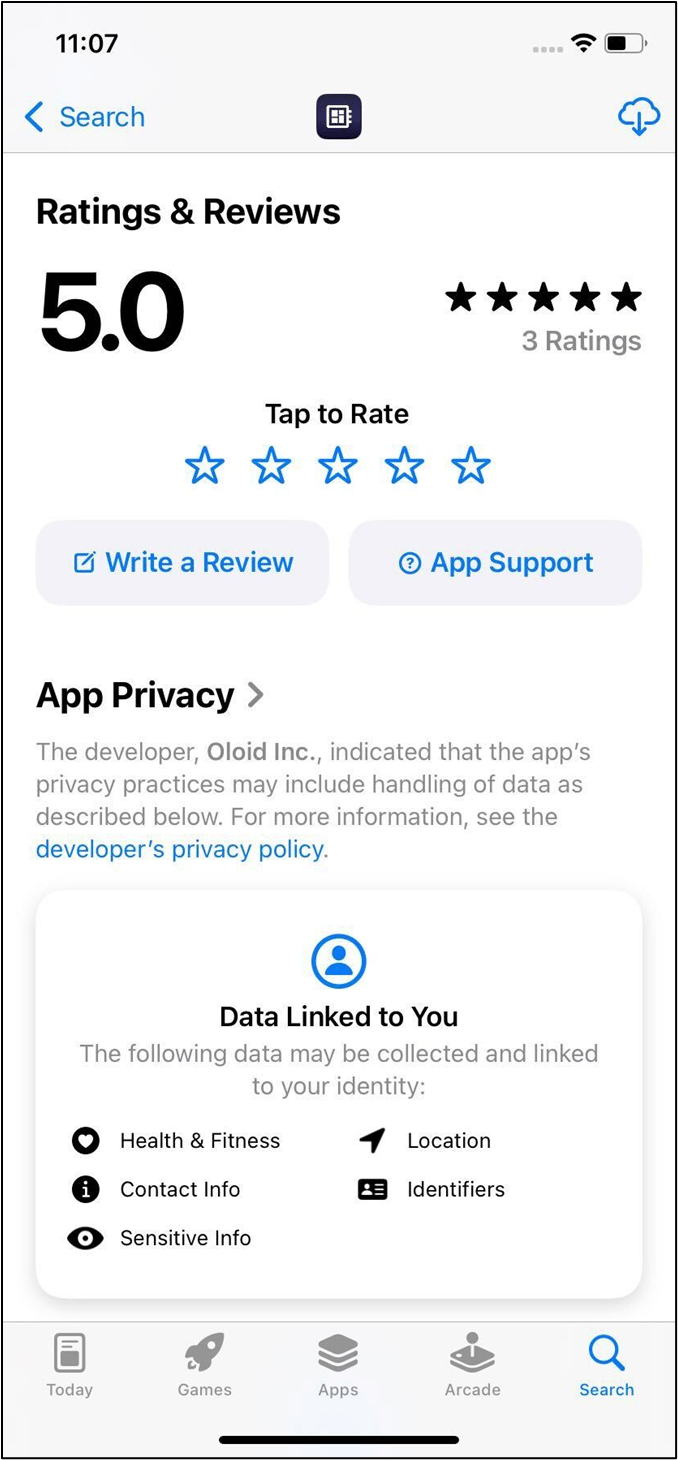
Review the app’s details, ratings, and user reviews to make sure it’s the correct app you want to download.
-
Tap the Get button located next to the Oloid Connect app icon.
 Wait for the app to finish downloading.Note: If prompted, enter your Apple ID password or use Touch ID/Face ID to confirm the download.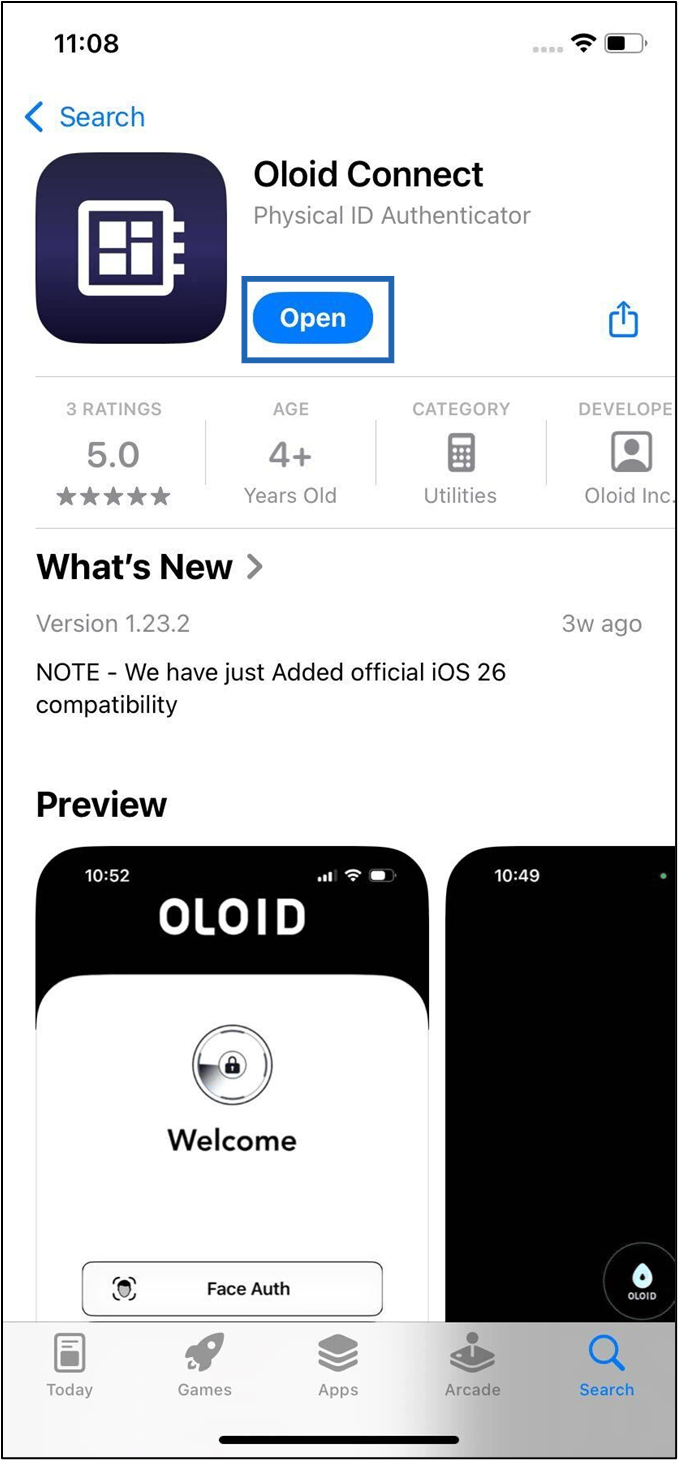
-
Once installation is complete, tap Open to launch the Oloid Connect app.
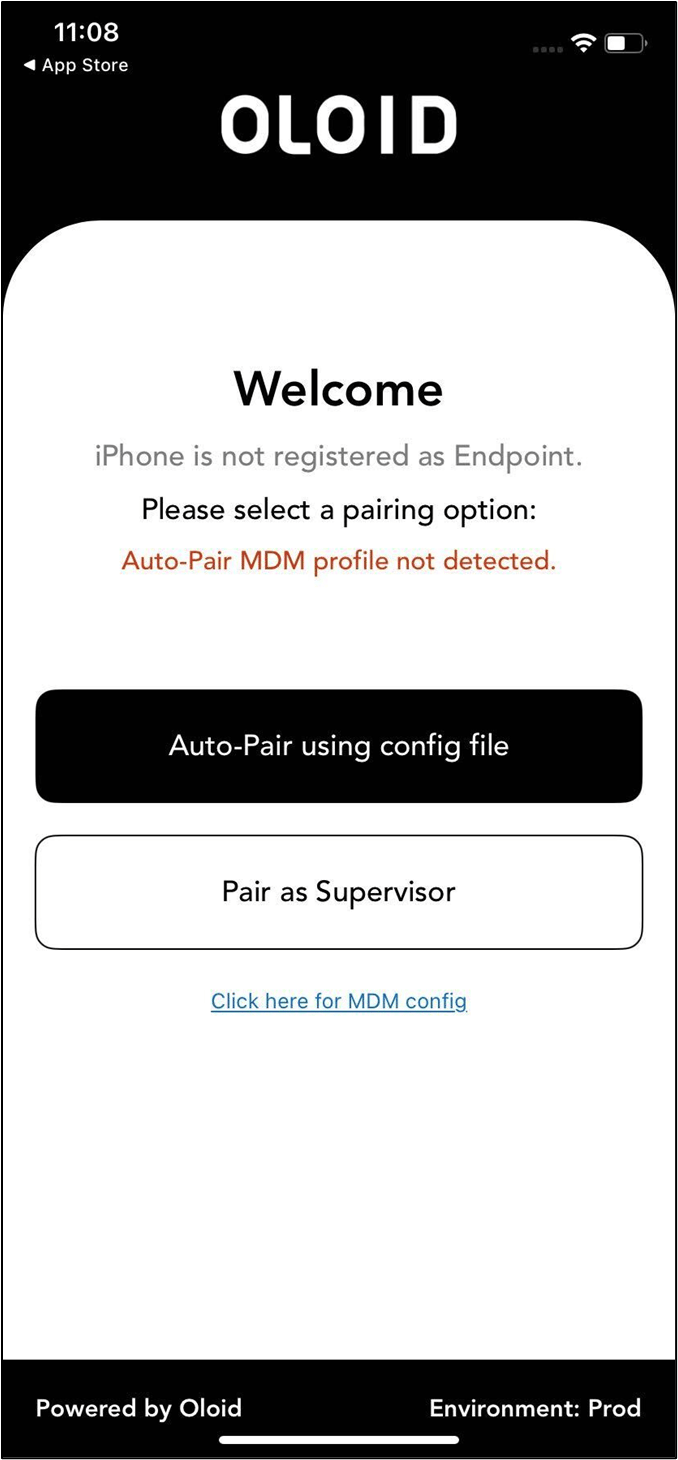
The welcome screen is displayed.