Introduction
The Oloid Verify app provides two secure authentication methods-facial recognition and QR code scanning.Prerequisites
- Your face must be registered in the Oloid Verify app.
- You must have your assigned QR code.
- The endpoint must be paired. For more, refer toHow to Pair an Oloid Verify Endpoint
Steps to Authenticate using Face
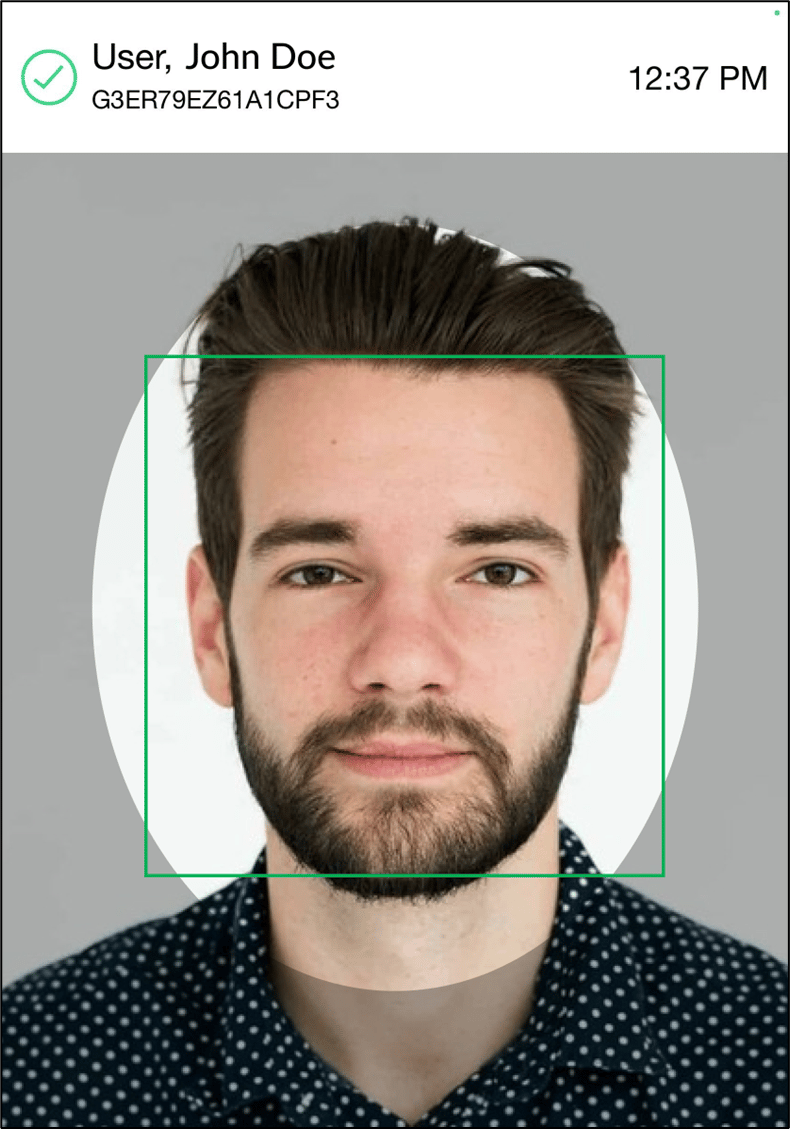
- Open Oloid Verify App. The camera opens to capture the face.
- Position your face within the oval frame on the camera to capture your face for authentication.
After successful authentication, the user details appear at the top of the screen.
Steps to Authenticate using QR Code
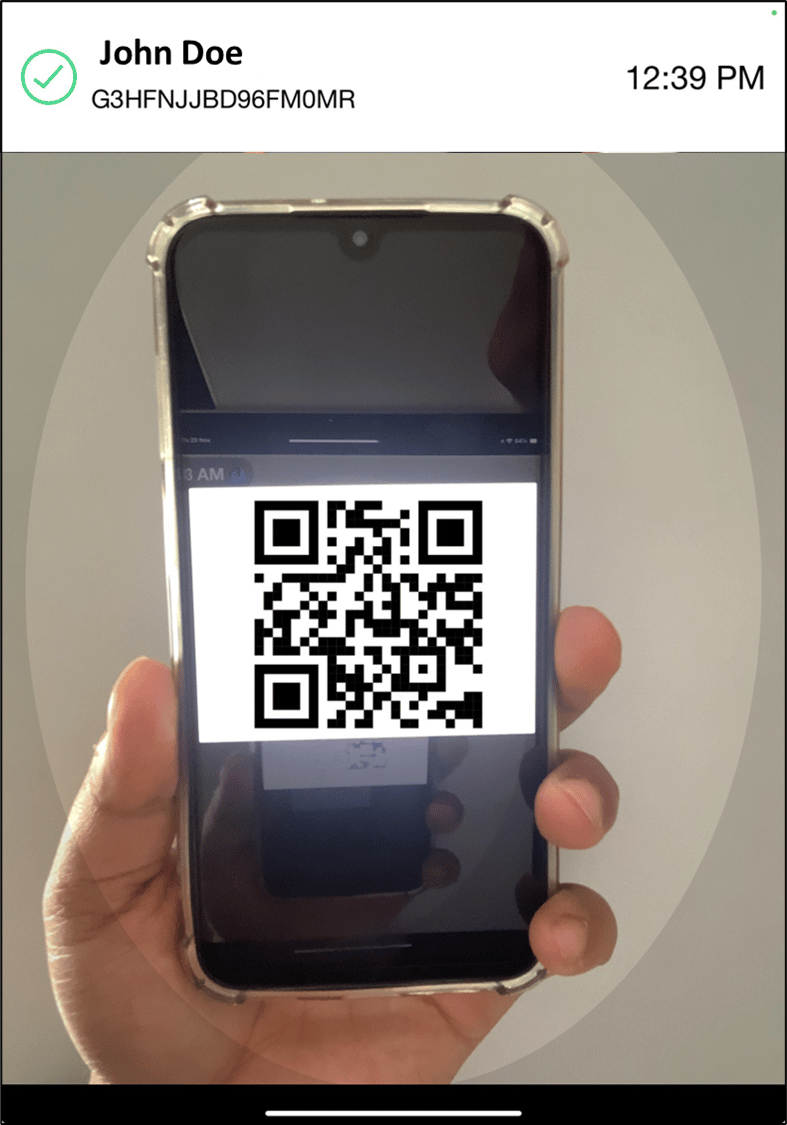
- Open Oloid Verify App. The camera opens to capture the QR Code.
- Place your QR Code within the oval frame on the camera to capture your QR code for authentication.
After successful authentication, the user details appear at the top of the screen.