Introduction
This document explains how to unpair an endpoint using the Oloid Connect application.Prerequisites
- The Oloid Connect endpoint must be paired. For more, refer to Oloid Connect – How to Pair an Endpoint
- You must have Tenant Admin or Supervisor access.
Steps to Unpair Endpoint
-
Launch the Oloid Connect
 App.
Note: Since the endpoint is already paired, the App will launch in the preview screen of the App. For more, refer to How to pair an Oloid Connect endpoint.
App.
Note: Since the endpoint is already paired, the App will launch in the preview screen of the App. For more, refer to How to pair an Oloid Connect endpoint.
- Log in to Admin mode. For more refer toOloid Connect - How to Log in to Admin Mode The Users page is displayed.
-
Tap Settings.

-
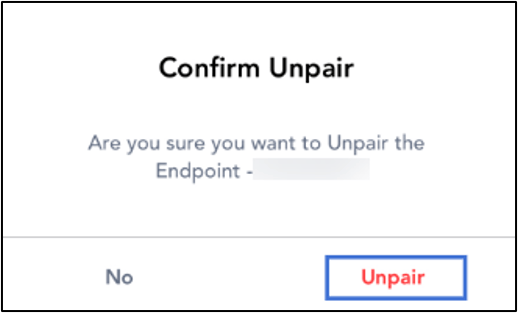
Tap Unpair.