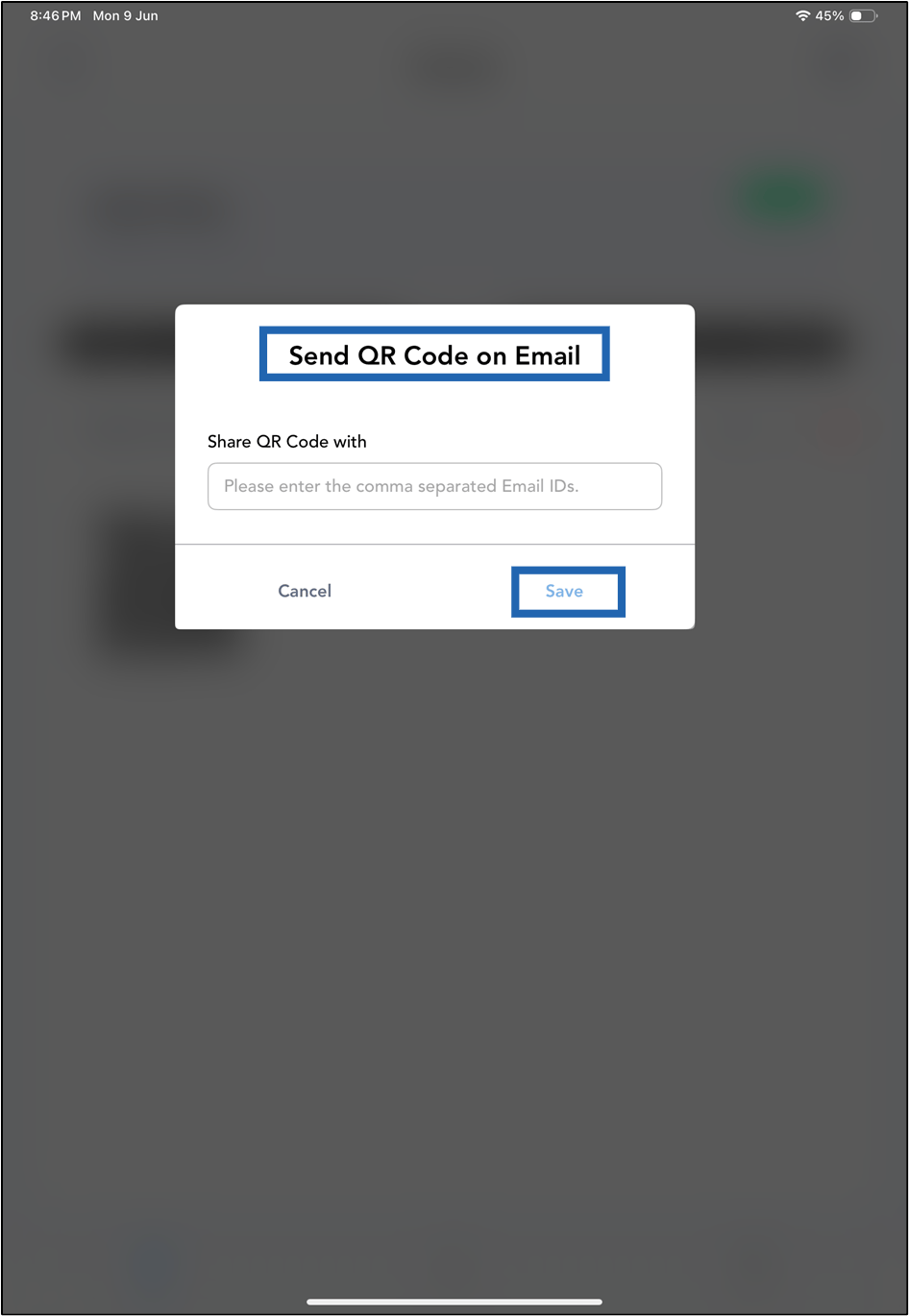
Steps to send QR Code via email
-
Launch the Oloid Connect
 Note: For more information about how to log in to the Oloid Connect, refer to How to log in to the Admin mode in Oloid Connect App.
-
The Settings page is displayed.

-
Tap Users on the menu at the bottom of the screen.


-
Select a user from Users list, or search for a user using the search bar at the top to send QR code via email.


-
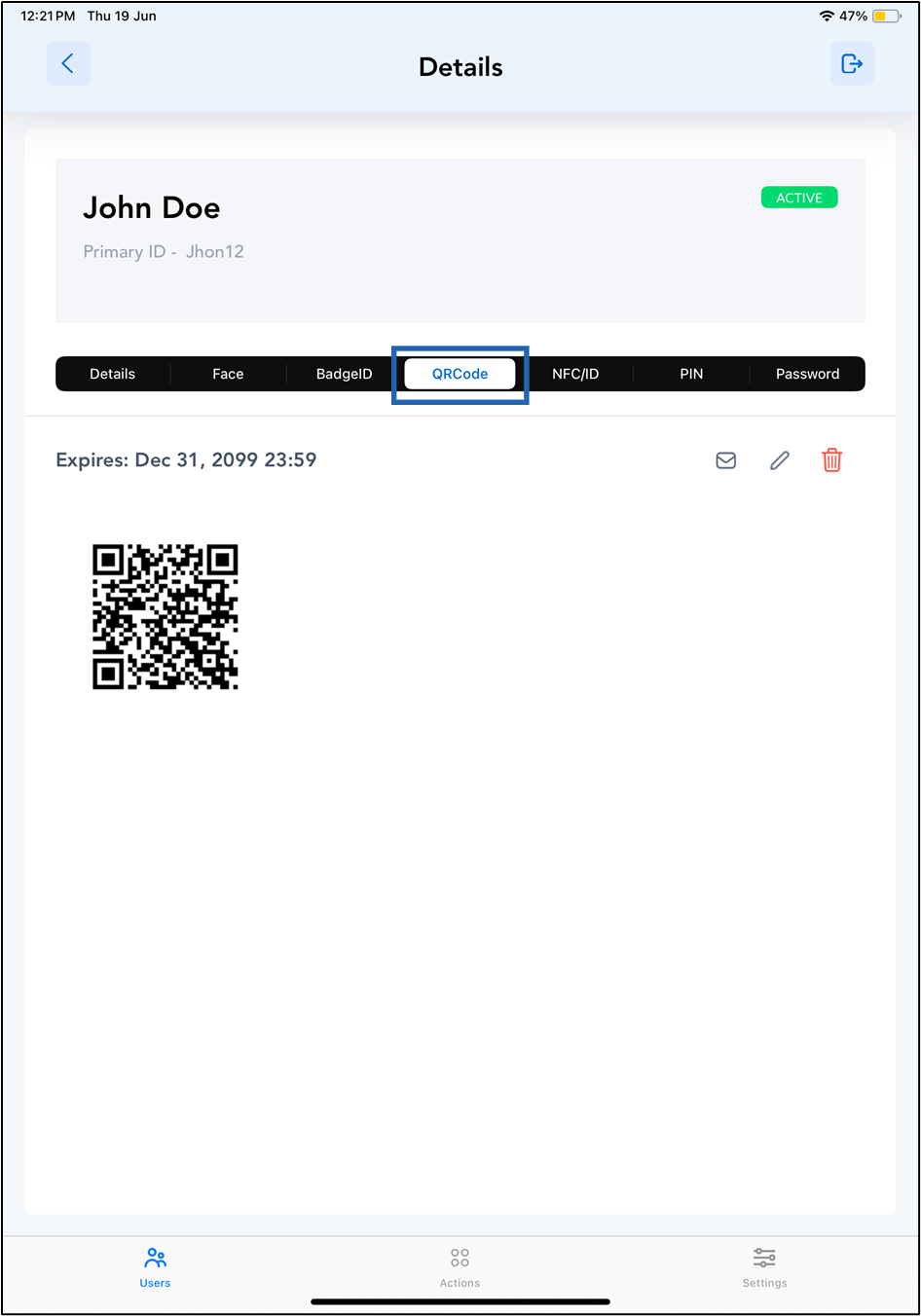
Tap QR Code tab.
-
Tap Email icon.

- Enter the email addresses to share the QR code.
-
Tap Save.