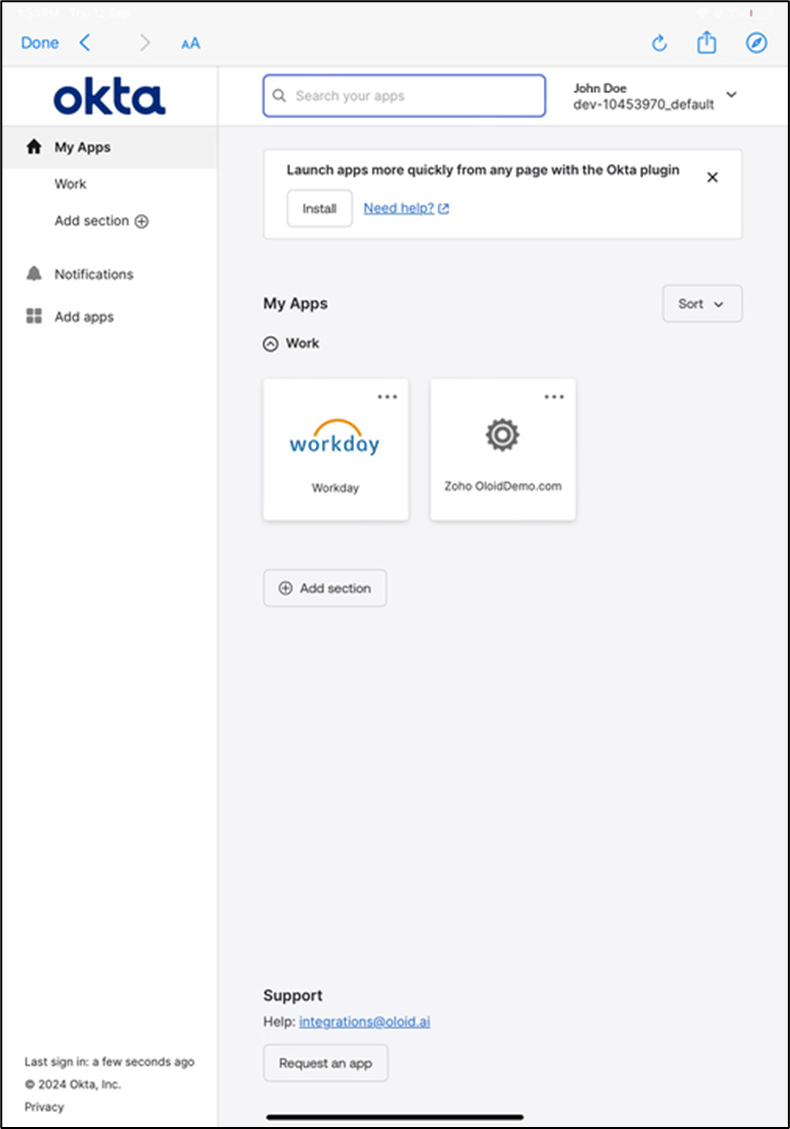
- User must have an Okta account.
- Okta credential (user email ID) must be added to the user details page in Oloid Portal.
- The user face must be added in the Oloid Portal.
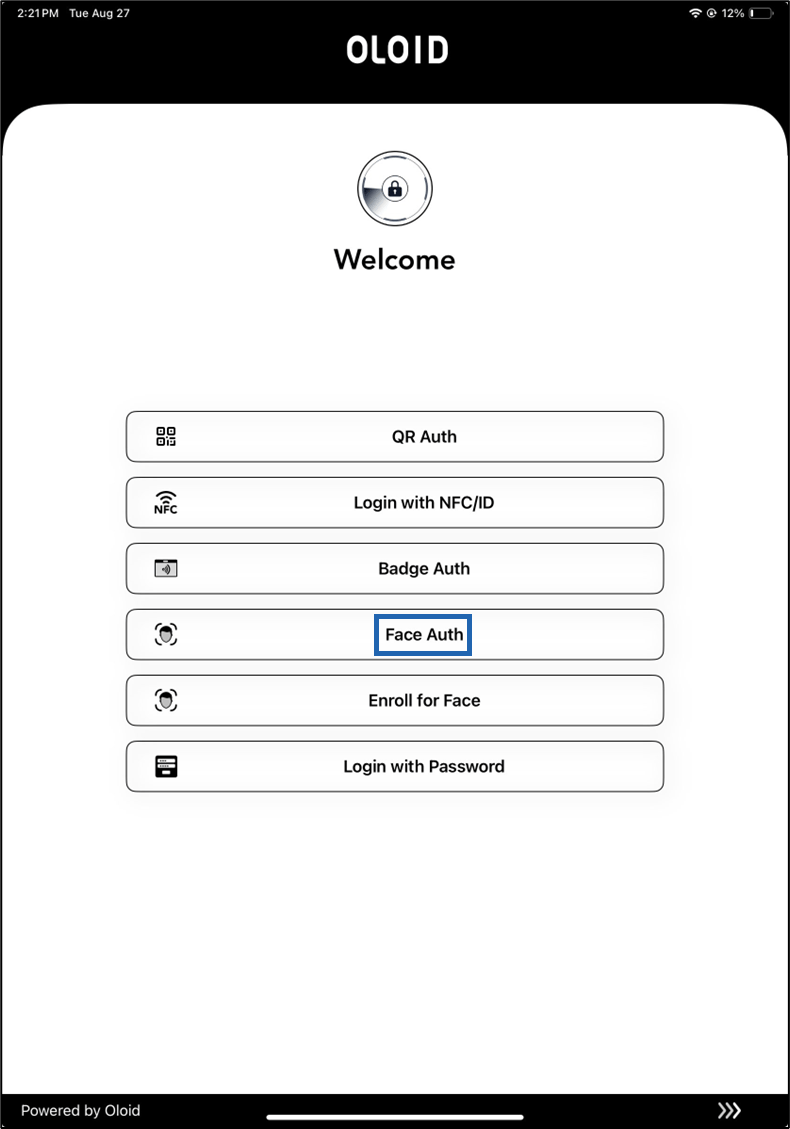
- Launch the Oloid Connect app on your iPad.
- On the home page of the app, select Face Auth.
- Look at the camera to confirm your identity.