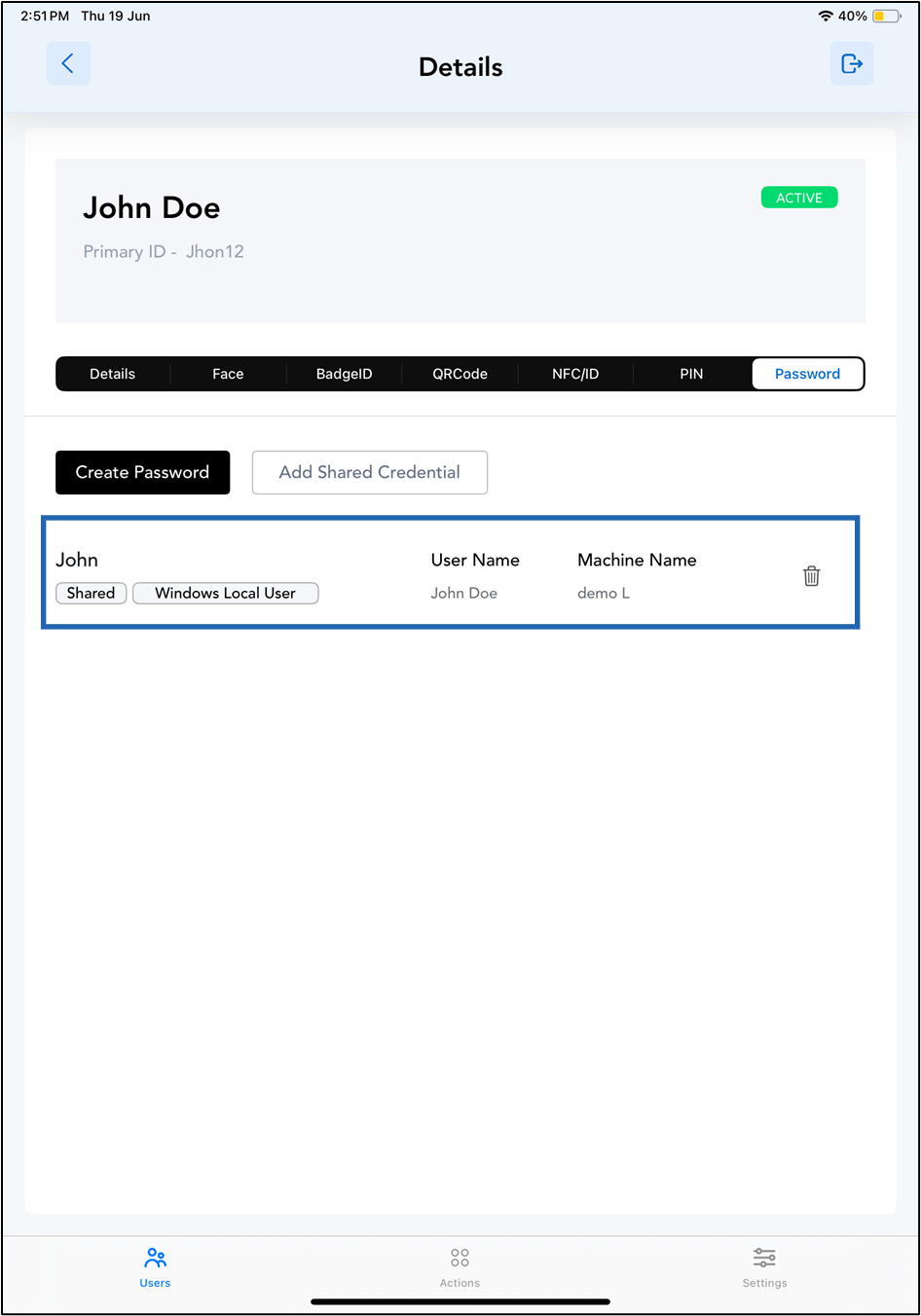
Steps to add Shared Credential
-
Launch the Oloid Connect
 Note: For more information about how to log in to the Oloid Connect, refer to How to log into the admin mode of Oloid Connect App as a Supervisor/Admin.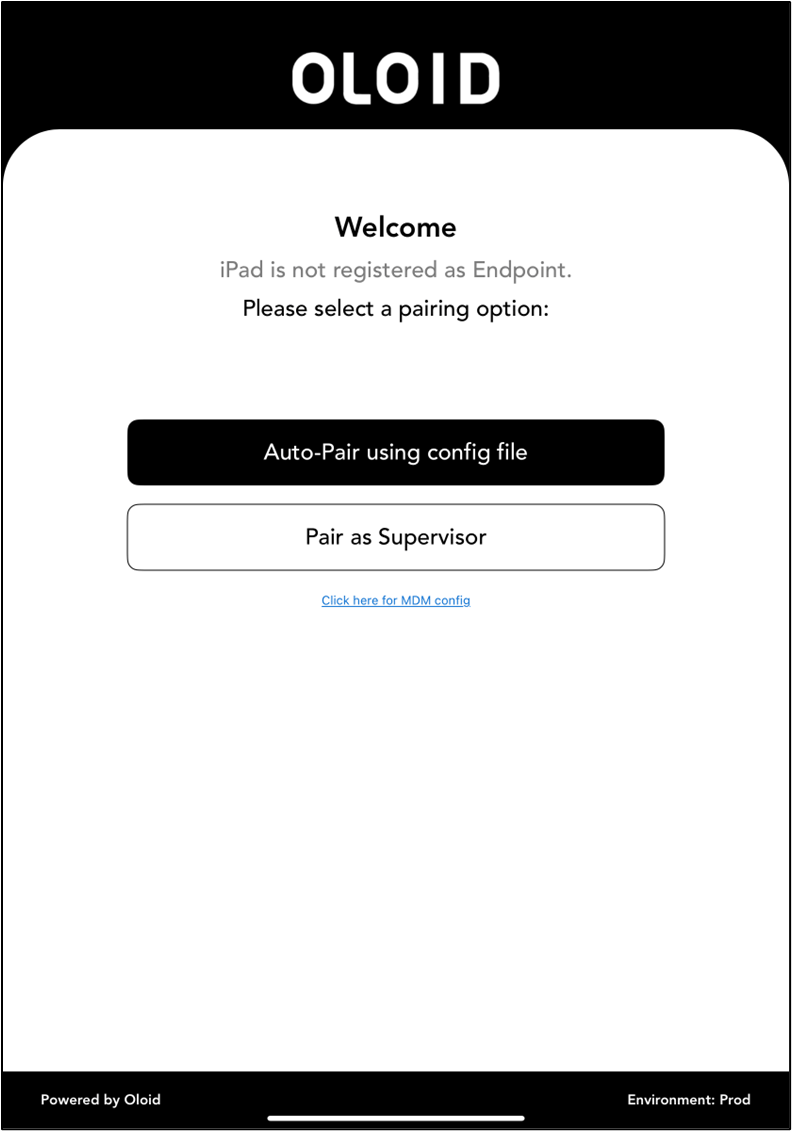
-
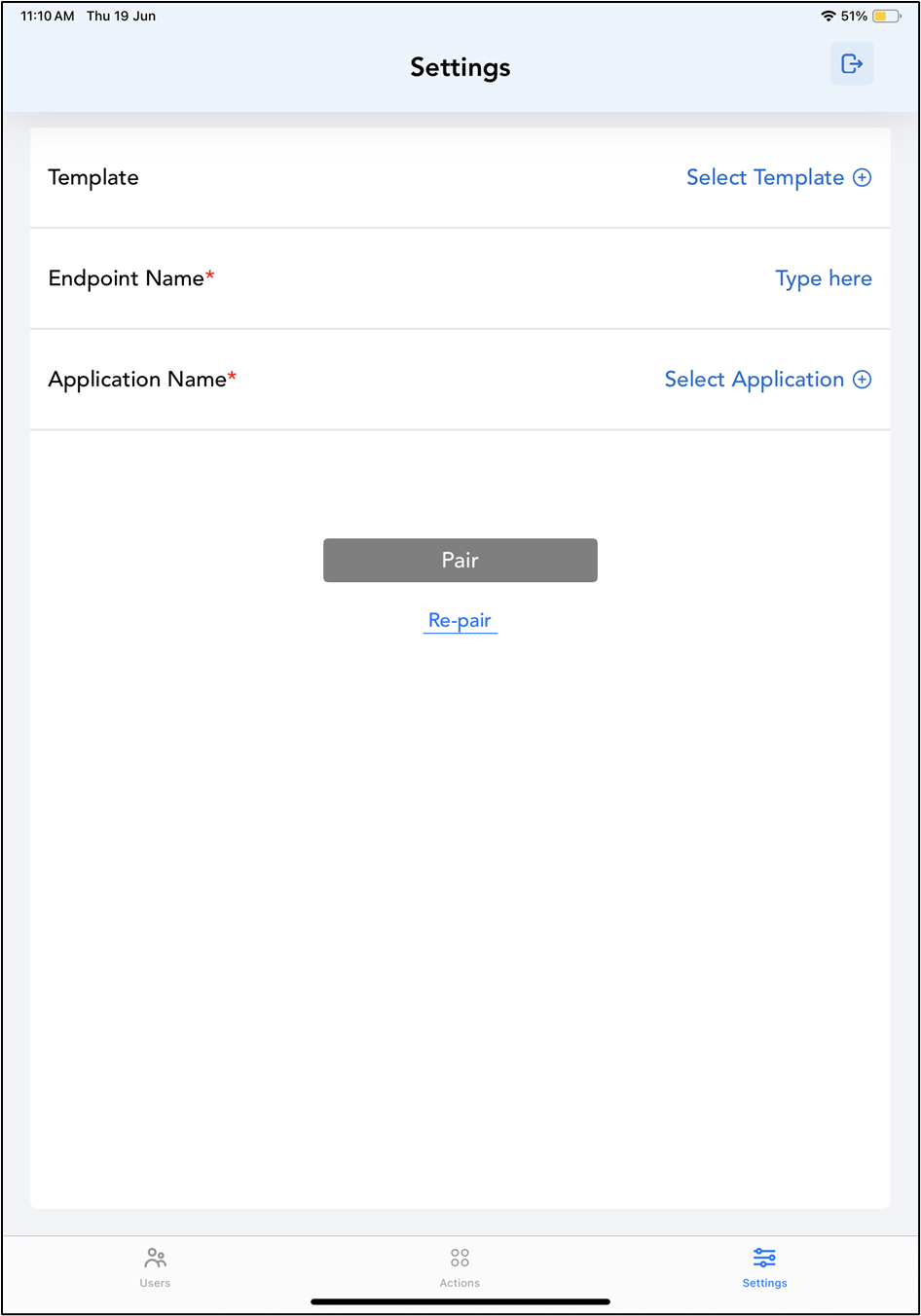
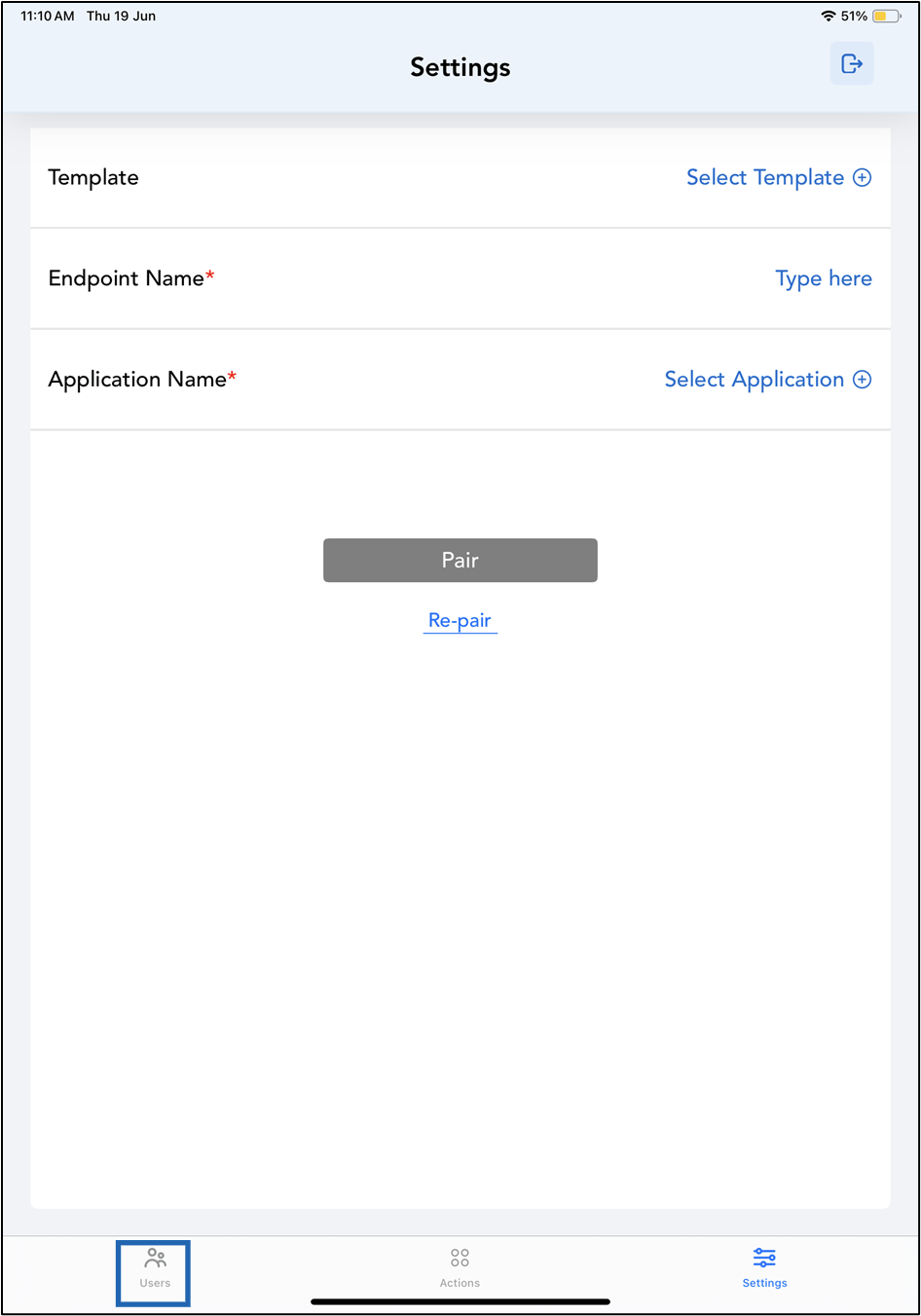
The Settings page is displayed.
-
Tap Users on the menu at the bottom of the screen.
-
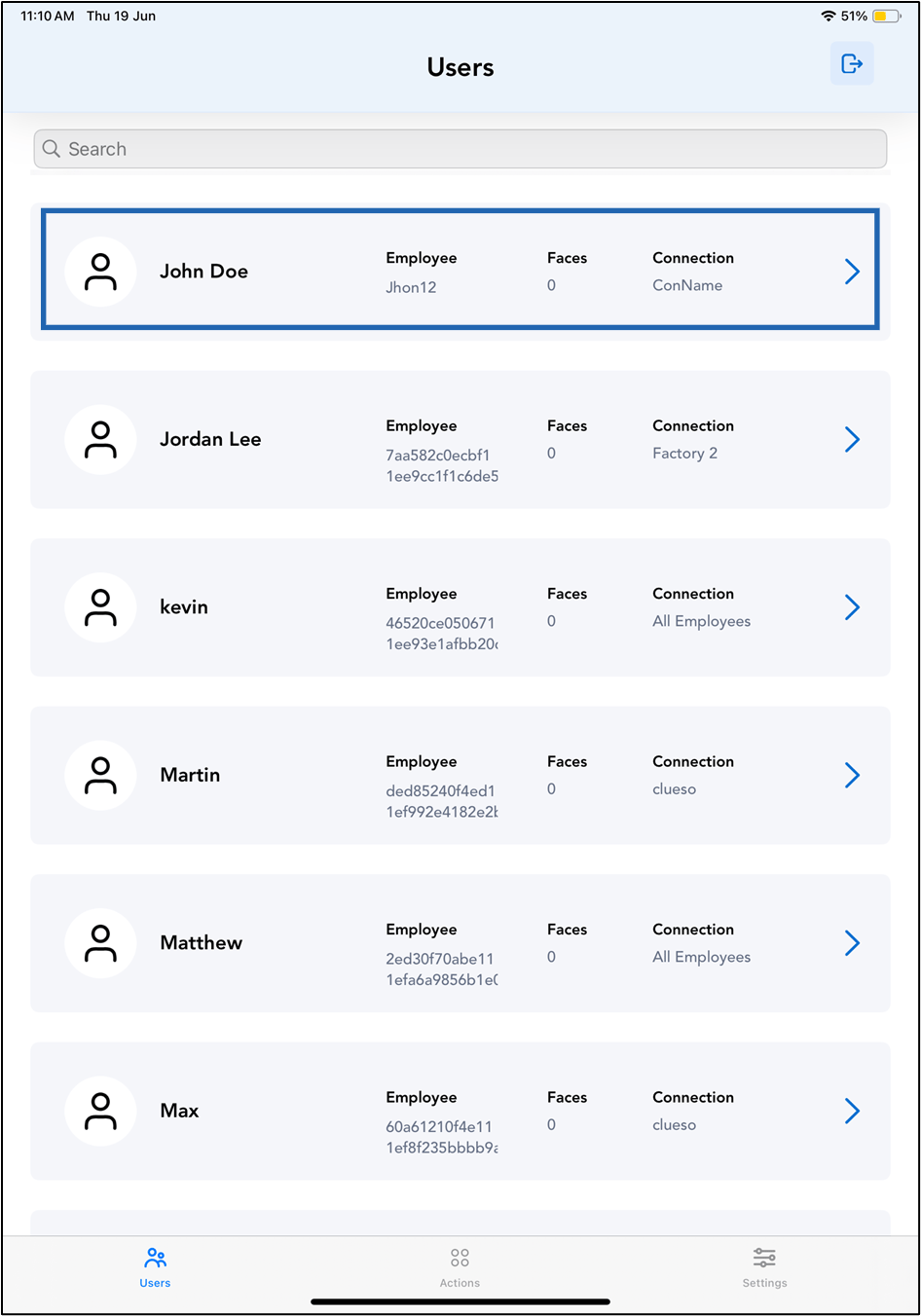
Tap on the selected user to view details.
-
Go to Password > tap Add Shared Credential.
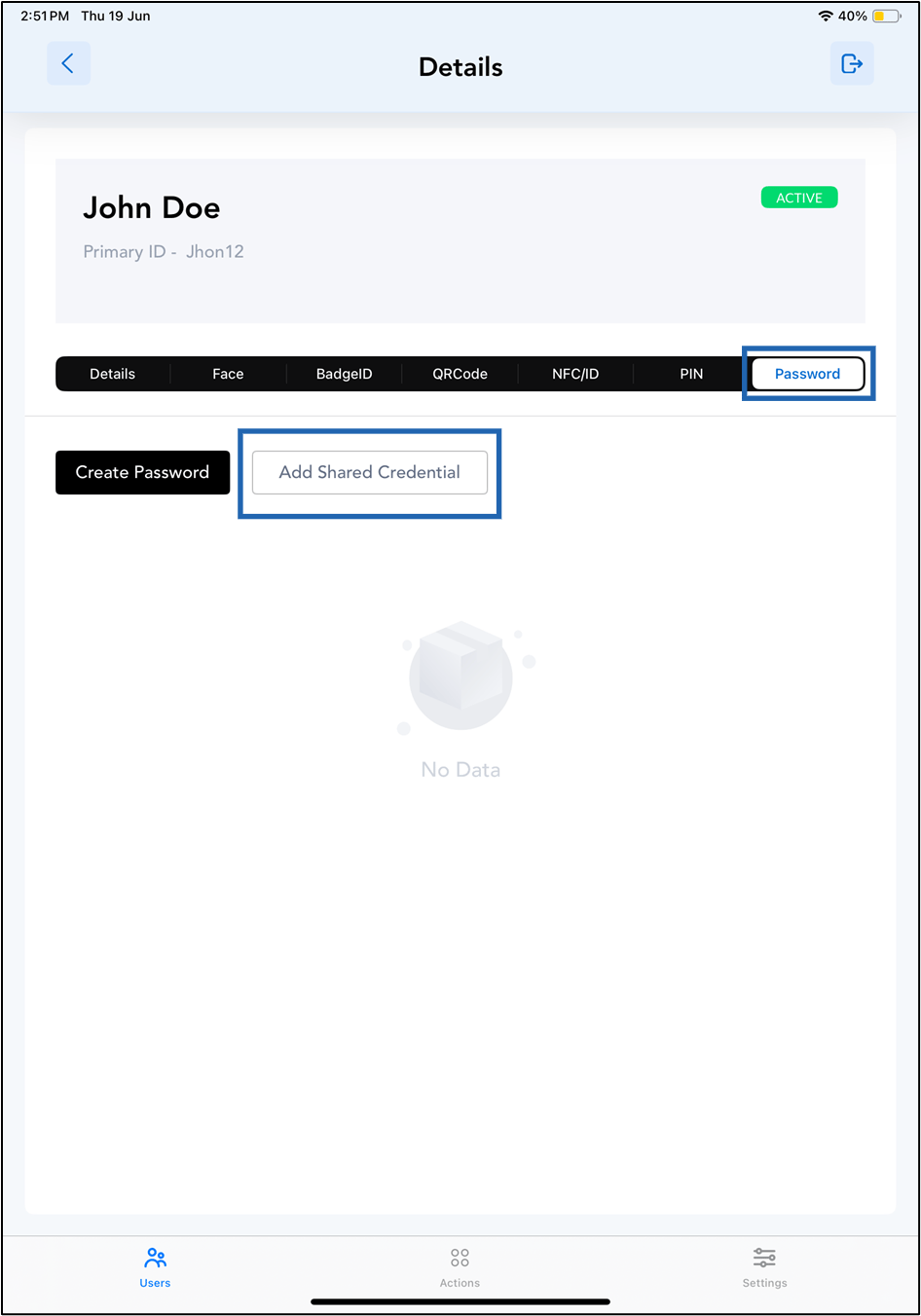
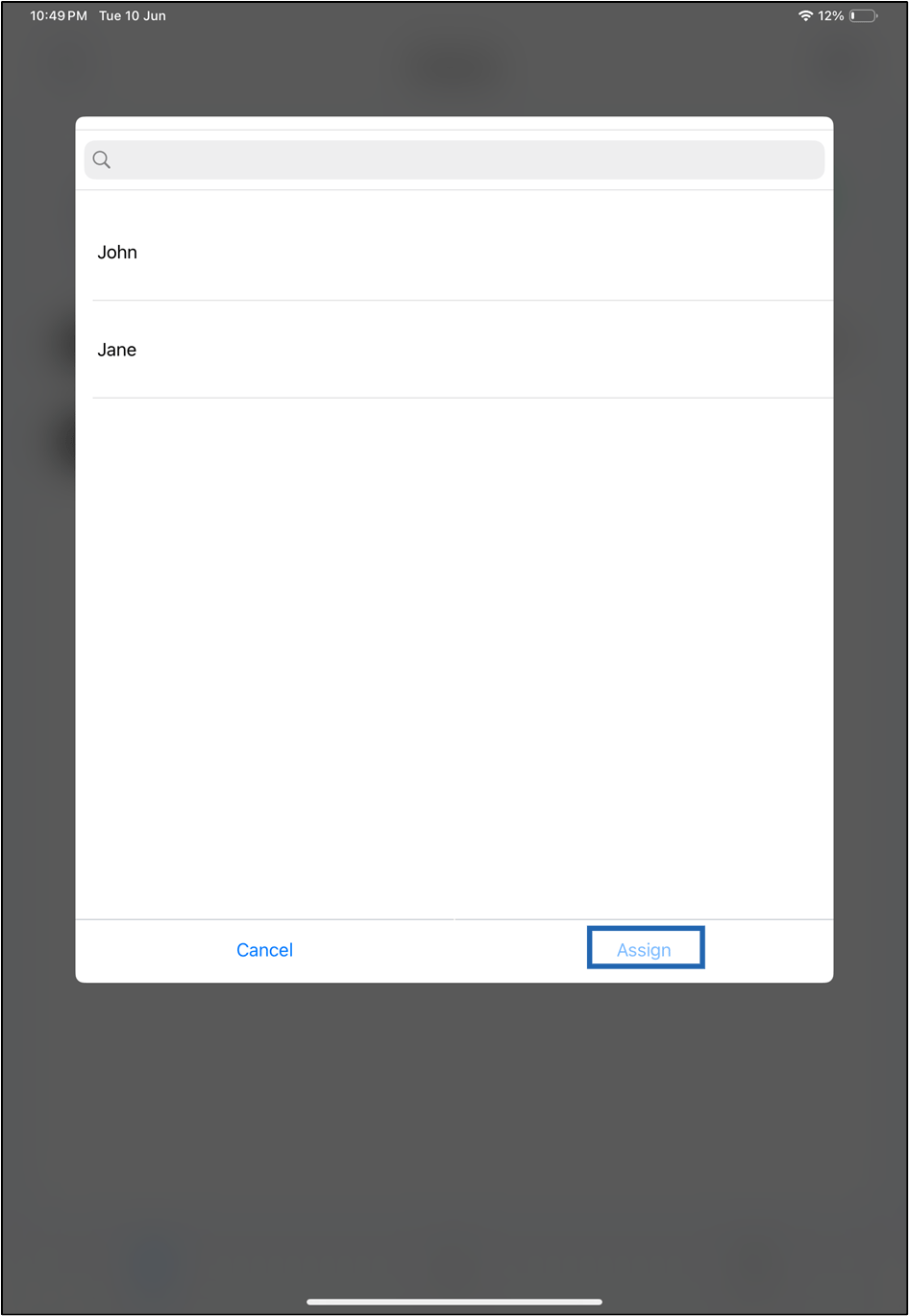
- Select Credential(s) from the list.
-
Click Assign.