Introduction
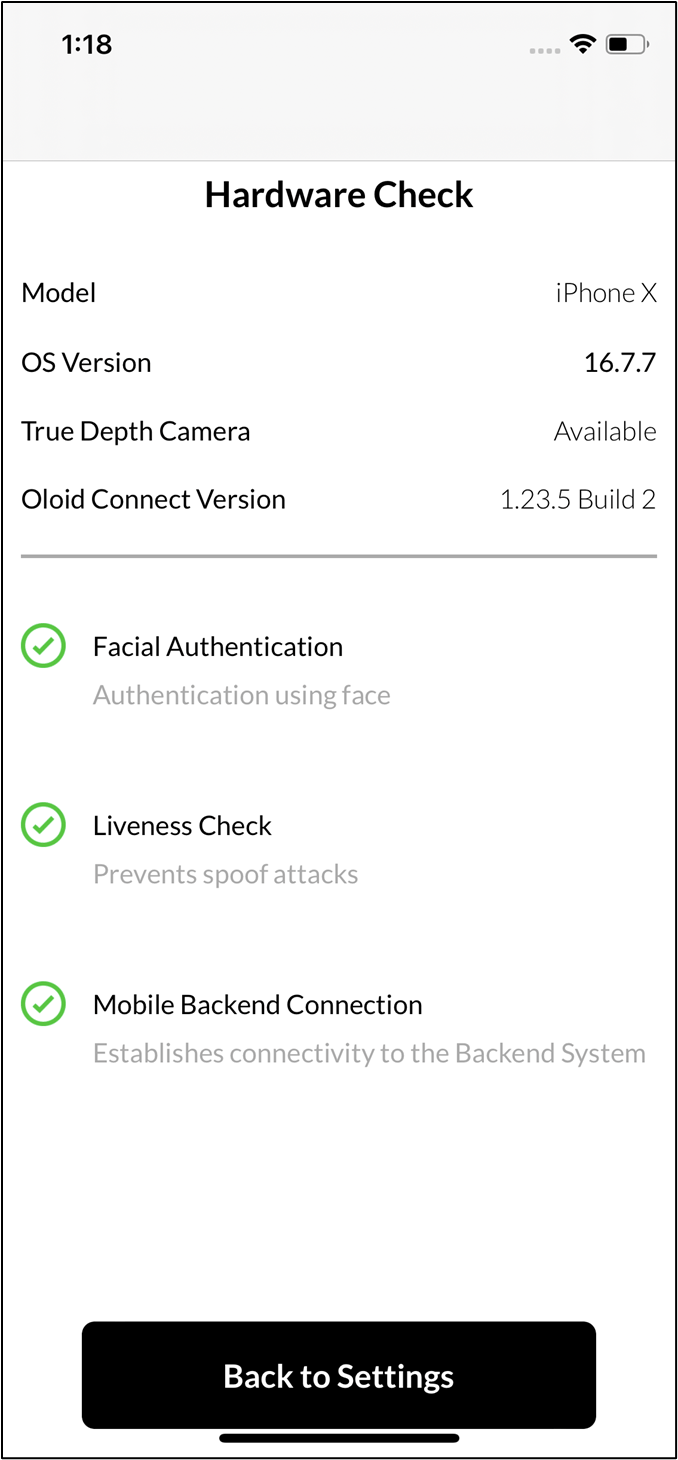
To check hardware compatibility using the Oloid Connect app, you can perform a hardware check through Admin Mode to ensure the device meets the required specifications for proper functionality.Prerequisite
- The user must be a Tenant Admin or Supervisor.
- The endpoint must be paired. For more, refer to How to pair an Oloid Connect endpoint on iPhone
Steps to Check Hardware Compatibility
-
Launch the Oloid Connect App.
Note: Since the endpoint is already paired, the App will launch in the initial screen of the App.
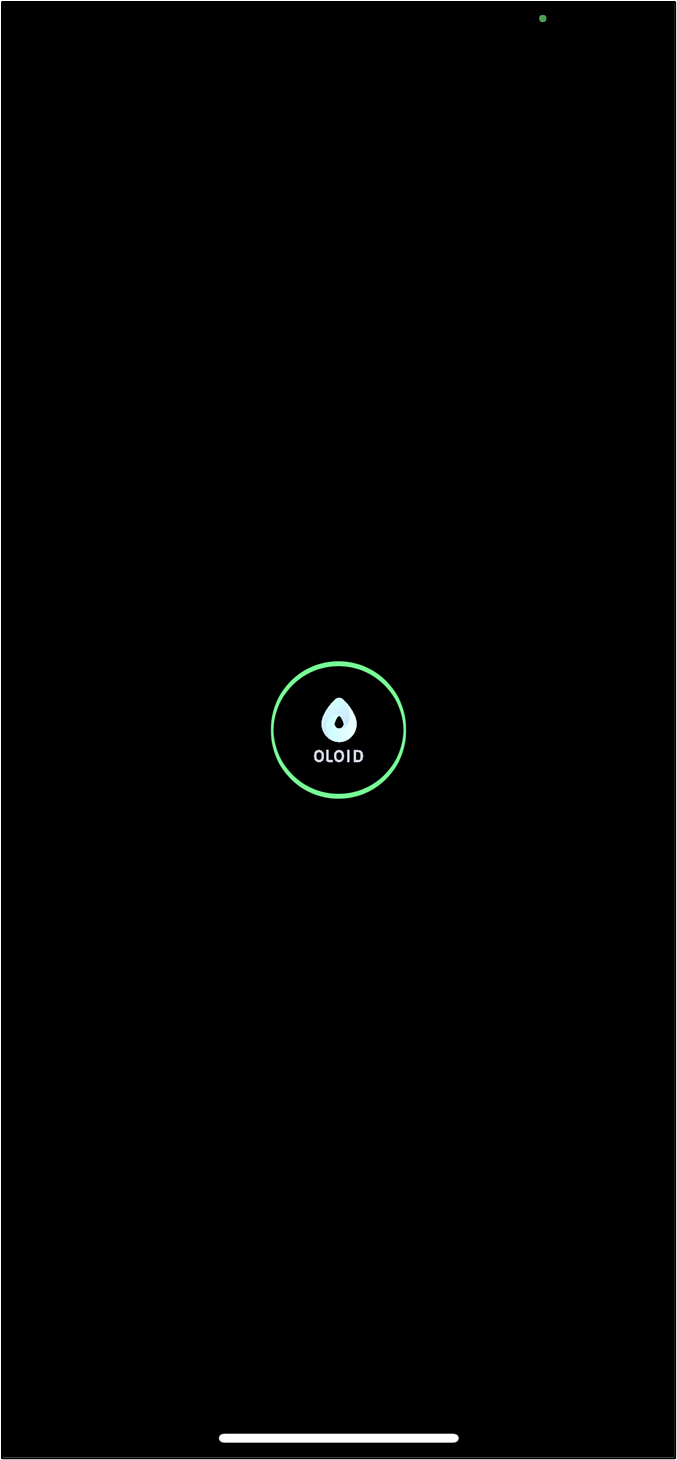
- Double tap with two fingers on the initial screen to launch the Admin Mode. The Admin mode pop up box is displayed.
-
Tap Yes- Continue.

-
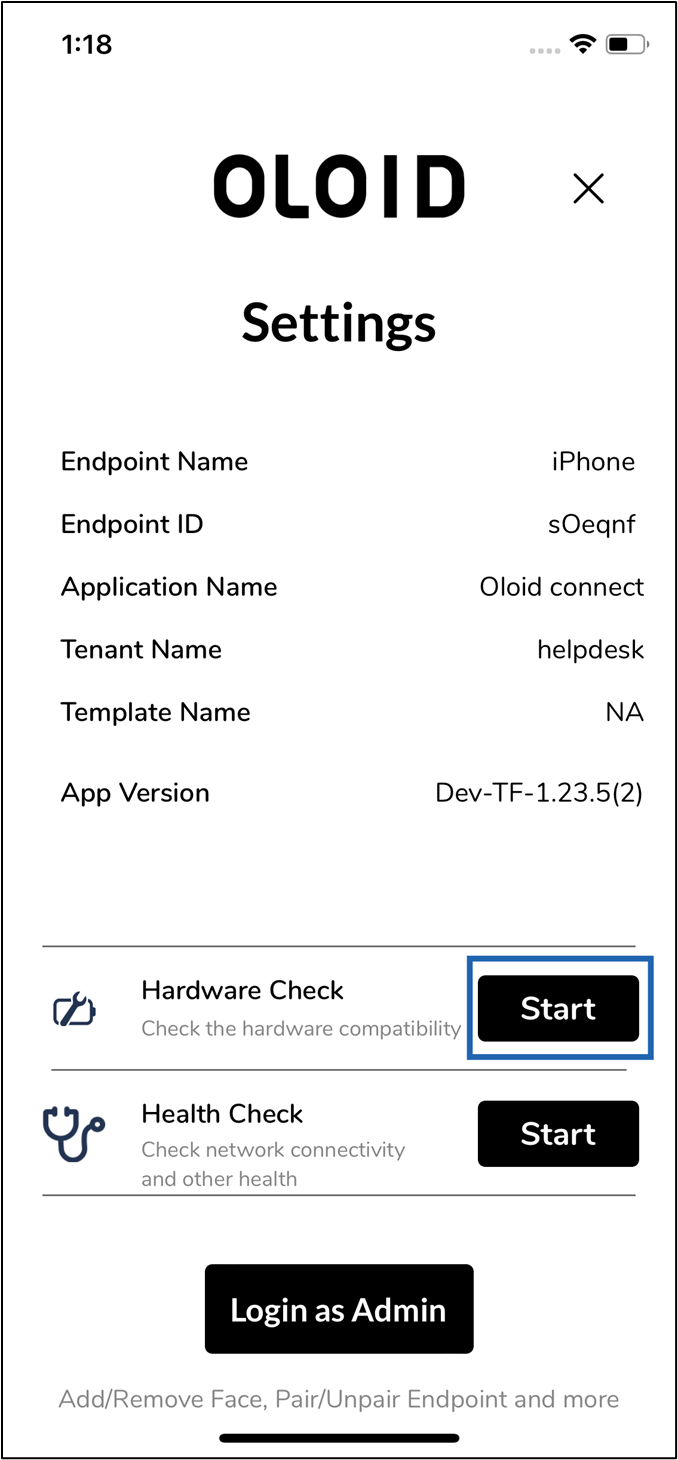
Tap Start in the Hardware Check section.