

Introduction
The Re-pair Endpoint feature in the Oloid Verify App allows Admin and Supervisor to restore an endpoint. This process ensures that the endpoint reconnects properly with the assigned application and continues to operate as expected.Prerequisite
- You must have a Tenant Admin account.
- You must complete the Admin Setup. To setup refer Oloid Verify: Admin Setup.
Steps to re-pair an endpoint
- Launch the Oloid Verify app. Could not display content
- Log in to Admin mode in Oloid Verify app. To login refer How to log in to the admin mode of Oloid Verify App as an Admin or Supervisor.
The Home screen is displayed.

- Go to Settings tab.
- Tap Click here to Re-pair if advised by Admin.

- On the pop-up, do the following:
- Enter Endpoint ID.
- Tap Re-pair.

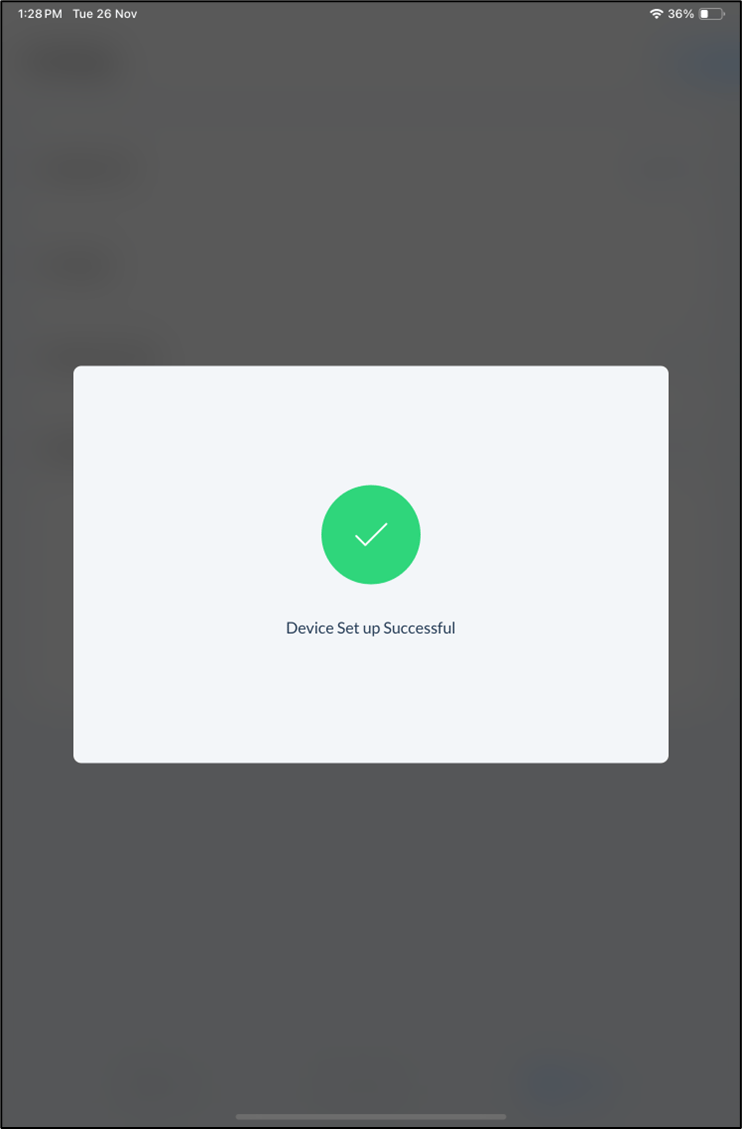
Note: Kill and relaunch the app to make the new updates function properly.