Introduction
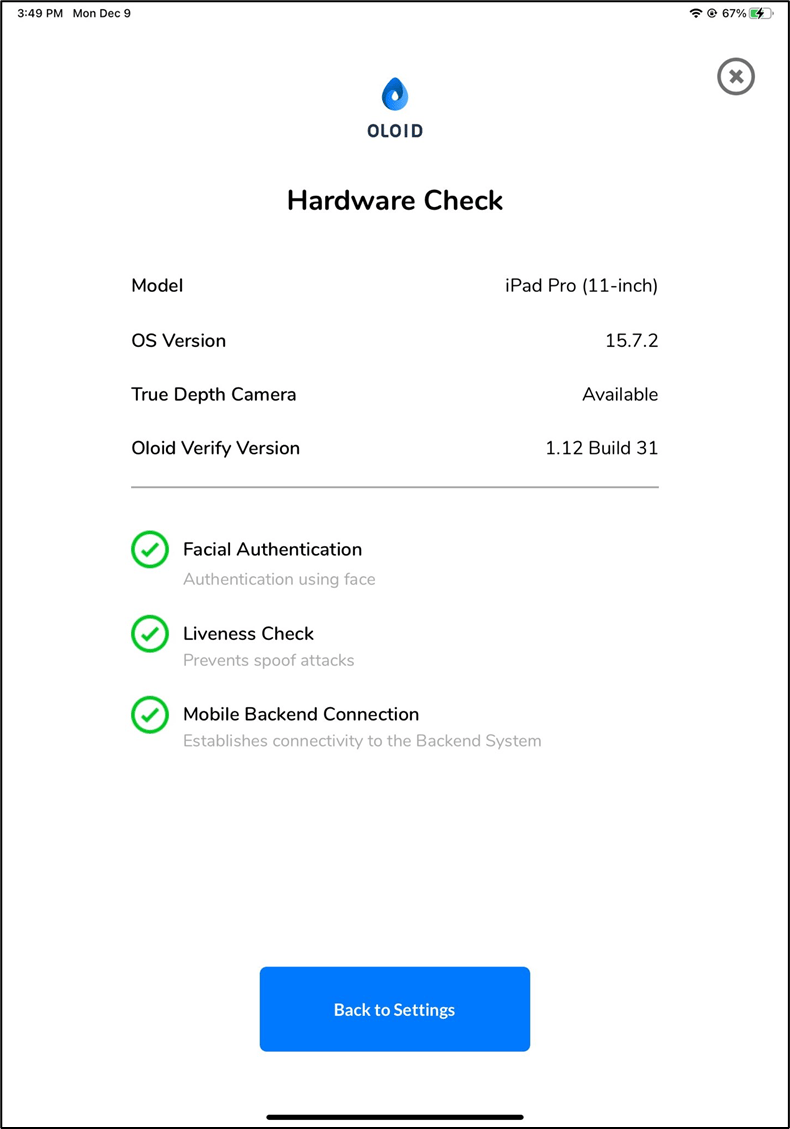
The Hardware Compatibility Check in the Oloid Verify app ensures that the iPad meets the required technical standards for smooth operation. It allows Tenant Admin and Supervisor to quickly verify that key hardware components are working properly before using the device.Prerequisite
You must complete the Admin Setup. To Setup. refer Oloid Verify - Admin Setup.Steps to check hardware compatibility
-
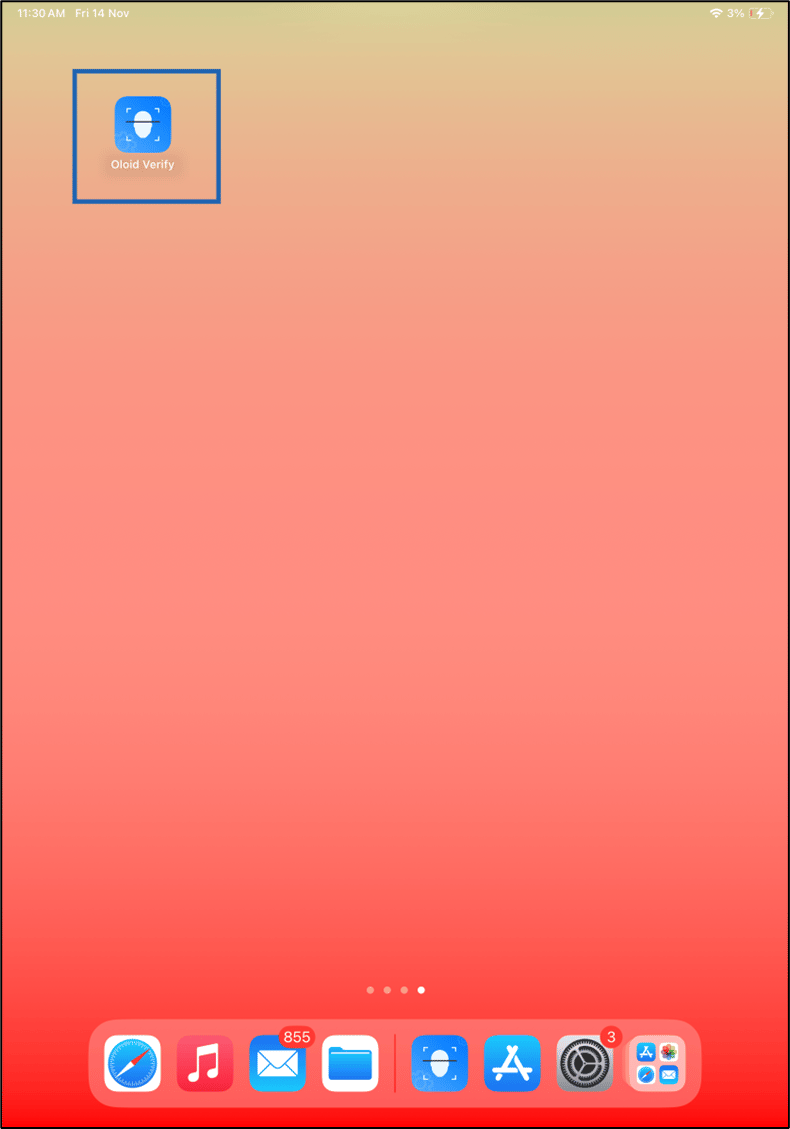
Launch the Oloid Verify App.
Note: Since the endpoint is already paired, the App will launch in the initial screen of the App. For more information, refer to How to pair an Oloid Verify endpoint.
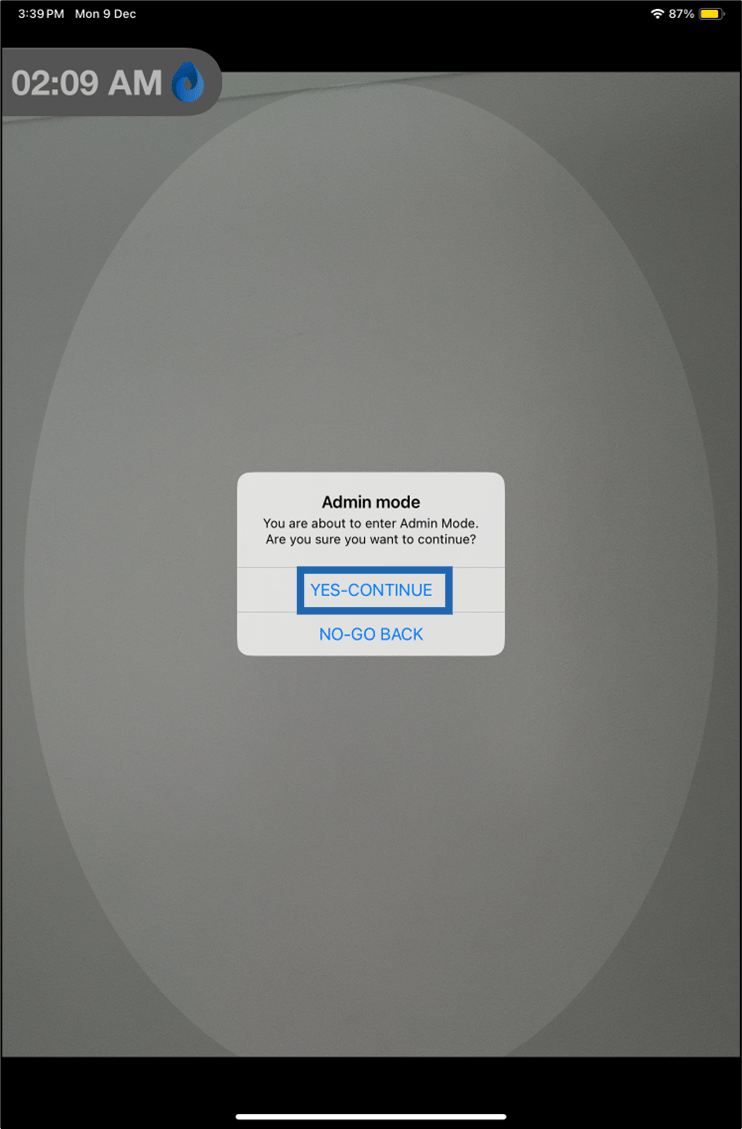
- Double-tap on the Preview screen with two fingers. The Admin mode pop up box is displayed.
-
Tap YES-CONTINUE to log into Admin Mode.
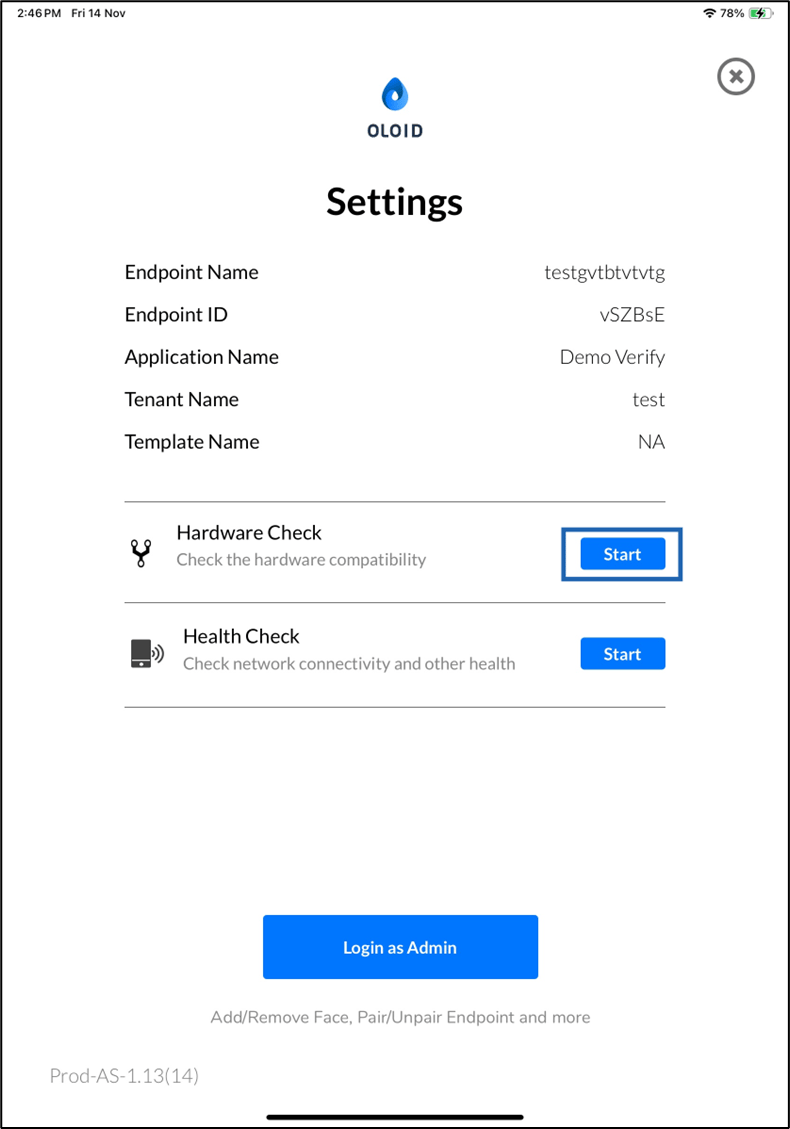
- Tap Start in the Hardware Check section.