Pre-requisite
  • User must have an Okta account.
  • Okta credential (user email ID) must be added to the user details page in Oloid Portal.
To log in with password:
  1. Launch the Oloid Connect app on your iPad.
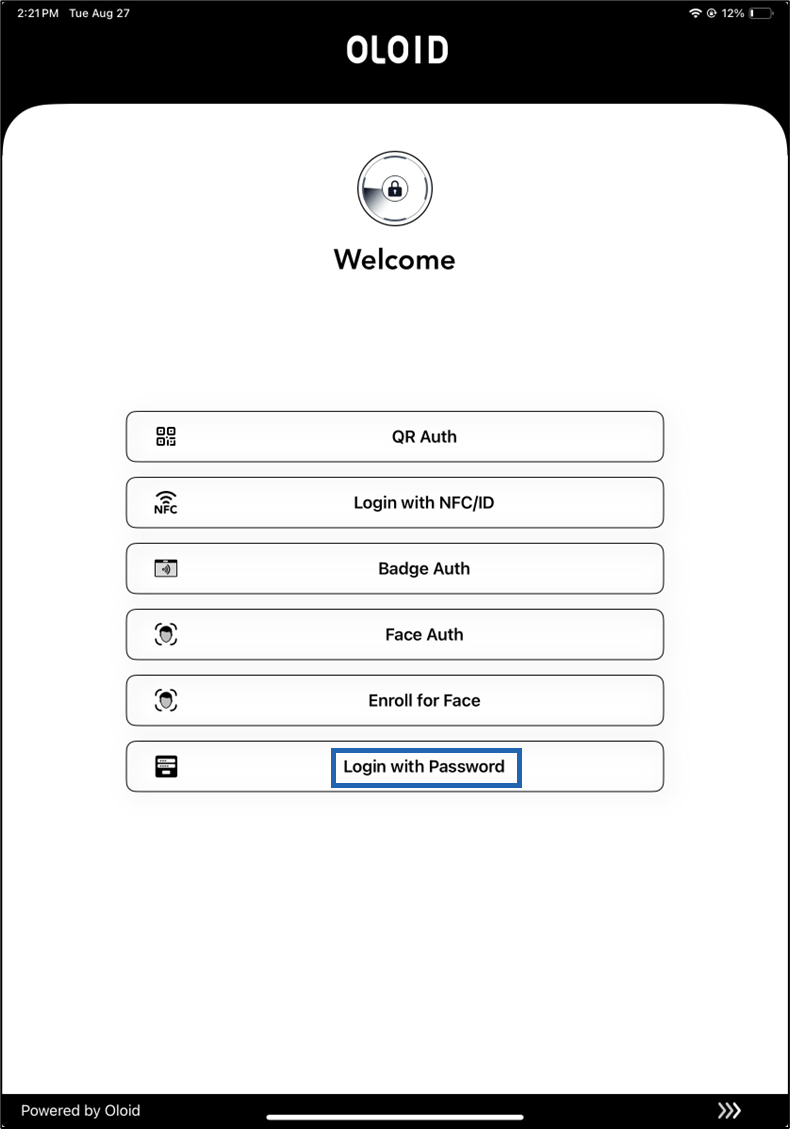
  2. On the home page of the app, select Login with Password. How to log in to Workforce /HRMS... - screenshot 1
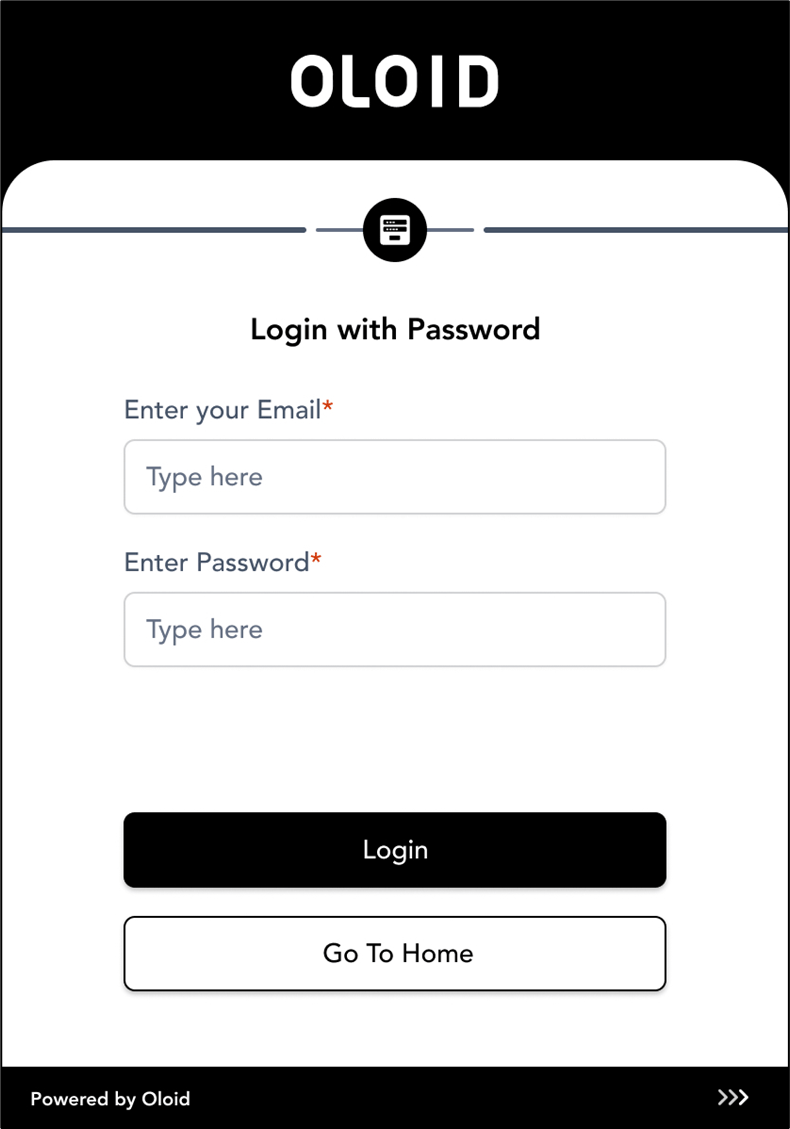
  3. Enter your login credential in the respective fields.. How to log in to Workforce /HRMS... - screenshot 2 You are successfully signed in to the Okta system. How to log in to Workforce /HRMS... - screenshot 3 Watch our video How to login with Password through Oloid Connect for Passwordless