Introduction
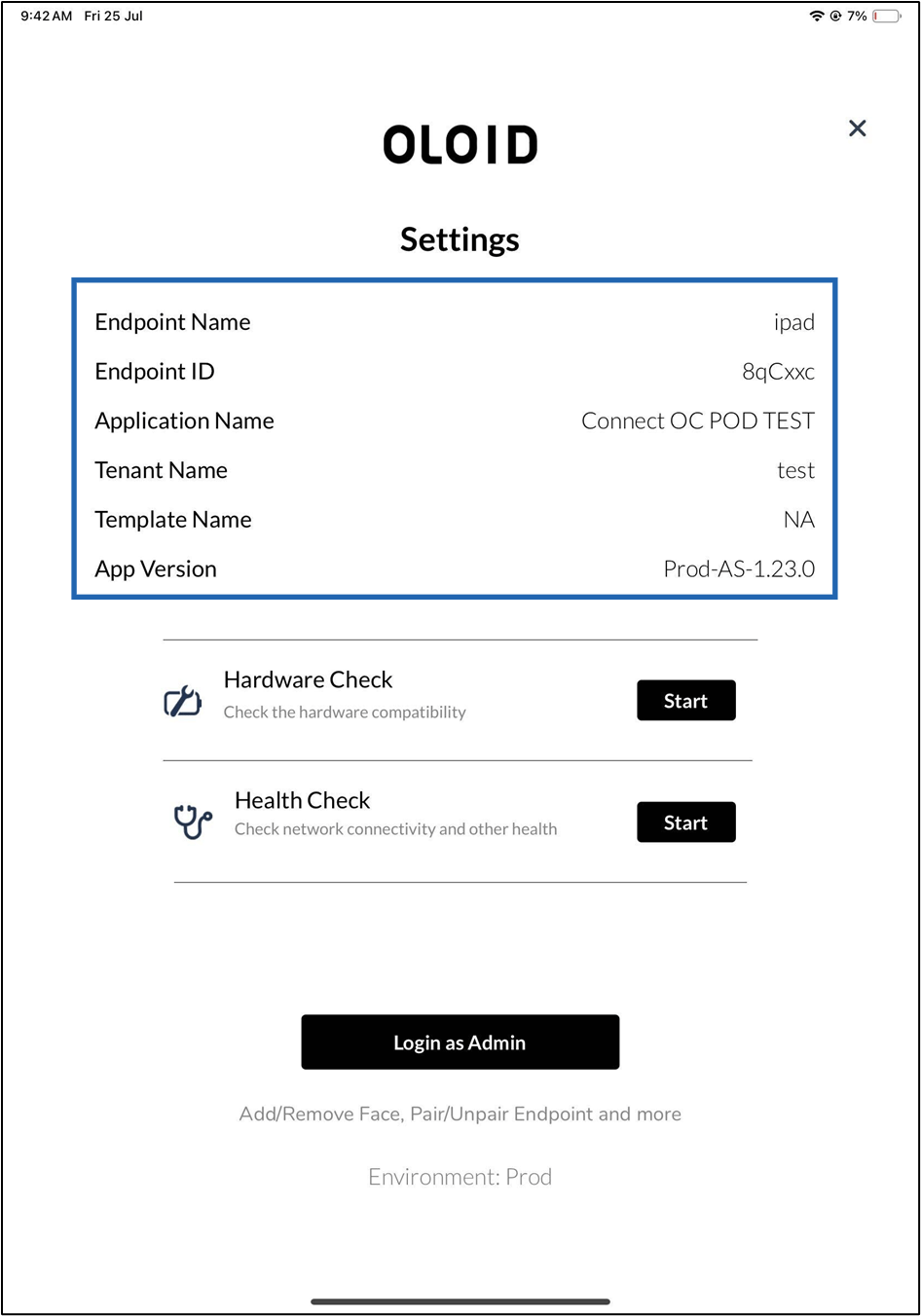
The Oloid Connect app allows Tenant Admins and Supervisors to view essential endpoint details directly from the device. This feature helps verify configuration, troubleshoot issues, and ensure that the endpoint is set up correctly. Once the endpoint is paired, users can access these details through Admin Mode on the Oloid Connect app.Prerequisite
The endpoint must be paired. For more details, refer How to pair an Oloid Connect endpoint.Steps to view endpoint details
-
Launch the Oloid Connect App.
 Note: Since the endpoint is already paired, the App will launch in the initial screen of the App.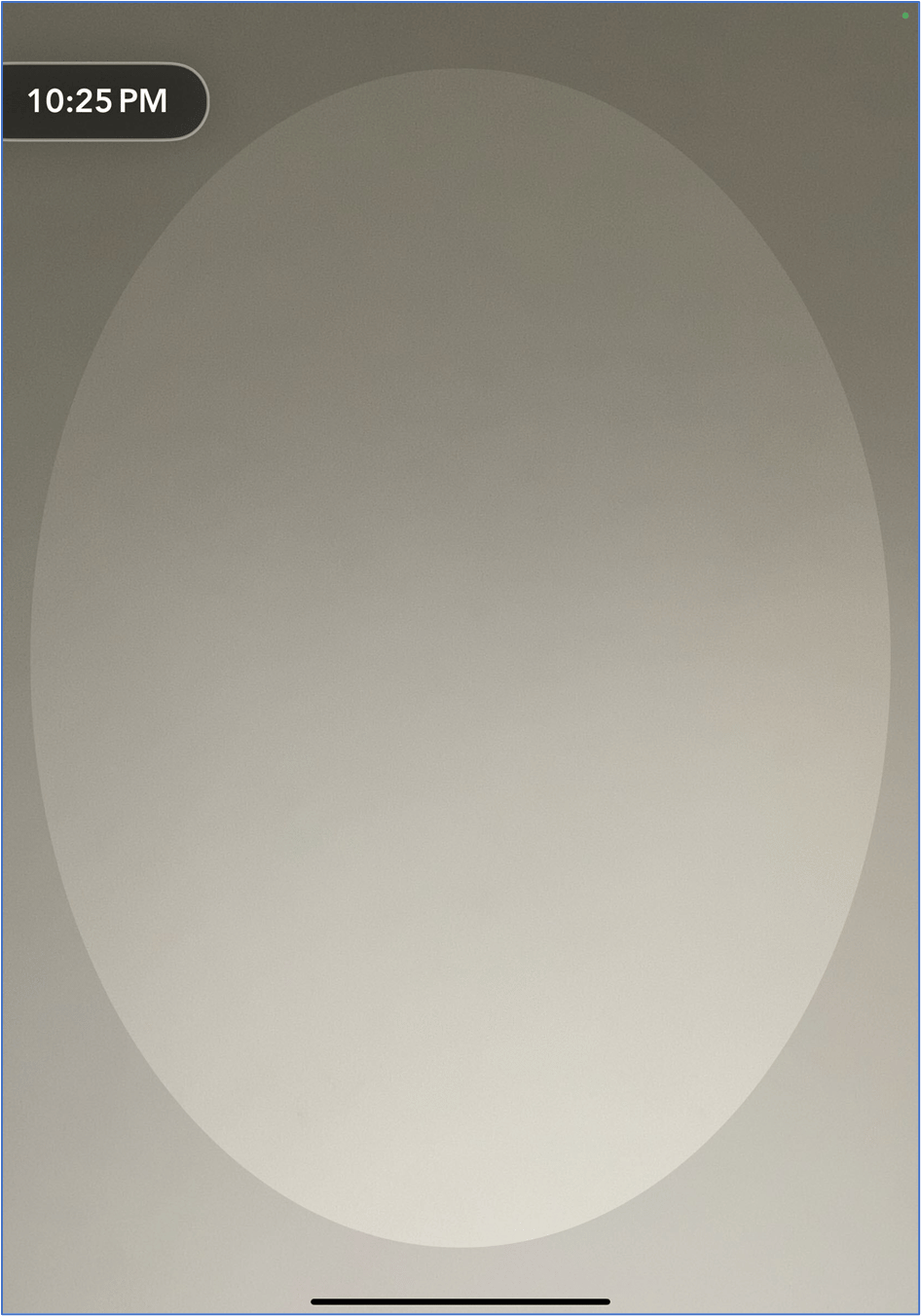
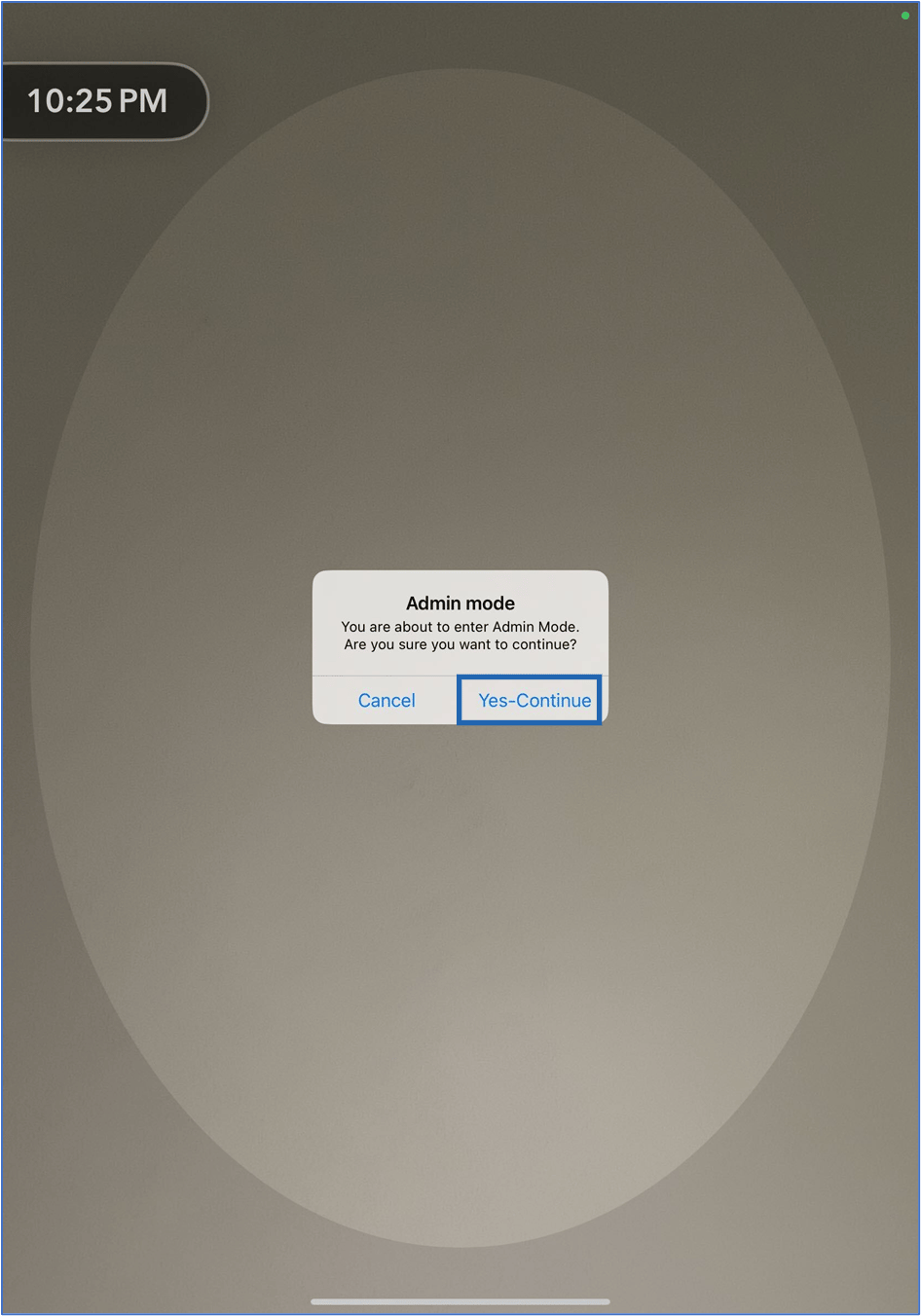
- Double tap with two fingers on the initial screen to launch the app in Admin Mode.