Introduction
This document provides step-by-step instructions to view endpoint details on the Oloid Connect iPhone app.Prerequisite
The endpoint must be paired. For more, refer to How to pair an Oloid Connect endpoint on iPhoneSteps to view Endpoint Details on the Endpoint
-
Launch the Oloid Connect App.
Note: Since the endpoint is already paired, the App will launch in the initial screen of the App. For more, refer to How to pair an Oloid Connect endpoint on iPhone
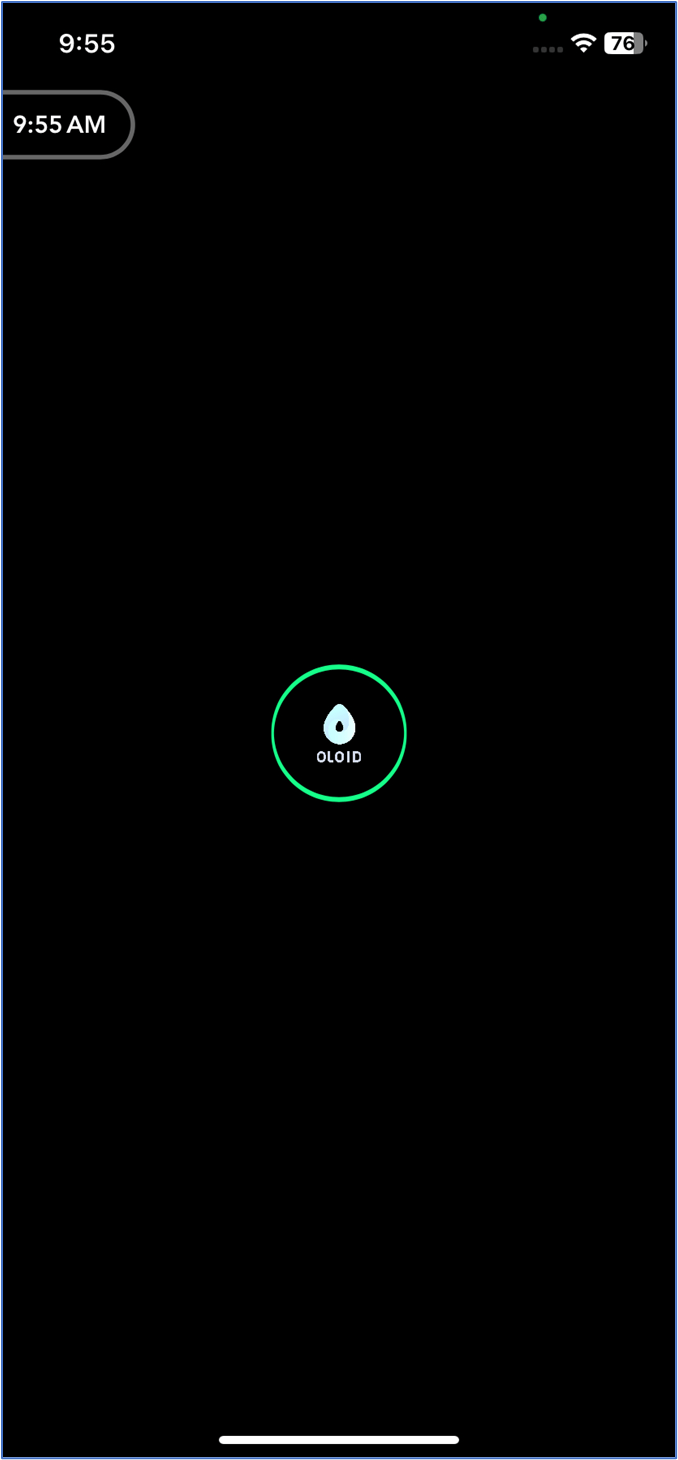
- Double tap with two fingers on the initial screen to launch the Admin Mode.
-
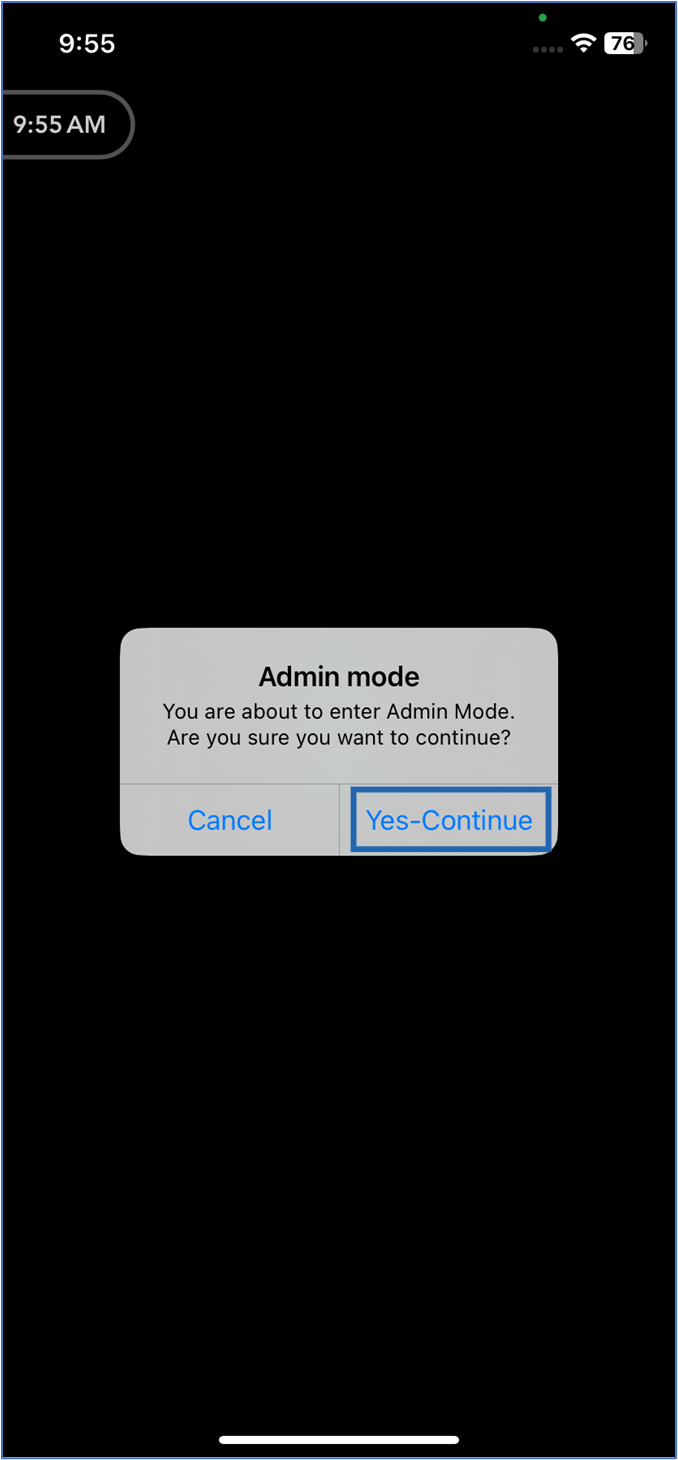
Tap Yes-Continue.
-
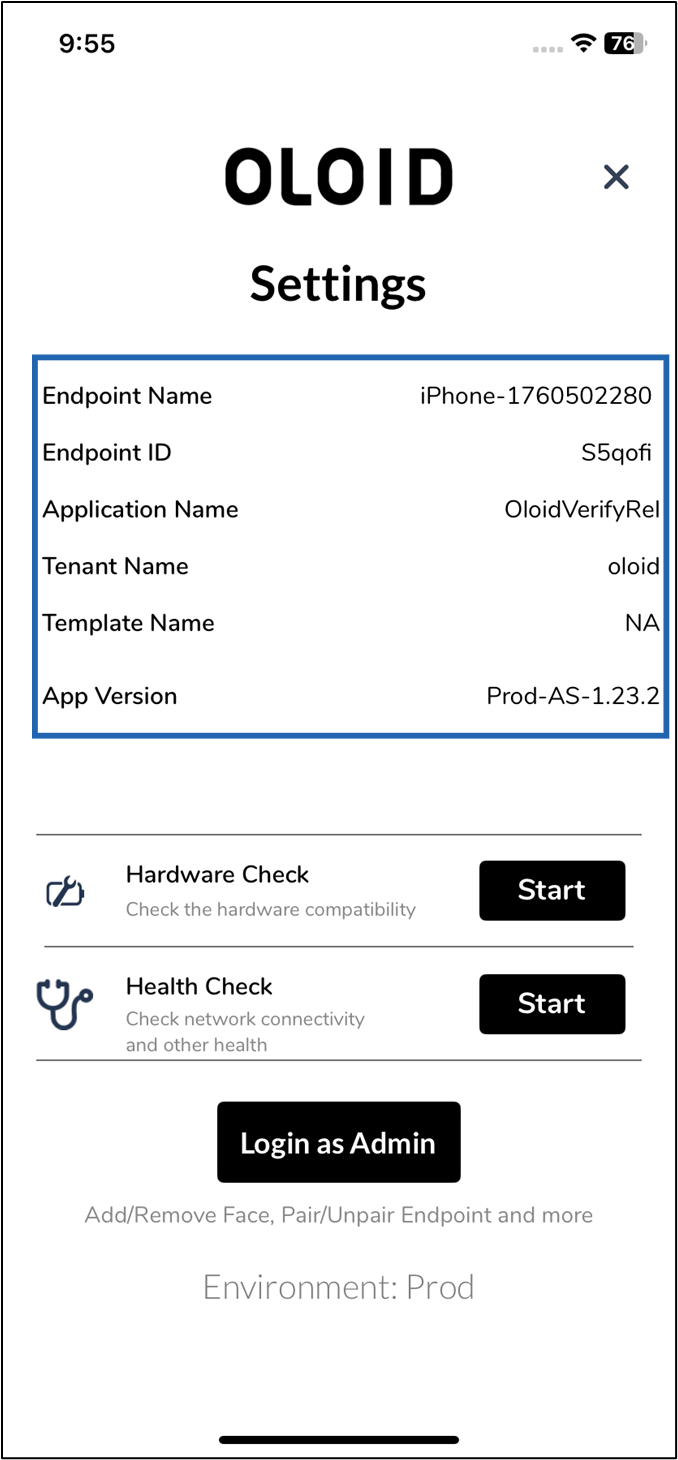
On the Settings page, the endpoint details are displayed.