

Introduction
The Google SSO Login feature in the Oloid Verify App allows Tenant Admin and Supervisor to securely access Admin Mode using Google SSO credentials.Prerequisites
You must have a Tenant Admin account.Steps to login with Google SSO
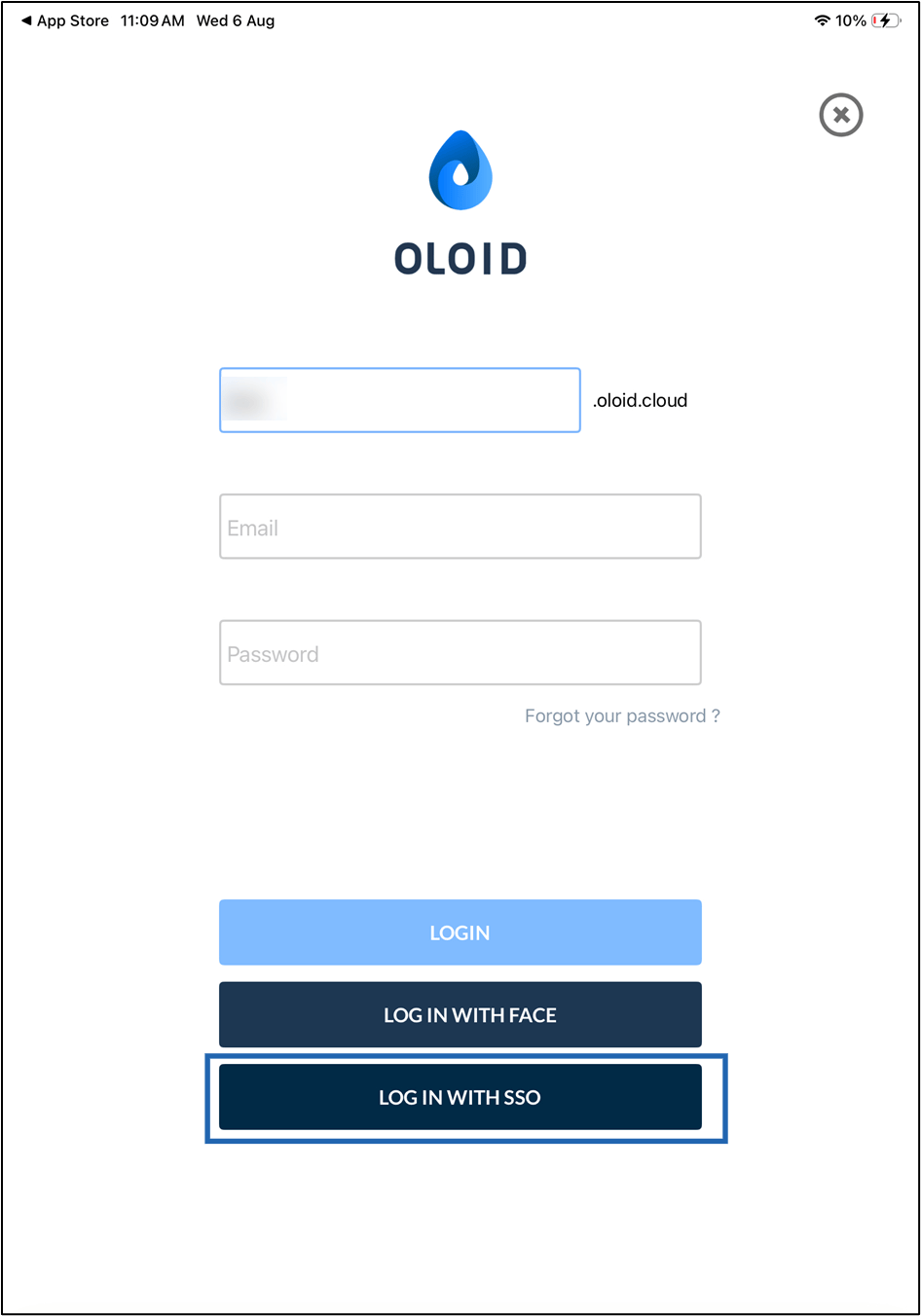
- Launch the Oloid Verify App. The Login screen is displayed.
- On the login screen, tap Login with SSO.
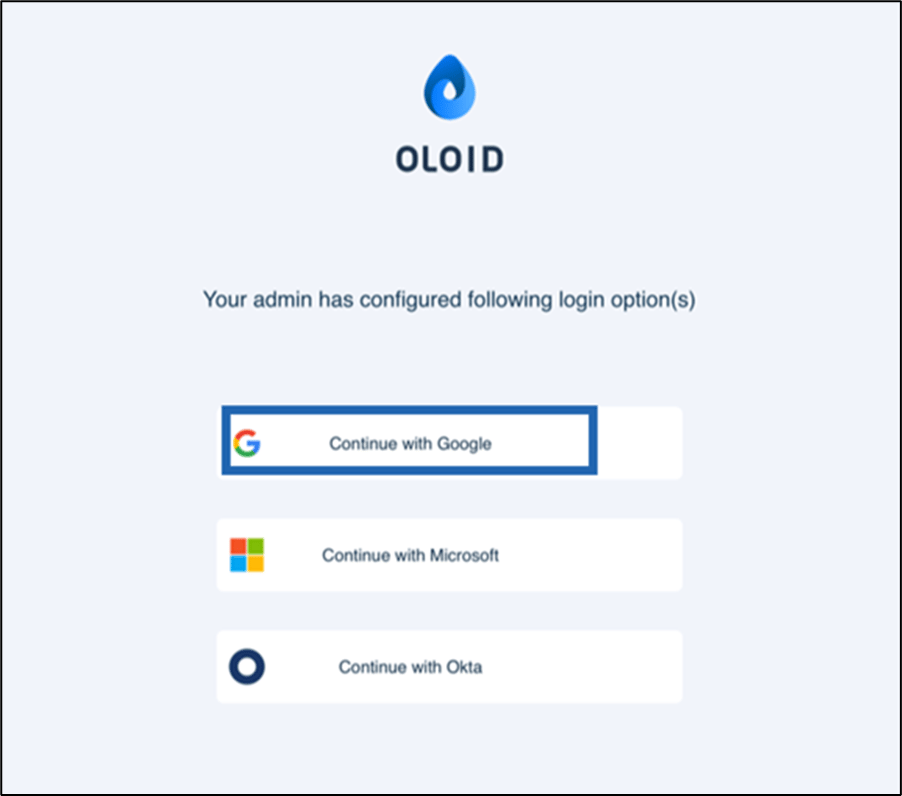
- Tap Continue with Google.
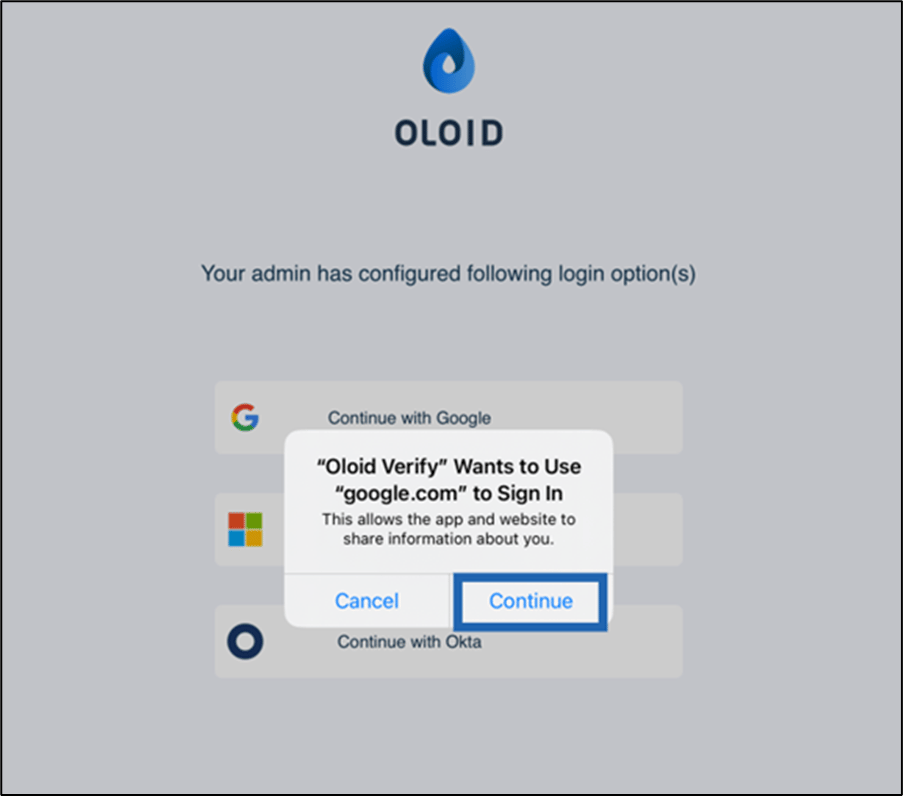
- Tap Continue.
- Enter Email ID > tap Next.

- Enter Password > tap Next.
