Introduction
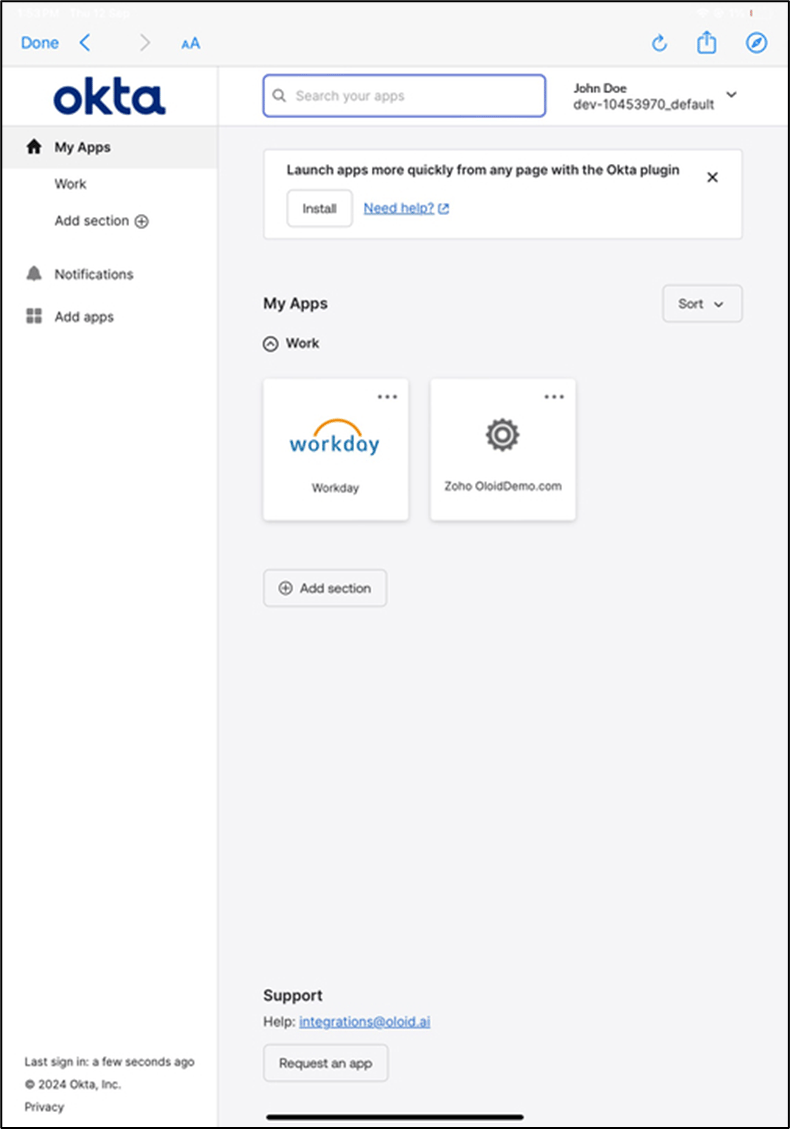
This document provides step-by-step instructions for logging in with NFC and PIN to Workforce / HRMS platform.Pre-requisite
- User must have an Okta account.
- In the Oloid Portal, admin must do the following:
- Okta credential (user email ID) must be added to the user details page in Oloid Portal.
- Assign NFC for the user. For more details, refer How to assign NFC/ID as a credential to the user
- Add PIN for the user. For more details, refer How to add PIN as credential to users.
- Enable NFC and PIN options under the Oloid Verify Application. For more details, refer How to create and configure Connect for Passwordless.
Using the NFC
- Launch the Oloid Connect app in your iPad.
-
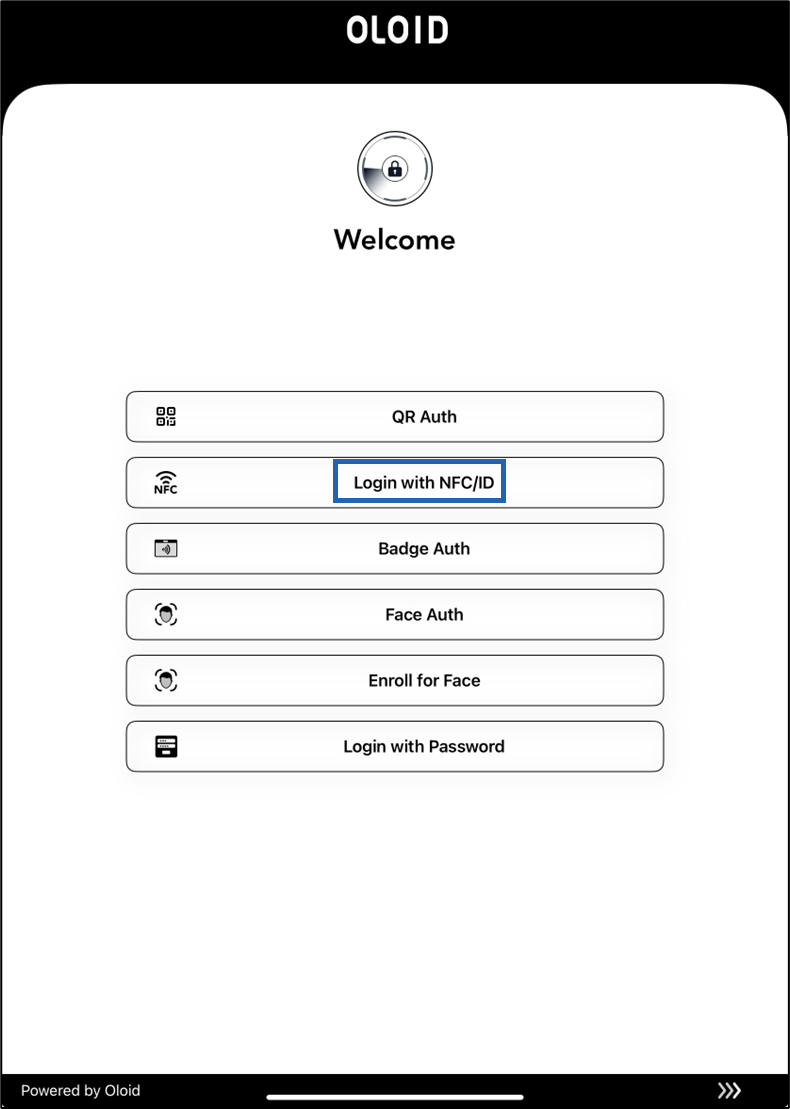
On the home page of the app, select Login with NFC/ID.
-
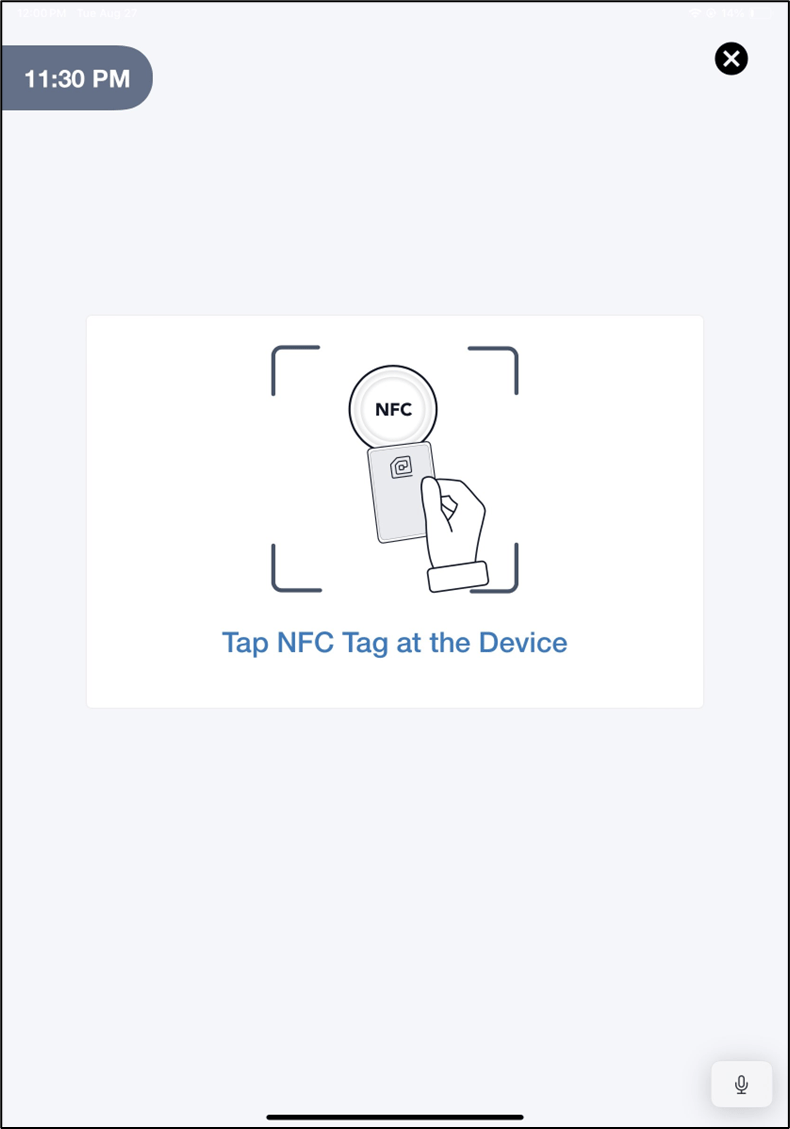
Tap the NFC tag on the Reader to scan it.
Note: The Reader should be connected to your iPad.
-
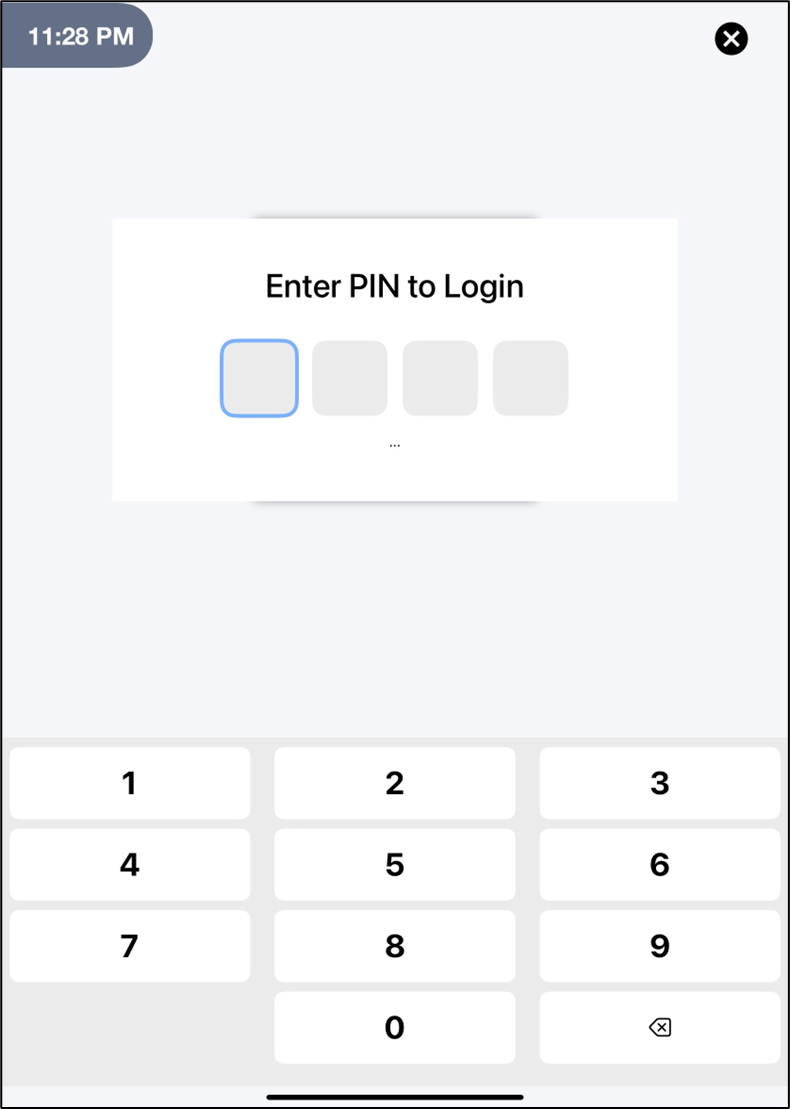
On NFC authentication, the Enter PIN to Login screen is displayed.
-
Enter the PIN.
On PIN authentication, you are signed in to the Workforce /HRMS platform.