

Introduction
The Add Faces feature in the Oloid Verify app allows Tenant Admins and Supervisors to register a user’s face as a credential.Note: If consent option is enabled for connection to take consent for user, it will ask for consent before uploading the picture. To enable refer How to add a Consent Template to a Connection in the Tenant Admin Portal.
Prerequisite
- You must have a Tenant Admin or Supervisor account.
- You must add the user. To add user refer Oloid Verify-Add User.
- The Oloid Verify endpoint must be paired. To pair, refer How to pair an Oloid Verify endpoint
Steps to add faces
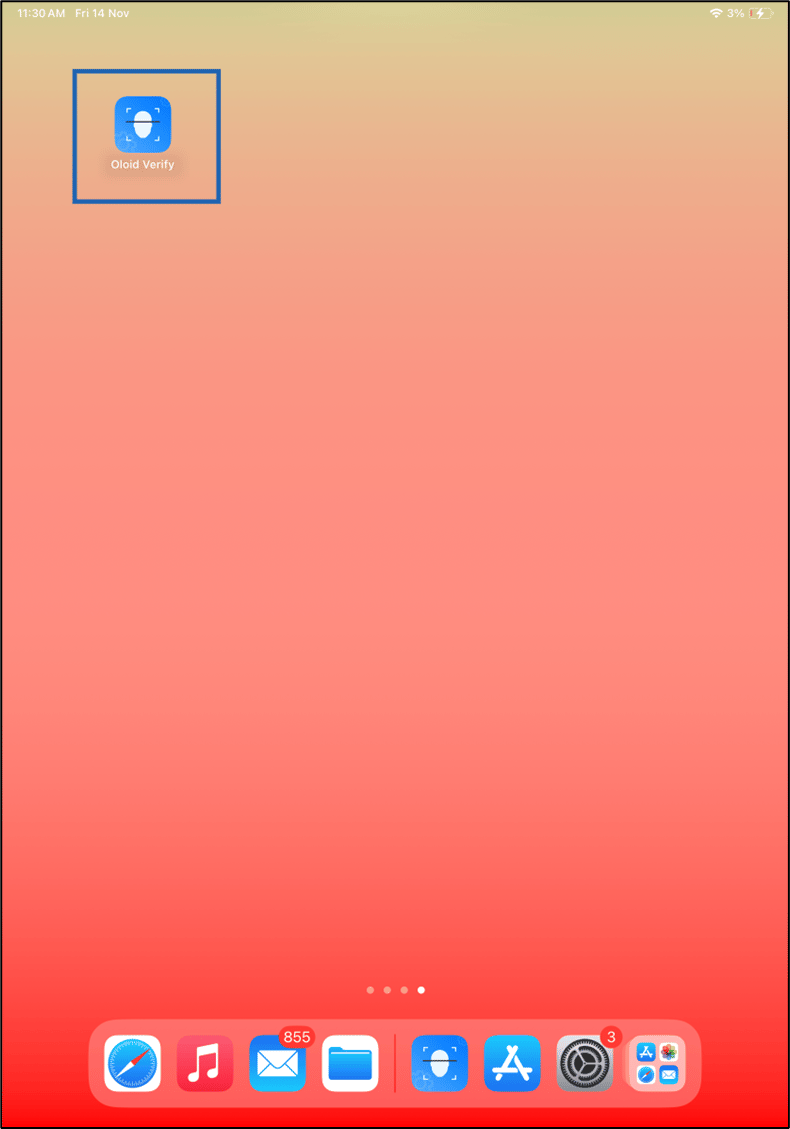
- Launch the Oloid Verify app.
- Log in to Admin mode in Oloid Verify app. To login, refer How to log in to the admin mode of Oloid Verify App as an Admin or Supervisor. The Users page is displayed with the list of users.
- Select the preferred user to add a face.


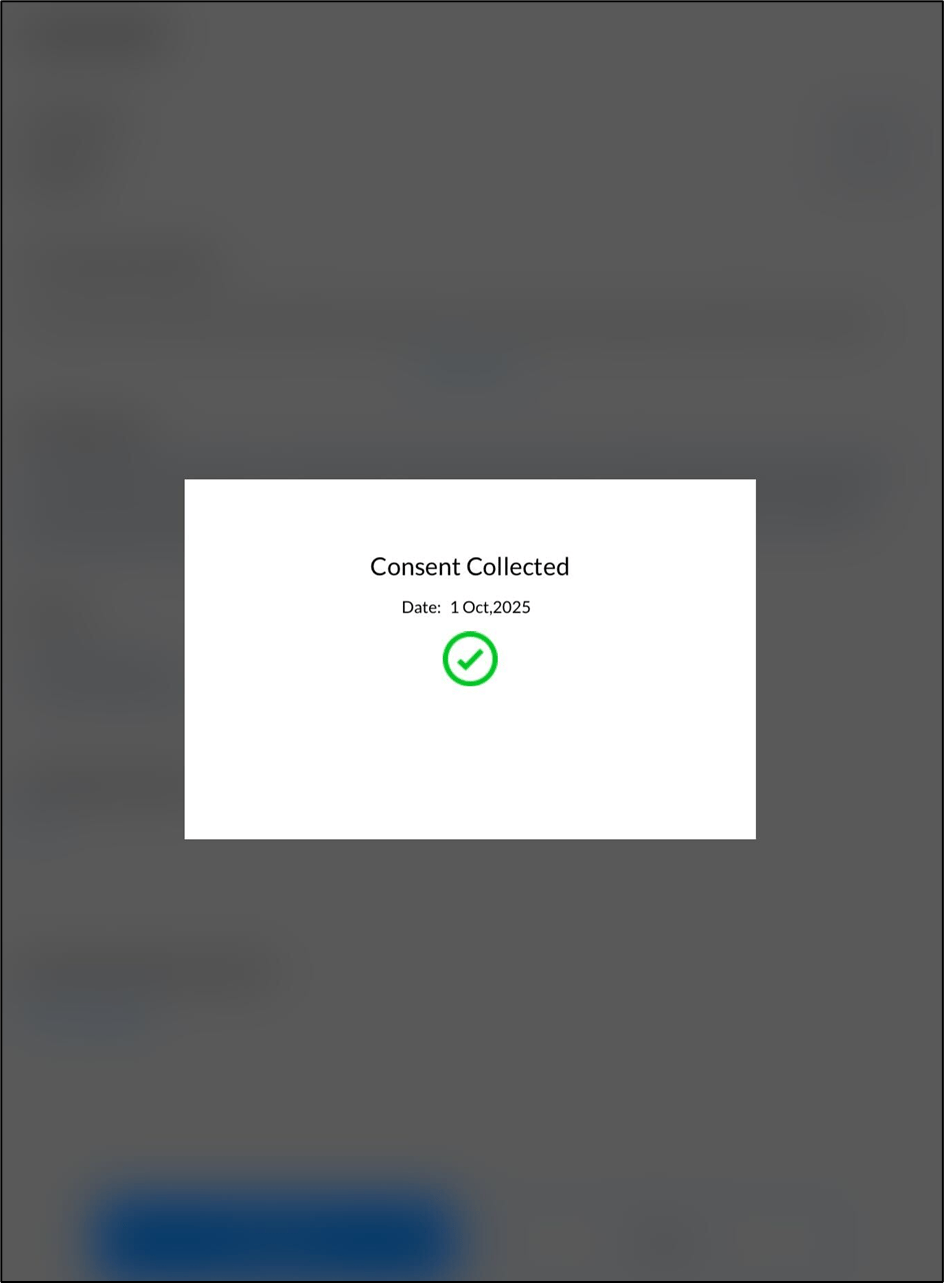
- Go to Face tab > tap Submit Consent.

- Tap Accept.

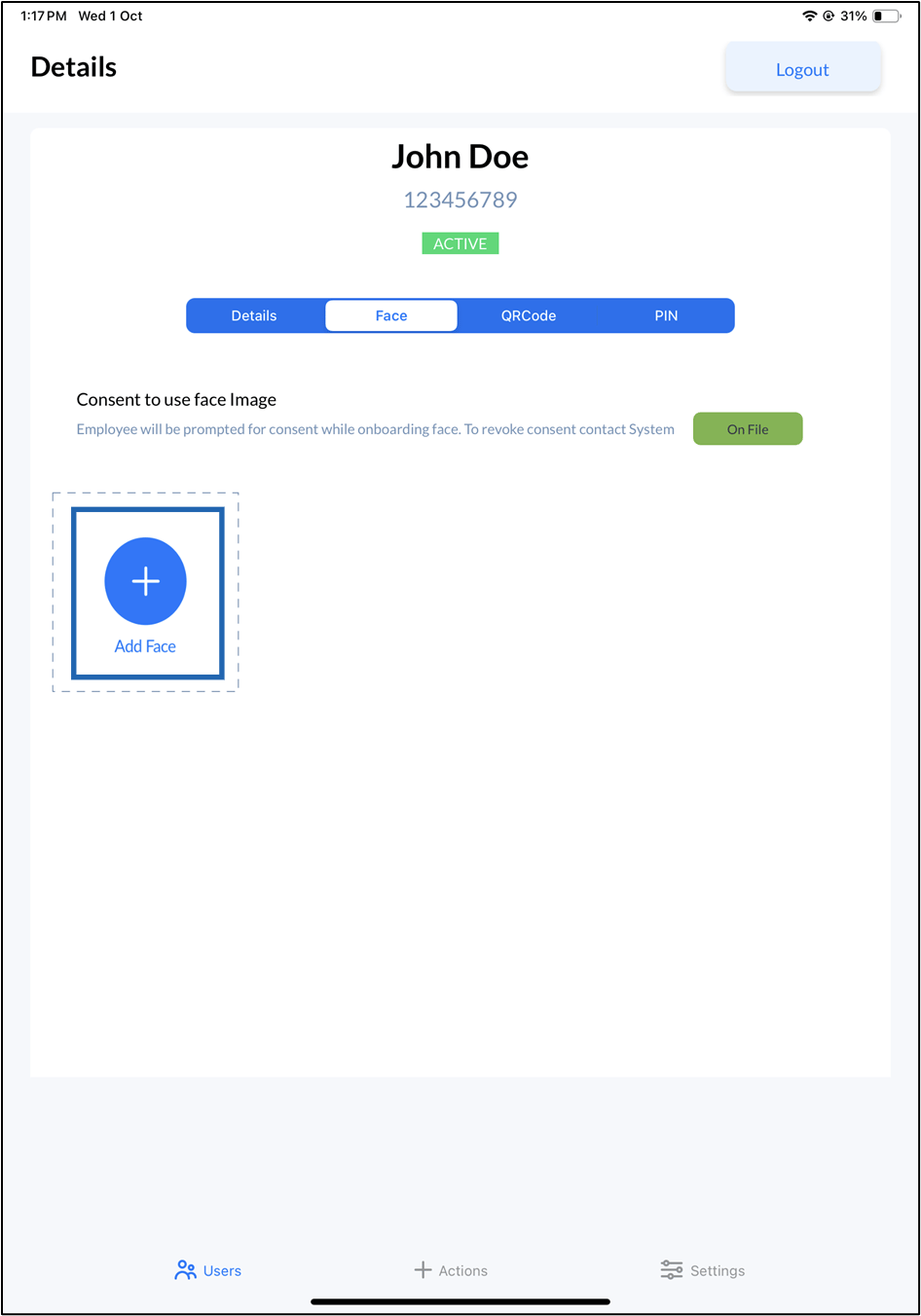
- Tap +Add Face.
This opens the camera on your device.
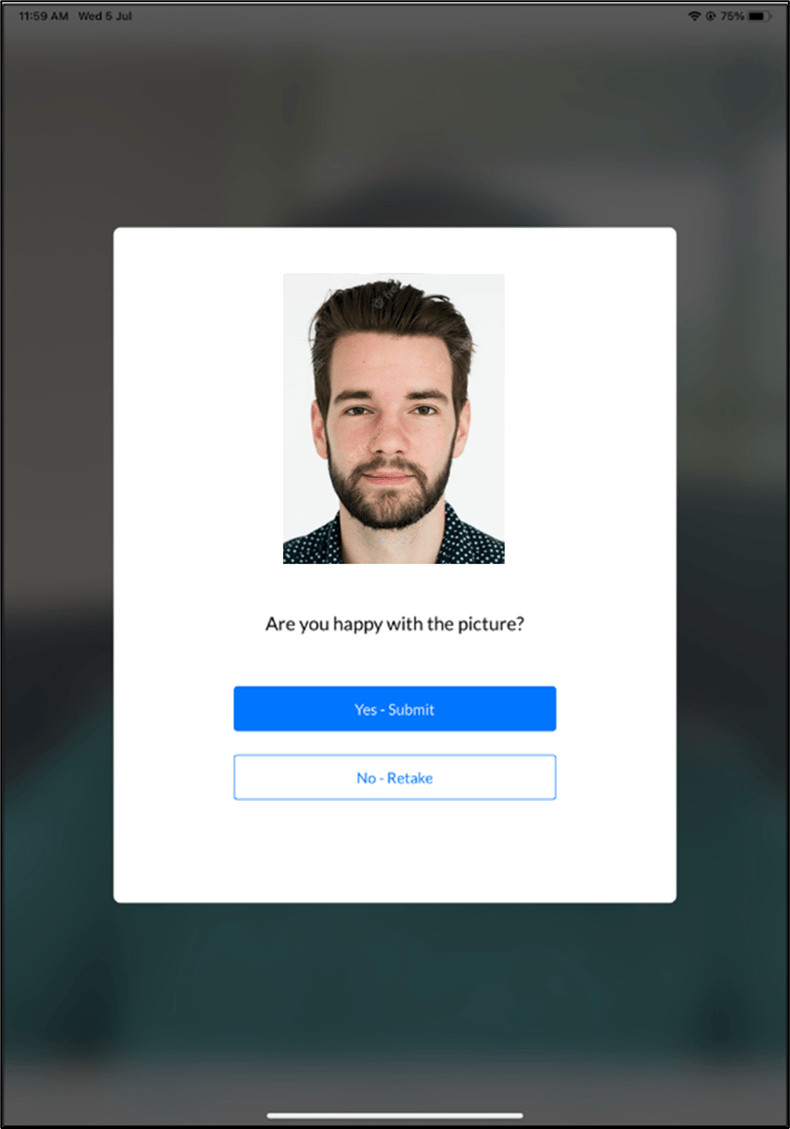
- Look at the camera to confirm your identity. The pop-up screen appears with the captured image.
- Do one of the following:
- Tap Yes- Submit to submit the image. The face is submitted successfully and is displayed on the details screen.
-
Tap No- Retake to take the photo again.
The camera turns on to retake photo.
 Ensure your face is clearly visible to avoid rejection. Avoid wearing items that cover facial features, such as sunglasses, masks, or headbands. For more details, refer to Oloid’s Image Reference Guide for face onboarding guidelines.Note: You can add a maximum of five faces per user.