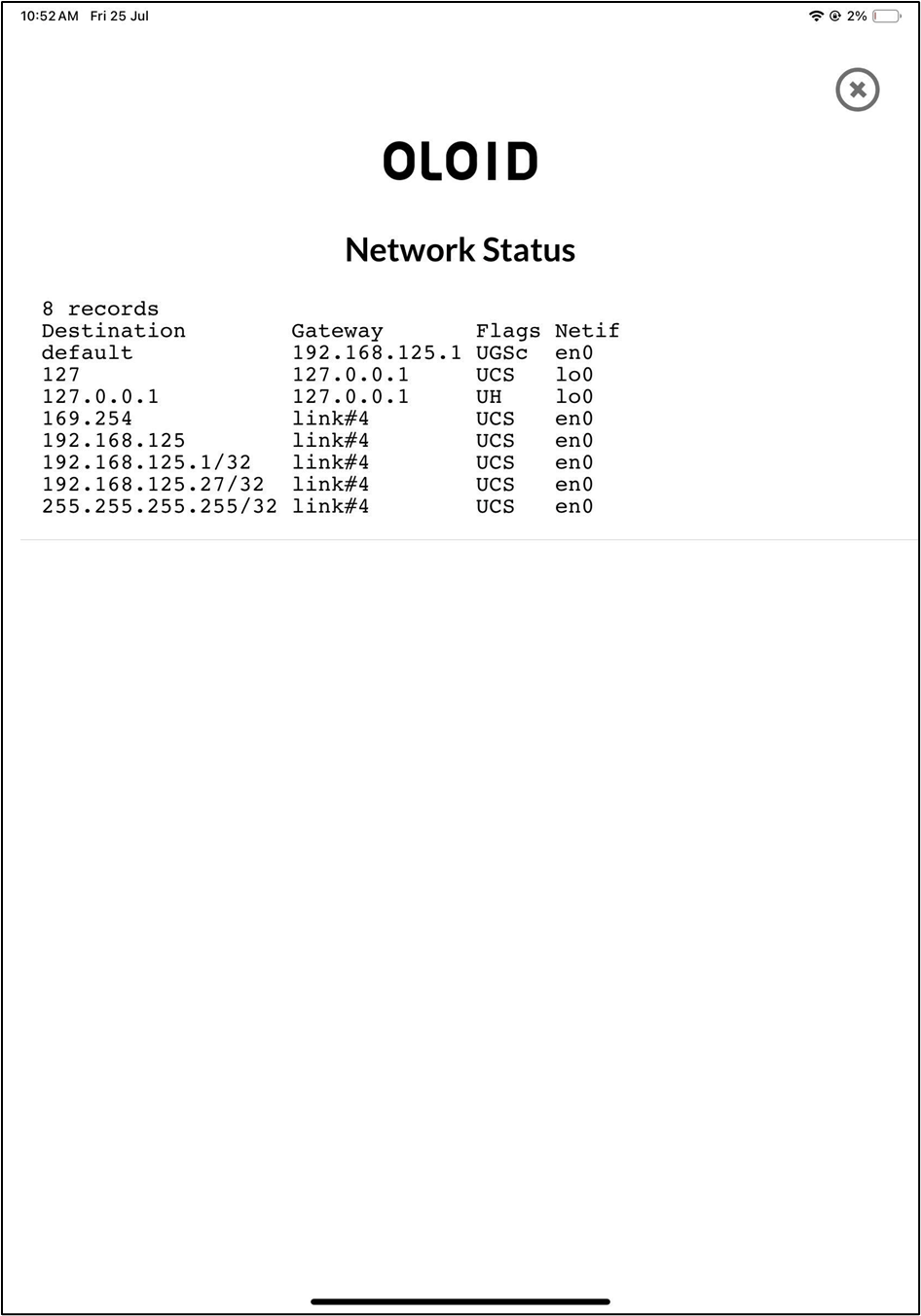
Steps to test network connectivity on the Endpoint
-
Launch the Oloid Connect
 Note: Since the endpoint is already paired, the App will launch in the initial screen of the App. For more, refer to How to pair an Oloid Connect endpoint.
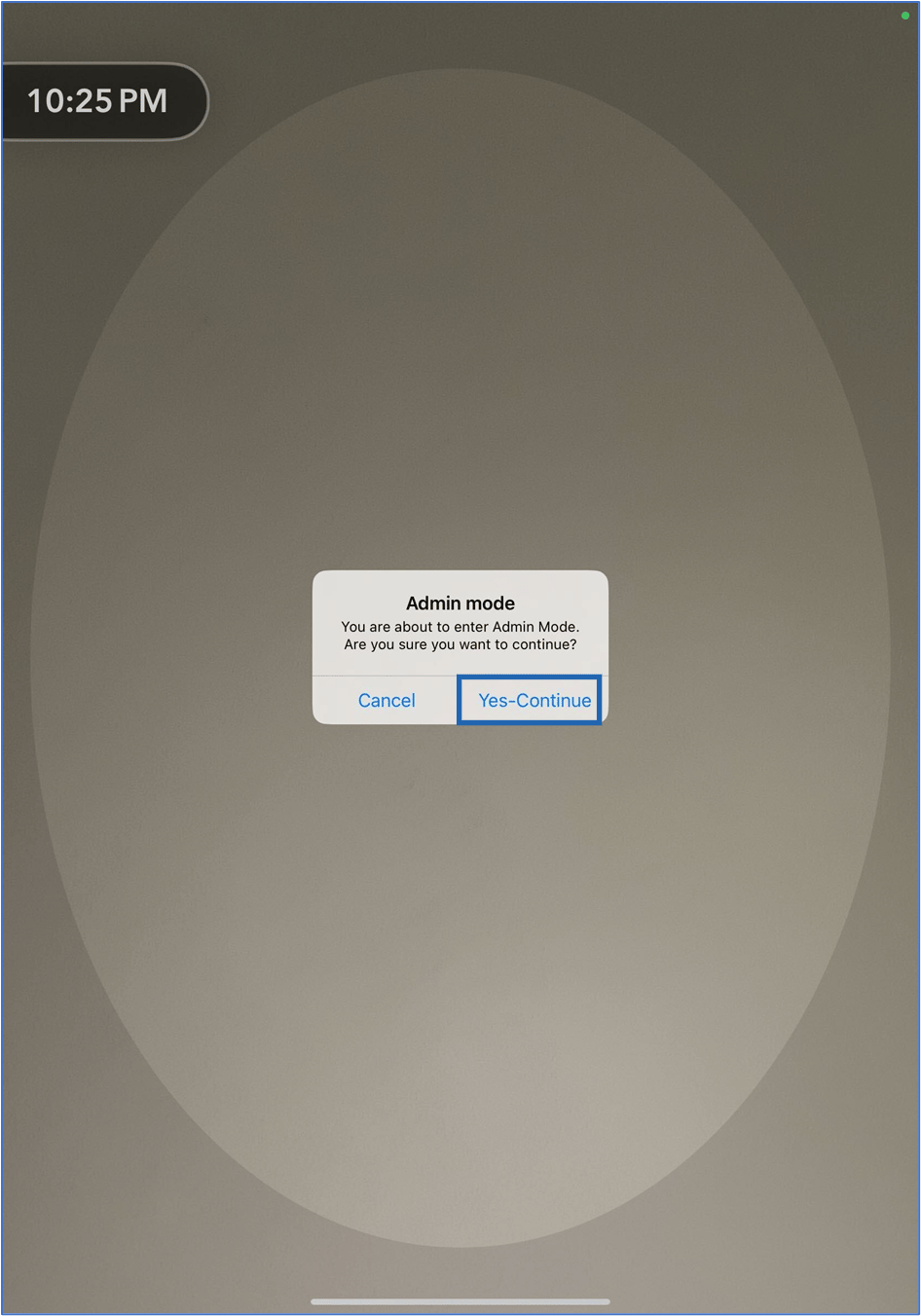
- Double tap with two fingers on the initial screen to launch the Admin Mode.
-
Tap Yes- Continue.
-
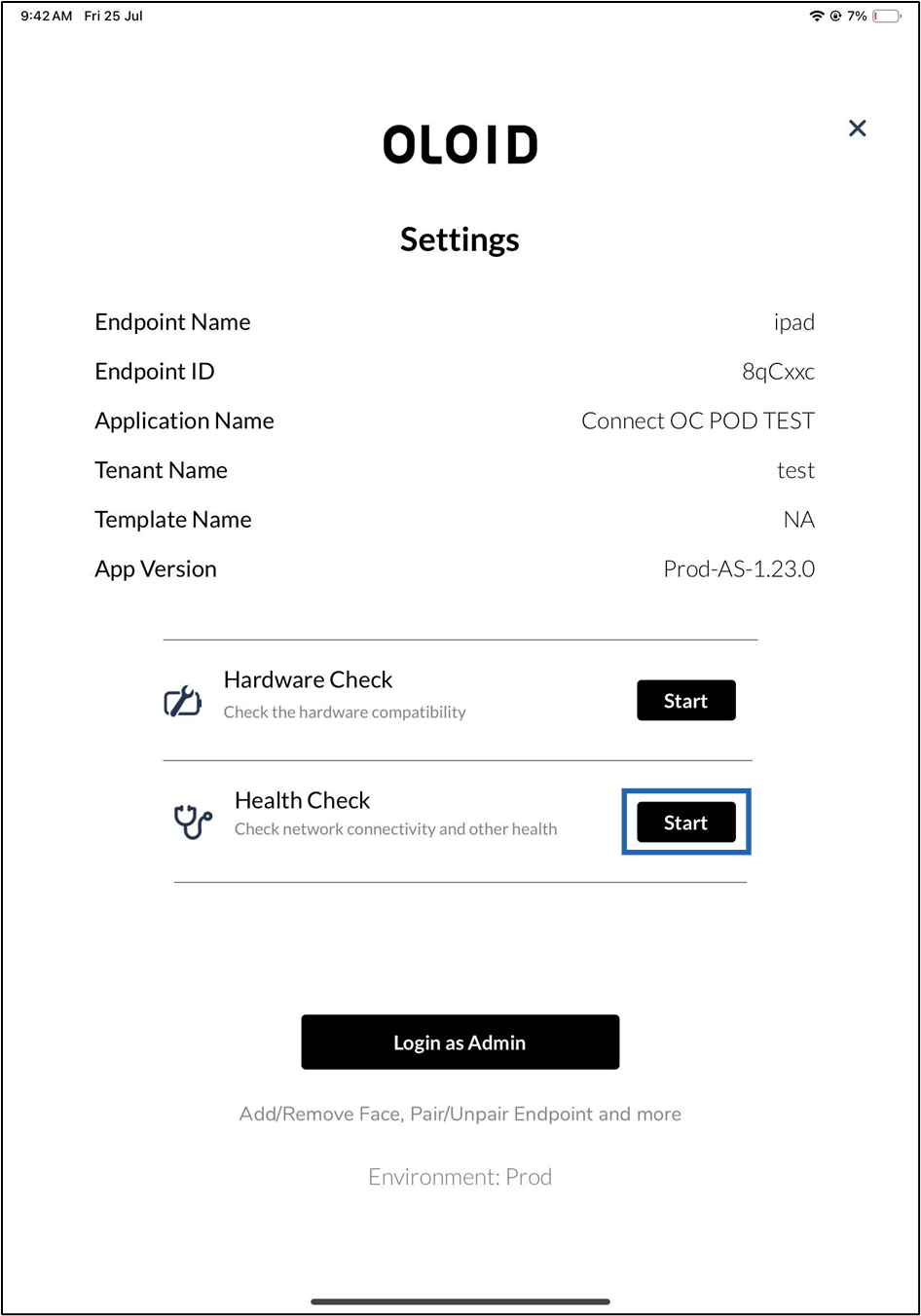
Tap Start in the Health Check section.
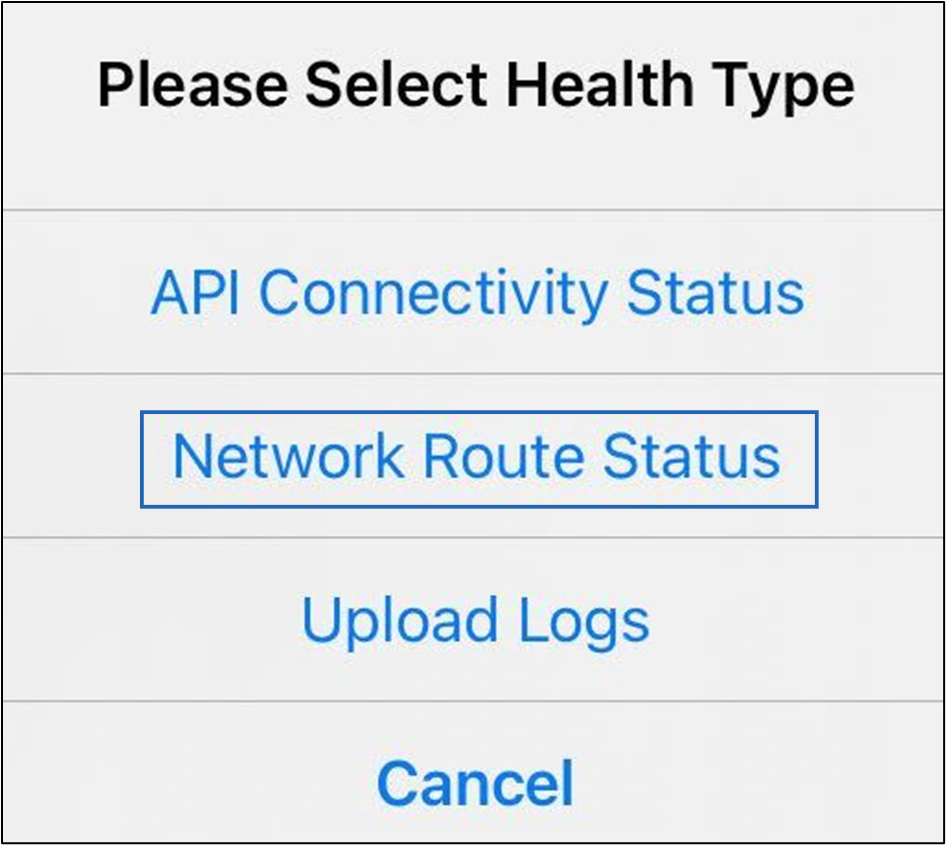
- On the pop-up box, tap Network Route Status.