

Introduction
The Re-pair Endpoint feature in the Oloid Connect App allows Admins and Supervisors to restore an endpoint that requires reconfiguration. This process ensures that the endpoint reconnects properly with the assigned application and continues to operate as expected.Steps to re-pair an endpoint
-
Launch the Oloid Connect app.
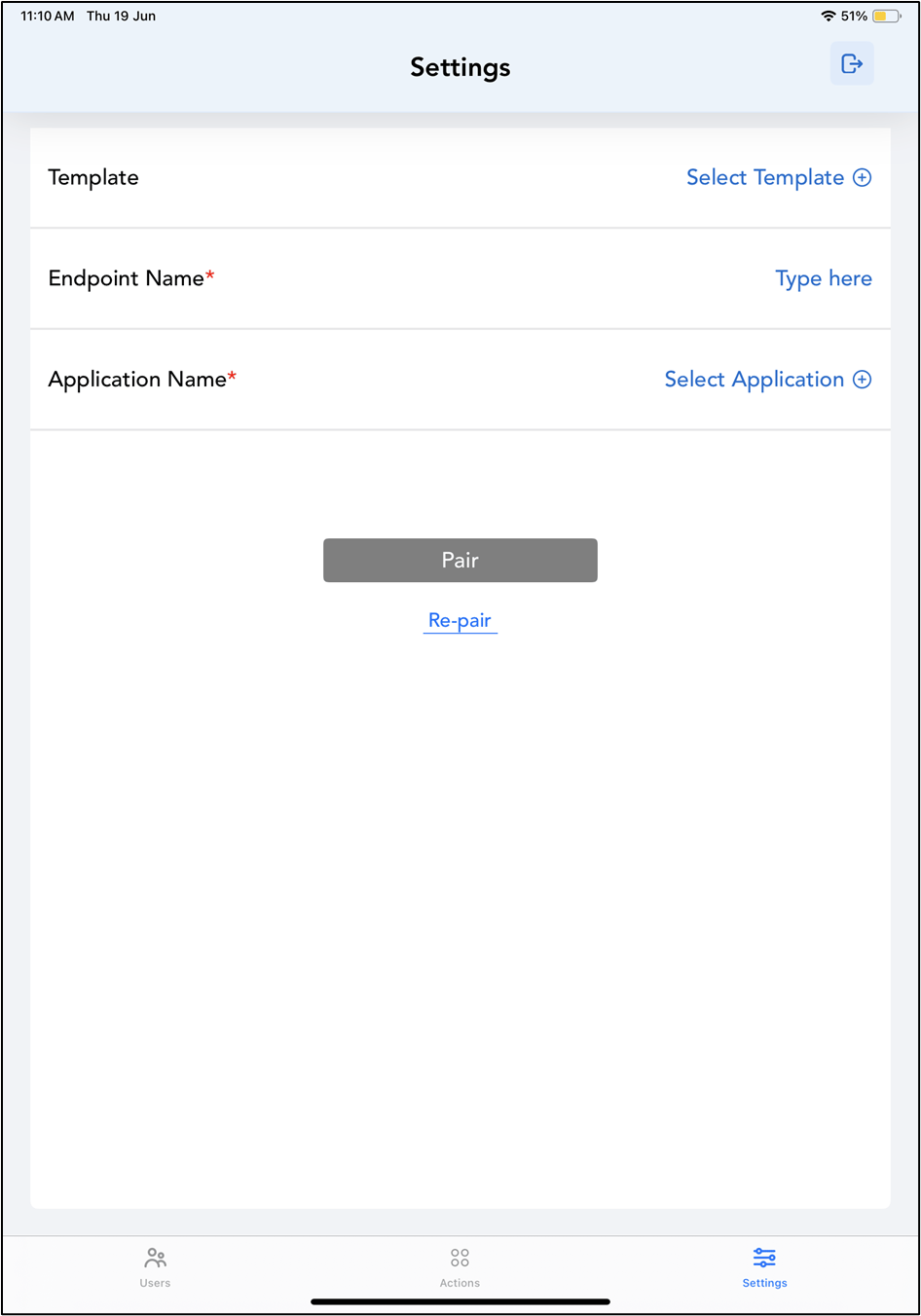
The Settings page is displayed.Note: For more information about how to log in to the Oloid Connect, refer to How to log in to the Admin mode in Oloid Connect App.
-
Tap Re-pair.
 Note: You can only re-pair an endpoint if it is not paired.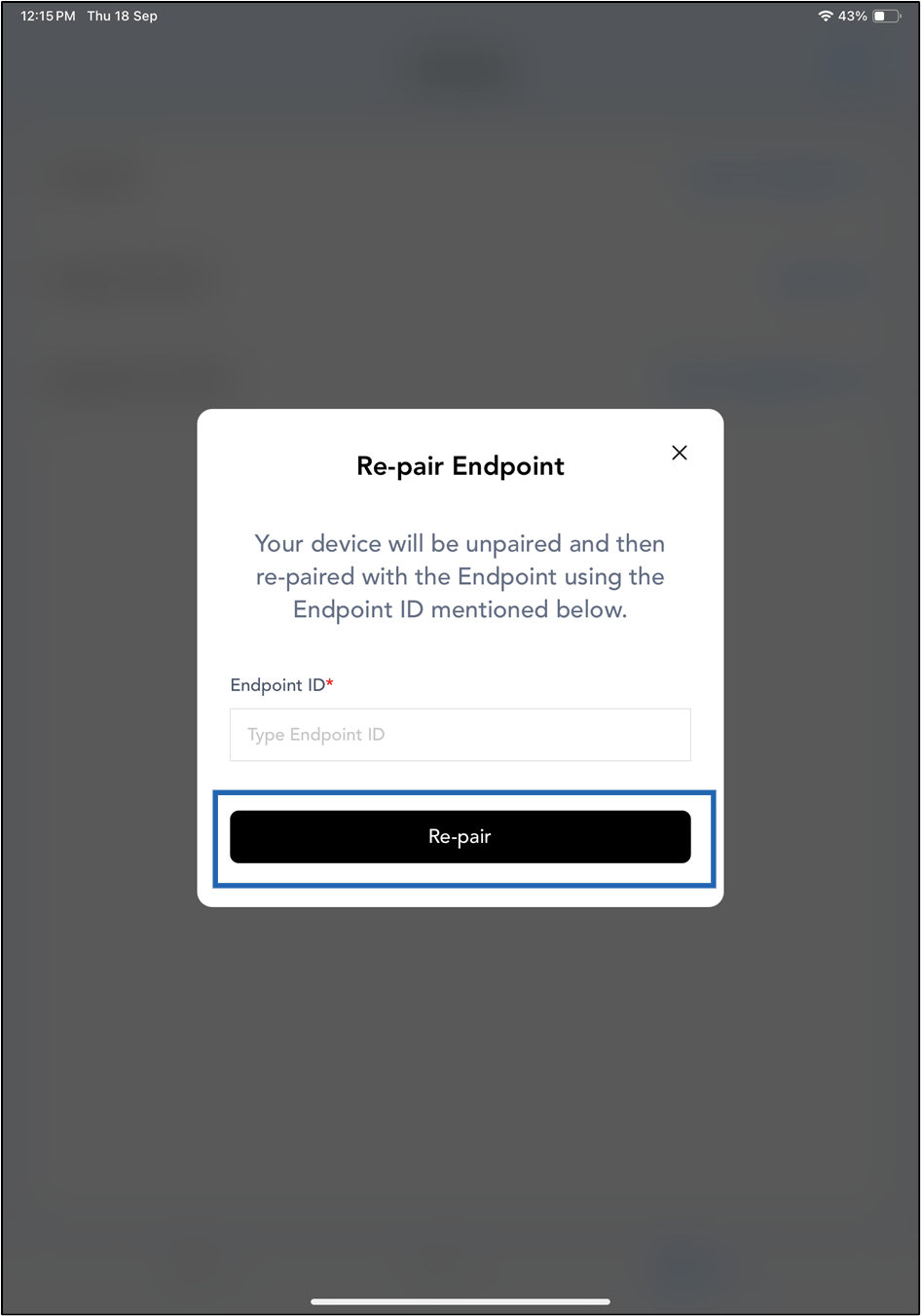
-
On the pop-up box, do the following:
- Enter Endpoint ID.
-
Tap Re-pair.
The Endpoint is re-paired successfully.
 Note: Kill and relaunch the app to make the new updates function properly.