

Introduction
This document provides step-by-step instructions to re-pair an endpoint using the Oloid Connect iPhone app.Steps to re-pair an endpoint
-
Launch the Oloid Connect app.
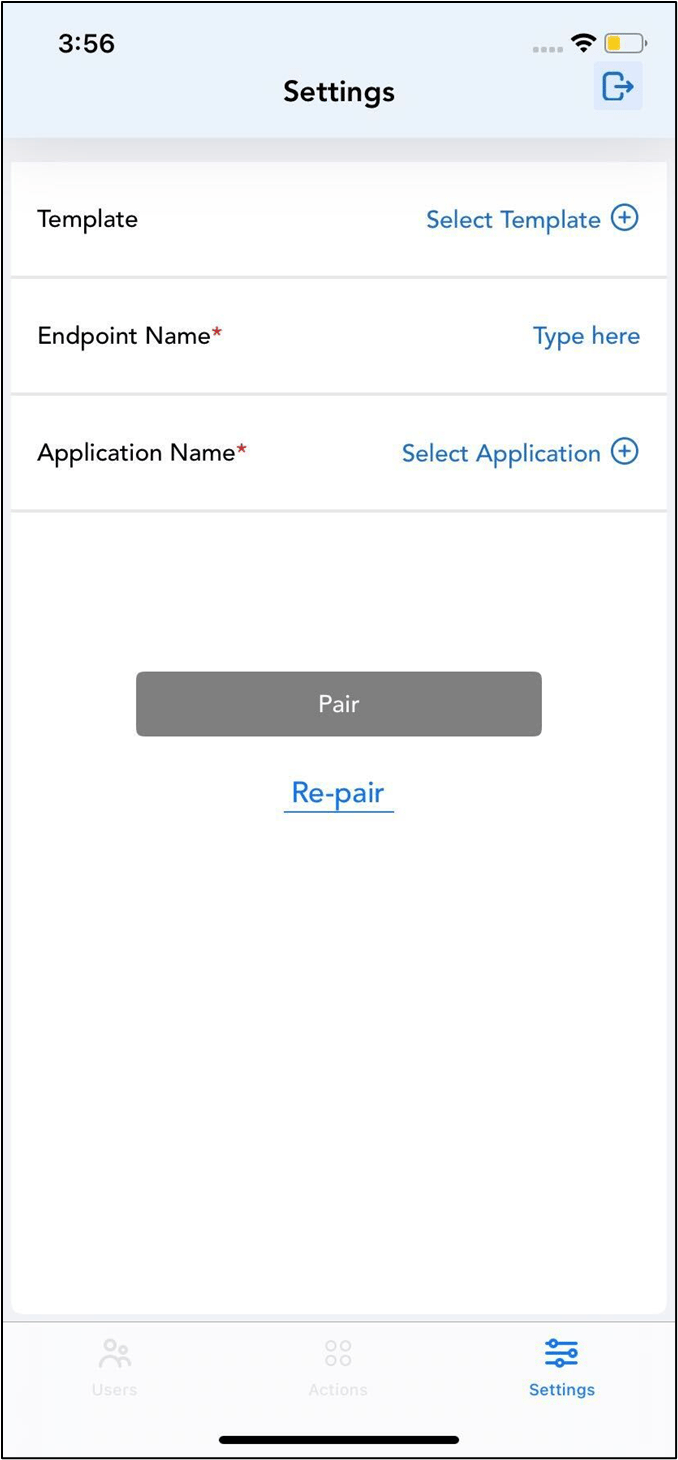
The Settings page is displayed.Note: For more information about how to log in to the Oloid Connect, refer to Oloid Connect - Admin Setup on iPhone
-
Tap Re-pair.
 Note: You can only re-pair an endpoint if it is not paired.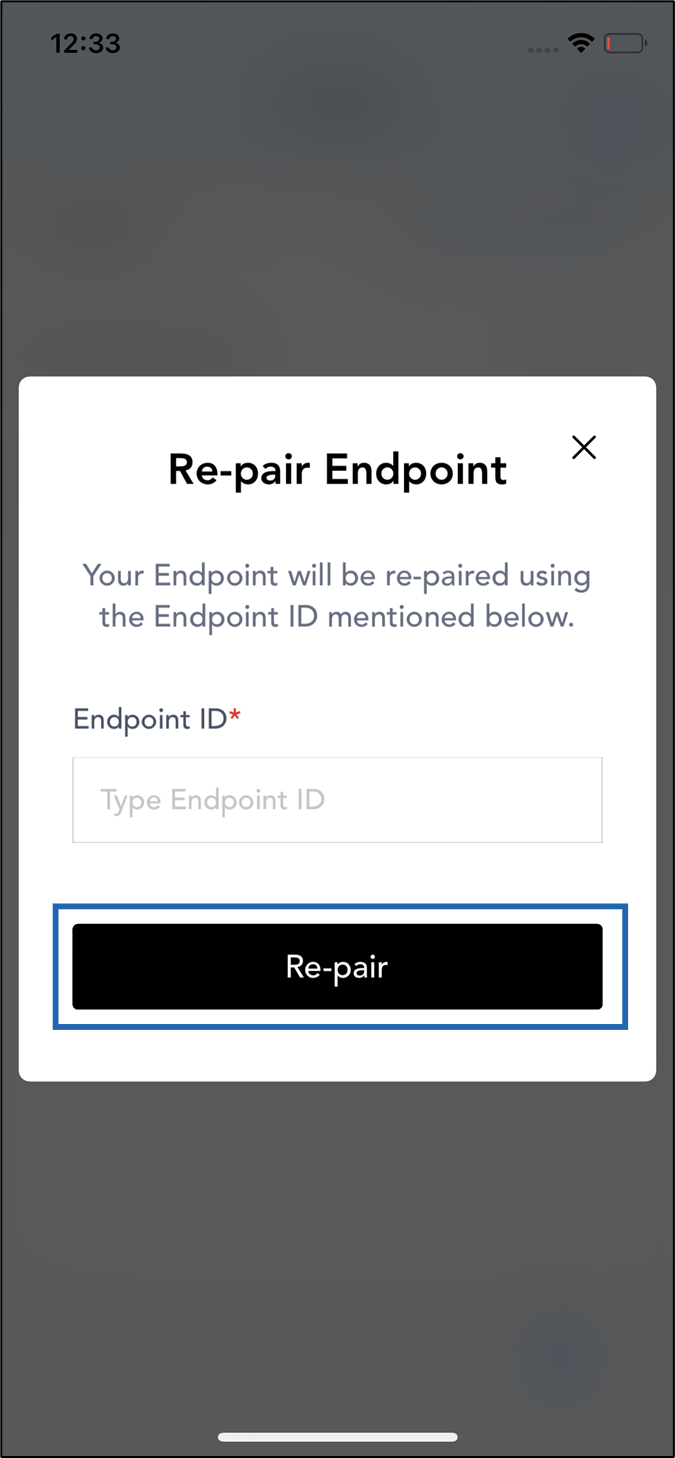
-
On the pop-up box, do the following:
- Enter Endpoint ID.
- Tap Re-pair.
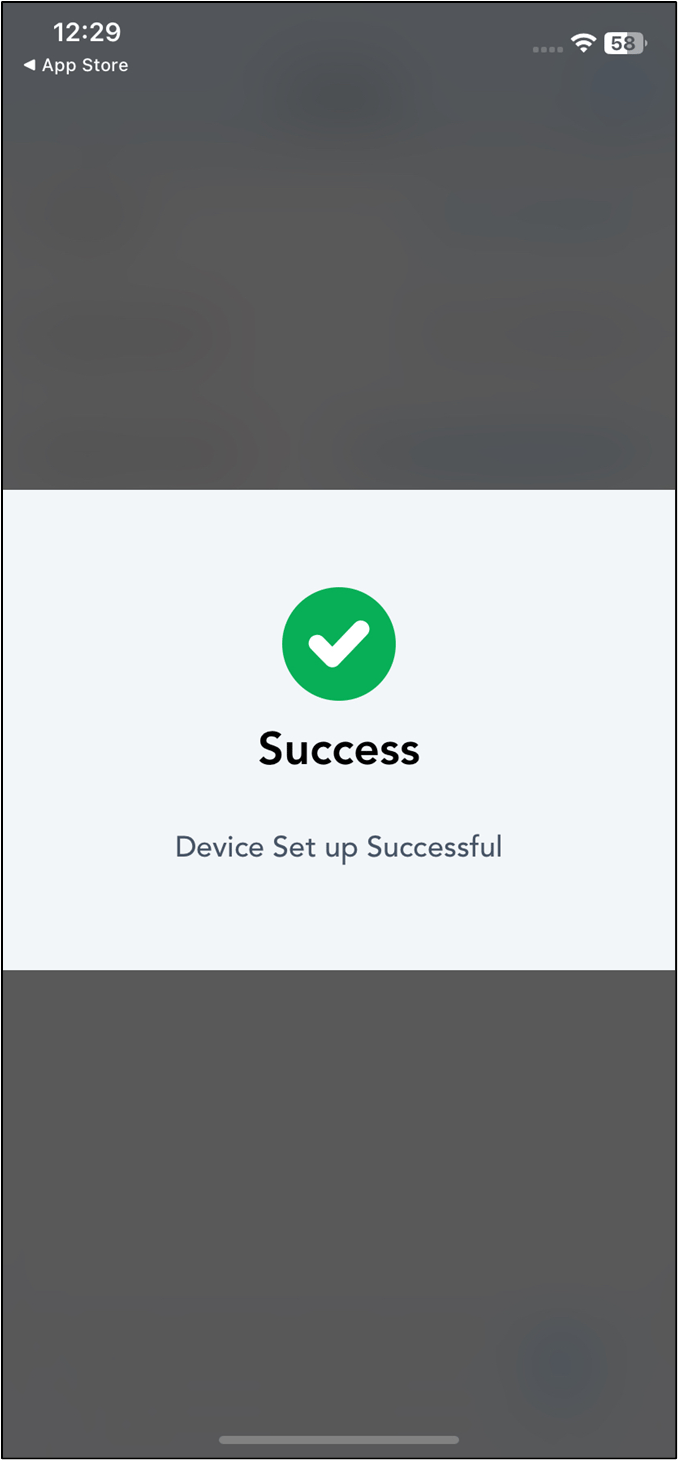
Note: Kill and relaunch the app to make the new updates function properly.