

Introduction
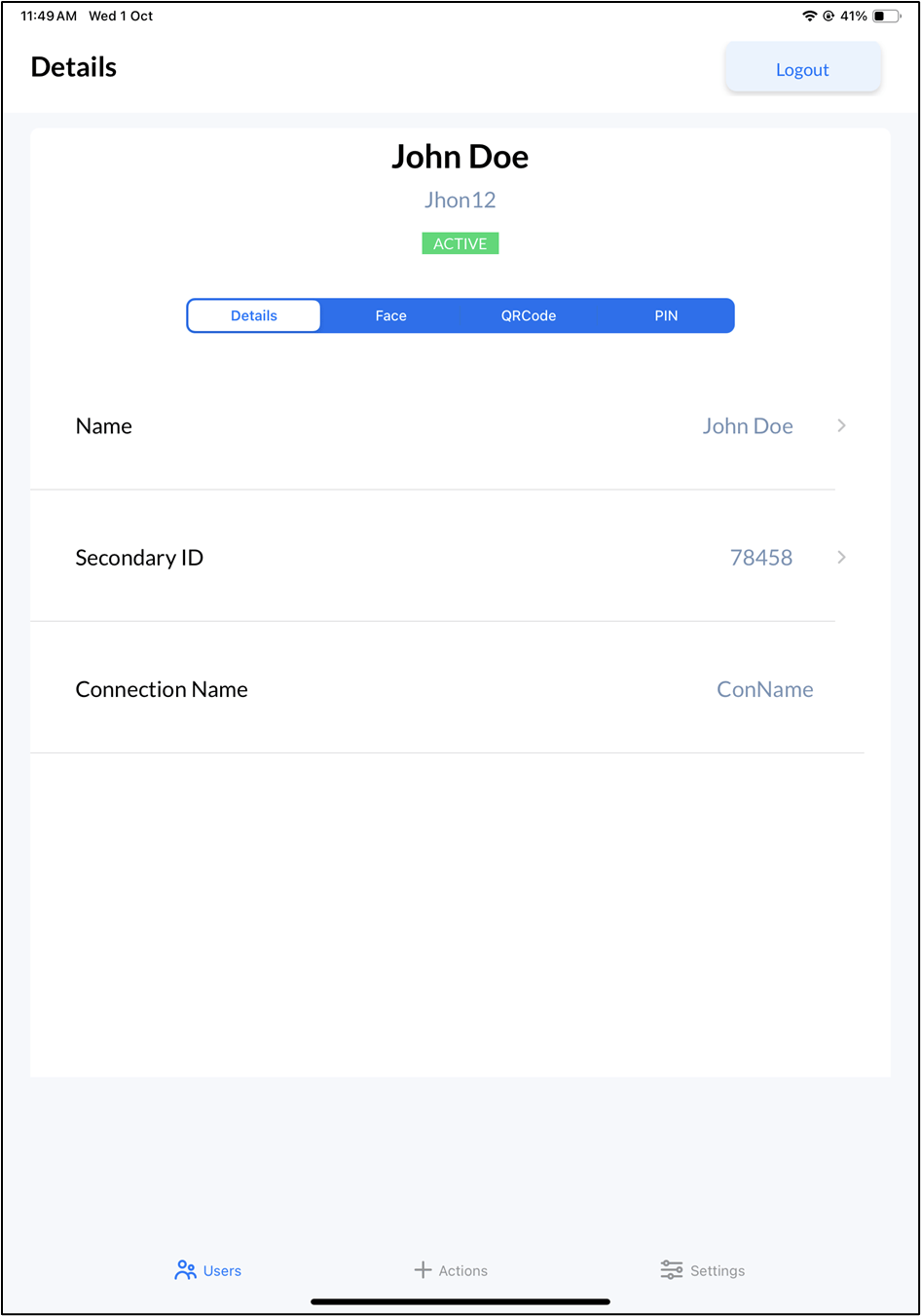
The View User Details feature in the Oloid Verify app allows Admin and Supervisor to quickly access essential information about a user. From this, you can view key details such as the user’s name, primary ID, and the connection assigned to them.Prerequisite
- You must have a Tenant Admin or Supervisor account.
- You must add the user. To add user referOloid Verify: Add User.
- The Oloid Verify endpoint must be paired. To pair, refer How to pair an Oloid Verify endpoint
Steps to view User details
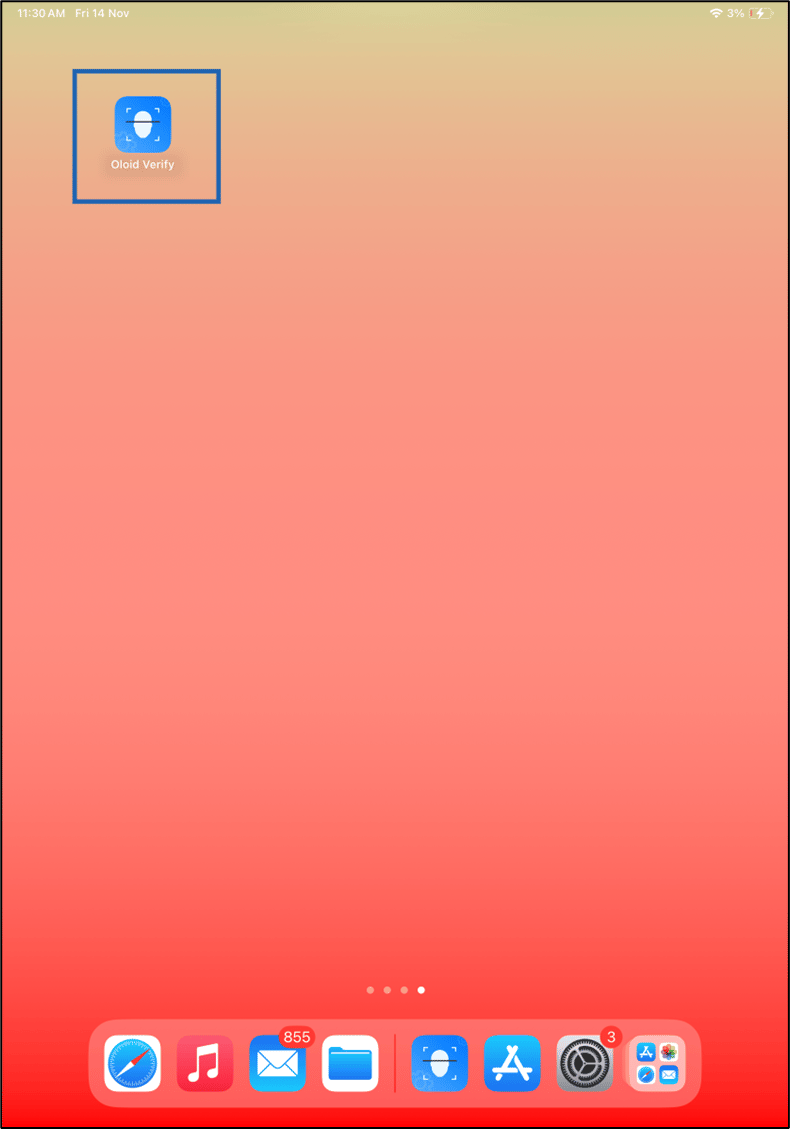
- Launch the Oloid Verify app.
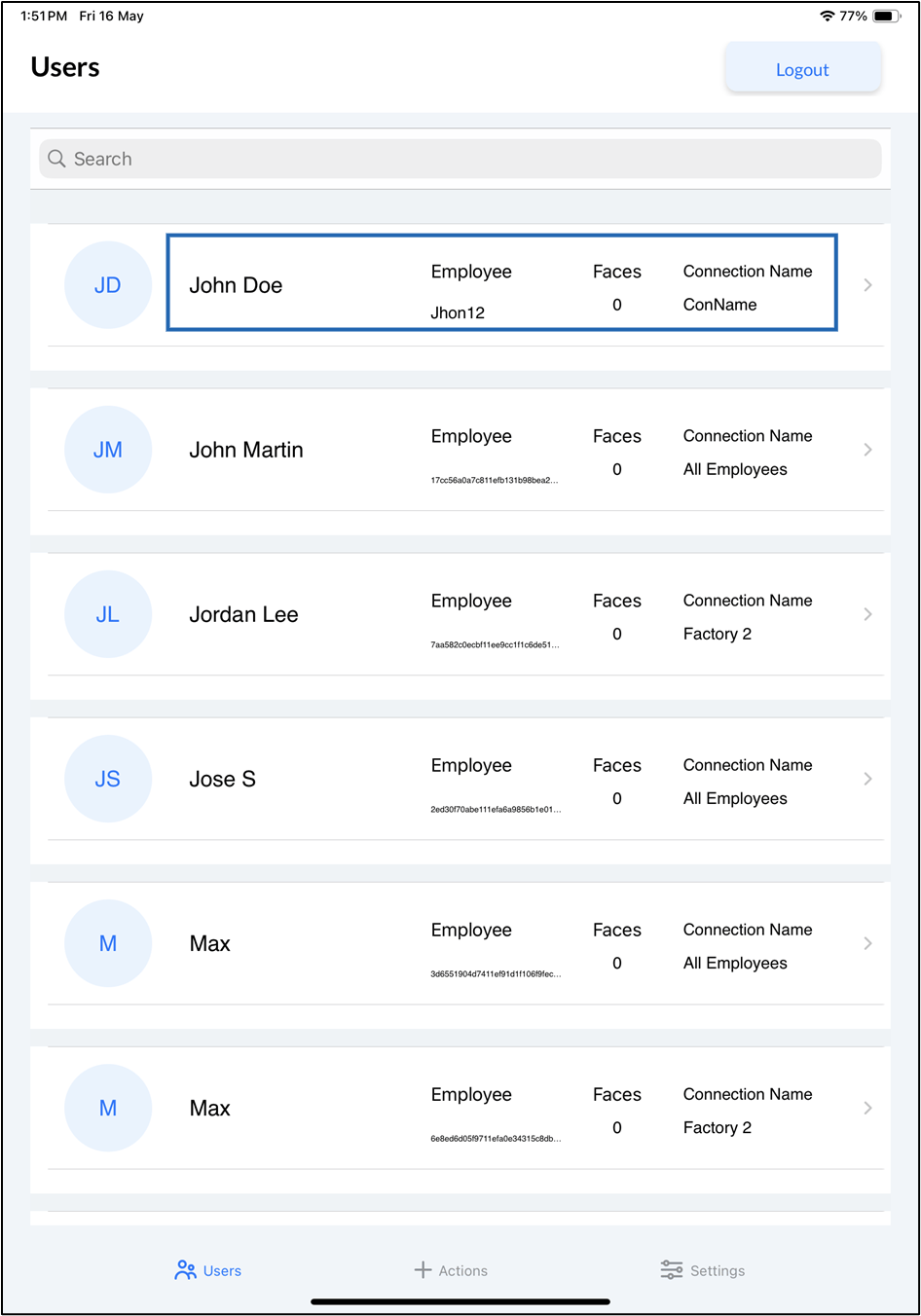
- Log in to Admin mode in Oloid Verify app. To login, refer How to log in to the admin mode of Oloid Verify App as an Admin or Supervisor. The Users screen with list of users is displayed.
SEO Keywords
- |Oloid Verify User Details | View User Details Oloid Verify App | Oloid Verify Users screen|