Introduction
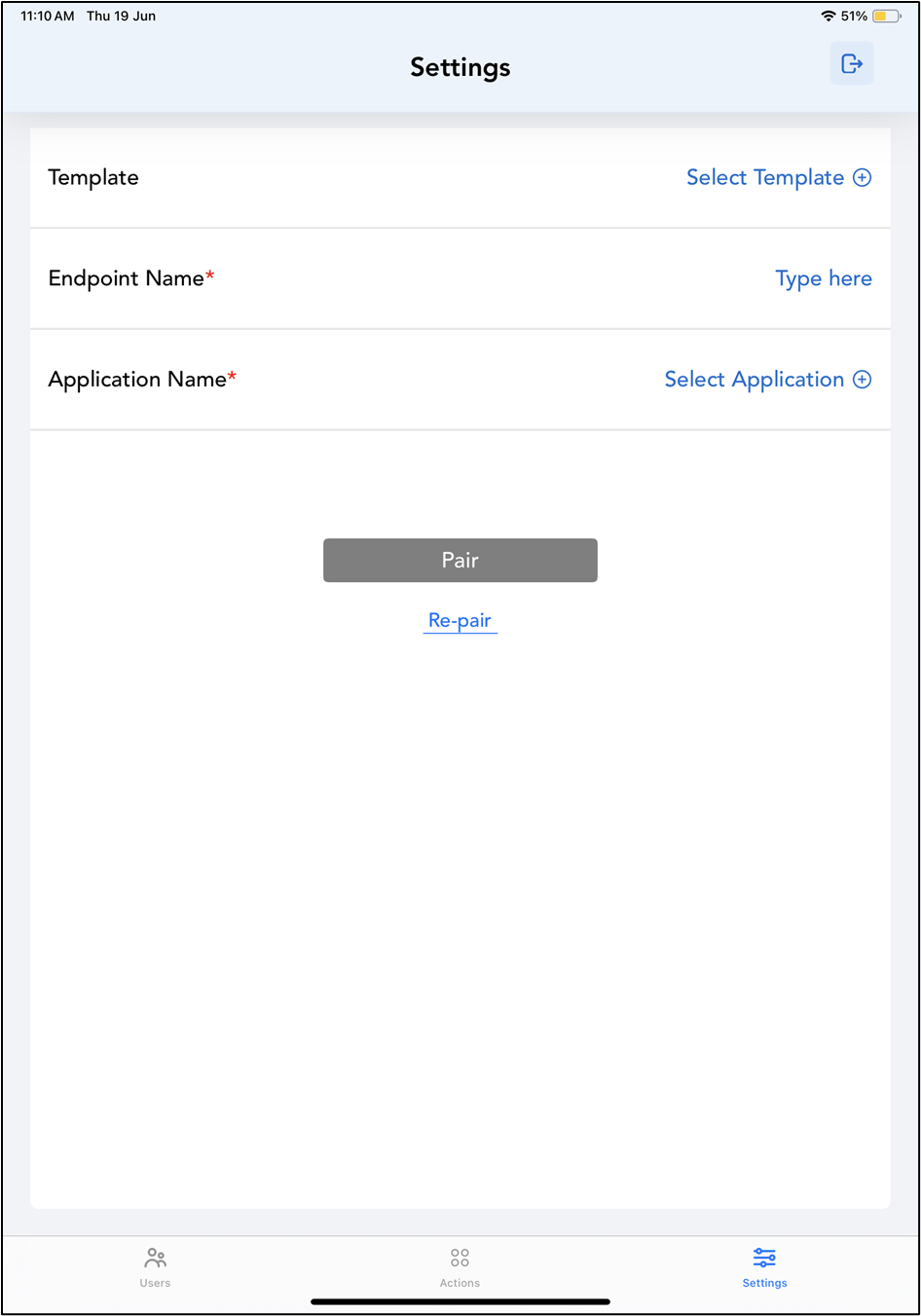
The PingOne SSO Login feature in the Oloid Connect App allows Tenant Admin and Supervisor to securely access Admin Mode using PingOne SSO credentials.Prerequisite
You must download the Oloid Connect app from App Store. For more details, refer How to download Oloid Connect app.Steps to log in with Ping One SSO
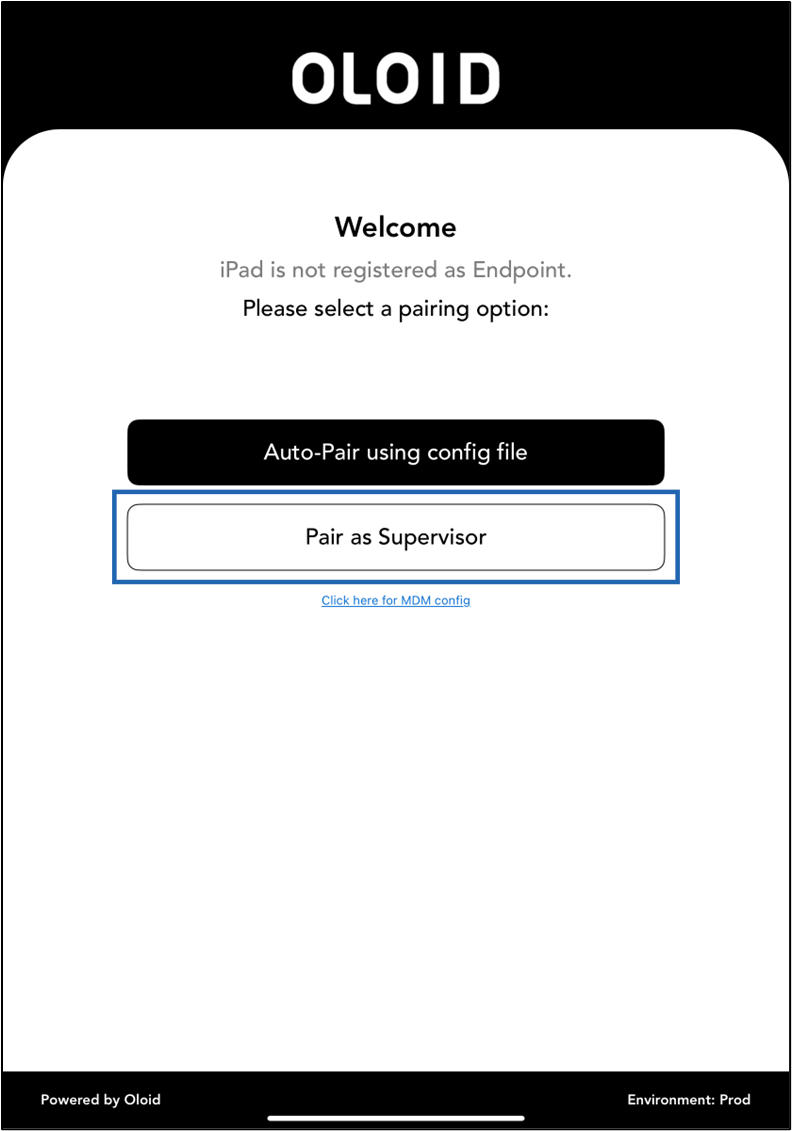
- Launch the Oloid Connect

- Tap Pair as Supervisor.
- Enter Tenant Name.
- Tap Next.

- Tap Login with SSO.
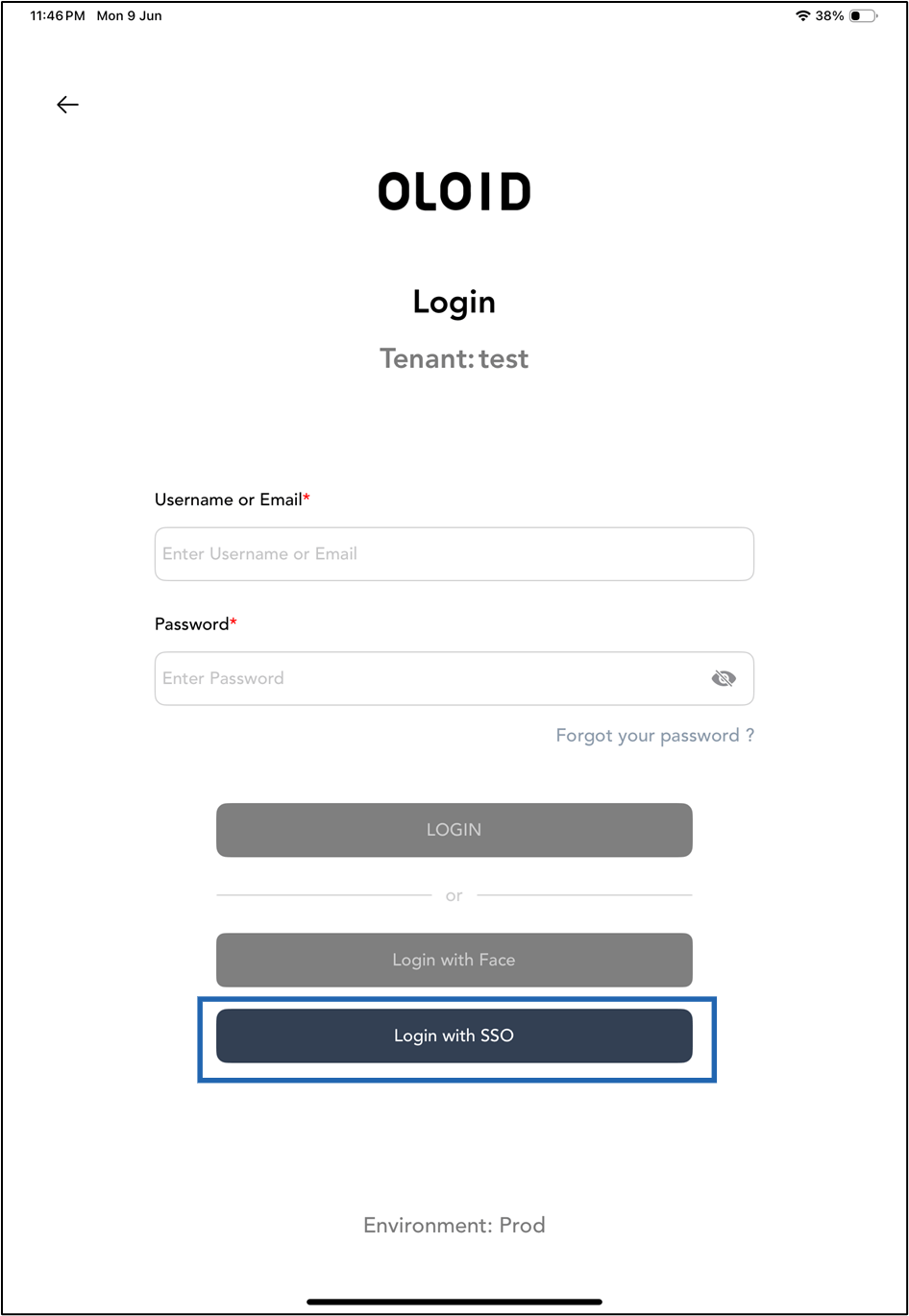
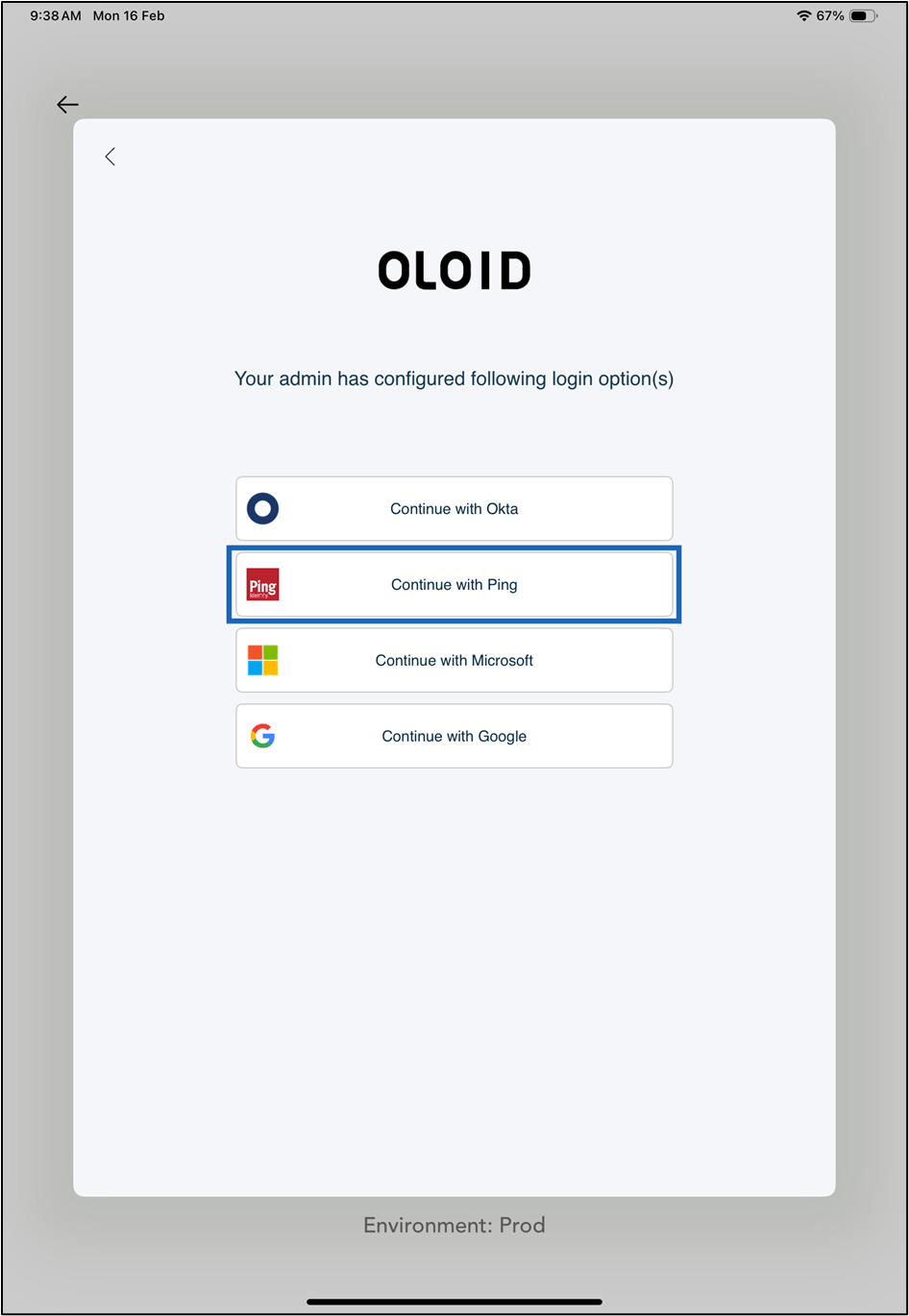
- Select Continue with Ping.
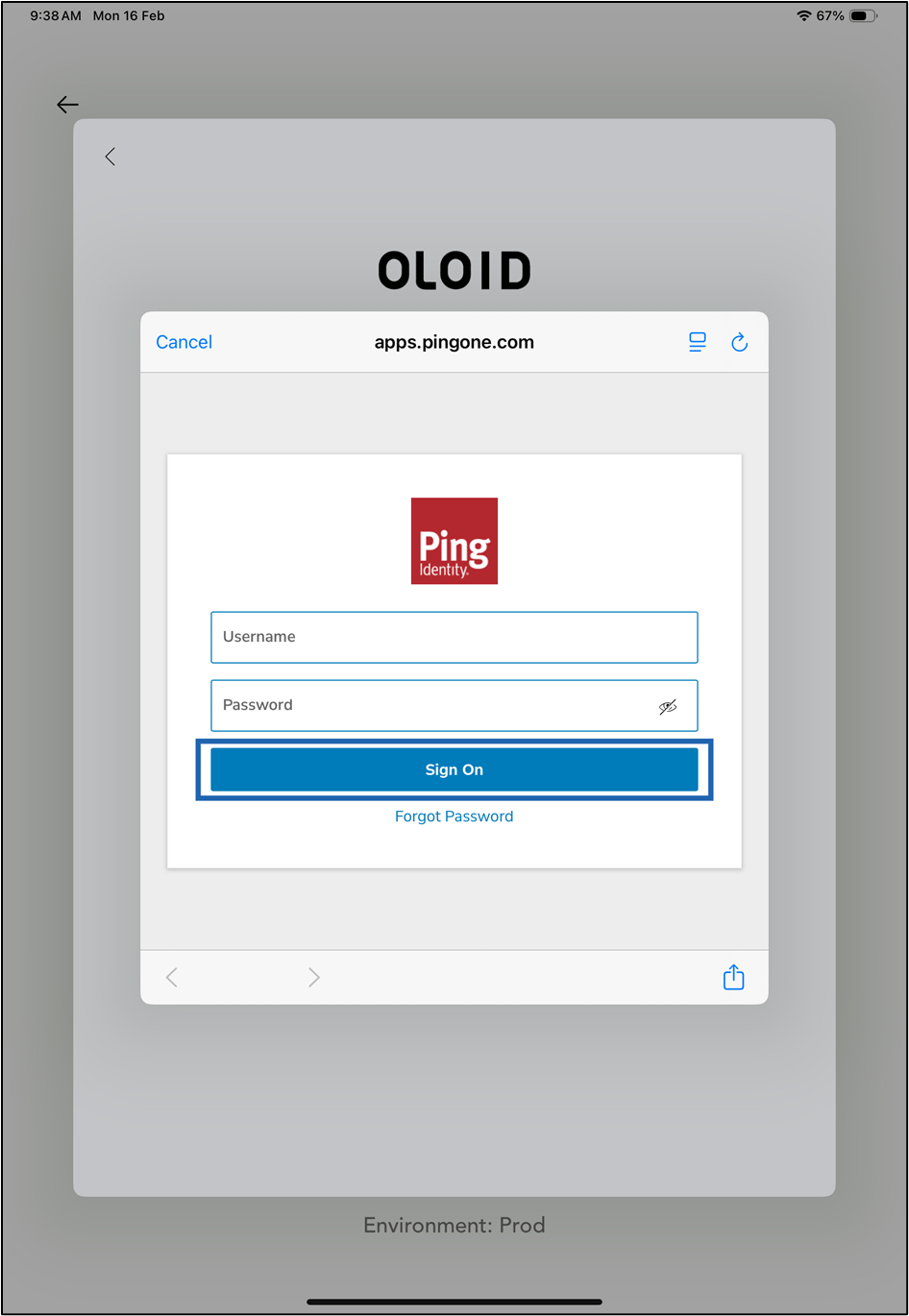
- Do the following:
- Enter Username.
- Enter Password.
- Tap Sign On.