Introduction
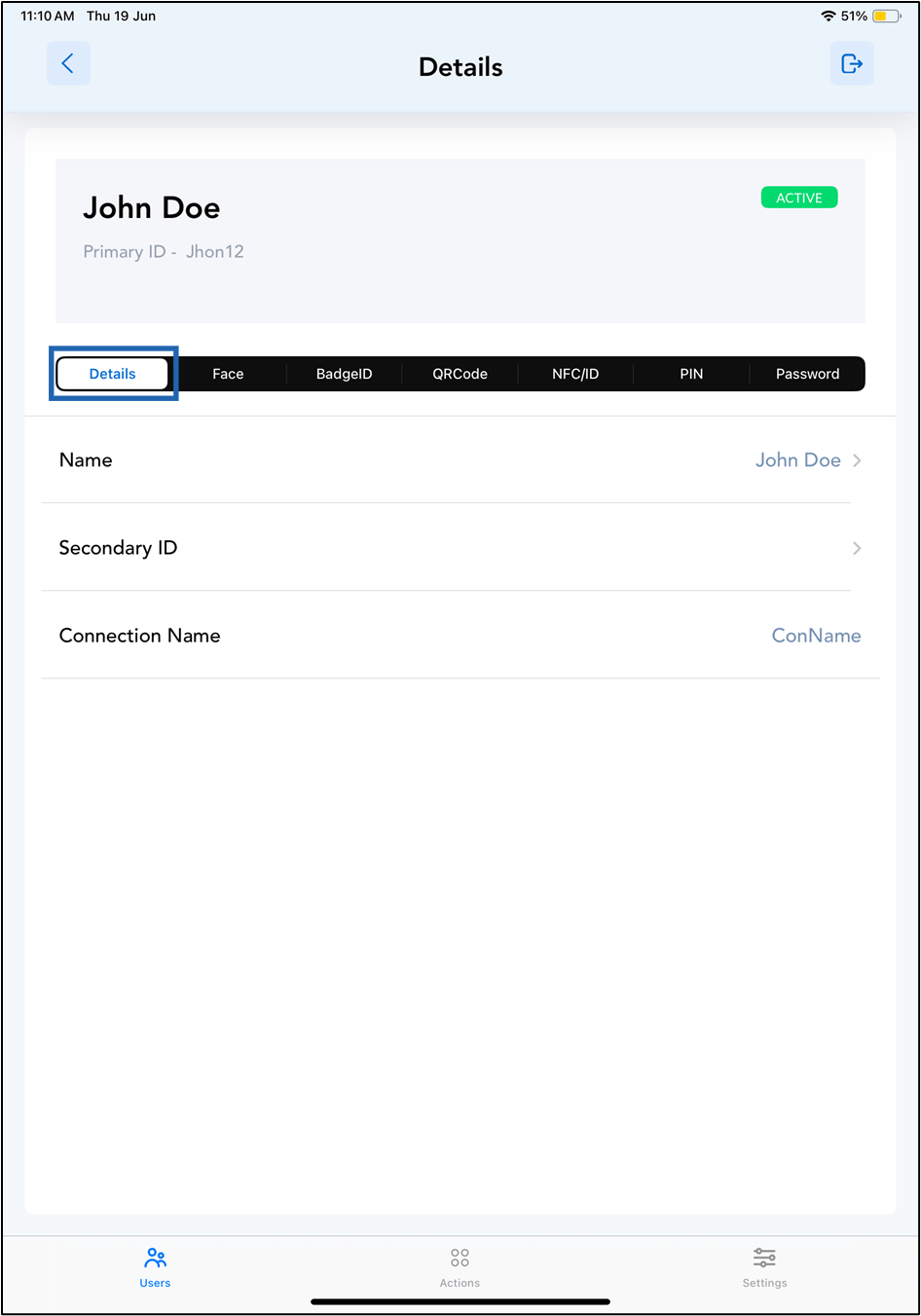
The Users screen in the Oloid Connect app provides access to a list of all registered users. From this screen, you can view detailed information about any individual user.Steps to view User details
-
Launch the Oloid Connect
 How to log in to the Admin mode in Oloid Connect App.Note: For more information about how to log in to the Oloid Connect, refer to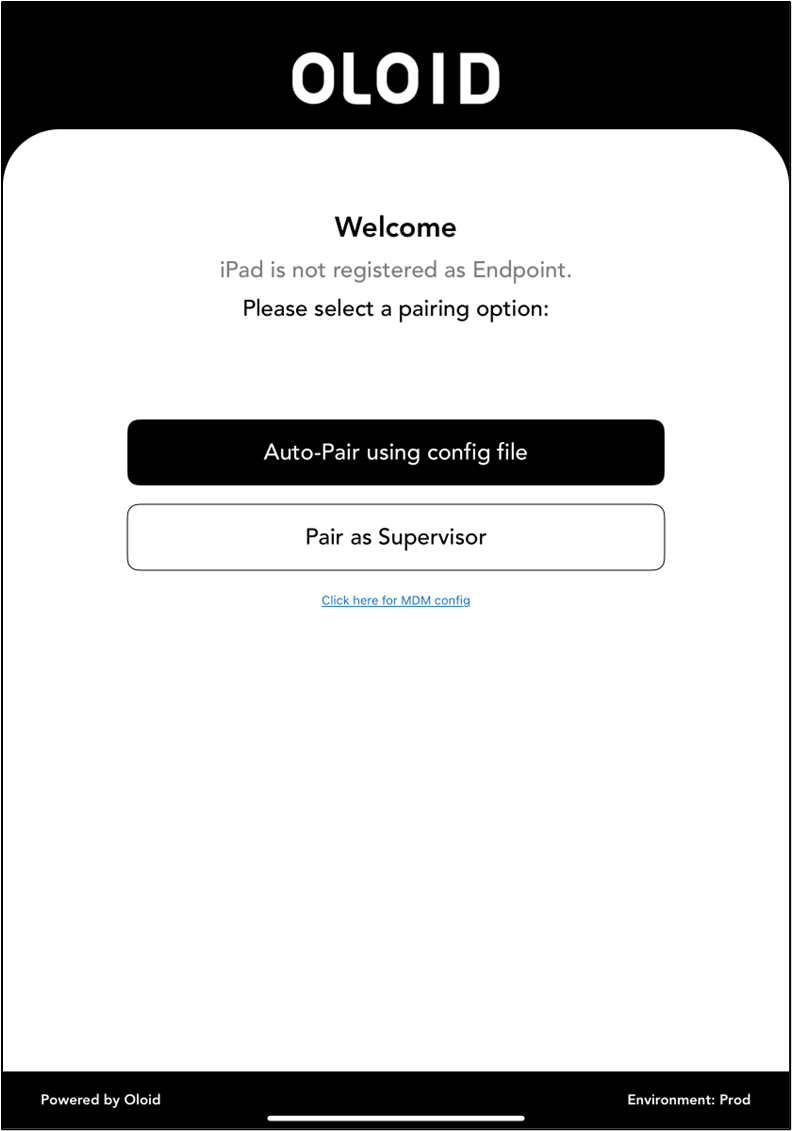
-
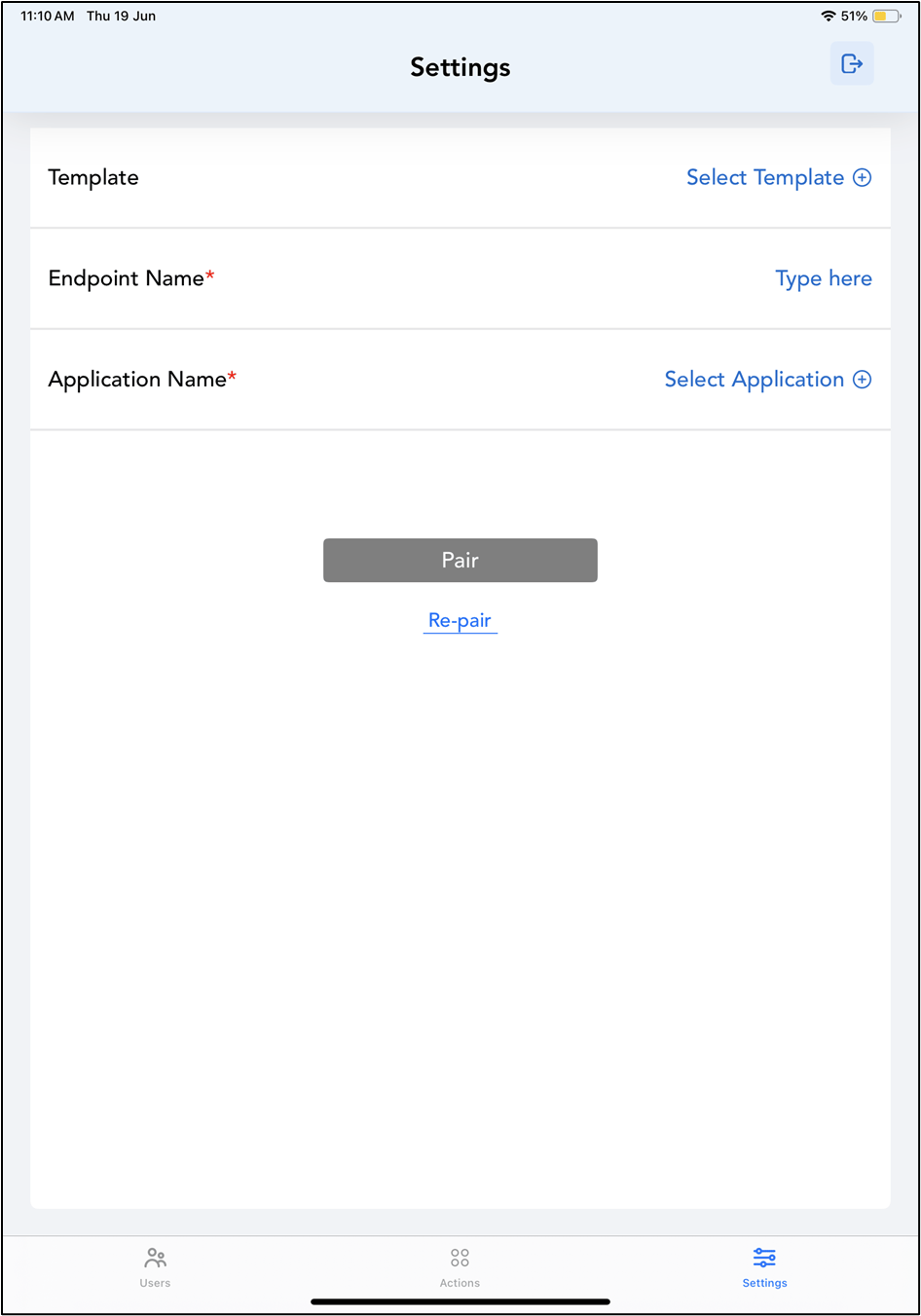
Tap Users on the menu at the bottom of the screen.

- Tap on the selected user to view details, or search for a user using the search bar at the top.