Introduction
The Device-Admin Passcode (Master Admin Override Passcode) provides an administrative override that allows authorized personnel to access administrative functions on a Windows endpoint when standard authentication is unavailable. This passcode is configured at the application level and is used by the Supervisor App when required.Prerequisites
- You must have access to the Tenant Admin Portal.
- Ensure Windows Login application is created in the Tenant Admin Portal.
Steps to Create Device-admin Passcode
- Log in to the Tenant Admin Portal. The Application Detail page is displayed.
- Select the application that is configured in the Supervisor App.

- Select Configure tab> click Settings.
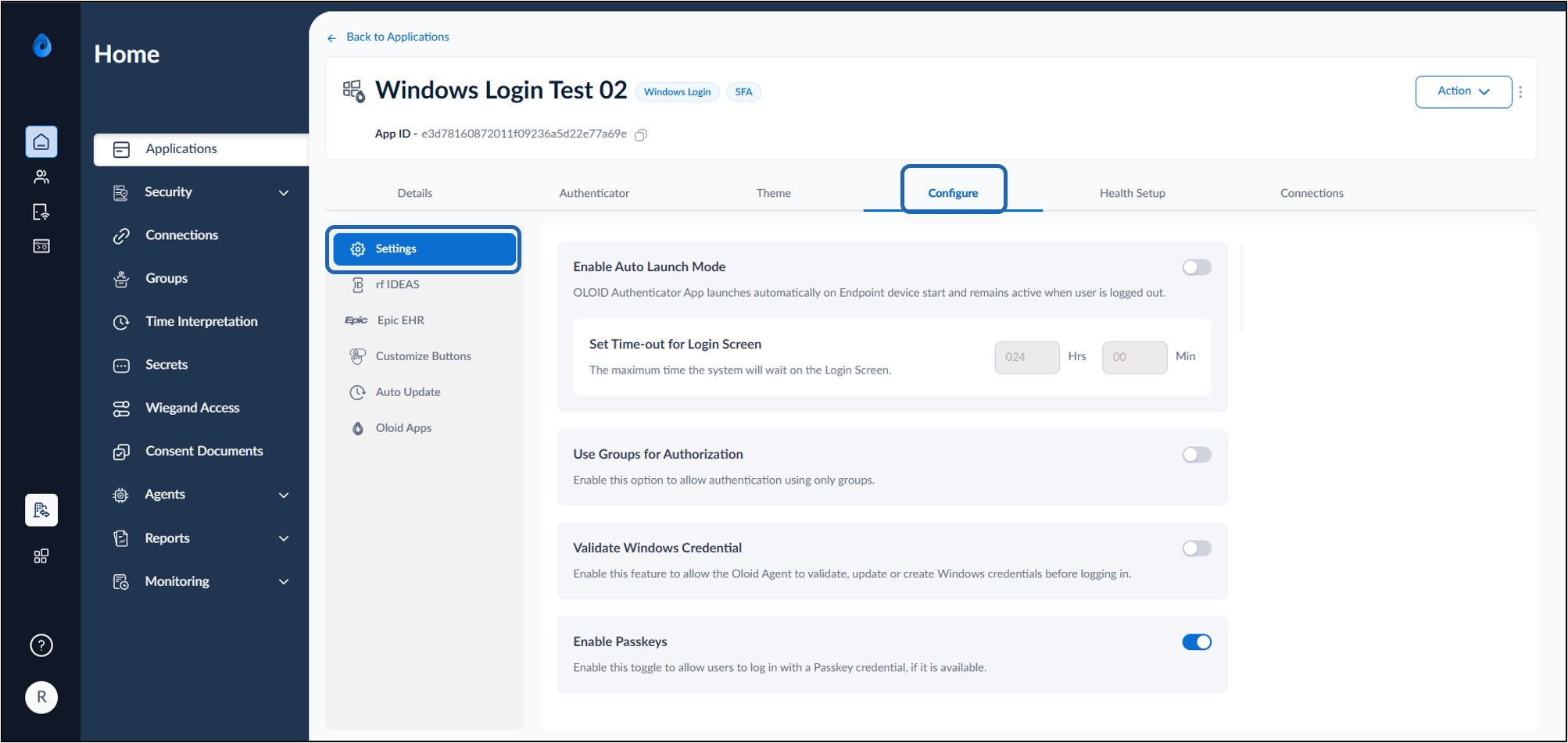
- Do the following:
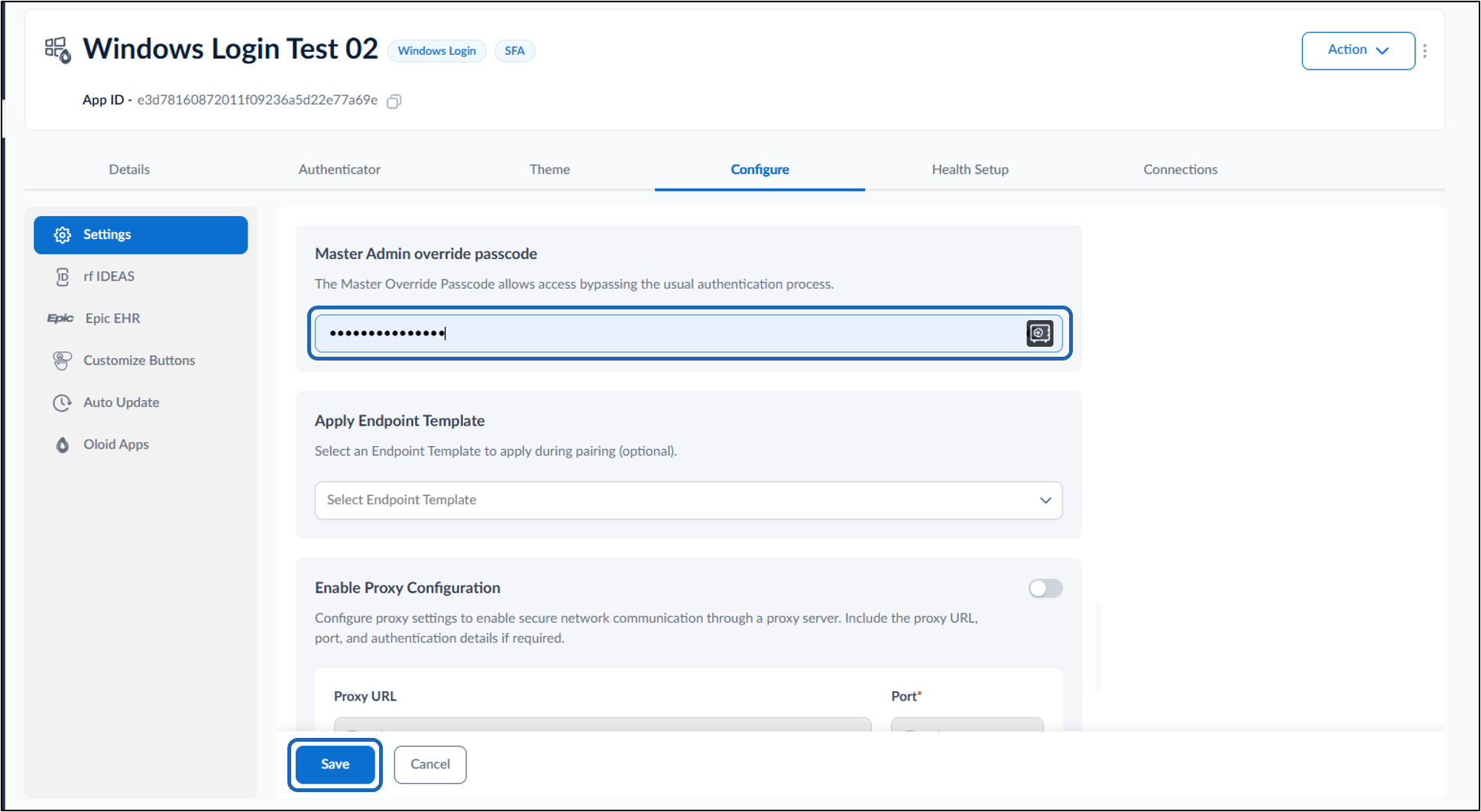
- Enter the Master Admin Override Passcode.
- Click Save.