

- Double-click on the Supervisor App.
- Enter Tenant Name.

- Select Next. The Pair Endpoint screen is displayed.
- On the bottom right, select More Options > Reset Tenant.
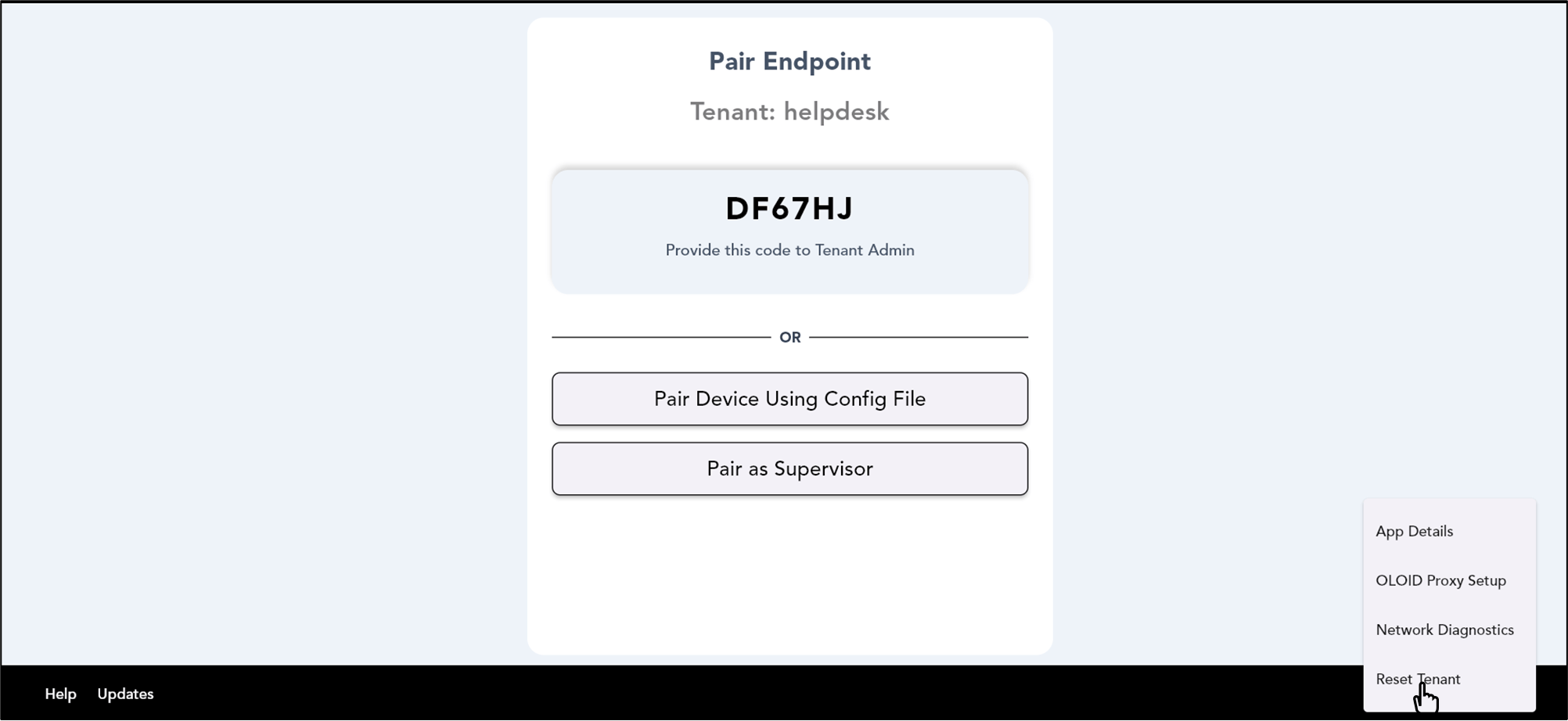

- Select Confirm to reset the tenant. The tenant name is reset successfully.
How to reset tenant in Supervisor App
The Pair Endpoint screen is displayed.
To reset tenant:
⌘I