Introduction
The Password tab in the Supervisor App allows Admin and Supervisor to create Windows credentials for users. Password credentials can be created for either Domain Users or Windows Local Users, enabling users to authenticate to their assigned Windows devices. This document comprises of the following:Prerequisites
- Ensure the endpoint is paired with the Windows Login application.
- Log in to the Supervisor App using an Admin or Supervisor account. For more, refer How to log in to Supervisor App
- Ensure at least one connection is configured for the selected application in the Tenant Admin Portal. For more information, refer: How to Configure a Connection in the Tenant Admin Portal
- Ensure User is created. Refer: Windows Login - How to Add a User
Steps to Add Password
- Log in to Supervisor App. For more, refer to How to log in to Supervisor App The Admin Home screen is displayed.
- On the Admin Home screen, select User Management.

- Select a user to view details.

- Select Password tab> +Password.


Create credential for domain
- Select Domain User from the Credential Type drop-down list.
- Enter Display Name.
- Enter Domain Name.
- Select one or more Preferred machines. By default, the paired endpoint is selected.
- Enter Username of your Windows account.
- Enter Password of your Windows account.
- Click Save.

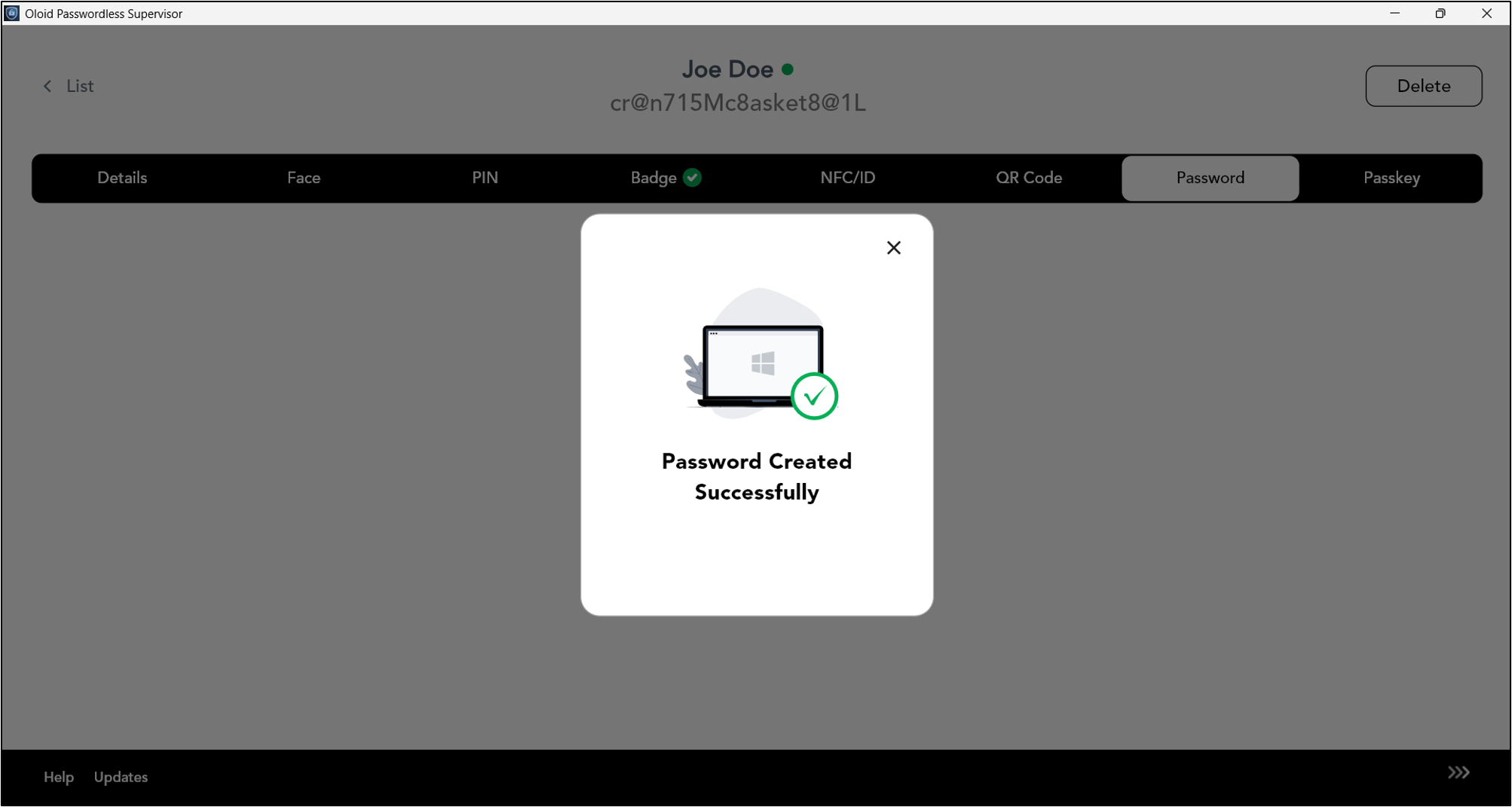
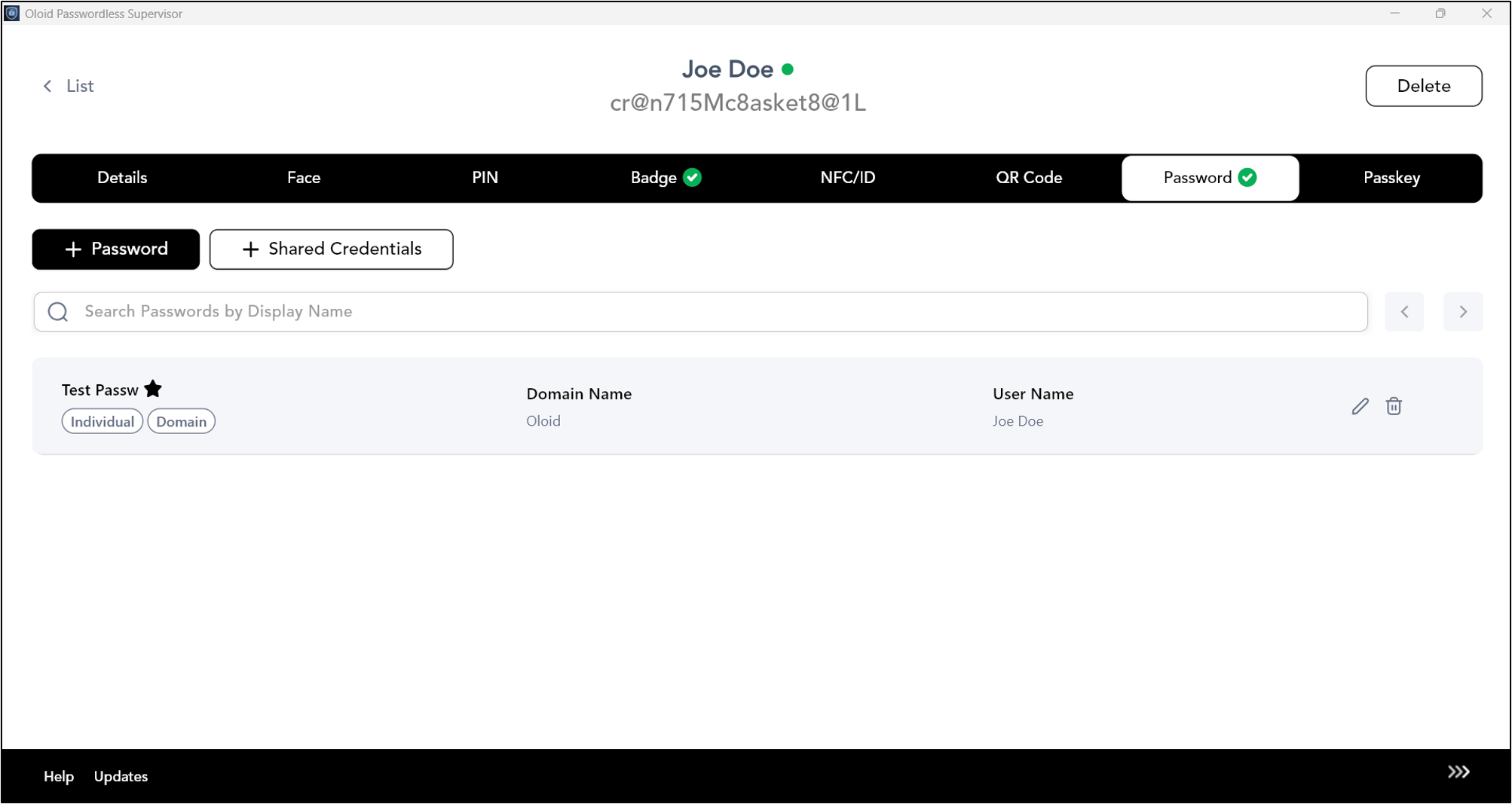
Create credential for local Windows machine
- Select user type as Local User from Select Credential Type dropdown.
- Enter Display Name.
-
Select Machine Name. (System Default paired machine name is selected)
Note: You can select only single machine name.
- Enter User Name.
- Enter Password.
- Click Save.