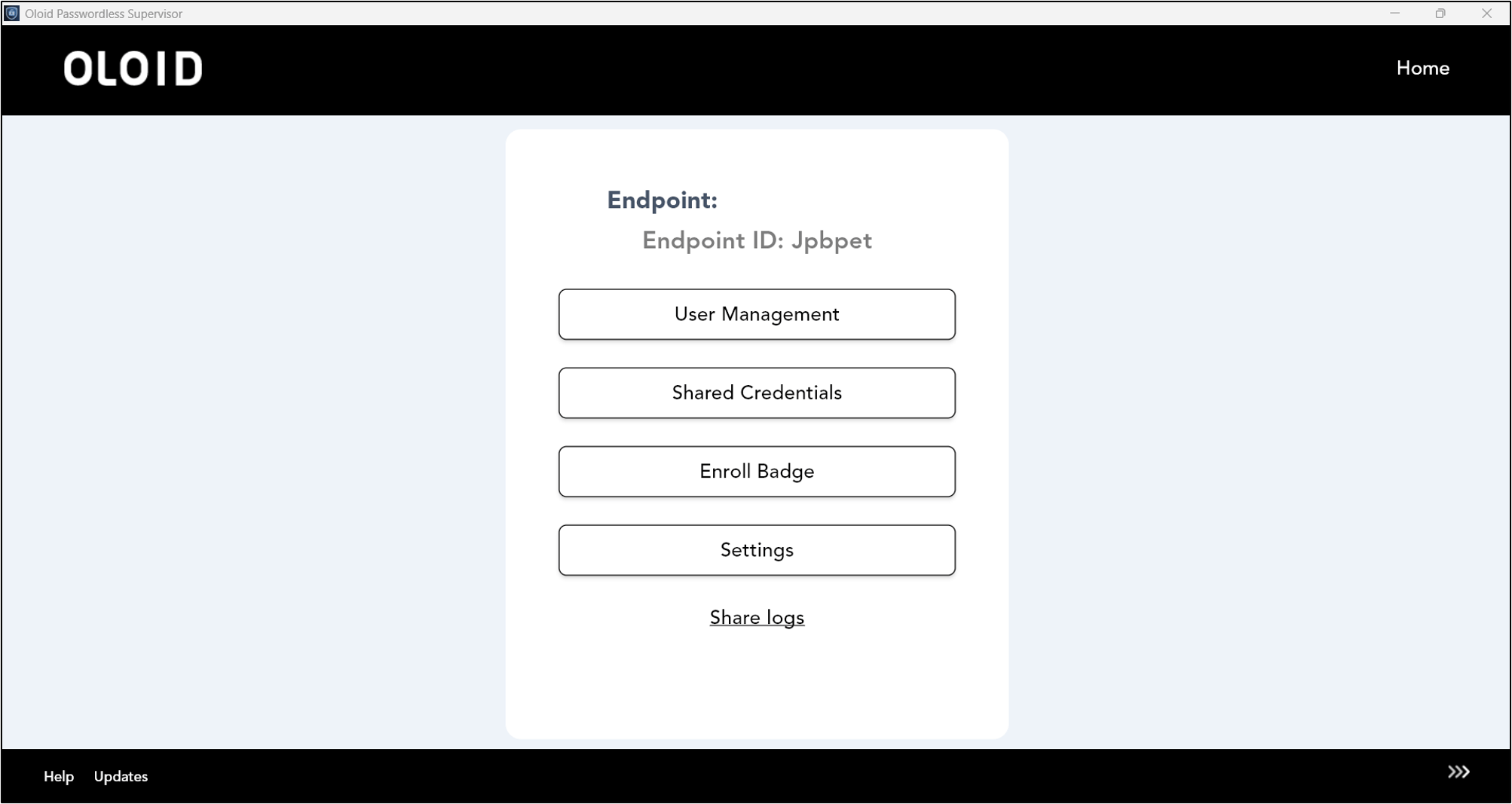
Steps to log in to Supervisor App
-
Double-click on the Supervisor App to start.
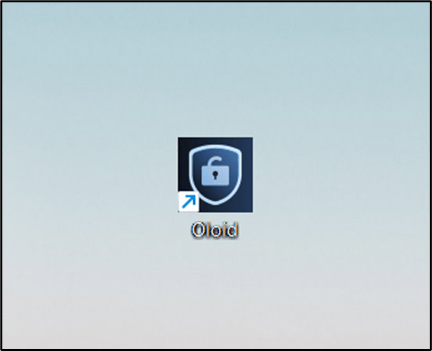
-
Enter your login credentials in the appropriate fields.
 Refer How to pair endpoint using Pair as Supervisor in Supervisor AppNote: If this is your first login after installing the application, please enter your Tenant Name and pair the endpoint.
 -
Click Login.
The Admin Home screen is displayed.