

- Log in to Supervisor App. The Admin Home screen is displayed.
- Select Settings.

- Select Disable Passwordless.

- Select Disable Passwordless.
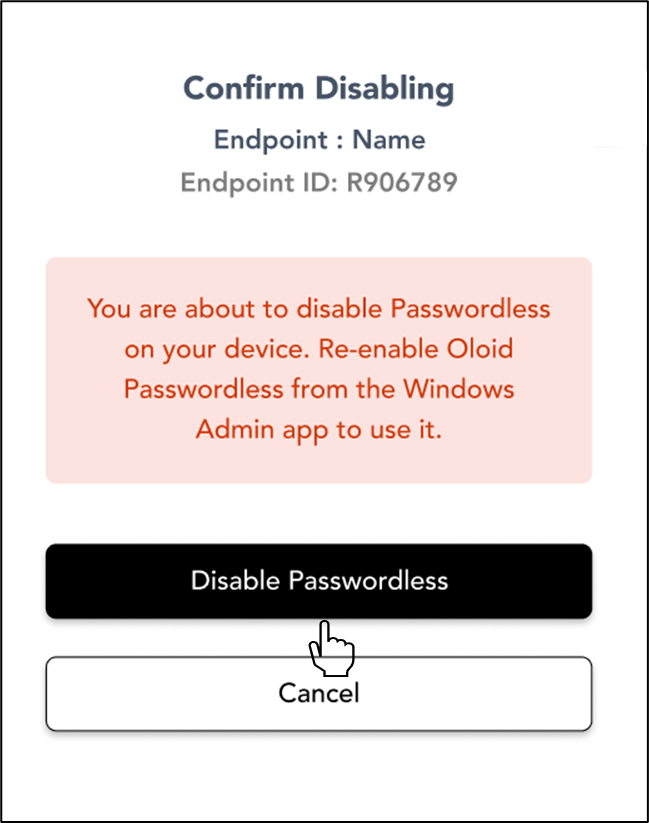
How to disable Passwordless using Supervisor App
To disable passwordless follow the below steps:
To disable passwordless follow the below steps:
⌘I