- Enabling Oloid Proxy when Tenant is not configured
- Enabling Oloid Proxy when Tenant is already configured
To enable Oloid Proxy when Tenant is not configured
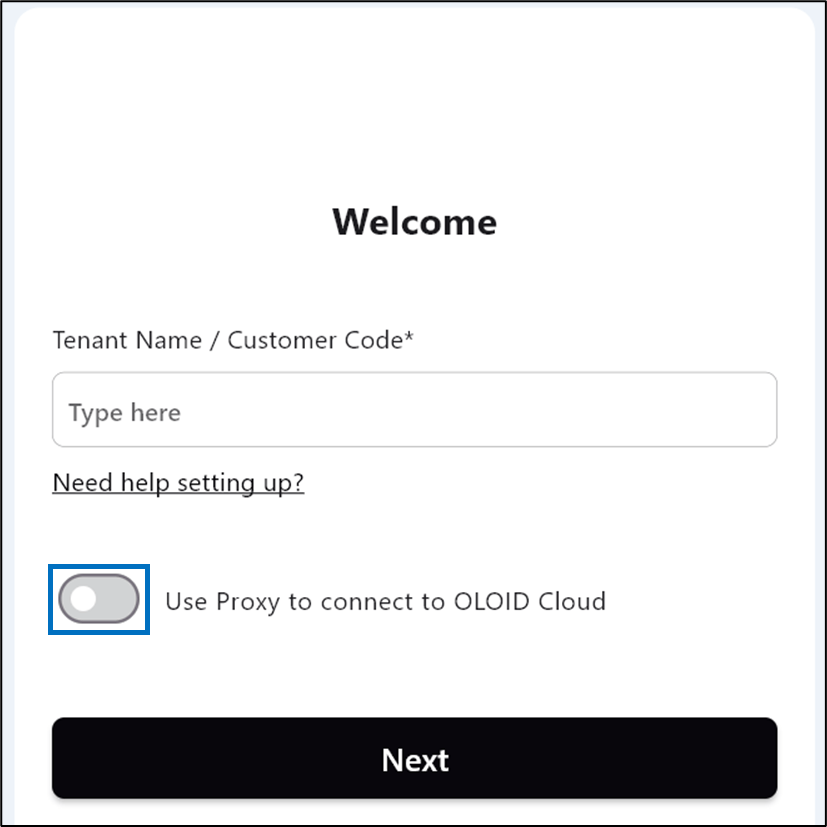
- Double-click on the Supervisor Flow app.
-
Enable Use Proxy to connect to Oloid Cloud.
-
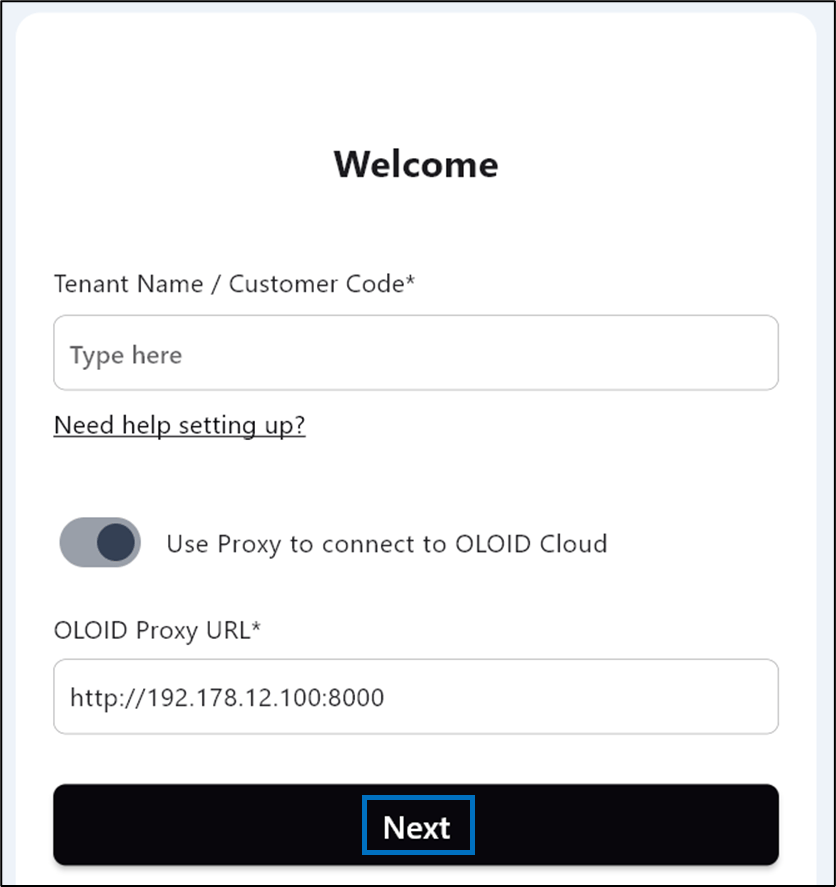
Enter OLOID Proxy URL.
Note: Contact Oloid Support for the OLOID Proxy Url.
-
Click Next.
To enable Oloid Proxy when Tenant is configured
-
Log in to the Supervisor Flow app.
The Admin Home screen is displayed.

-
On the bottom right, select More Options > OLOID Proxy Setup.

-
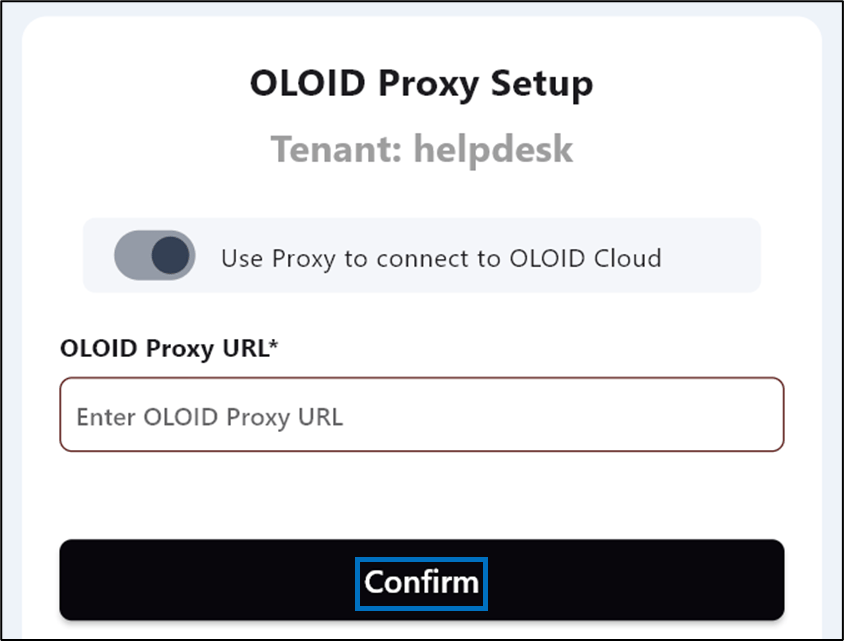
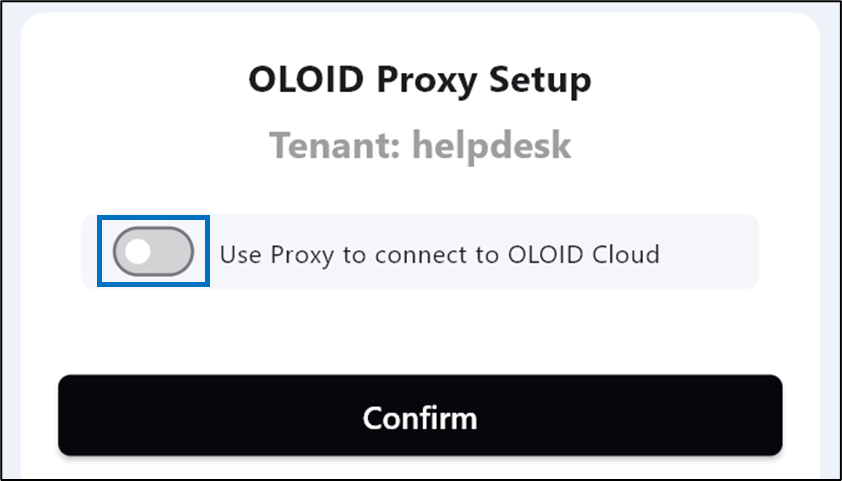
Enable Use Proxy to connect to Oloid Cloud.
-
Enter OLOID Proxy URL.
Note: Contact Oloid Support for the OLOID Proxy Url.
-
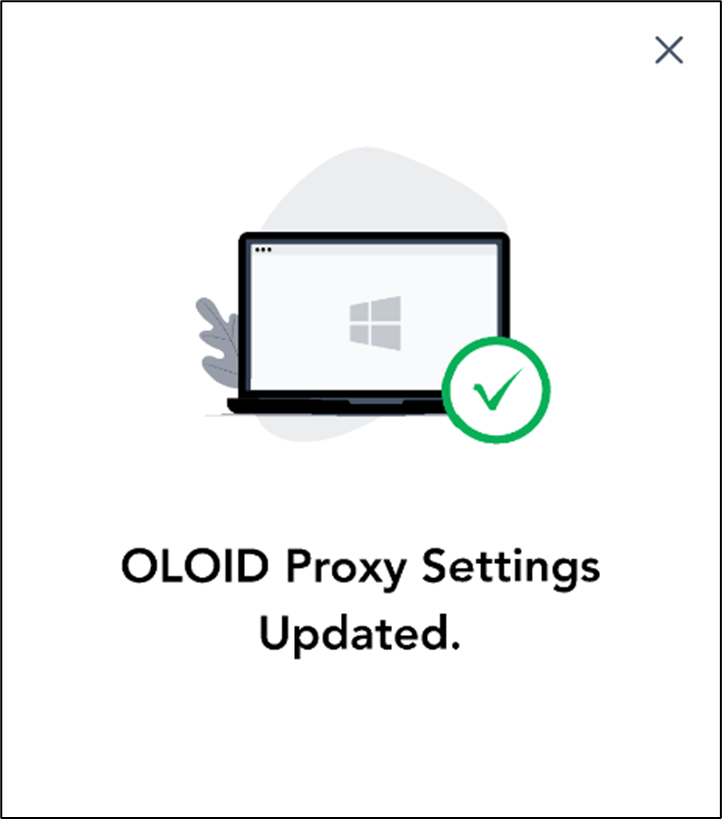
Click Confirm.