

- Log in to Supervisor App. The Admin Home screen is displayed.
-
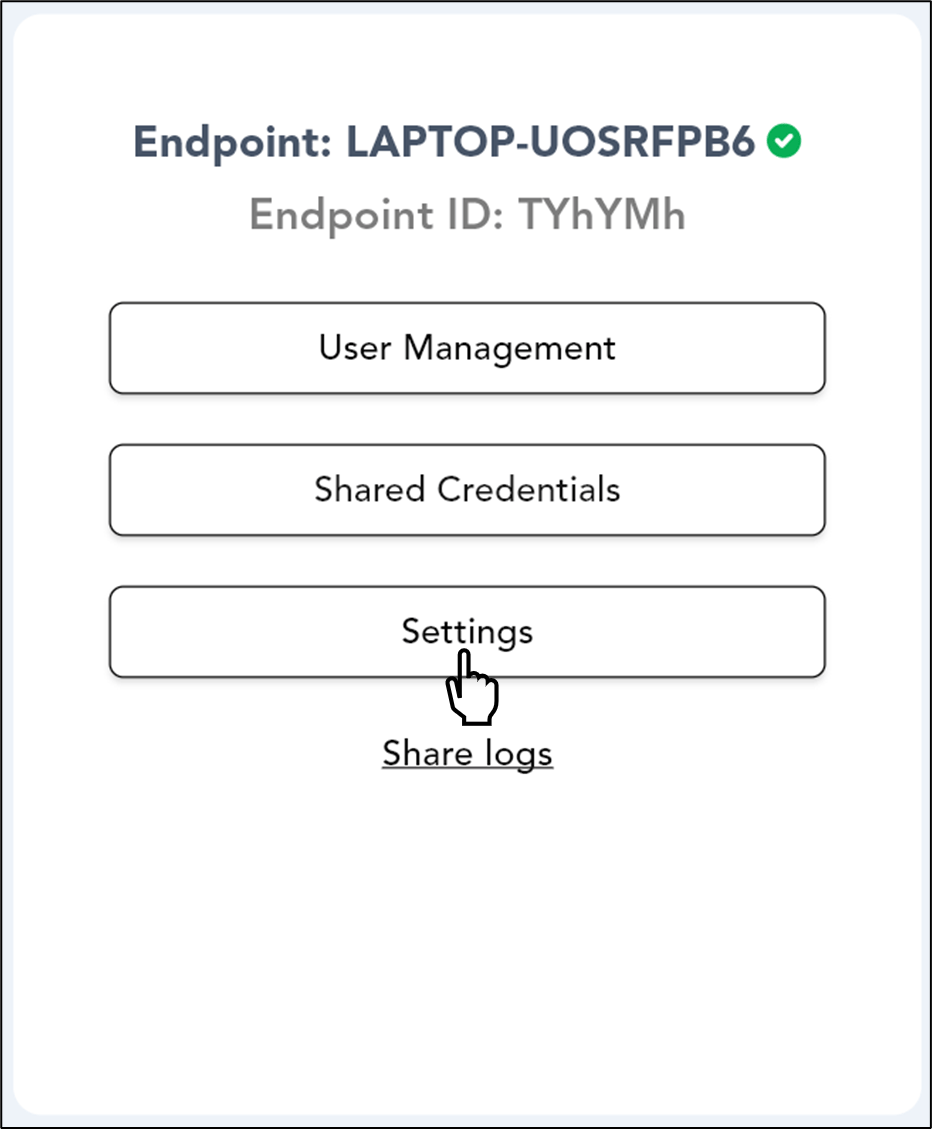
Select Settings.
-
Select Unpair Endpoint.

-
Click Confirm Unpair.
 Note: You can not unpair the device if it is associated with a group.
How to unpair Endpoint using Supervisor App
The Admin Home screen is displayed.
To unpair endpoint:
⌘I