

-
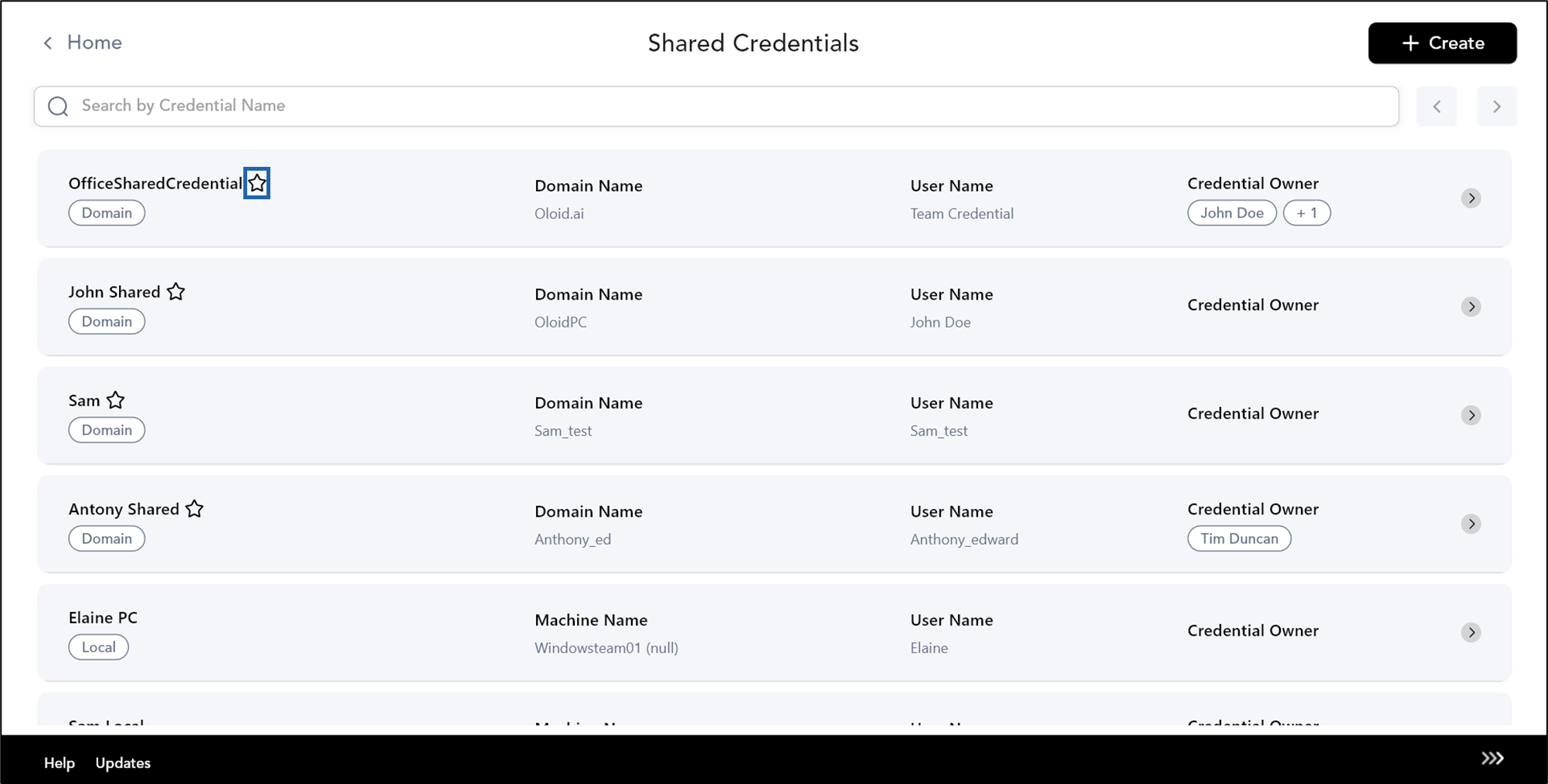
On the admin home page, select Shared Credentials.

-
Select Mark as Preferred Credential

-
Select Confirm to add your endpoint as preferred machine on the displayed pop-up box.
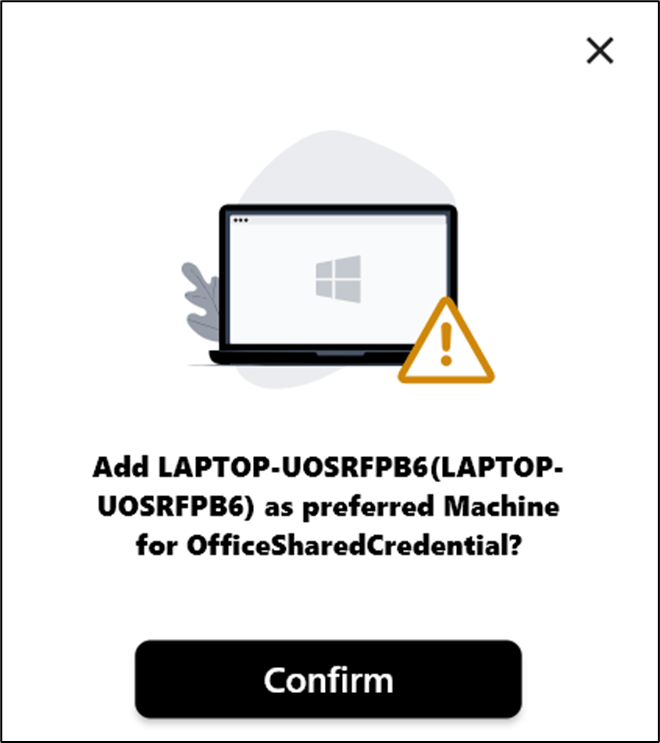
 Note: To remove shared credential as the preferred machine, you can unstar them.
How to mark as a preferred credential in Supervisor App
The preferred credential is applicable for domain user.
The preferred credential is applicable for domain user.
To mark as preferred credential:
⌘I