Introduction
The Enable EPIC SSO feature allows Tenant Admin to configure Single Sign-On (SSO) for applications integrated with Epic EHR.Prerequisites
- You must have access to Tenant Admin account.
- The Windows Login application must be created in the Tenant Admin Portal, for more information refer: How to create and configure Application Type - Passwordless
Steps to Enable EPIC SSO
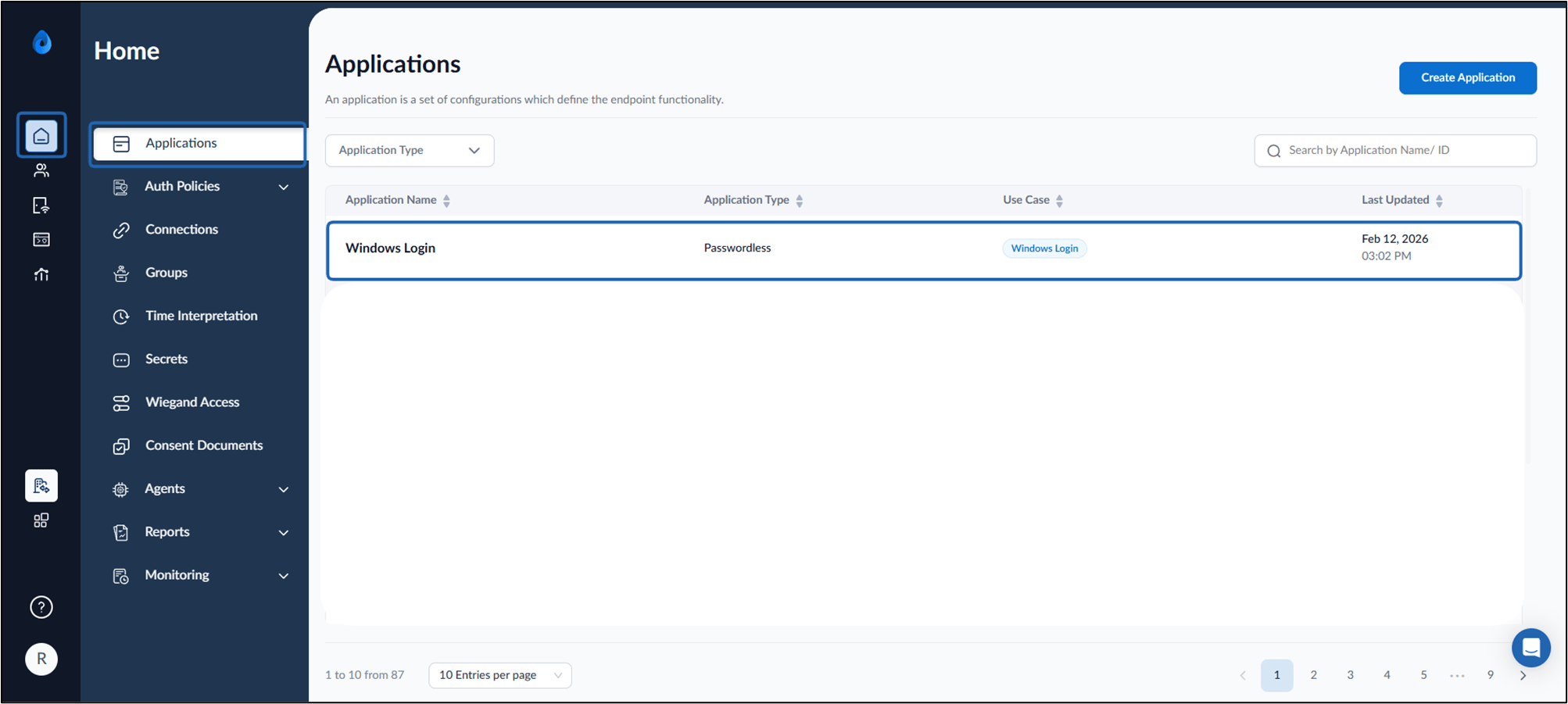
- Log in to the Tenant Admin Portal.
- On the Applications page, select the preferred Windows Login application.
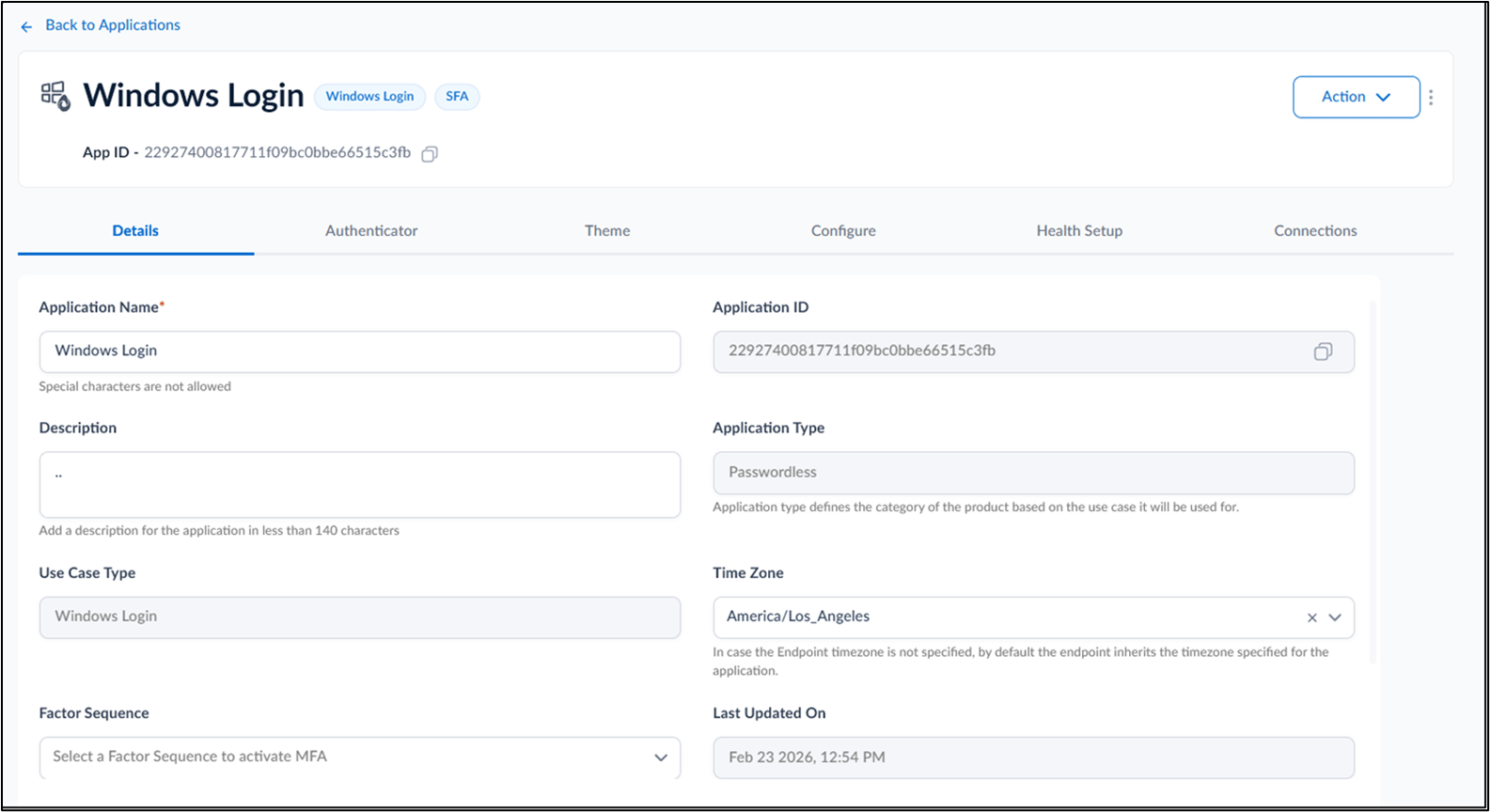
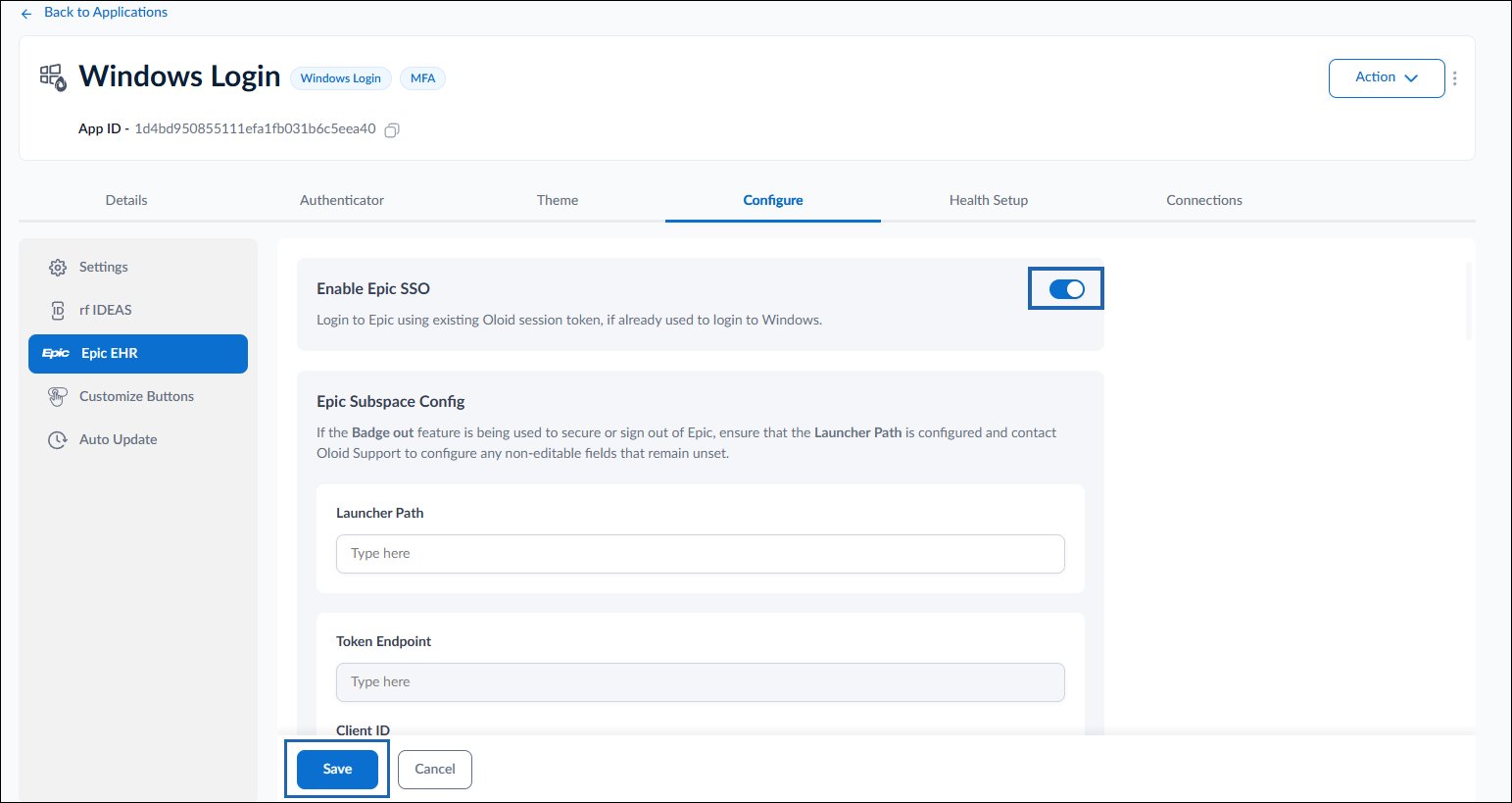
- Click Configure tab> Epic EHR .
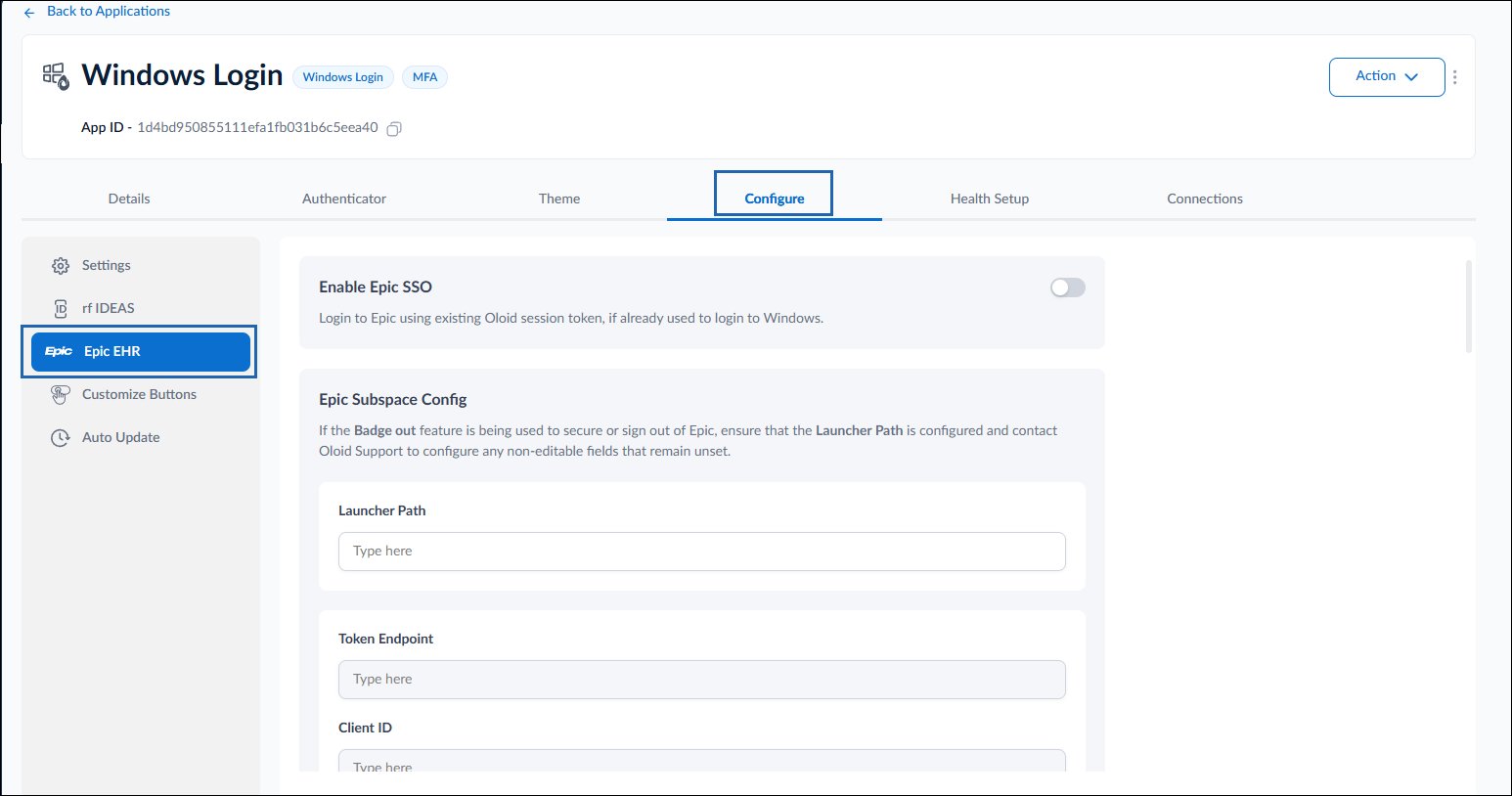
- Do the following:
- Turn on Enable Epic SSO toggle button.
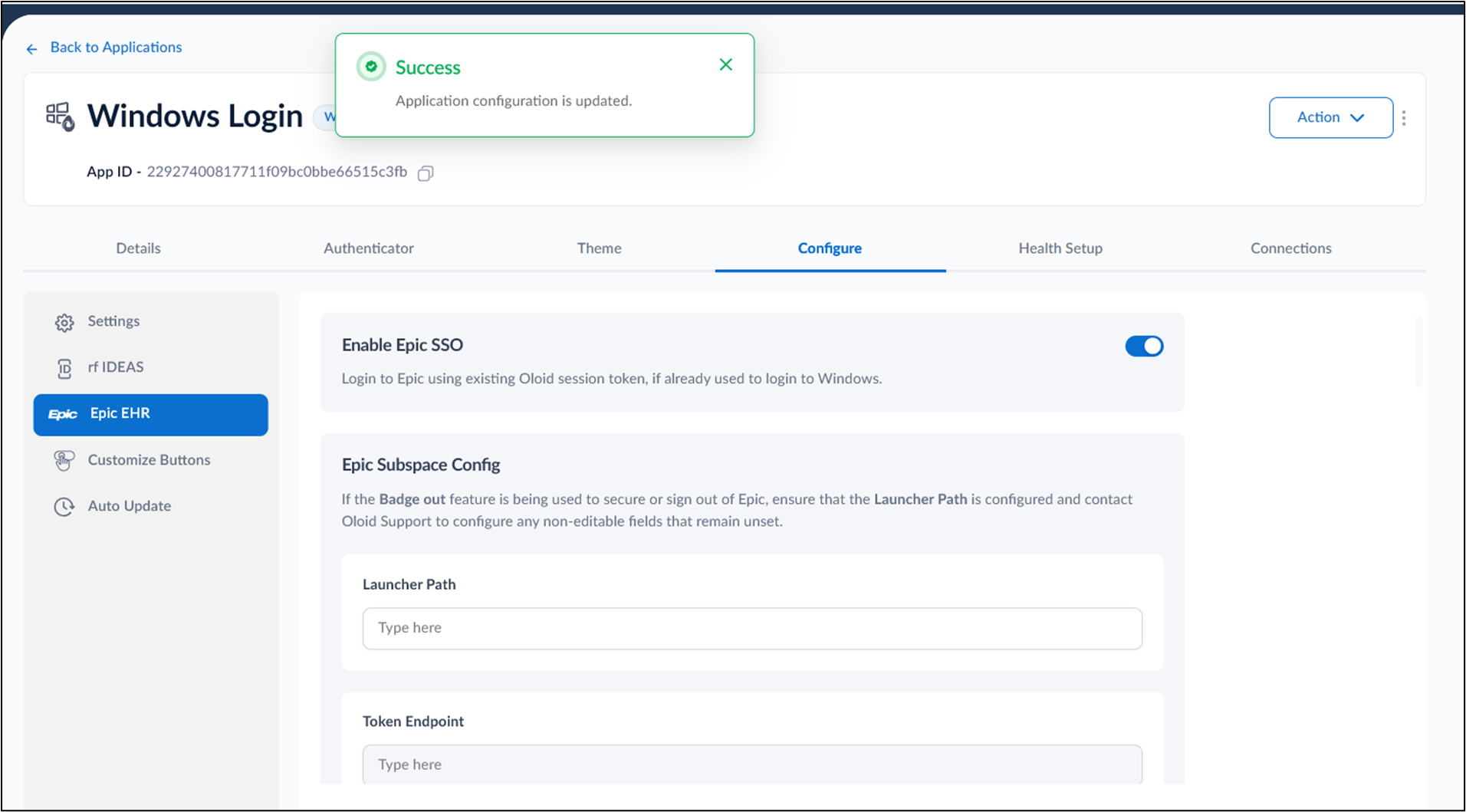
- Click Save.